New in Sigma September 2026: agents that act where you ask and dashboards from ChatGPT

We’re always shipping at Sigma. Here’s what we shipped last month.
Run the same agent wherever the work happens
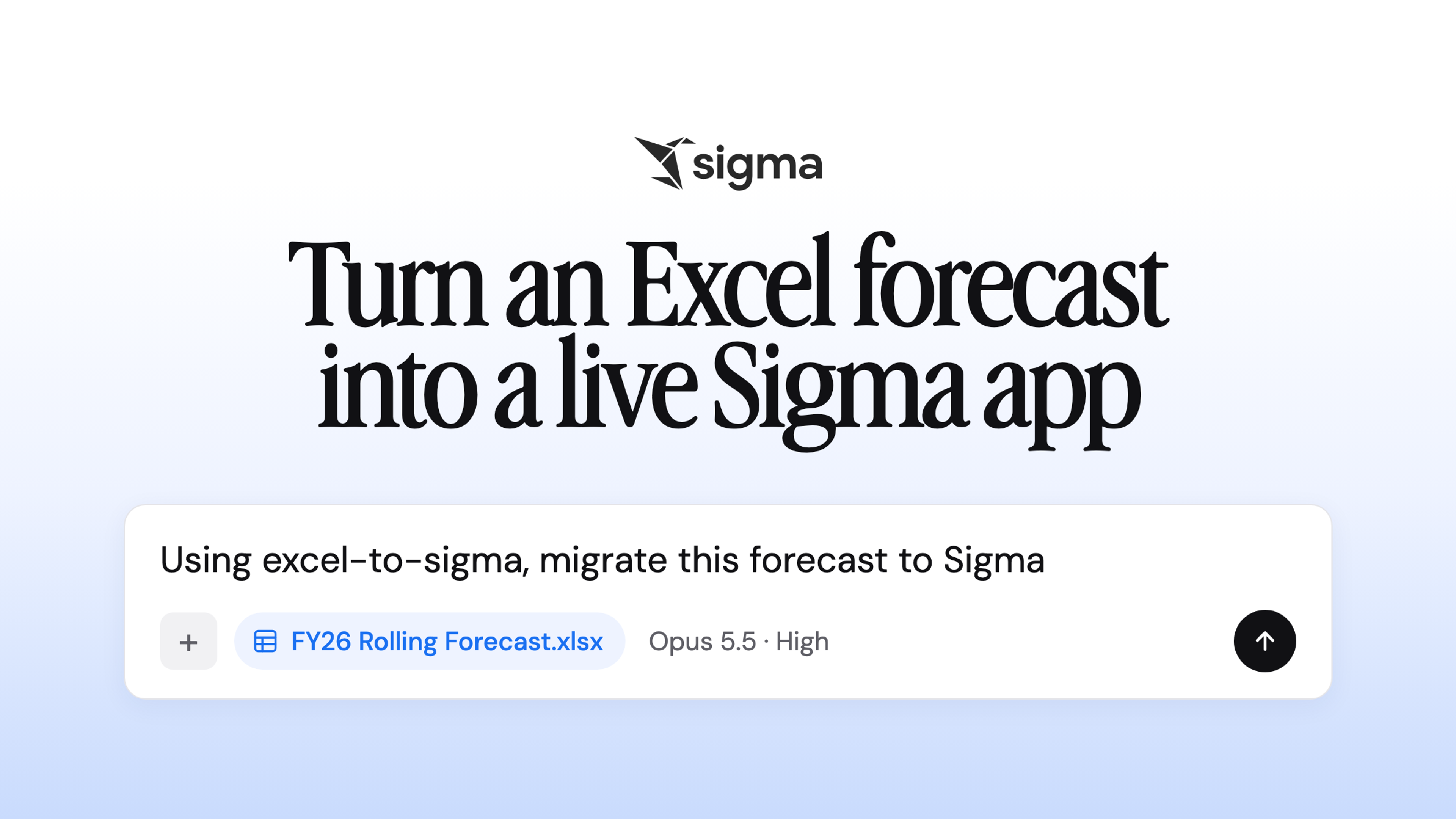
A Sigma Agent you build no longer has to stay in the workbook: it can run on a schedule in the background, answer calls from your own app or pipeline through the Sigma REST API, or pick up a question from Claude or ChatGPT through the Sigma MCP server. Wherever it runs, it keeps the same instructions and tools, including actions in systems like Salesforce and Jira, and reaches only the data the person calling it can already see. A finance lead, for example, can ask Claude how this week's revenue and COGS are tracking, and Claude hands the question to a forecasting agent built in Sigma that answers from live warehouse data.
More than 1,200 organizations have already built close to 6,400 agents that are running in production, and together those agents have handled over 580,000 conversations. To keep that many in check, the new agent management page lists every agent in the organization with its token usage and an execution log for every run; a scheduled agent whose results nobody reads anymore turns up there before anyone sees it on the bill. The Sigma REST API can also run evaluation suites against an agent and watch for drift in how it behaves.
Build a Sigma dashboard from a ChatGPT prompt
Inside ChatGPT Work, Sigma is now part of OpenAI's new Data agent, and the Sigma plugin works in Codex too. A question that used to become a ticket for the data team now gets an answer built from the metrics and workbooks your company already trusts, and a follow-up prompt can turn that answer into an interactive dashboard in Sigma, which you refine in the same conversation and then publish. The dashboard you publish is a full Sigma workbook on live data, with each person's existing permissions applied, and you can keep building on it in Sigma.
Sigma Assistant asks before it answers
The upgraded Sigma Assistant is built for the open-ended questions that go wrong when nobody checks the assumptions behind the answer. "How did bookings perform last quarter?" can mean three different things depending on how your company defines bookings. When your data models and metadata don't settle which one you mean, the Assistant now asks a clarifying question and tells you which assumptions it made. You can check an answer before you repeat it in a meeting, because the Assistant also shows its work as it goes, down to the step-by-step logic and the generated SQL.
Chat history keeps every conversation in the sidebar: a question you asked last Thursday is still there on Monday, and you can promote any conversation into a workbook your team can keep running. Admins can also open the Assistant up to every data source people have access to, which widens the range of questions it can answer without loosening row-level security or column masking.
Skip the rebuild between analysis and report
Export to PowerPoint (in public beta) turns a Sigma report into a formatted deck in one click, with the layout and current numbers already in place. Each export queries the warehouse at that moment and carries the report's permissions and row-level security into the file. For a recurring deck like the weekly pipeline review, nobody screenshots charts into slides anymore.
The workbook-to-report converter handles the step before the deck, for analysis that already lives in a workbook and needs to go out as a polished report. File > Convert to report asks which pages to include and what page layout to use, then creates a pixel-perfect report with live data and leaves the original workbook untouched. Because the conversion is one-time, you convert again when the workbook changes.
Try these on your own data
If you're already on Sigma, your account team can turn on anything here that isn't in your workspace yet. Otherwise, request a demo or start a free trial to see these on your own warehouse, and the Agents in Action livestream from launch day is available on demand.