Bring your BI to Sigma without a rebuild
Sigma Migration Skills (beta) help your coding agent convert Tableau, Power BI, and Looker dashboards, then check each against the original.
Start with an assessment
Each converter comes with an assessment skill that inventories usage, duplicates, and custom SQL, and shortlists what to move first.
Checked against the original
Parity compares Sigma’s numbers and visuals with the source dashboard on the same warehouse, and it’s green only on a match.
Every gap flagged for review
Anything the skills can’t translate is called out for you to finish in Sigma, instead of guessed.
Trusted by 2,000+ leading enterprises around the world






How it works
One flow for every tool
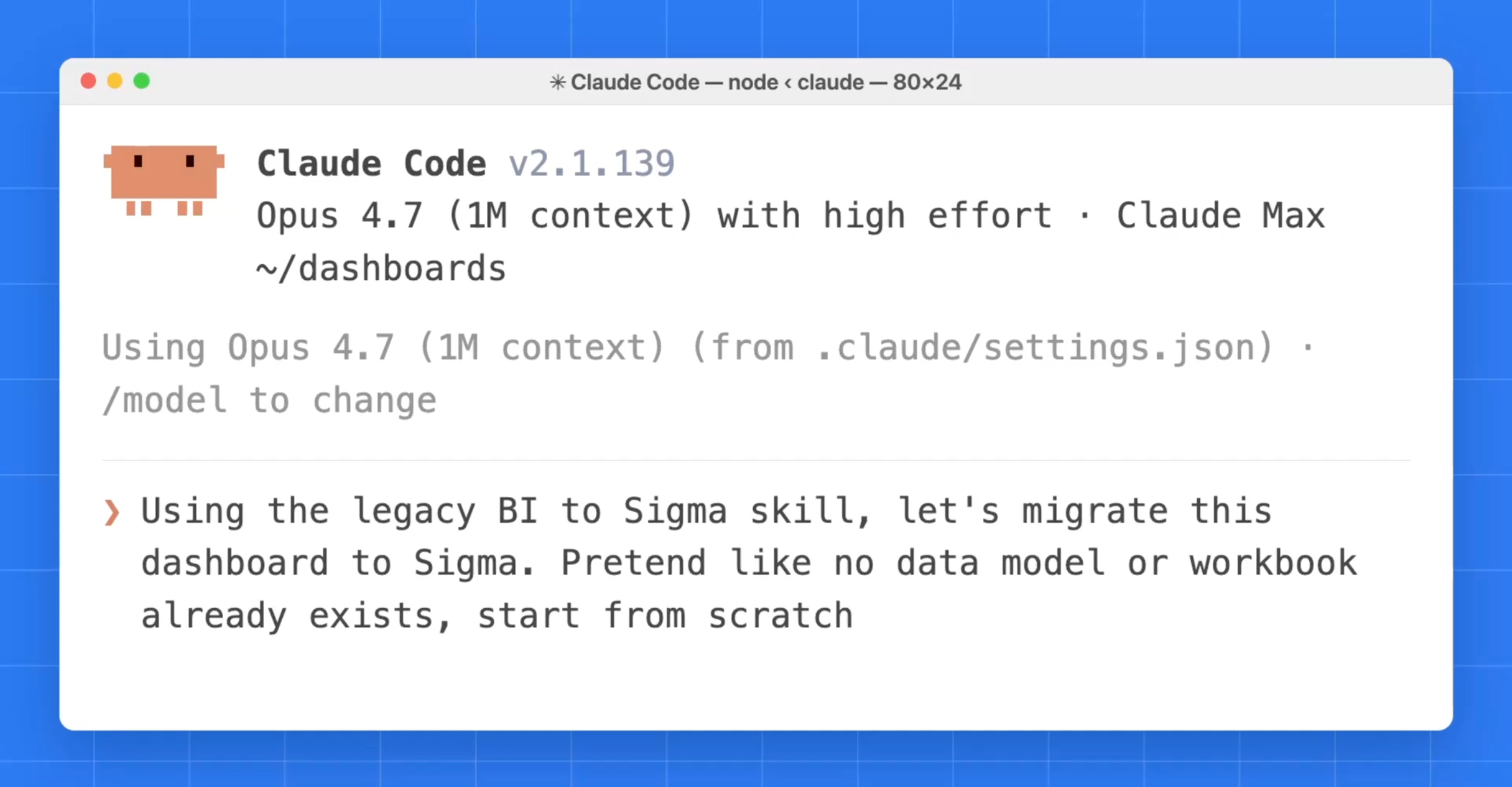
Ask your coding agent to migrate a dashboard, and the skill takes it from assessment to a verified Sigma workbook, checking in with you along the way.
- 1
Assess
The assessment skill inventories what you have, from usage to duplicates and custom SQL, and shortlists what to migrate first.
- 2
Discover
Pull the source definitions, view images, and data, then match each field to columns in the warehouse Sigma reads.
- 3
Model
Build or reuse a Sigma data model, with calculations translated to Sigma formulas. You approve it before it’s posted.
- 4
Build
Rebuild the pages and visuals as a Sigma workbook, in the folder and connection you choose, with the layout applied last.
- 5
Verify
Compare Sigma’s numbers and visuals with the source dashboard. Green means a match; anything else is called out to check.
- 6
Enhance when you’re ready
Add what the old dashboard couldn’t do, like input tables, apps, or agents, on a copy of the migrated workbook.
Where you’re coming from
Skills for the tools teams move from
Install the converter for your tool. Each one pairs with an assessment skill, and the repo covers more than a dozen BI tools.
Tableau
Workbooks and datasources, including data that lives only in extracts.
Migrate from TableauPower BI
Reports and semantic models, with DAX translated to Sigma formulas.
Migrate from Power BILooker
LookML models and dashboards, rebuilt as Sigma data models and workbooks.
Migrate from LookerQlik
Qlik Sense, Qlik Cloud, and QlikView apps.
Migrate from QlikThoughtSpot
ThoughtSpot content, converted from its TML definitions.
Migrate from ThoughtSpotAnd more
Amazon QuickSight, IBM Cognos, MicroStrategy, Sisense, GoodData, Domo, Mode, Metabase, and Hex.
See all skills
What comes across
The skills move the logic, not just the look, so the rebuilt workbooks answer the same questions.
Models first
Your semantic layer becomes a Sigma data model
Measures, calculations, and relationships become a Sigma data model before any workbook is built. When a matching model already exists, the skill reuses it instead of adding another.
- Tables, relationships, and metrics
- Calculations translated to Sigma formulas
- A gap-scout sub-agent learns patterns it hasn’t seen before
Same layout
Pages and visuals rebuilt as Sigma workbooks
Each dashboard comes back as a Sigma workbook on live warehouse data, with its layout applied last so the pages read the way people already know.
Land it first
Data that only lives in the BI tool lands in your warehouse
When data sits inside the old tool instead of a warehouse, bridge skills land it in your warehouse first, so the rebuilt workbooks query it live.
- Tableau extracts to Snowflake or Databricks
- Power BI Import-mode models to Snowflake
- Domo datasets to Snowflake
Parity checked
Green only when it matches the original
Parity compares Sigma’s numbers and visuals with the source dashboard on the same warehouse. Anything the skills can’t translate is flagged for you to finish in Sigma, never guessed.
Install in Claude Code or any coding agent
Add the marketplace, install the converter for your tool, then describe what you want migrated. The skills are agent-neutral, so they also run in Cursor, Cortex Code, and others.
/plugin marketplace add sigmacomputing/sigma-migration-skills
/plugin install sigma-authoring@sigma-migration-skills
/plugin install tableau-to-sigma@sigma-migration-skills

# Then describe what you want migrated
> migrate this Tableau workbook to Sigma
Customer results
Teams that made the move
Results reported by teams that moved to Sigma, in their customer stories.
- UnitedMasters, migrationEntire BI stackTime1 monthRead the story
- DoorDash, dashboards5,000+ rebuiltUsers30K+Read the story
- Teesnap, leftTableauPerformanceUp 90%Read the story
Straight from the source
“We were able to migrate 80% of the dashboards within the next 9 months using data analysts and data engineers who didn't have BI tools experience before.”
Senior Manager, Data and AnalyticsMedia · Gartner Peer Insights (opens in a new tab)“Sigma is by far the best BI tool I've ever used. Migrating was super easy because it lives right on top of Snowflake.”
Sr. Data and Analytics ManagerSoftware · Gartner Peer Insights (opens in a new tab)“The migration was a breeze compared to other tool migrations… It really is as easy as it's demoed.”
Staff Product Manager, Data Platform & StrategyServices (non-Government) · Gartner Peer Insights (opens in a new tab)“Great Visualization and Reporting Tool, HUGE usability improvement over Tableau.”
Director of Data and AnalyticsBanking · G2 (opens in a new tab)“Within three months we had fully migrated onto Sigma with minimal disruption thanks to a best-in-class support team.”
Head of AnalyticsMedia · Gartner Peer Insights (opens in a new tab)“It was easy to adopt, and we successfully migrated all of our previous reports to the platform with minimal friction. Building dashboards in Sigma feels intuitive and user-friendly, even for non-technical users.”
Data Engineering ManagerIT Services · Gartner Peer Insights (opens in a new tab)“Dashboarding in my previous BI tool was a nightmare, so I'm glad it's much more snappy, easy and satisfying to use in Sigma.”
Data and Analytics ManagerSoftware · Gartner Peer Insights (opens in a new tab)“The best and possibly last BI tool you will ever need”
Director of Data and AnalyticsBanking · G2 (opens in a new tab)
Watch a migration
Move Off Legacy BI to Sigma With 1 Prompt to a Coding Agent
Sigma’s open-source migration skills let AI agents like Claude Code convert Tableau, Power BI, Qlik, and ThoughtSpot dashboards into Sigma, with built-in parity verification so the numbers match.
Read the post: Move Off Legacy BI to Sigma With 1 Prompt to a Coding AgentMigrate off Tableau, Agent first
Discover how data teams can accelerate Tableau migrations in this Sigma + Cogs & Roses webinar.
Watch the webinar: Migrate off Tableau, Agent firstMigrate off Power BI with Coding Agents
Discover how coding agents help teams migrate from Power BI to Sigma faster by converting semantic models, preserving business logic, and rebuilding analytics workflows with AI.
Watch the webinar: Migrate off Power BI with Coding AgentsMigrate off Looker with Coding Agents
Get ready to learn how coding agents help teams migrate from Looker faster by converting LookML models and Explores, preserving business logic, and rebuilding analytics workflows with AI.
Watch the webinar: Migrate off Looker with Coding Agents


Migration questions
What are Sigma Migration Skills?
Open-source skills that guide a coding agent through moving BI content into Sigma. They assess what you have, rebuild the data model and workbooks, and check the result against the original dashboard. Migrating to Sigma with an AI assistant is in beta.
Which tools can I migrate from?
Converters cover Tableau, Power BI, Looker, Qlik, ThoughtSpot, Amazon QuickSight, IBM Cognos, MicroStrategy, Sisense, GoodData, Domo, Mode, Metabase, and Hex. The repo lists each one’s maturity.
Does my data move?
Sigma queries your warehouse directly, so rebuilt workbooks run on the data where it already lives. When data exists only inside the old BI tool, bridge skills land it in your warehouse first.
Which coding agents do they work with?
Install them as a Claude Code plugin, or point Cursor, Cortex Code, or another coding agent at the skill folders. The skills themselves are agent-neutral.
What happens to things the skills can’t convert?
They’re called out for you to finish in Sigma rather than guessed, so you know exactly what needs a person before the migration is done.
What do I need to get started?
A coding agent, Python, Ruby, and jq on your machine, credentials for the tool you’re leaving, and Sigma API credentials. The skill checks the prerequisites before it starts.
Do I need the Sigma MCP server?
The converters work through the Sigma REST API, and the Sigma MCP server is recommended alongside them, so your coding agent can check the rebuilt workbook live as it goes.
See a migration from the tool you use today
Book a demo to watch Migration Skills move a dashboard into Sigma.