
Pixel perfect reporting
Create boardroom-ready reports with pixel-perfect formatting, scheduled delivery, and complete control over every design element.
Request a Pixel Perfect DemoAbout pixel perfect reporting
Create financial statements and operational reports with print-ready layout control. Keep the numbers tied to your warehouse source of truth.
Trust the numbers, not just the layout
Generate board reports and P&Ls directly from the warehouse. No more "export to Excel" errors or stale data. Your formatted reports always reflect your live source of truth.
Design without dependencies
Finance and Ops teams design production-ready reports using the spreadsheet interface they know. Adjust headers, grouping, and formatting without logging IT tickets.
Broadcast with confidence
Move from emailing static files to governed distribution. Schedule PDF delivery or burst personalized reports to thousands of stakeholders, secured by Row-Level Security.
Trusted by finance and corporate strategy teams at leading global enterprises
















Precision meets scale
Tools to format, calculate, and distribute governed reports.
LAYOUT CONTROL
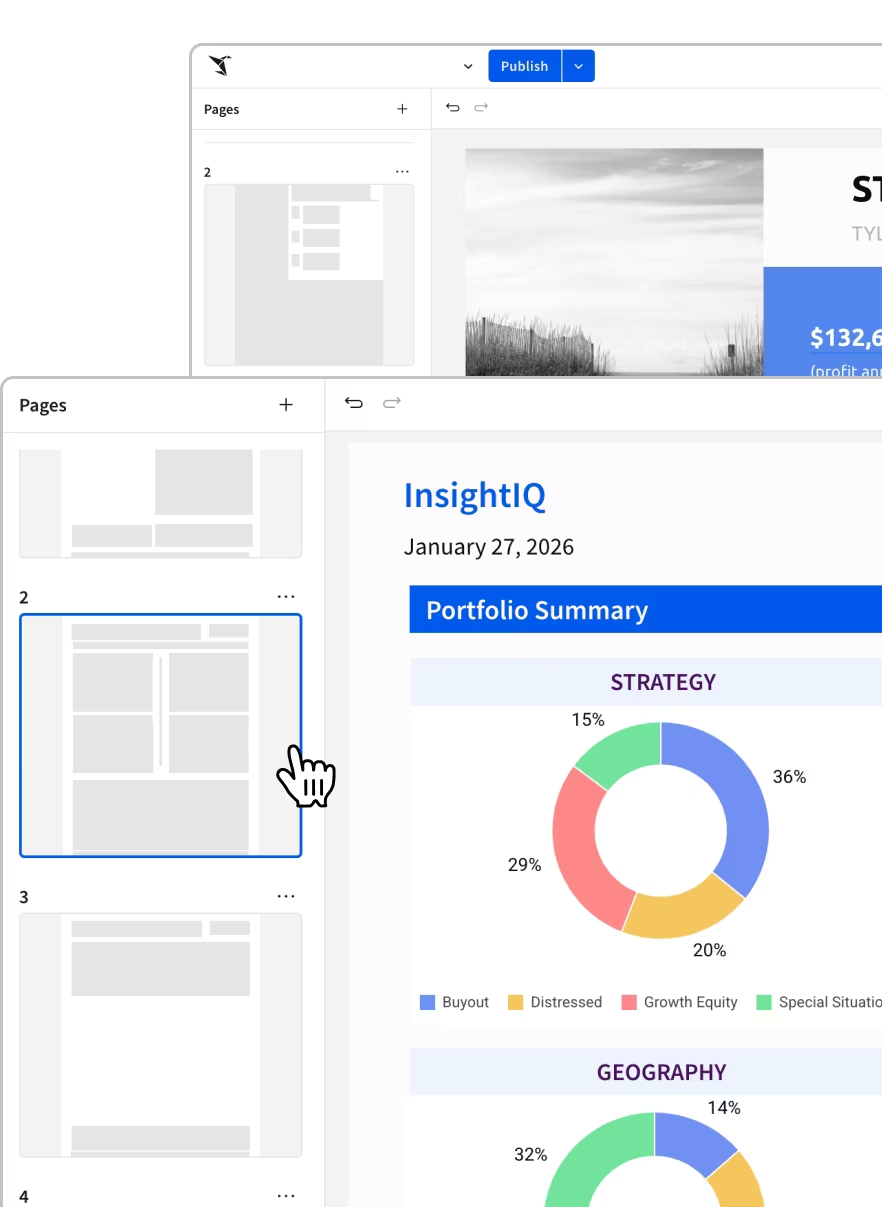
Format for the Boardroom
Build financial statements and operational reports that meet corporate standards. Control page breaks, headers, footers, and conditional formatting with pixel-perfect precision—right down to reports that fit in standard envelopes.
- Custom Grouping: Create collapsible sections for easy navigation
- Conditional Formatting: Highlight variances and trends automatically
- Print-Ready Layouts: Control exactly how reports render in PDF or print
SPREADSHEET UX
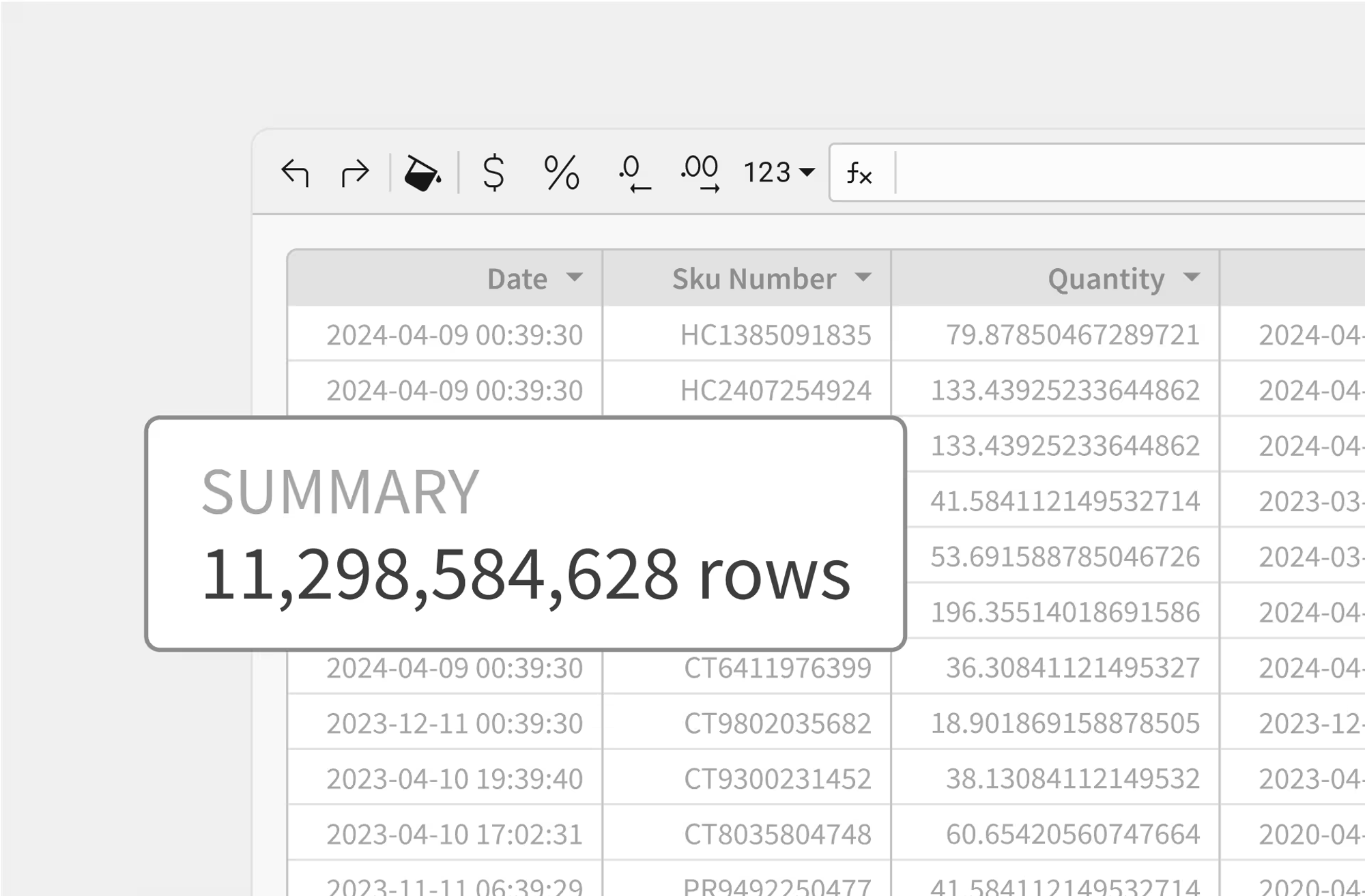
Calculate Across Billions of Rows
Handle complex logic—like period-over-period variance, allocations, and weighted averages—using standard spreadsheet formulas. Run these calculations on billions of rows in the warehouse.
- Familiar Formulas: Use SUMIFs, LOOKUPSs, and RANK on warehouse data
- Time Intelligence: Easily compare MoM, QoQ, and YoY performance
- Dynamic Aggregation: Switch between summary and detail views instantly
SCHEDULING & BURSTING
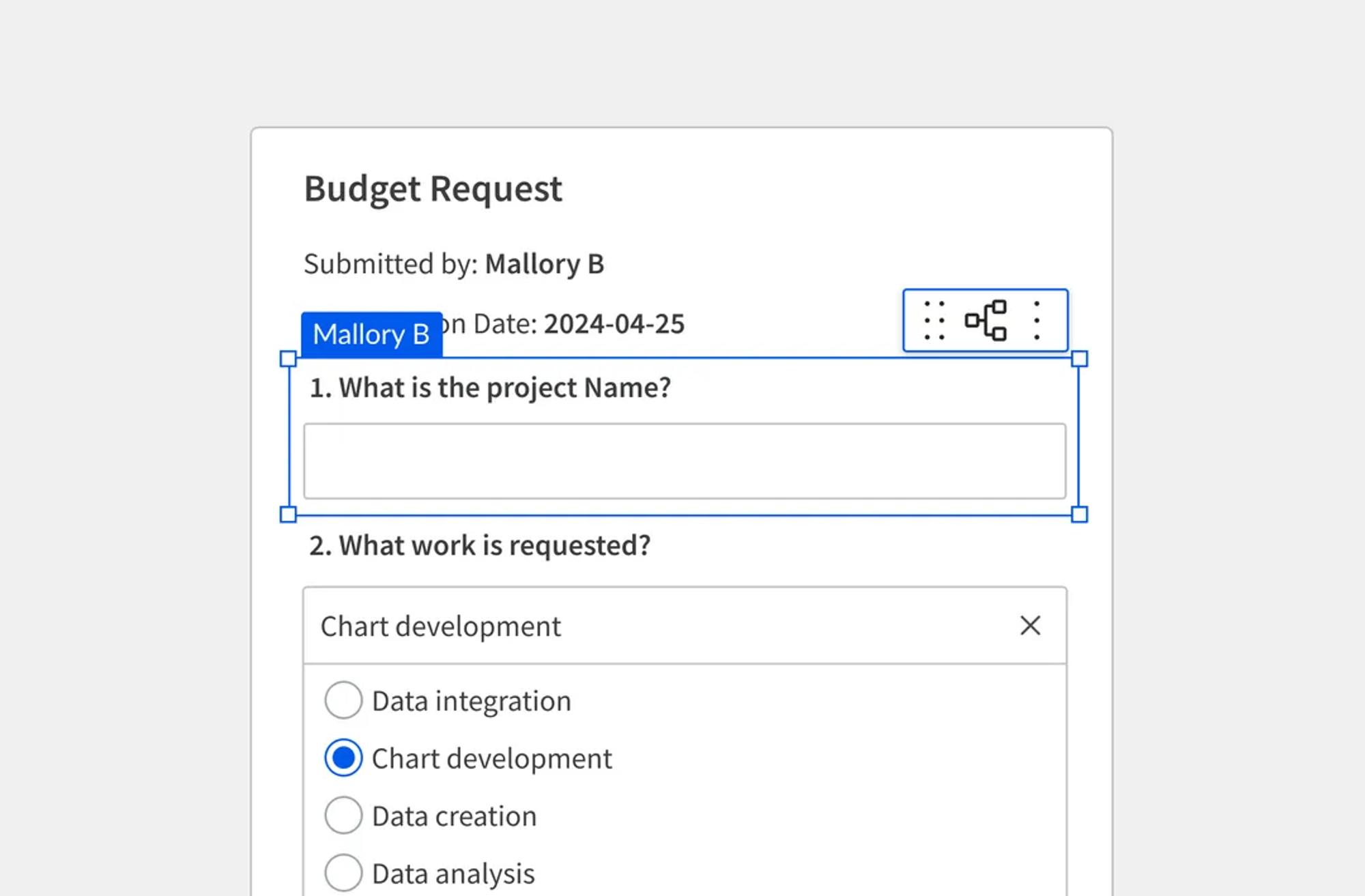
Automate Report Delivery
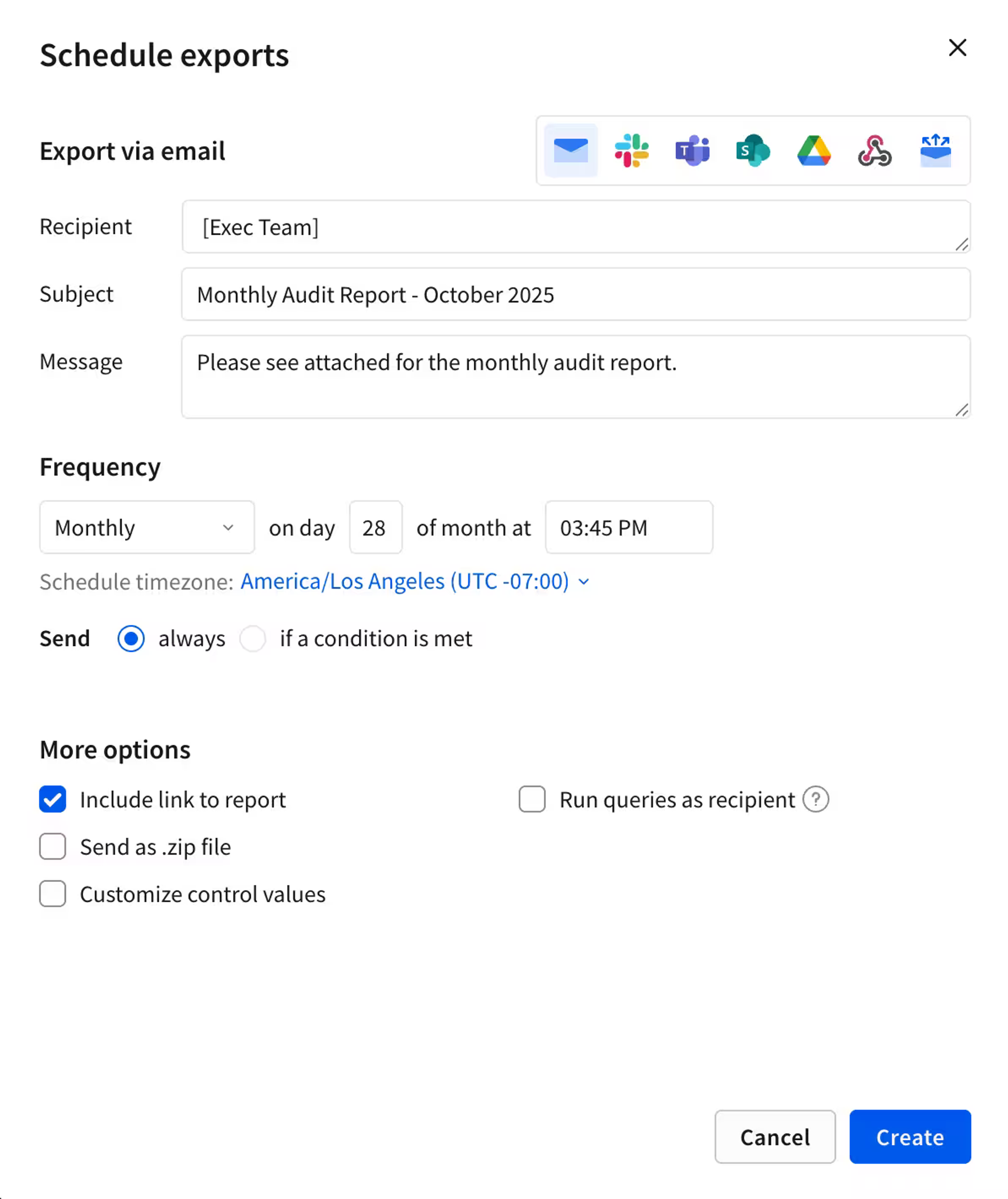
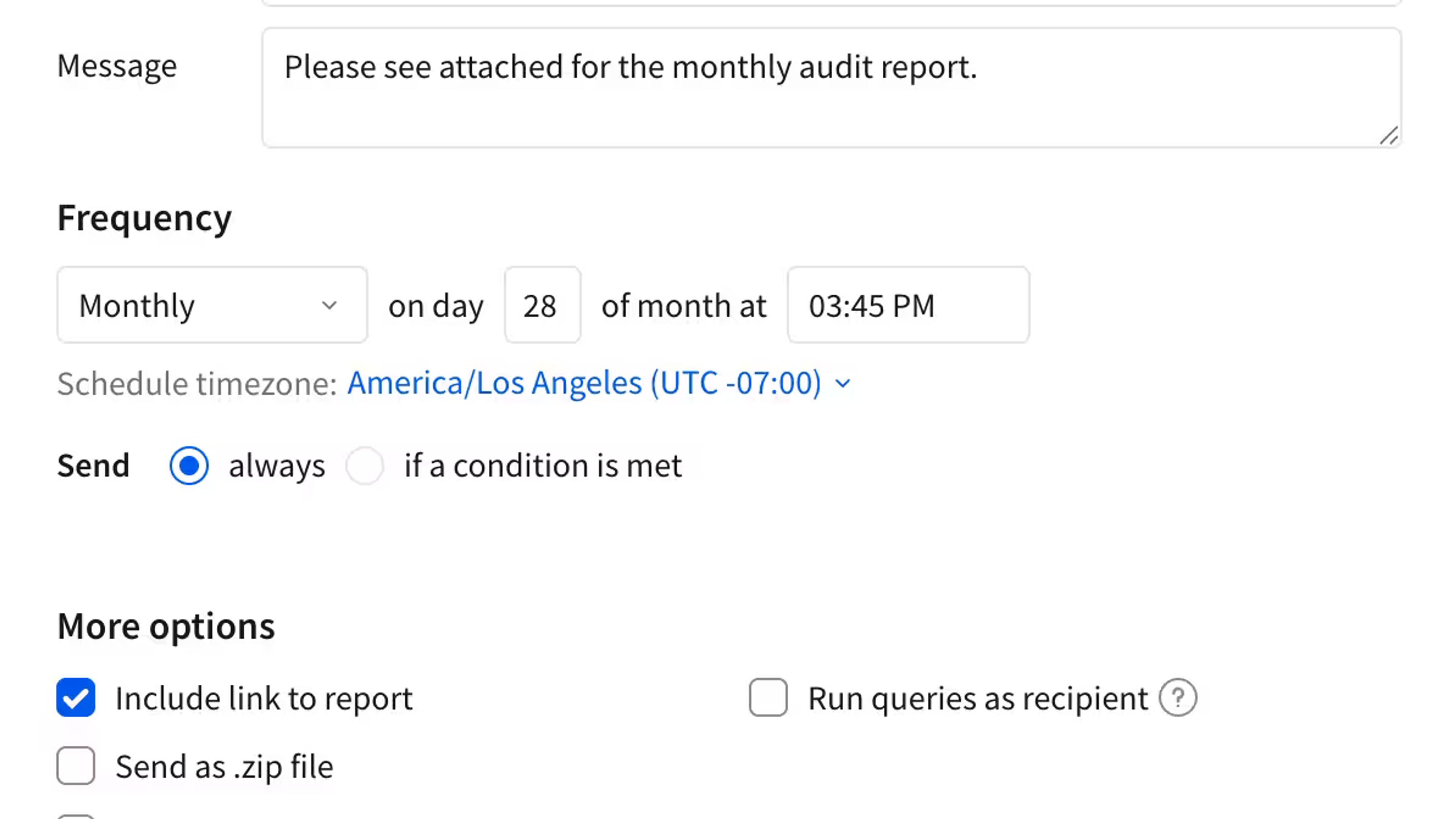
Ensure every stakeholder gets their data on time. Schedule daily P&Ls, weekly operating reviews, or event-based alerts delivered via Email, Slack, or Cloud Storage.
- Dynamic Bursting: Send personalized slices of data to different users from one master report
- Multi-Format Export: Deliver as PDF, Excel, CSV, or Image
- Trigger-Based Sends: Only send reports when specific data conditions are met
GOVERNANCE
Govern the source
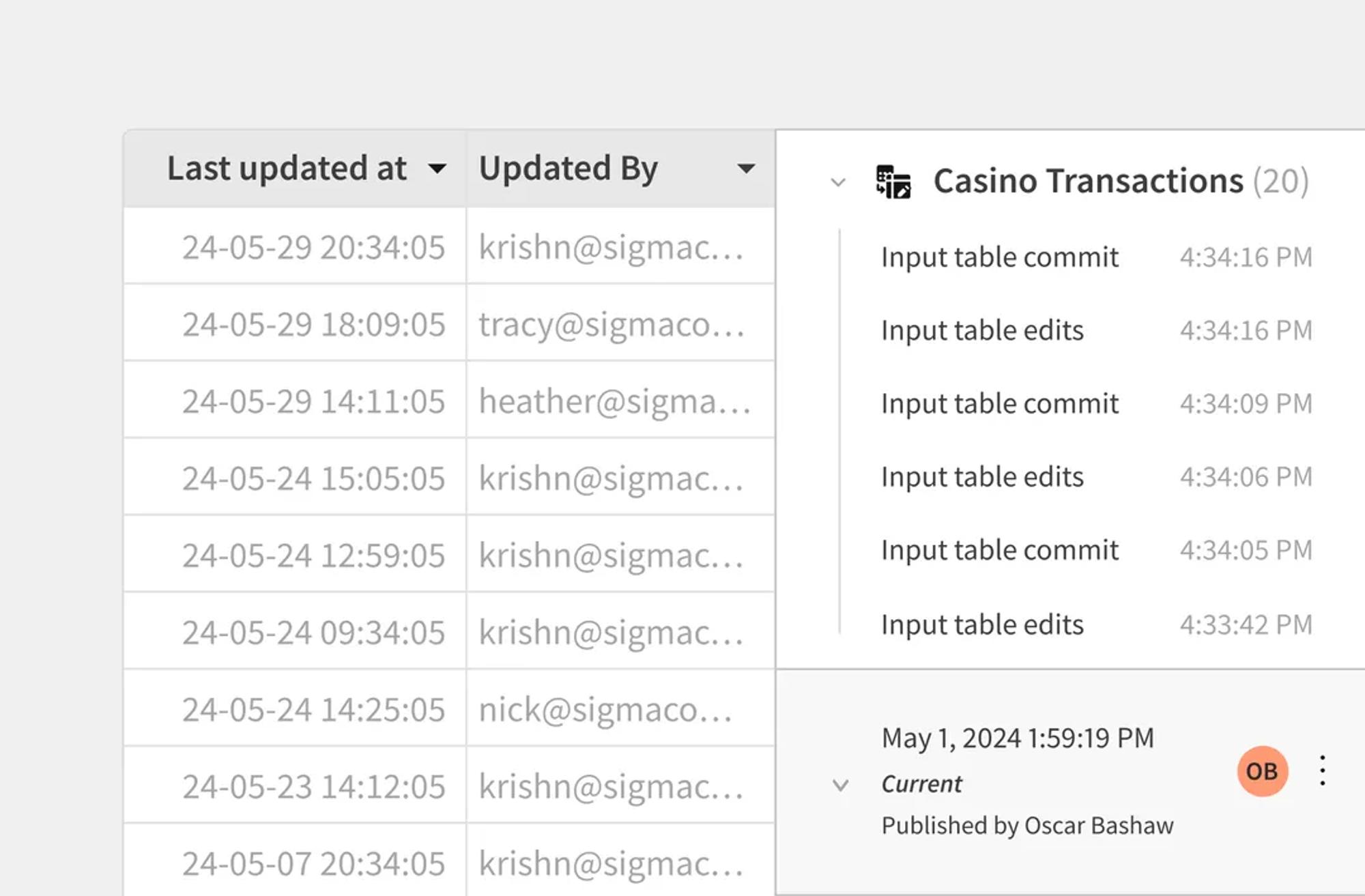
Stop spreadsheet sprawl and shadow IT. Keep all reporting logic centralized in the warehouse, enforced by data policies and audit trails.
- Row-Level Security (RLS): Ensure users only see the data they're authorized to view
- Version History: Track every change to the report definition
- Endorsement: Mark official reports as "Trusted" to guide users
Trusted for Enterprise Reporting
See how leading companies consolidate and automate reporting with Sigma

 Customer Story
“It’s about creating a single version of truth. When everyone is working from the same data, we move faster, make better decisions, and eliminate the guesswork.”









Related Resources

Modernizing Enterprise BI: A Strategic Guide to MicroStrategy Migration
Migrate off MicroStrategy with Sigma & Celebal. Cut TCO 30–40%, speed reporting 60–70%, and modernize BI without losing business logic.
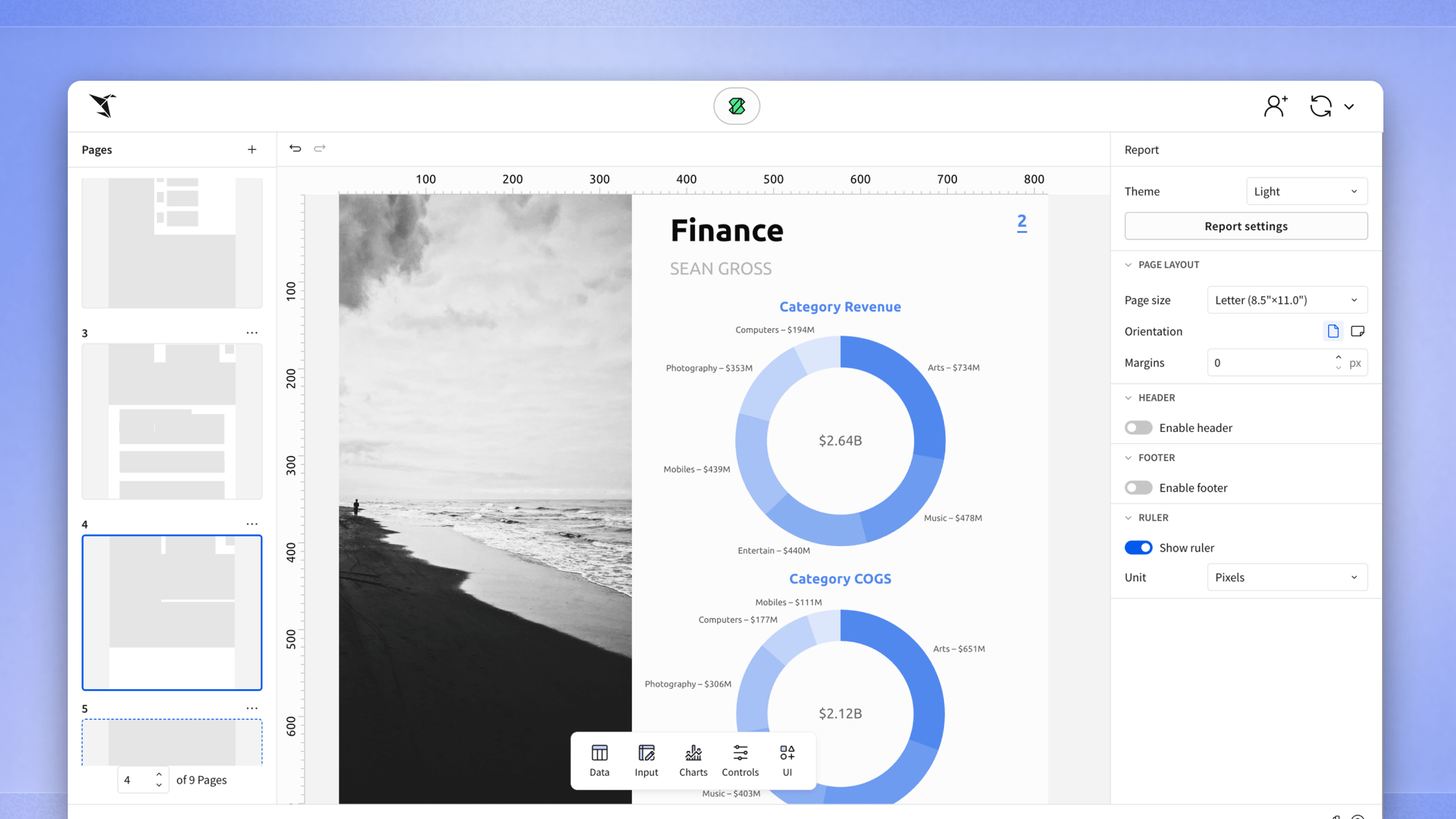
Introducing Pixel-Perfect, Paginated Reporting on Live Warehouse Data
Design and distribute paginated, pixel-perfect reports directly from your cloud data warehouse. Work with live data, governed exports, and enterprise bursting—no cubes or extracts required.
Pixel Perfect Reporting Fundamentals
Explore how Sigma makes creating professional, branded reports effortless.
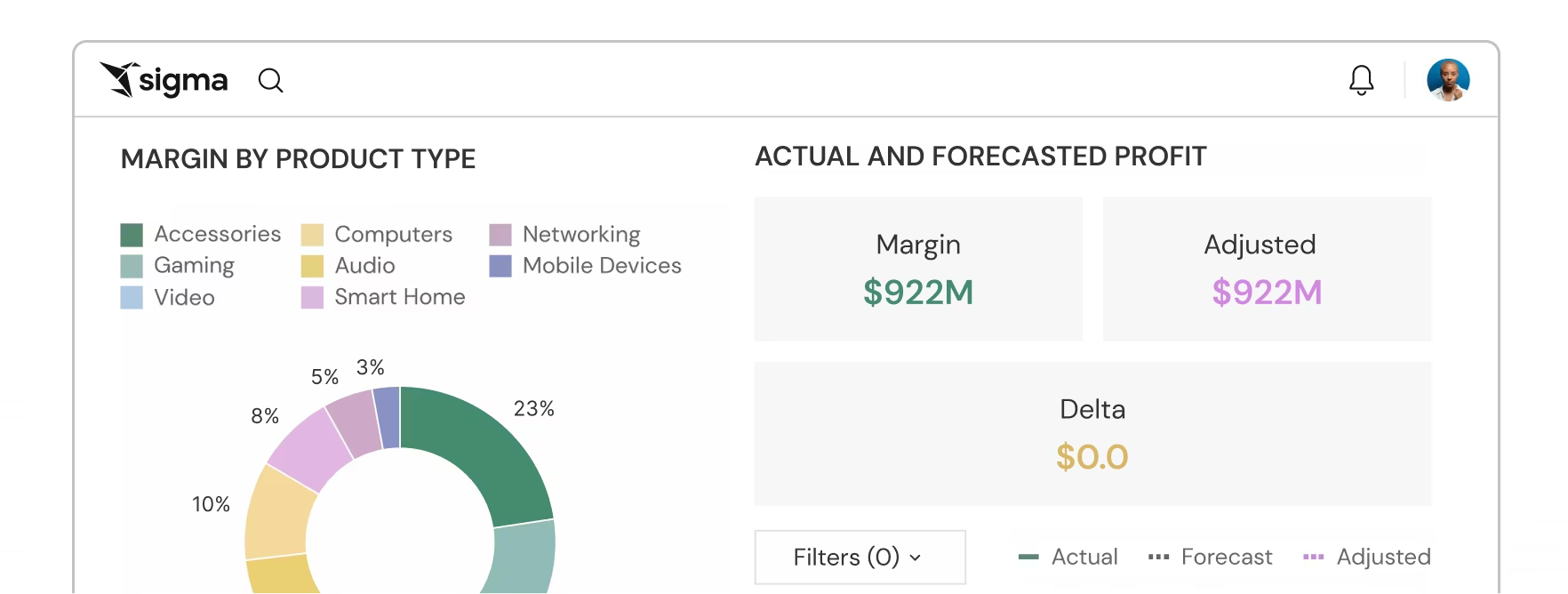
Everything you need to analyze, report, and act
One platform for dashboards, reports, embedded analytics, and AI-powered insights.
Reporting FAQ
Common questions about enterprise reporting with Sigma.