
About Finance Teams in Sigma
Finance runs on numbers that must be current, reconciled, and explainable. Sigma helps FP&A, accounting, and treasury teams move away from spreadsheet-heavy planning and close workflows by working directly on live warehouse data with governance and an audit trail (SOX-ready).
Trusted by finance and corporate strategy teams at leading global enterprises






From Disparate Data to Financial Certainty
Achieve finance transformation on a modern, composable AI architecture. Finally go beyond the "what" and master the "why," so finance finds and acts on opportunities ASAP.
Month-End Financial Reporting
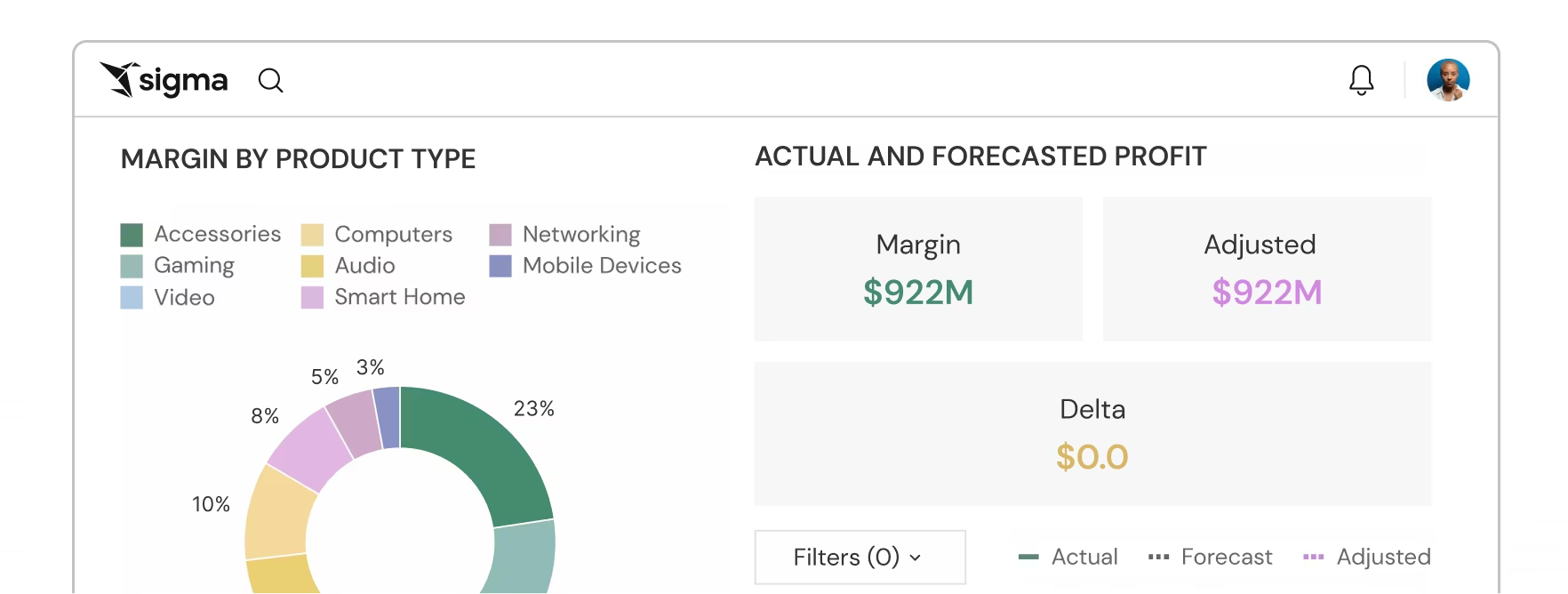
Replace manual month-end cycles with real-time financial intelligence into variance drivers.
- AI Agents automate global roll-ups of variance explanations
- Margin optimization through scenario modeling
- Live commentary to bridge Budget vs. Actual gaps
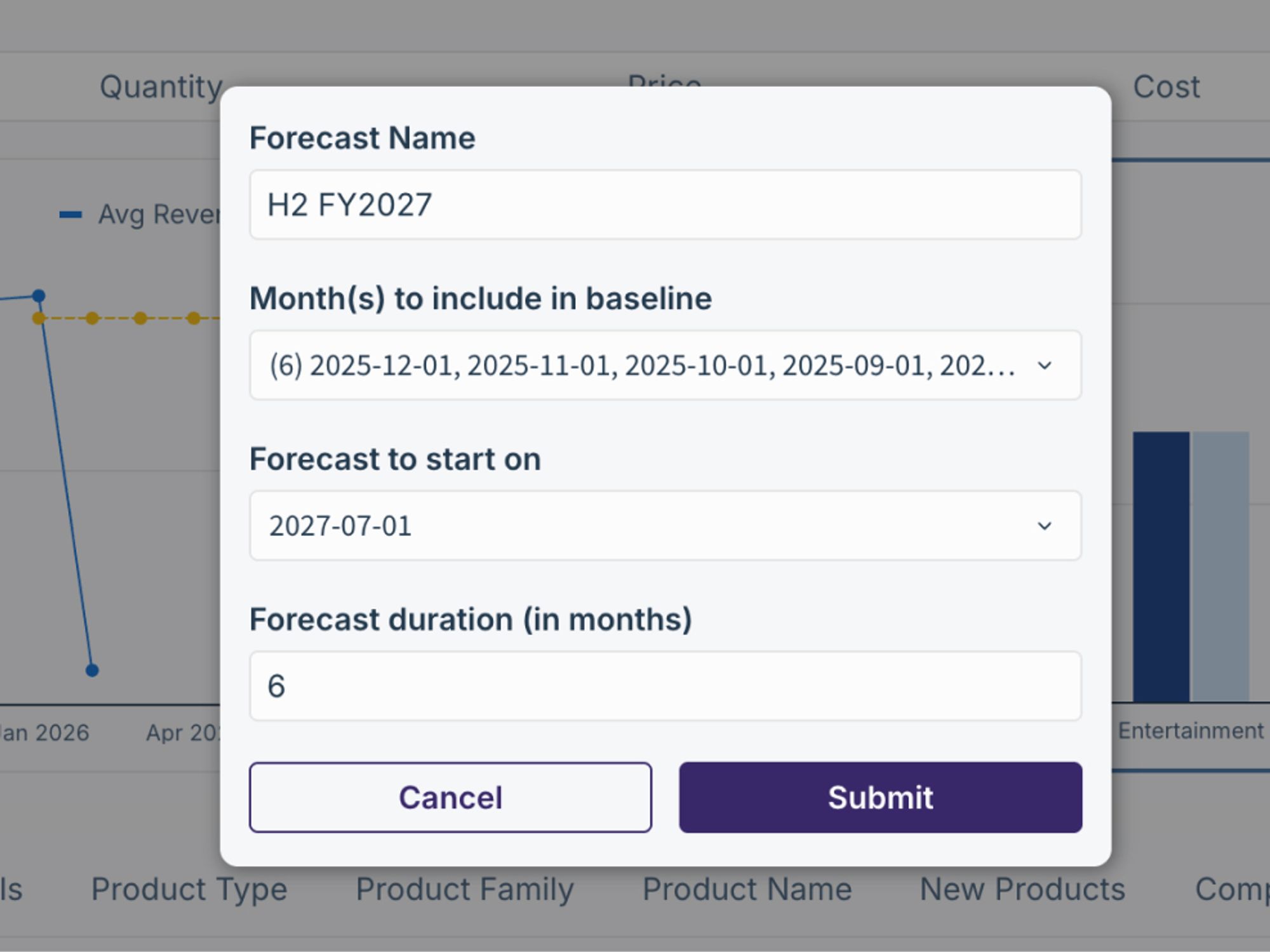
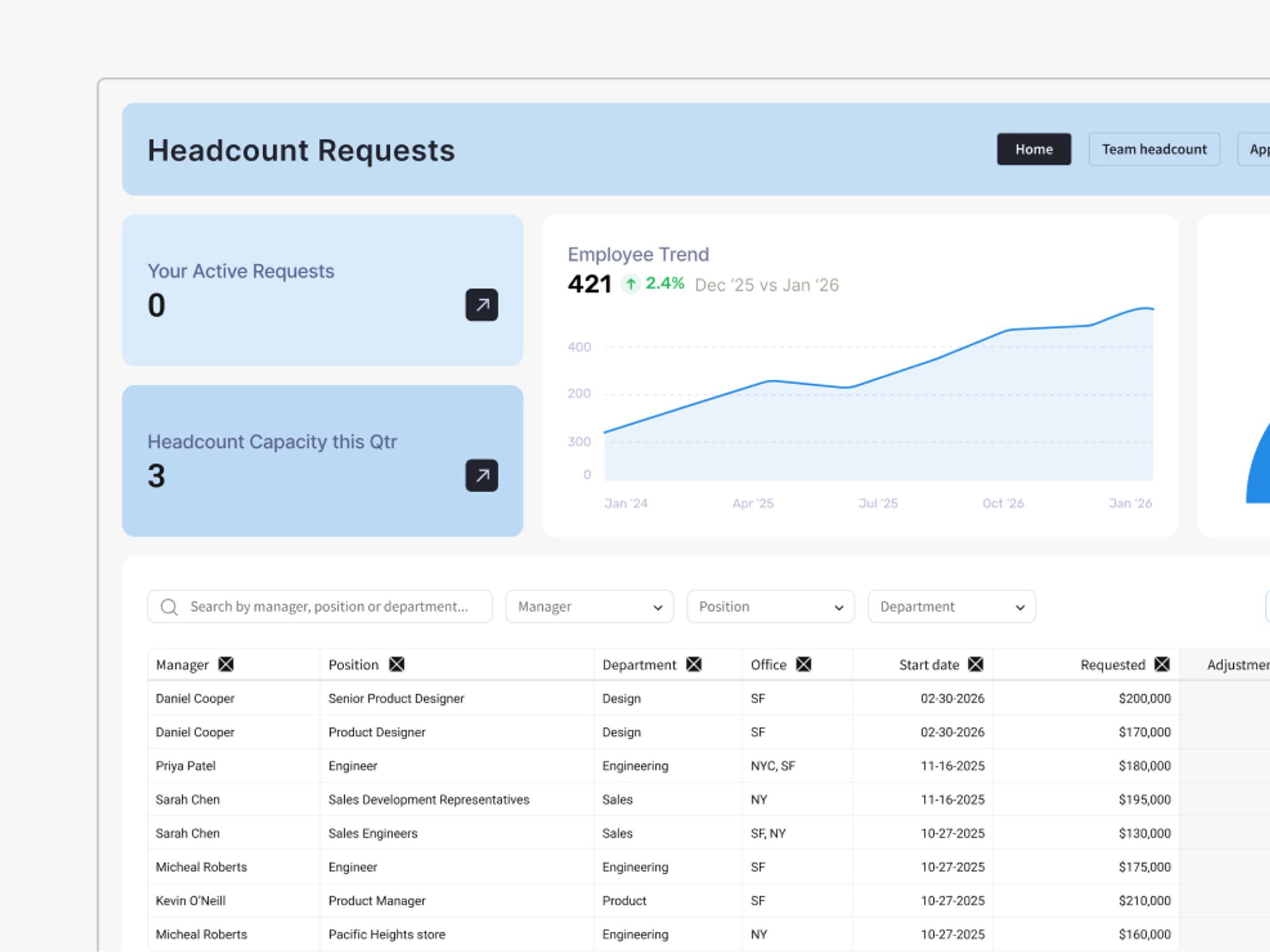
Headcount Planning
Adjust workforce investments to meet growth and productivity targets.
- AI-Assisted modeling for headcount across various growth paths
- Approval workflows for compensation budget
- Automated tracking of actual headcount vs. plan
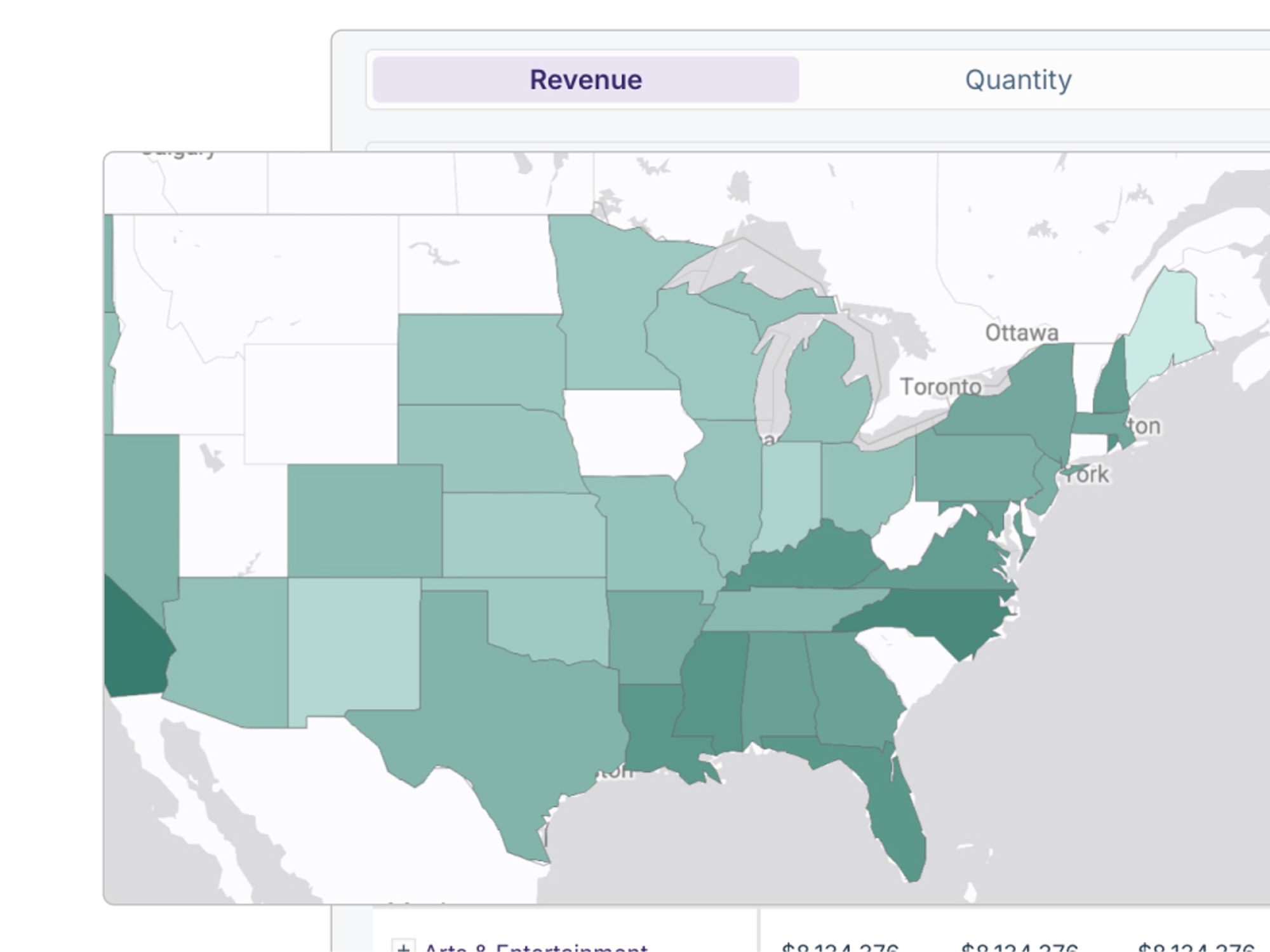
Expense Forecasting
Intervene on department-level spend using operational business drivers.
- Driver-Based modeling to categorize and predict spend based on activity
- Governed data entry allowing teams to update monthly forecasts directly
- Centralized oversight for a real-time view of total organizational expenses
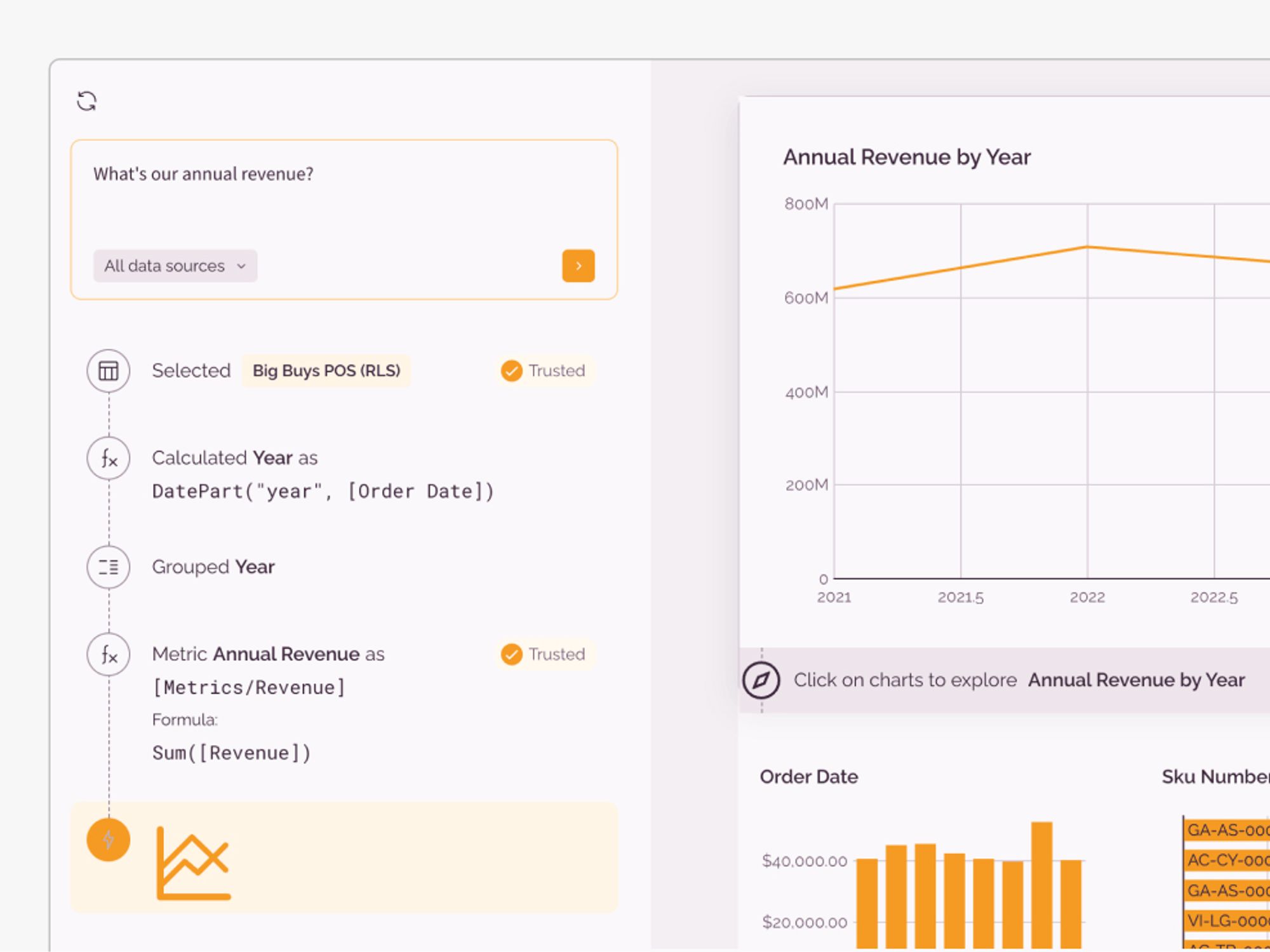
Cashflow Forecasting
Model cash inflows and outflows to forecast liquidity and optimize working capital.
- Run what-if scenarios on receivables, payables, and inventory
- Consolidate assumptions and inputs from finance, sales, and operations
- Smart liquidity insights across inflows, outflows, and cash positions
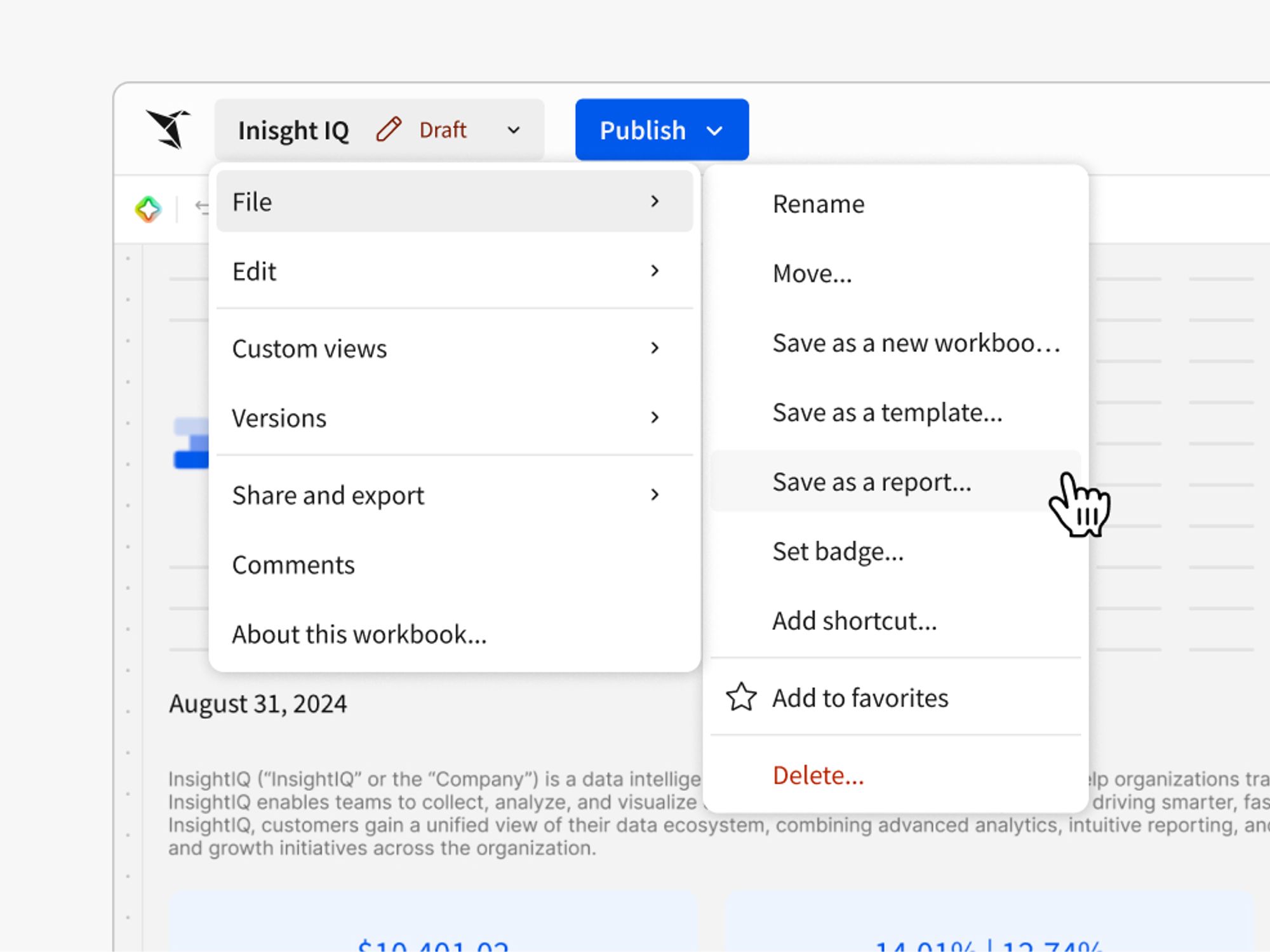
Track spending against budget instantly
Track invoices and unapplied payments across thousands of customers in real-time. Collections can add notes, assign accounts, and update payment directly against AR data, querying live invoice status without waiting for batch ERP exports.
- Live invoice aging tracking
- Payment application workflows
- Customer note collaboration
Trusted for Accuracy & Governance
Corporate strategy and finance leaders trust Sigma to eliminate spreadsheet errors and deliver a single source of truth for compliant planning, budgeting, and reporting.

 Customer Story
Yamaha Motor Finance replaced spreadsheets and manual reporting with Sigma’s governed, cloud-native platform. See how they transformed FP&A, enabled self-service, and scaled financial modeling with Snowflake and Sigma.










Enterprise-Grade Trust for Finance Data
Sigma is designed for financial environments where auditability, access control, and a single source of truth are mandatory.
Data Never Leaves the Warehouse
Sigma queries your data warehouse directly—no copies, no extraction, no additional risk
Row & Column-Level Permissions
Explore billions of rowsControl data access at granular levels—users only see what they're authorized to see without pre-aggregation or waiting for engineering support
Audit Logging & Approval Trails
Complete audit history for every action, calculation, and data access
Governed Writeback for Planning
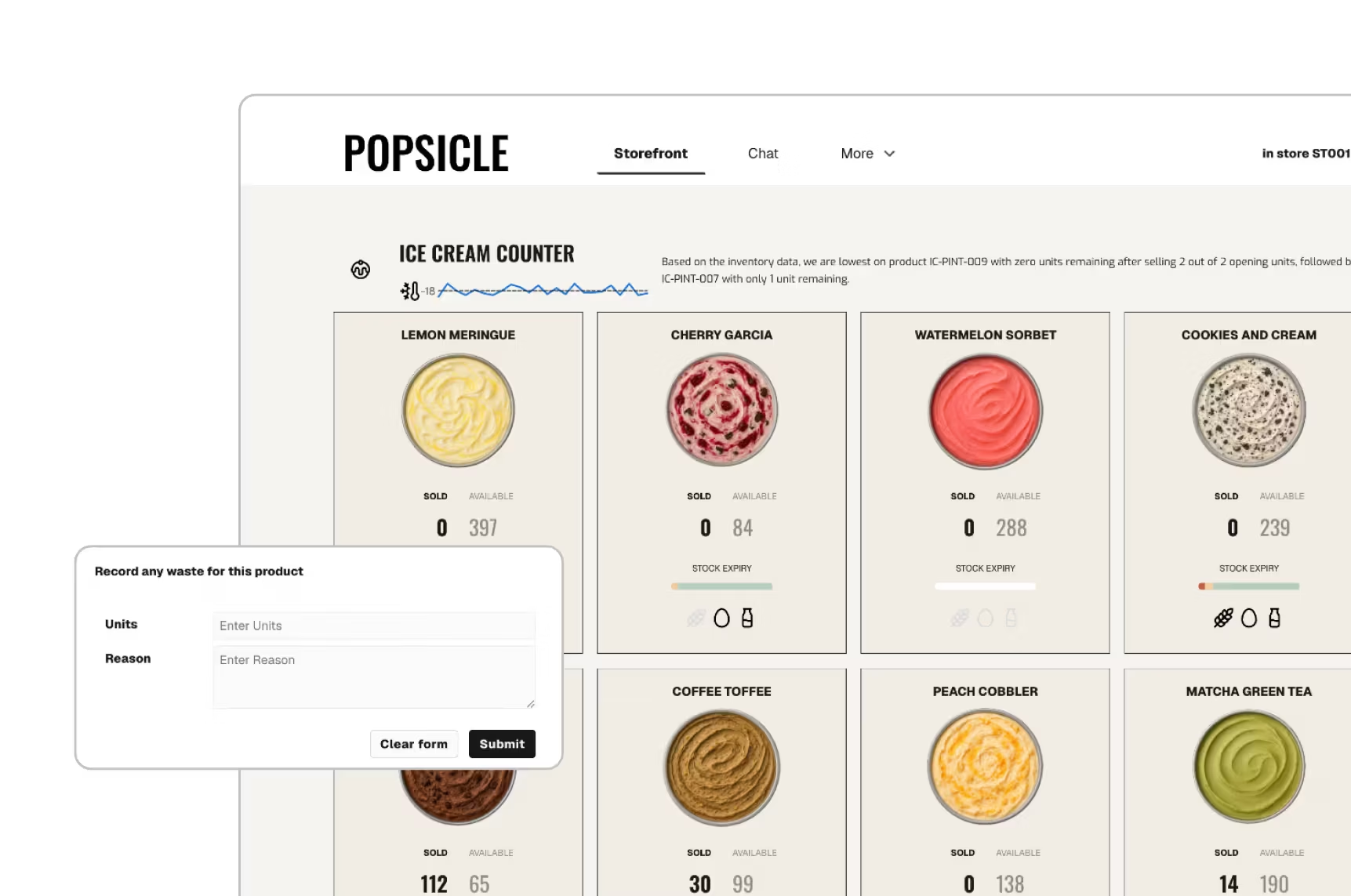
Input budgets, forecasts, and assumptions with structured approval workflows
Define what each role can view, edit, and export across the organization
Define what each role can view, edit, and export across the organization
SSO & Enterprise Integration
Leverage existing identity providers and warehouse permissions seamlessly

SOC 2

ISO/IEC 27701

GDPR

CCPA
Related Resources
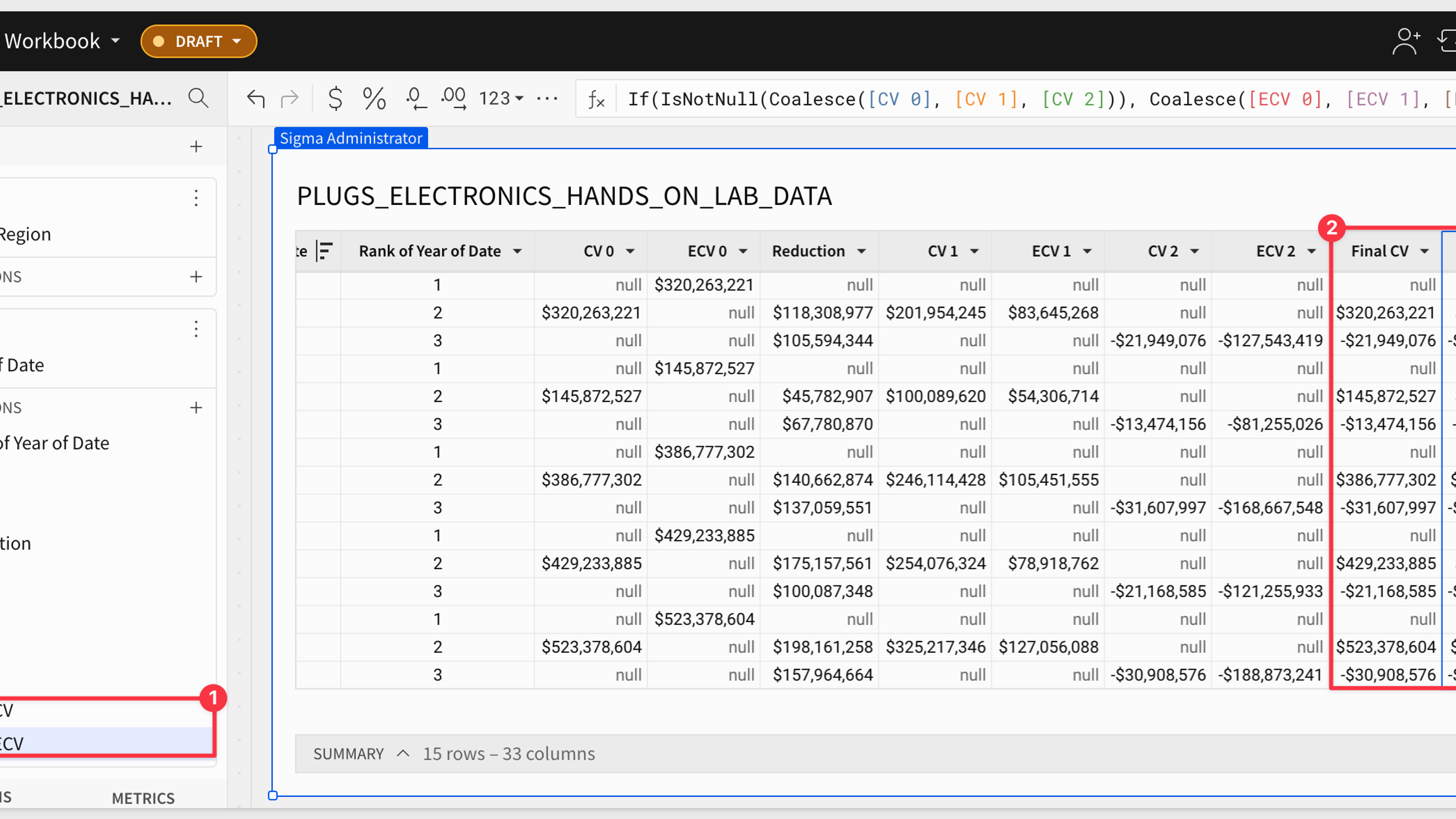
Build a Discounted Cash Flow Analysis
Overcome Excel limitations and automate your analysis. Build scalable DCF models in Sigma, with real-time insights on massive datasets without sacrificing the spreadsheet.
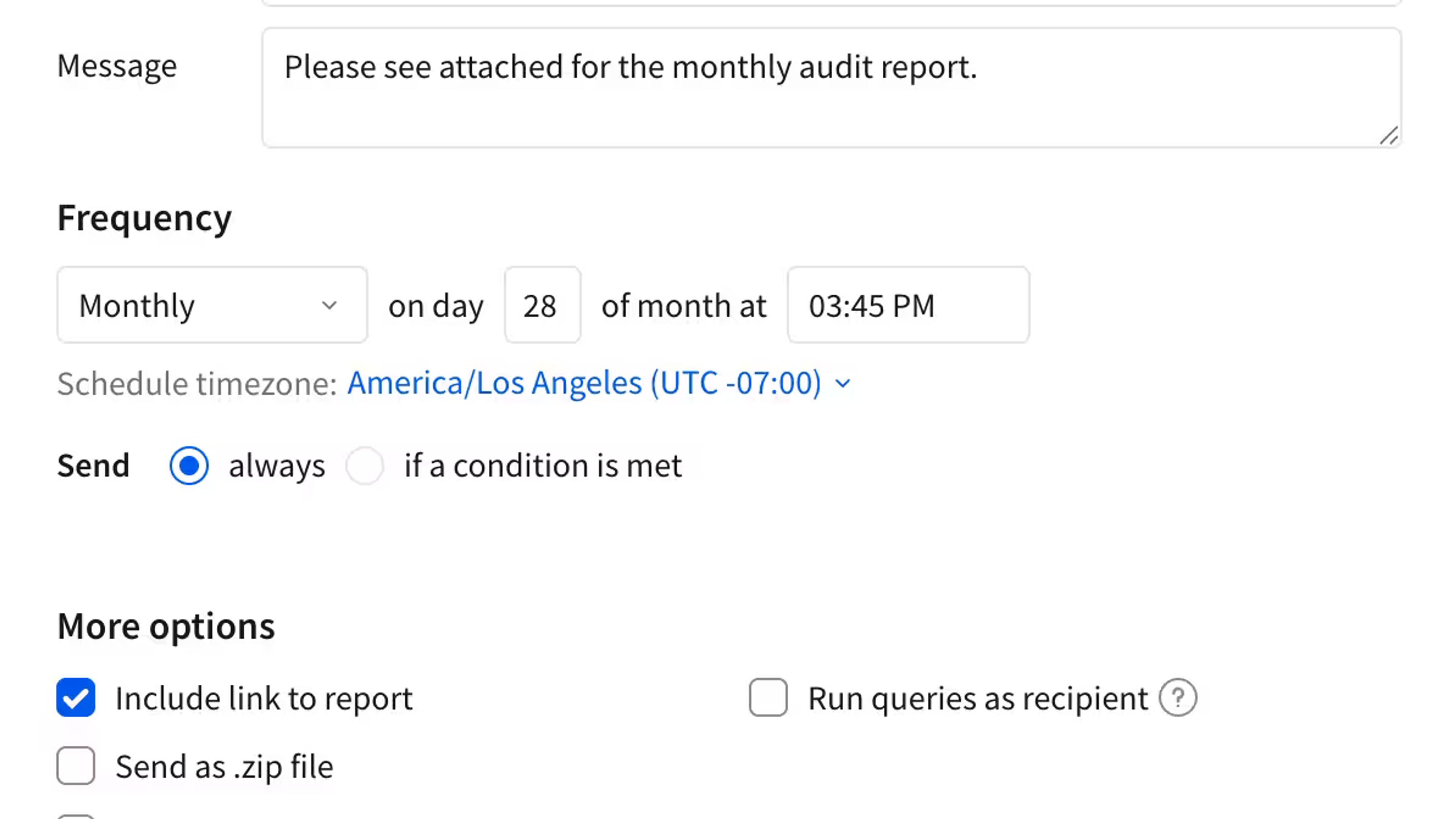
Pixel Perfect Reporting Fundamentals
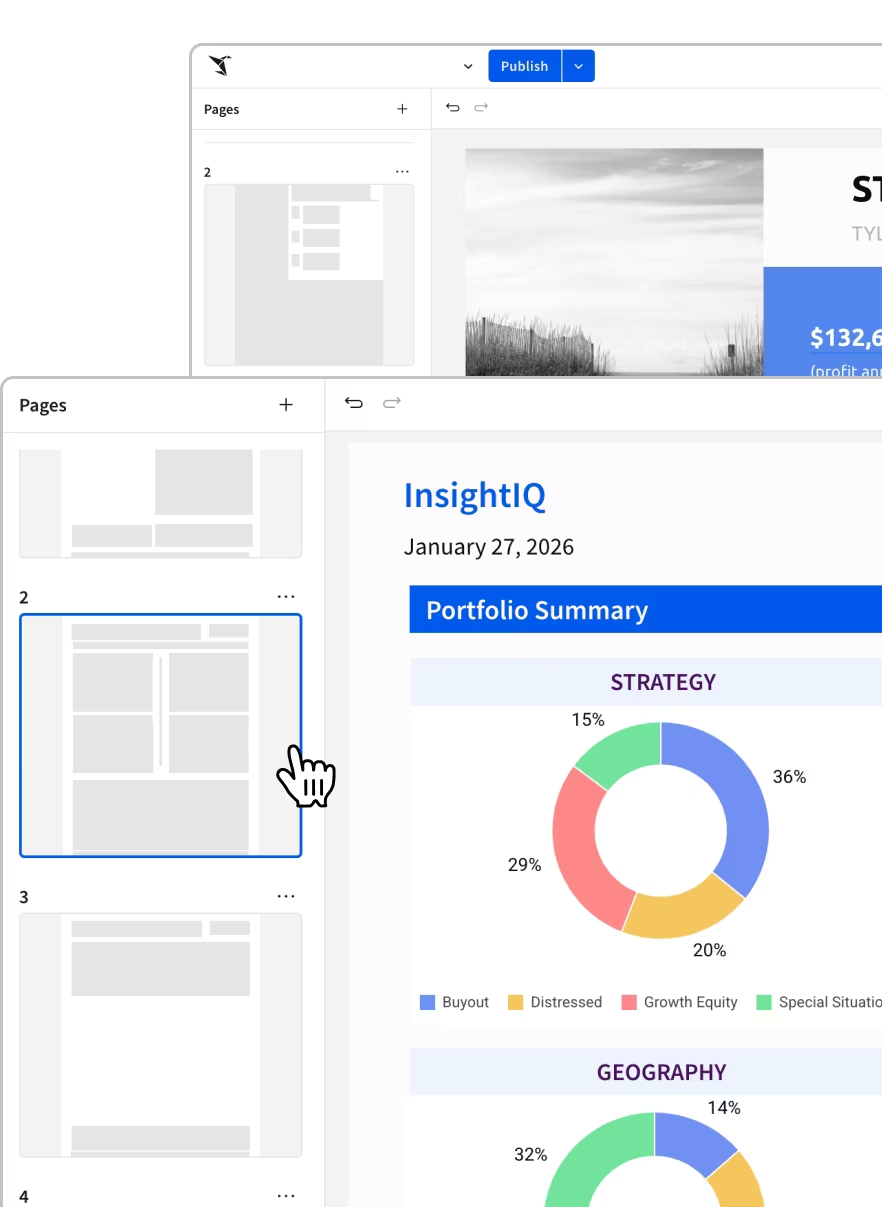
Explore how Sigma makes creating professional, branded reports effortless.

Finance Functions
Use familiar functions to evaluate and calculate data related to money, investments, interest rates, and more.
Everything you need to analyze, report, and act
One platform for dashboards, reports, embedded analytics, and AI-powered insights.
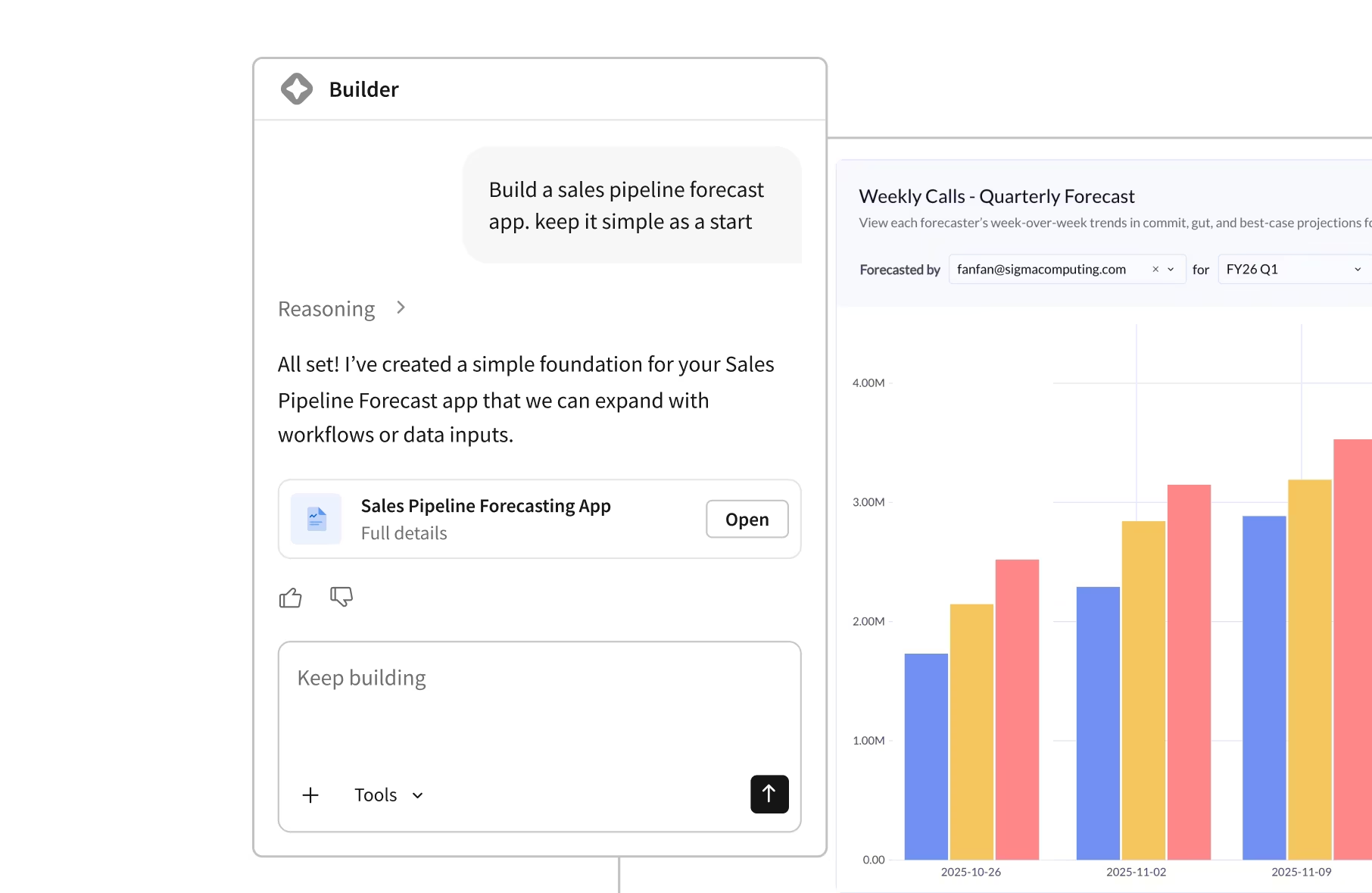
Financial Planning FAQs
Common questions about financial planning and corporate strategy with Sigma.