Turn your critical spreadsheets into apps
Use AI to build apps on live warehouse data where teams enter numbers, approve changes, and trigger the next step, under IT’s rules.
Writes back to the warehouse
People work in a familiar grid, and each edit lands in your warehouse as a row.
Apps that act on your data
One button updates a record in your CRM, posts to Slack, or calls your own API.
Governed from day one
Apps inherit your warehouse permissions, with nothing new to host or secure.
Trusted by 2,000+ leading enterprises around the world













One governed process
Get the process out of the shared spreadsheet
Planning, commissions, and operations still run on spreadsheets and one-off apps nobody governs. AI Apps put that work on the warehouse.
| Today | With Sigma |
|---|---|
| Plans rebuilt by hand in shared spreadsheets | Edits written back as warehouse rows |
| Numbers that change with whose copy you open | One governed set of numbers for all teams |
| Custom apps one analyst keeps running | Apps built by the team that owns the process |
| Approvals buried in email threads | Actions that start the next step from the app |
Everything an app needs to run the business
Build the app, run it on live warehouse data, capture the numbers people enter, and act on them, all in one place.
No backlog
The team that owns the process builds the app
Business teams build apps in a spreadsheet interface they know, adding Input Tables, controls, and buttons with no engineering project. Sigma Assistant builds and edits it on request.
- Formulas and a grid business teams already use
- Sigma Assistant builds and edits the app from a description
- App Templates for common workflows
Always current
Apps run on live warehouse data with nothing to host
Apps read and write the tables in your warehouse, so two apps on the same table show the same row the moment it changes. There are no extracts to refresh and no app servers to run.
- Queries run live on Databricks, Snowflake, and other warehouses
- No extracts, copies, or separate app hosting
- The access rules you set carry into each app
No manual tagging
AI Columns sort the requests your app collects
Point an AI Column at a free-text field to tag each row with the category, theme, or summary you describe. Charts, filters, and KPIs use it once it fills in. AI Columns are in beta.
- Categories you define in a plain-language prompt
- Works on reviews, tickets, notes, and form entries
- Output as text or structured JSON fields
Fully traceable
Edits become rows in your warehouse
Input Tables give people a spreadsheet grid to enter budgets, change requests, and commentary. Sigma writes each change to your warehouse with a record of who changed what.
- A familiar grid for the people who own the numbers
- Edits saved straight to your warehouse tables
- A record of who changed what
One-click handoffs
A button or an agent starts the next step
Actions update the CRM record, notify the owner in Slack, or call your API from an approved row. Sigma Agents work the same rows and ask for approval in chat before changing data.
- Update Salesforce and other systems
- Notify owners in Slack or email, or call your API
- Agents ask for approval before they change data
How teams get there
From shared spreadsheet to governed app
Teams keep the process people already know and move it onto the warehouse, one step at a time.
- 1
Start from the spreadsheet you have
Bring the sheet or open an App Template, and point it at your warehouse tables.
- 2
Move data entry into Input Tables
People keep a familiar grid, and their edits land in the warehouse with their names attached.
- 3
Add the actions that come next
A button on the approved row updates your CRM, notifies the owner, or calls your API.
Let agents watch it
Agents flag the rows that need a person and handle the routine work within your rules.
- 1
Start from the spreadsheet you have
Bring the sheet or open an App Template, and point it at your warehouse tables.
Q4 budget (7) final.xlsx - 2
Move data entry into Input Tables
People keep a familiar grid, and their edits land in the warehouse with their names attached.
DepartmentBudgetMarketing$420KOperations$310KIT$275K+1 row - 3
Add the actions that come next
A button on the approved row updates your CRM, notifies the owner, or calls your API.
Operations Q4 budgetBudget $310KApprovedPost to ERP Budget posted Let agents watch it
Agents flag the rows that need a person and handle the routine work within your rules.
Budget monitor3 departments over planOwners notified in Slack
Apps teams run every day
Any process your teams repeat can become an app they all run the same way.
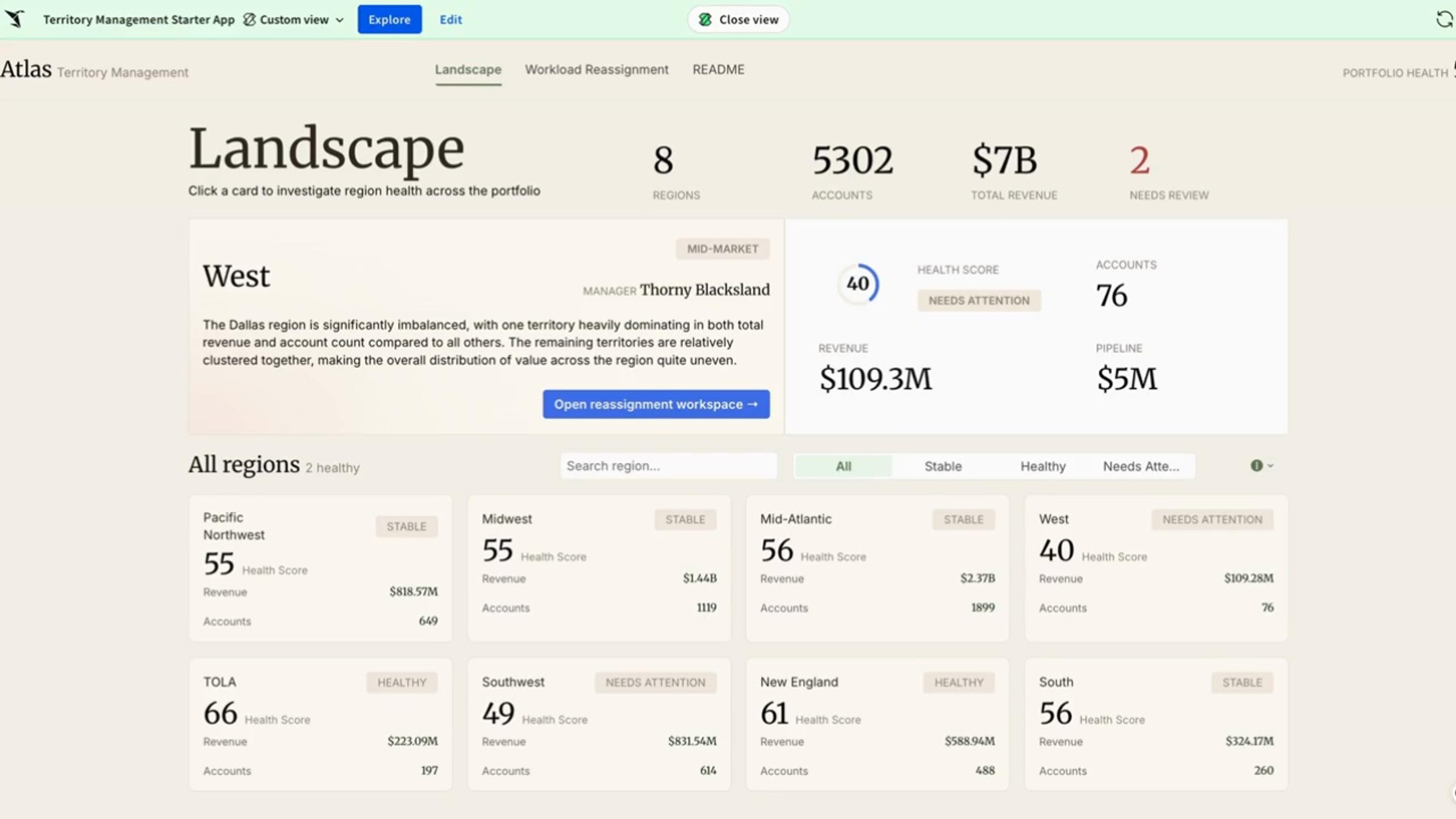 Territory ManagementDesign and balance sales territories on live warehouse data. Model assignments through governed writeback, track coverage and quota, and keep changes auditable.
 Pipeline Forecasting Forecast pipeline with scenarios, approvals, and an audit trail, directly on live warehouse data.
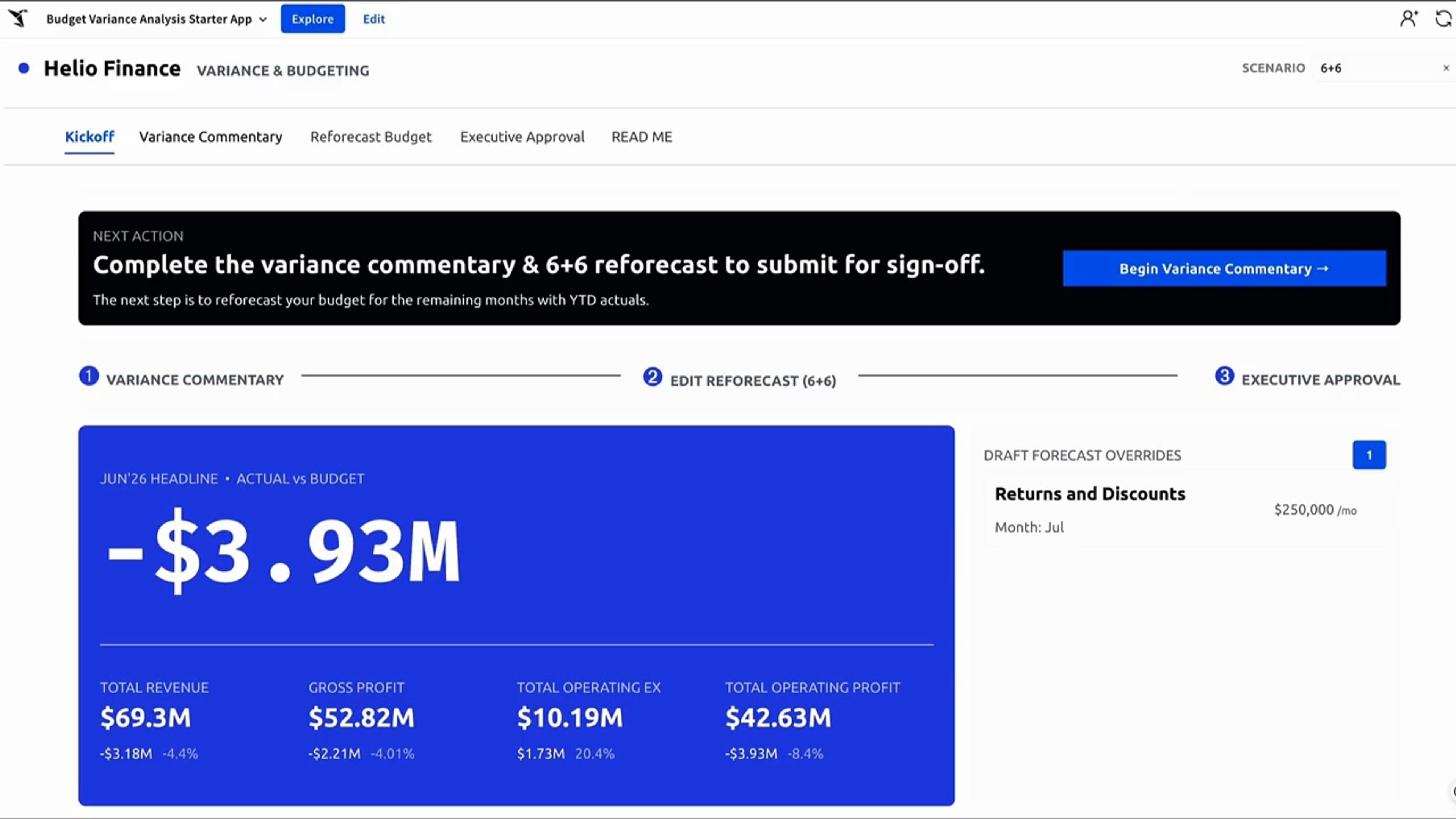 Budget Variance AnalysisCompare budget to actuals on live warehouse data. Explain variances, capture commentary through governed writeback, and keep a full audit trail.
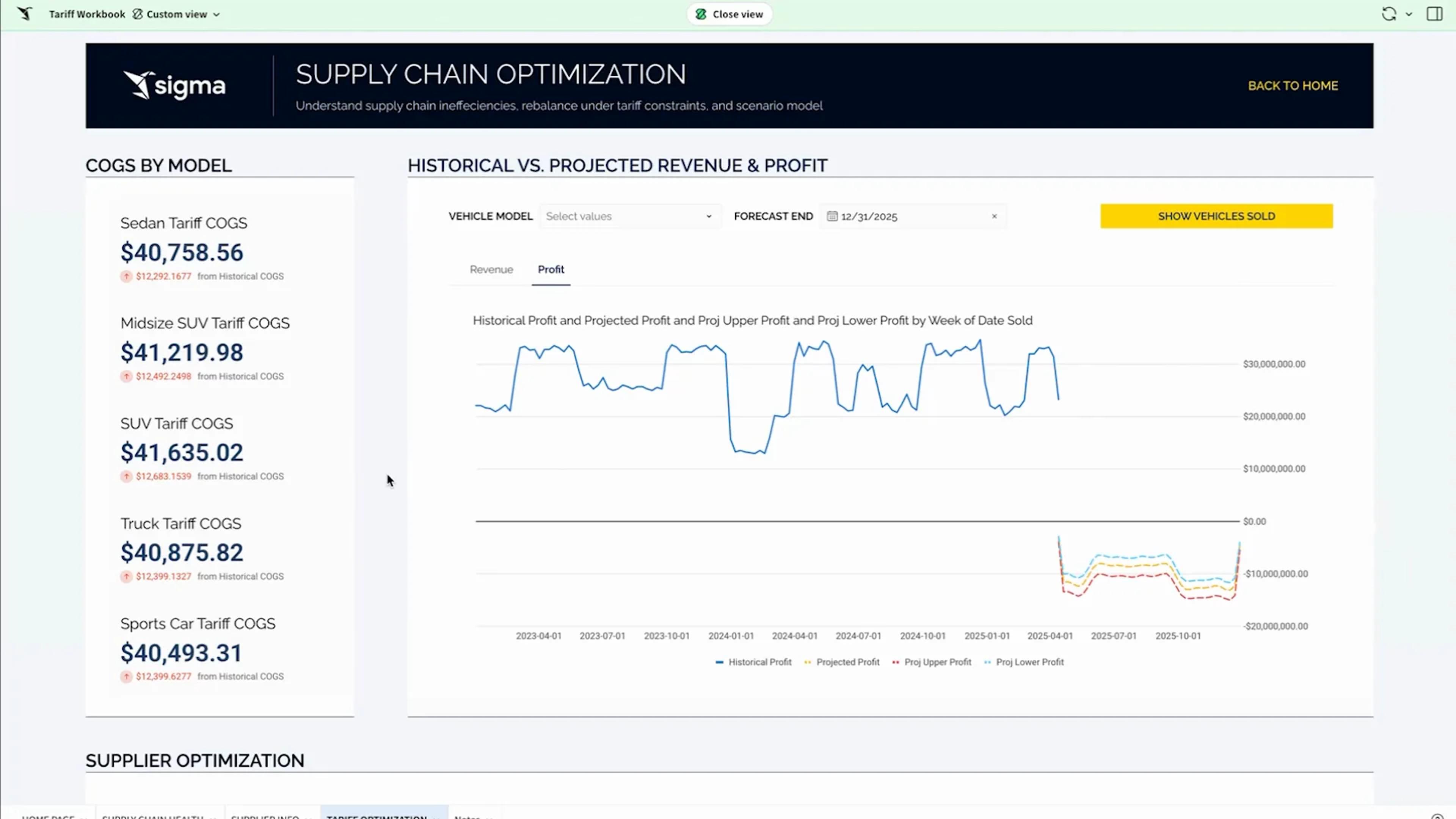 Supply Chain PlanningOptimize tariff-adjusted COGS using live bill of materials data. Compare suppliers and countries, run scenarios, and quantify margin impact.
Apps inherit the rules IT already set
Apps use the same Sigma permissions and warehouse policies as your workbooks, so nothing ships that IT hasn’t already governed.
Writeback on your terms
Edits write to the warehouse schema your admins choose, under the permissions they already manage.
Per-user OAuth
Connect with OAuth so queries run with each person’s own warehouse role.
Row- and column-level security
Reads and writes both inherit your table policies.
Audit trail
Audit logs record user activity, AI conversations, and input table edits, so you can see who changed what.
Your data stays put
Sigma queries your warehouse in place and never copies the data out.
Certified
SOC 1, SOC 2, SOC 3, HIPAA, GDPR, CCPA, and ISO 27001.
Teams that run their work in Sigma
See how Affirm, Vanta, and Conagra run their workflows as apps on live warehouse data.
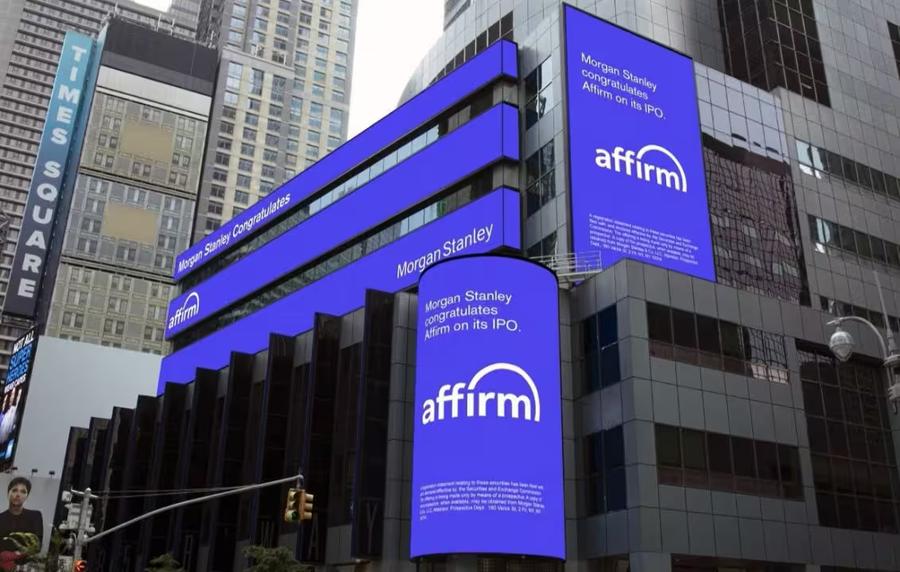 “Dashboards became governed AI Apps that automate compensation reviews with clearer accountability.”Affirm Builds Compensation Data Applications in Sigma
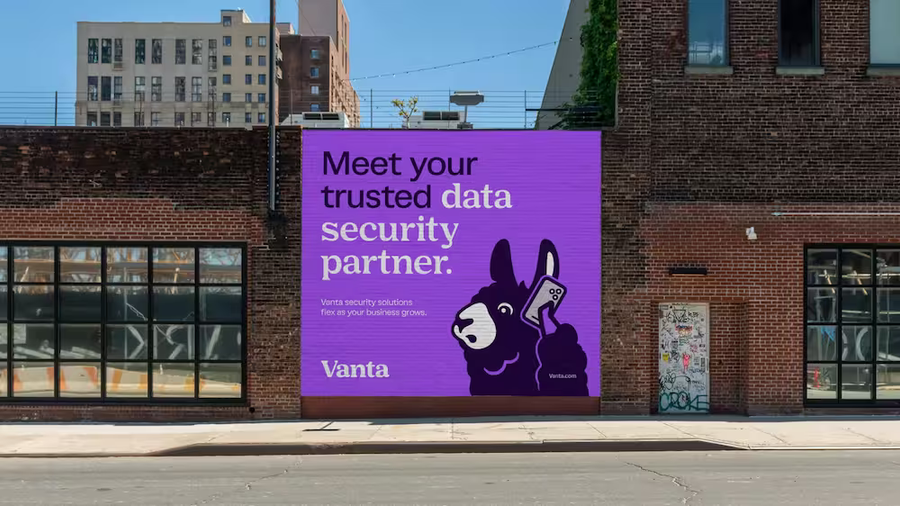 “We can do it all ourselves in seconds. It's saved us hours of manual work per campaign.”How Vanta Tripled Campaign Performance with Sigma
 “Sigma eliminates the boundary between data entry and data consumption. We are moving a lot faster than we were before.”How Conagra Uses Sigma to Build Smarter CPG Workflows and Empower Brand Teams
Straight from the source
“We are building our entire FP&A platform using Sigma, including financial reporting, financial forecasting, budgeting, business & operation KPIs, and customized business processes.”
Financial AnalystSoftware · Gartner Peer Insights (opens in a new tab)“…its write-back capabilities enable users to build interactive data applications rather than just dashboards.”
Director of Data and AnalyticsHealthcare and Biotech · Gartner Peer Insights (opens in a new tab)“Our team is able to quickly deliver data-centric apps to support our business stakeholders. We have been able to build apps to facilitate complex reporting, data quality, data transformation, and data curation.”
Data AnalystFinance (non-banking) · Gartner Peer Insights (opens in a new tab)“We like that it’s not just a BI platform, it’s more of a workflow platform.”
Andrew DennisDirector of Data · Mid-Market · G2 (opens in a new tab)“Sigma is the first BI tool I have used that offers a true write-back feature, enabling seamless data integration within the analytics layer. This capability has greatly improved team efficiency and reduced data pipeline complexity.”
Data and Analytics ManagerManufacturing · Gartner Peer Insights (opens in a new tab)“Sigma allows me to set up an AI agent to answer questions about my company’s incentive plan.”
JamesEnterprise · G2 (opens in a new tab)“Reports are now live, actions can be taken immediately, and collaborating with colleagues is faster and more accurate than it has ever been.”
Alex BurcumSr. Data Analyst · Small Business · G2 (opens in a new tab)“I love the ability to interact with and create metrics with our data without making core changes to the governed and centralized data warehouse.”
Product AnalystSoftware · Gartner Peer Insights (opens in a new tab)
Related resources
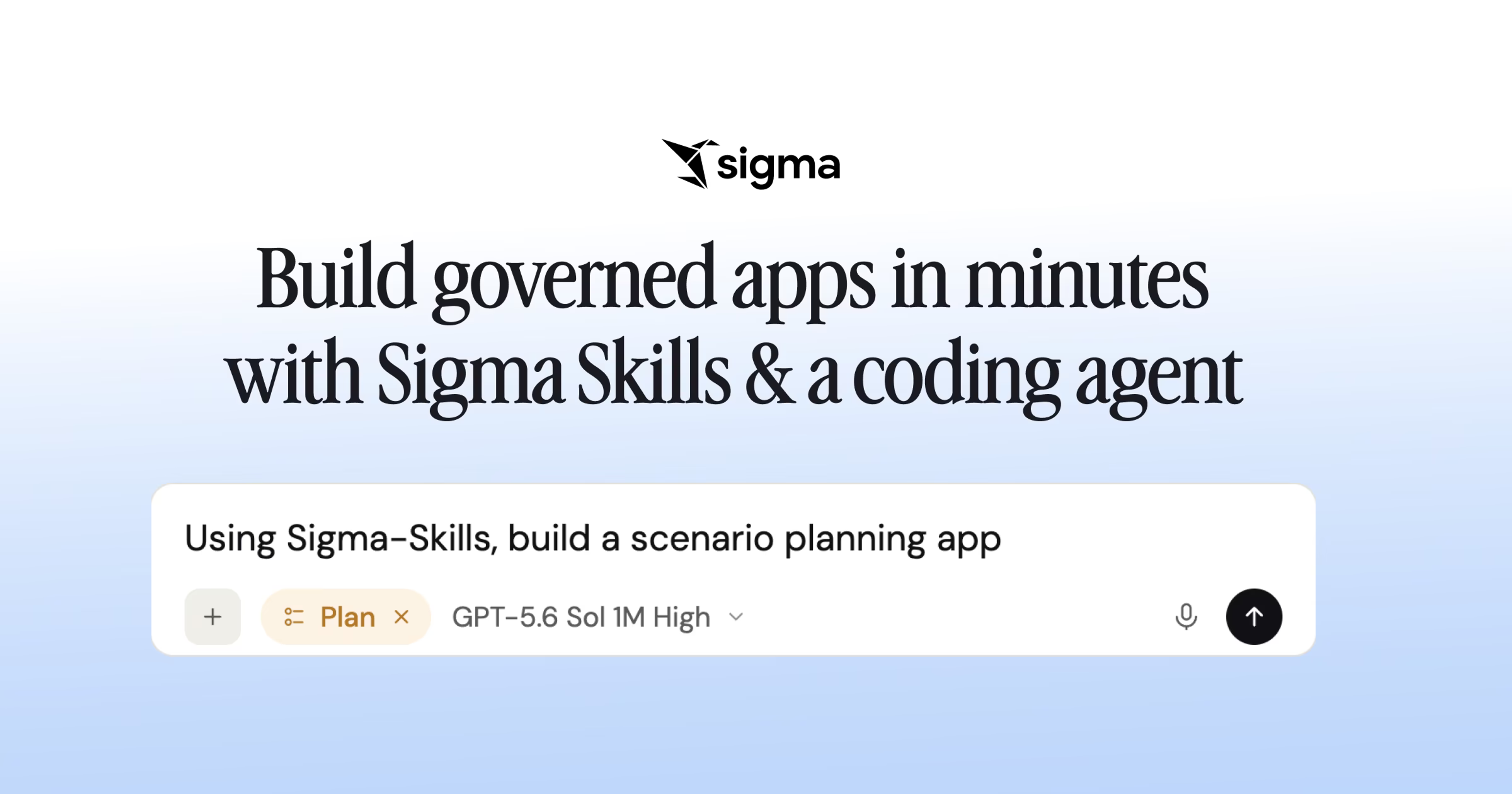
Build Sigma Apps with a Single Prompt using ChatGPT
Connect ChatGPT to Sigma through the Sigma MCP, add reusable skills, and build an app from a single prompt.
Watch the livestream: Build Sigma Apps with a Single Prompt using ChatGPTBuild governed apps in minutes with code-backed Sigma and a coding agent
Use Sigma Skills with Claude Code, Cursor, Codex, or Snowflake CoCo to turn a prompt into a governed Sigma app in minutes.
Read the blog: Build governed apps in minutes with code-backed Sigma and a coding agentphData Replaces Spreadsheet Sales Commission Workflows with Sigma Data Apps
Learn how phData built a complete, self-serve commissions solution using Sigma instead of purchasing a dedicated revenue platform.
Read the story: phData Replaces Spreadsheet Sales Commission Workflows with Sigma Data Apps

AI Apps FAQ
What is an AI App?
An AI App is an application built in Sigma on live warehouse data. People enter and edit data in Input Tables, actions start the next step in other systems, and Sigma Agents can watch the data and act on it.
How is an AI App different from a dashboard?
A dashboard shows the numbers. An app lets people change them: enter a forecast, approve an adjustment, or update a record, with edits written back to the warehouse.
Where does the data go when someone types into an app?
Into your warehouse. Input Tables write each change to a schema your admins choose, so the edits sit next to the rest of your data instead of in a separate copy.
Who builds AI Apps?
The people who own the process, usually analysts and operations or finance leads. Sigma Assistant can build the first version from a description, or they can start from an App Template.
How does IT stay in control?
Apps use Sigma permissions and your warehouse policies, and admins decide who can build, publish, and see each app. There’s no separate server or database to secure.
Can apps update other systems?
Yes. Actions can update records in a CRM such as Salesforce, send Slack messages, or call your own API.
Bring the spreadsheet your team runs on
We’ll show you the app version, running on your data.