Introducing export to PowerPoint: Turn a Sigma report into a deck in 1 click

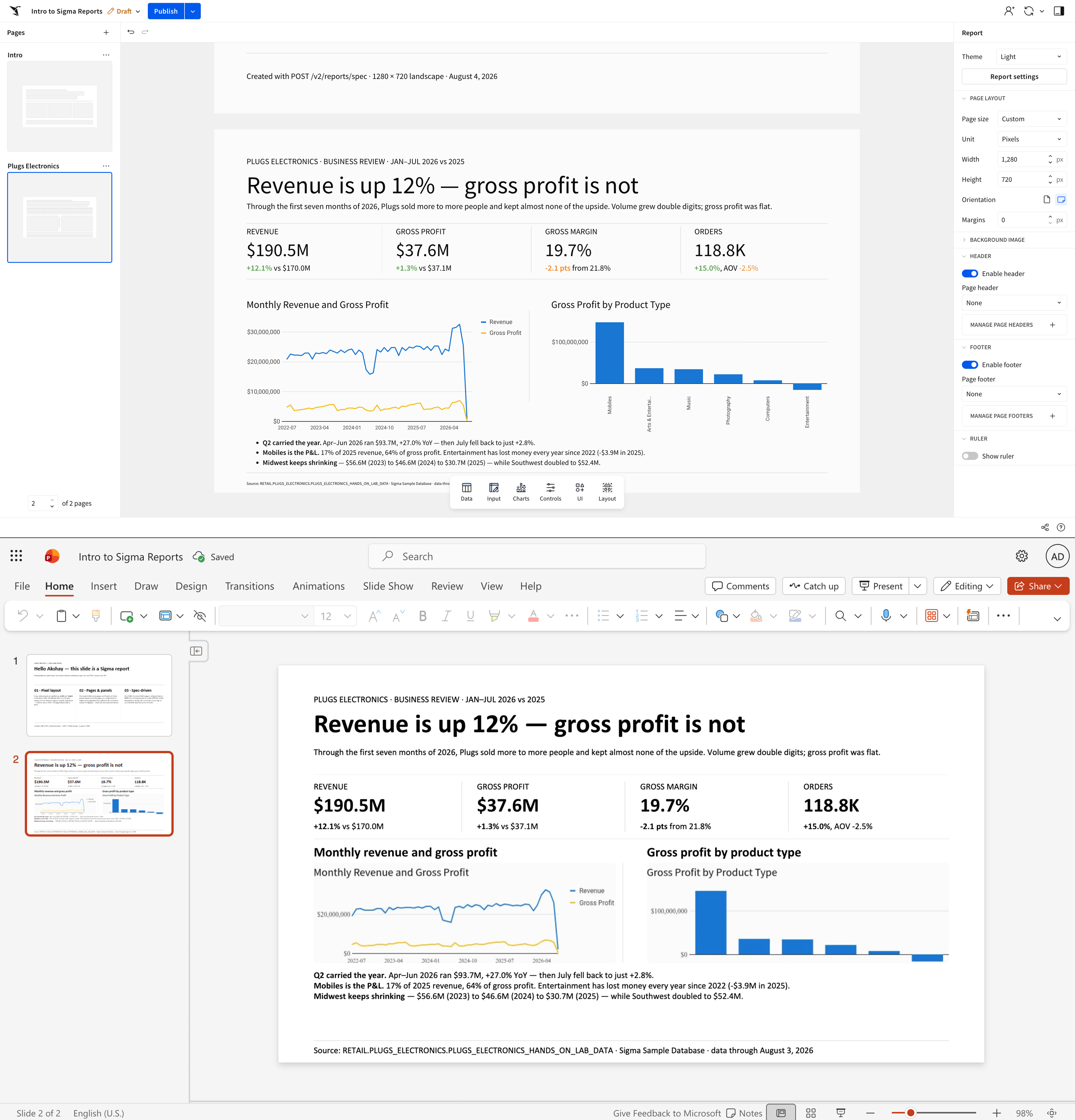
Export to PowerPoint is now available in public beta. Anyone with a Sigma report can turn it into a formatted PowerPoint file in one click, with the report's layout and current data already in place.
For sales, operations, and finance teams who need to present data in deck format, this new export feature takes away the manual work of screenshotting charts to add into slides.
What does export to PowerPoint do?
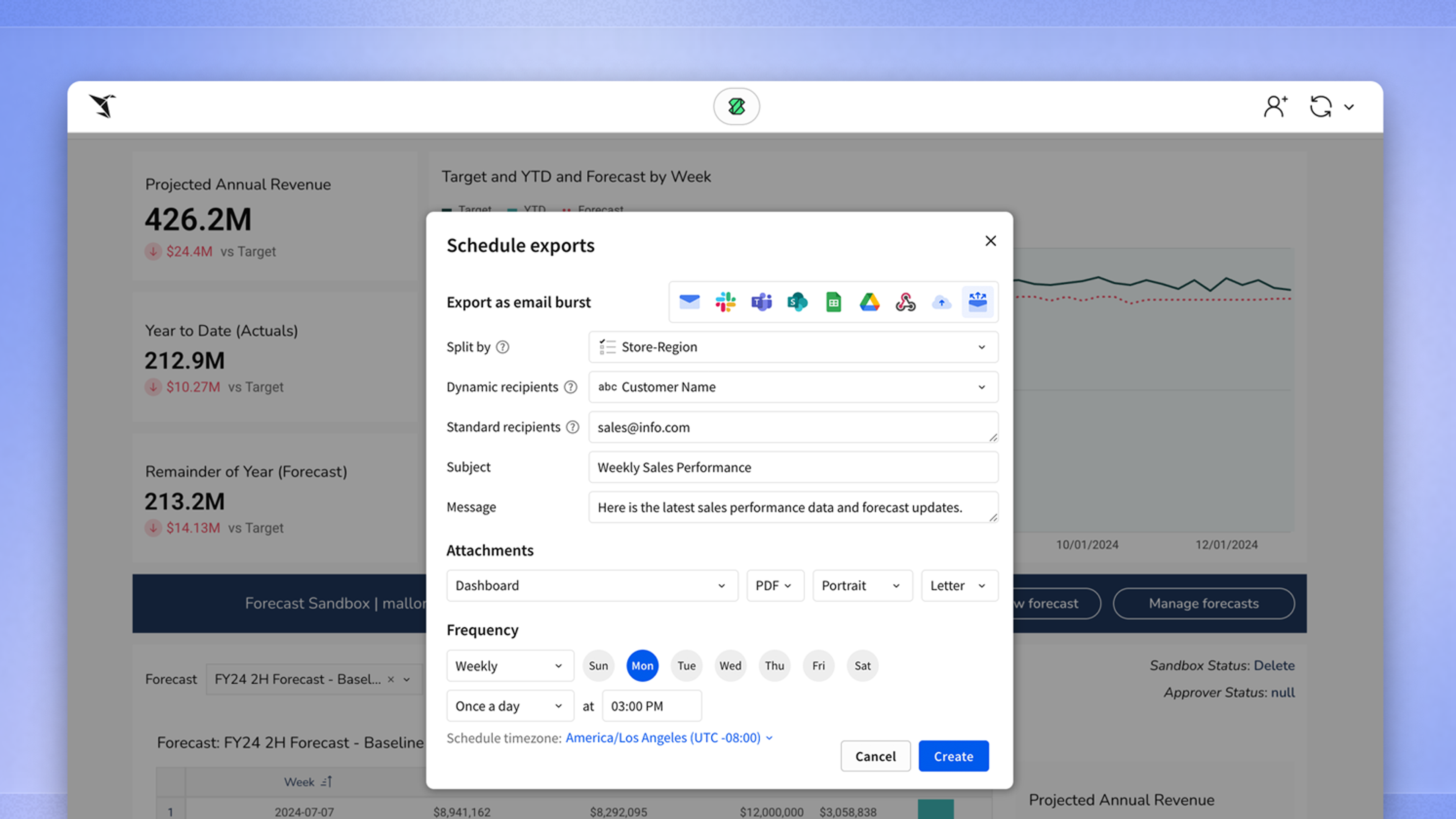
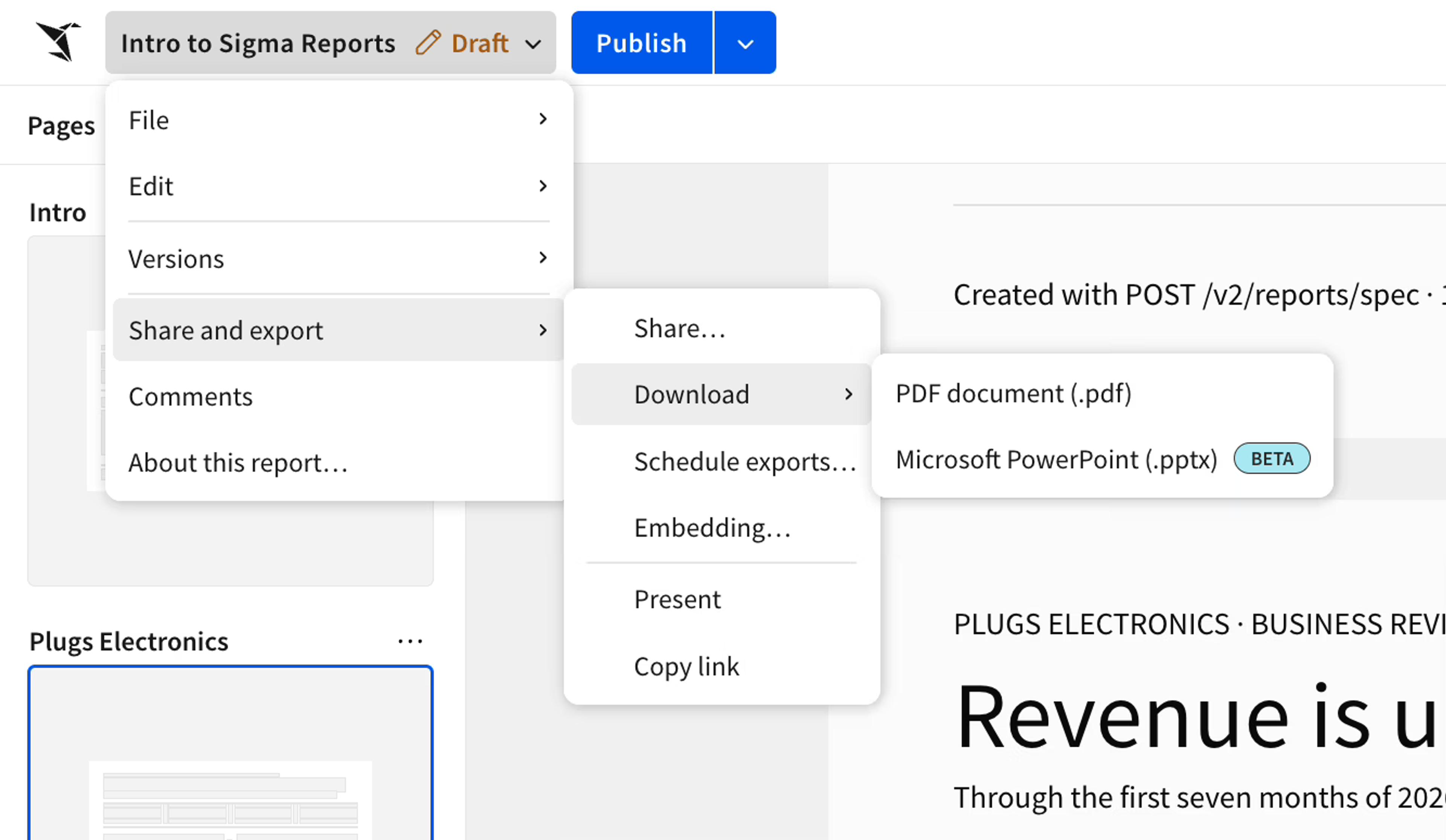
Export to PowerPoint generates a file that matches your report's layout, populated with the report's data as of the moment you export. To use it, simply select the “Export” option in Sigma and choose PowerPoint as the format. Update the source data, export again, and your new deck reflects the latest numbers.
Where export to PowerPoint saves the most time
The teams who need this feature are the ones regularly presenting data in slide deck format, often in the same template on a regular schedule. Examples include:
- Recurring decks. The weekly pipeline review, the monthly close, the quarterly business review. The layout is settled and only the numbers change.
- Wide distribution. One report can go out to a large group of recipients, each version showing what that recipient is permitted to see.
- Teams maintaining a workaround. If a plugin or custom-built exporter exists only to move reports into slides, that system no longer needs to exist.
What does a PowerPoint export inherit from your Sigma report?
The PowerPoint export inherits everything the report already has:
- Live data. Each export queries the current state of your data in the warehouse rather than a cached copy, so the deck reflects the numbers as of the moment you export.
- Governance. The permissions and row-level security applied to the report carry through to the exported file. There is no separate export process to secure.
- Your existing report. The export runs on the report you already built and maintain, so there's no second template to keep in sync by hand.
Export to PowerPoint is in public beta today, with more export formats and finer layout control coming. With this feature, the routine deck stops being a separate artifact your team maintains and becomes an output of the report you already trust.
Get started with export to PowerPoint
Sigma customers can turn on the export to PowerPoint public beta feature today. Reach out to your Sigma representative to get access. New to Sigma? Request a demo to see how you can run your reporting functions in Sigma with live data from your cloud warehouse.