Sigma for supply chain teams
Plan inventory, allocate production across plants, and model tariffs on live warehouse data, with agents that flag when supply drifts.
Plan in the grid you know
Periods across the top, editable cells, and live demand underneath, the way planners already work.
Approved plans saved back
Plans are submitted, approved, and locked in the warehouse, so everyone works from one.
Agents watch for drift
Agents flag stockout risk and large variances before a plan goes for approval.
Trusted by supply chain teams











Plans your way
Plan the way your team already works
Packaged planning platforms often take months to implement, and teams end up reshaping their process to fit the software. With Sigma, teams build planning apps for their own workflows, on data already in the warehouse, and keep changing them as the business changes.
| Packaged planning software | Planning apps in Sigma |
|---|---|
| Months to implement before the first plan | Start from a template and plan on live data |
| Your process reshaped to fit the vendor’s model | Periods, levels, and approvals laid out the way you plan today |
| Data copied out of the warehouse and synced back | Plans saved straight back to the warehouse |
| Each change waits on the vendor or a consultant | Change the app yourself or describe it to Sigma Assistant |
From plan to approved action
Plans, requests, and approvals save to your warehouse, where the next plan starts.
Stock in balance
Set safety stock and reorder points
Set safety stock and reorder points by SKU and location on live data. An agent flags stockout and overstock risk before it affects service levels.
- Stock transfer requests with approval routing
- Agent-flagged stockouts routed to buyers
- E&O (excess and obsolete) inventory write-off submission and approval
One global plan
Roll regional forecasts into one plan
Regional forecasts roll into one global plan for leadership to approve. An agent explains where forecasts missed and why.
- Reconcile top-down targets with bottom-up forecasts
- Approve and lock forecasts at each planning cycle
- Agents flag notable variances to actuals
Margin protected
Analyze landed costs and uncover savings
Calculate the true landed cost of each SKU. Join invoice, duty, and freight data live to find margin erosion and negotiate better terms with suppliers.
- Model duty and freight changes before committing to a supplier
- Log negotiation targets and outcomes for each supplier
- Agents flag SKUs where landed cost is eroding margin
Vendor accountability
Drive vendor accountability
Find quality issues and delivery risks fast. Drill down to individual POs and quality logs to hold suppliers accountable and diversify sourcing sooner.
- Scorecards for OTIF, fill rate, defects, and cost
- Corrective actions tracked to close
- Vendors review scorecards and respond in a secure portal
Plant allocation
Allocate line capacity across plants
Plants publish line capacity, and partners request time through an embedded portal. Planners approve bookings in the same app.
- Publish live line capacity by plant and week
- Approve, adjust, or decline line time requests
- Agents flag overbooked lines and unused capacity
Agents that watch the plan
Agents watch supply and wait for your approval
Agents check inventory, forecasts, and supplier data on a schedule, explain what changed, and draft the fix. Nothing changes until a planner approves it.
- 1Get alertedA scheduled agent checks projected inventory against safety stock and notifies the buyer in Slack, Teams, or email.
- 2Ask whyAsk which SKUs, sites, or suppliers drove the miss, and get the answer from the same live data.
- 3Approve and recordThe agent drafts a transfer or an order change. The planner approves it, and it’s written to the warehouse with an audit trail.
Ask how to cover Memphis.
Inventory agent
Every morning at 6:00 I check projected cover against safety stock at each DC.
Weeks of cover by DC · Ridge tent 2P
Inventory Watch
DCs short
1
Memphis, 1.5 weeks
Units over max
540
Reno
Network cover
4.8 wks
3,980 units on hand
Projected cover
| DC | On hand | Weeks of cover | Status |
|---|---|---|---|
| Memphis | 300 | 1.5 | Short |
| Reno | 1,620 | 9.0 | Over |
| Columbus | 620 | 4.1 | On track |
| Dallas | 880 | 5.5 | On track |
| Harrisburg | 560 | 4.0 | On track |
Transfer requests
| From | To | Units | Status | |
|---|---|---|---|---|
| 1 | Reno | Columbus | 200 | Received |
| 2 | Columbus | Memphis | 120 | Received |
| 3 | Dallas | Harrisburg | 150 | Received |
| + | ||||
Weeks of cover by DC
Supply chain teams running on Sigma

 40% growth in carrier utilization over 18 months. $12M+ contract revenue visibility and optimization. $150K / year operational savings through automated commission reporting.How Armstrong Transport Group Transformed Contract Freight Management with Real-Time Analytics
 1,500 reports consolidated. 33,000 objects simplified.From 1,500 Reports to One Workbook: Inside Saddle Creek’s BI Reset with Sigma
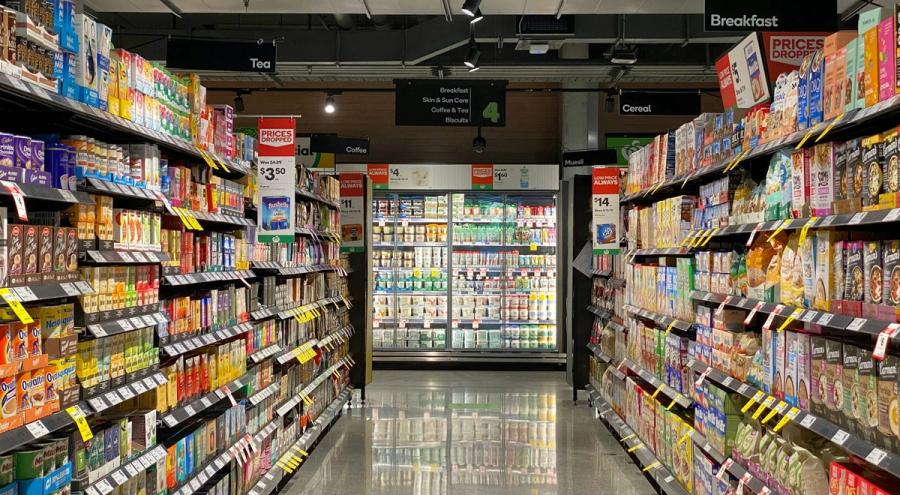 “Sigma data apps are eliminating the boundary between data entry and data consumption... We are moving a lot faster than we were before.”How Conagra Uses Sigma to Build Smarter CPG Workflows and Empower Brand Teams
Explore supply chain apps built in Sigma
Working examples from the App Library. Open one to see how it works.
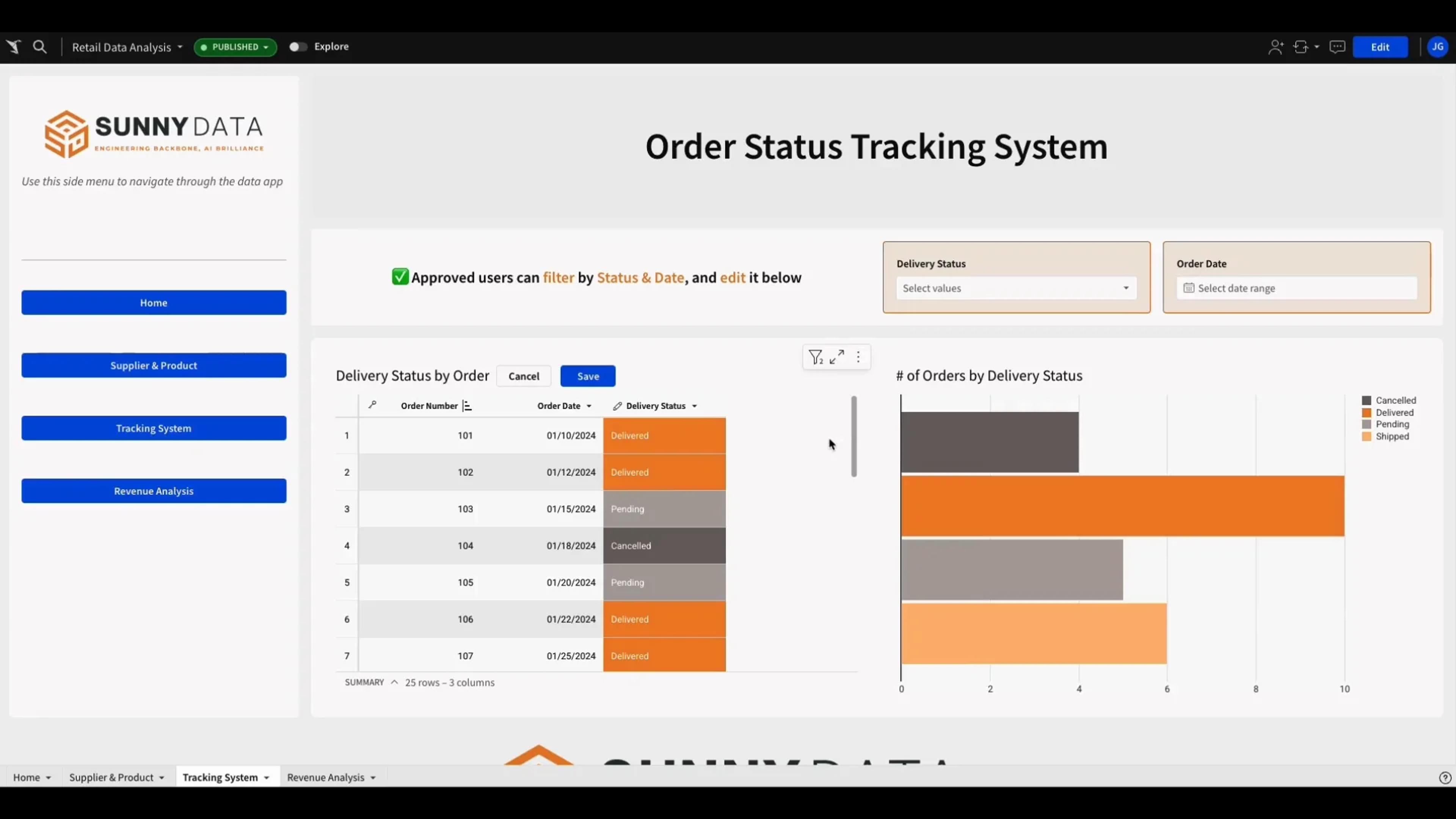
Supply Chain Tracking
Manage supply chain order statuses in a single workbook. Streamline updates and improve operational efficiency.
See the appAI-Driven Planning
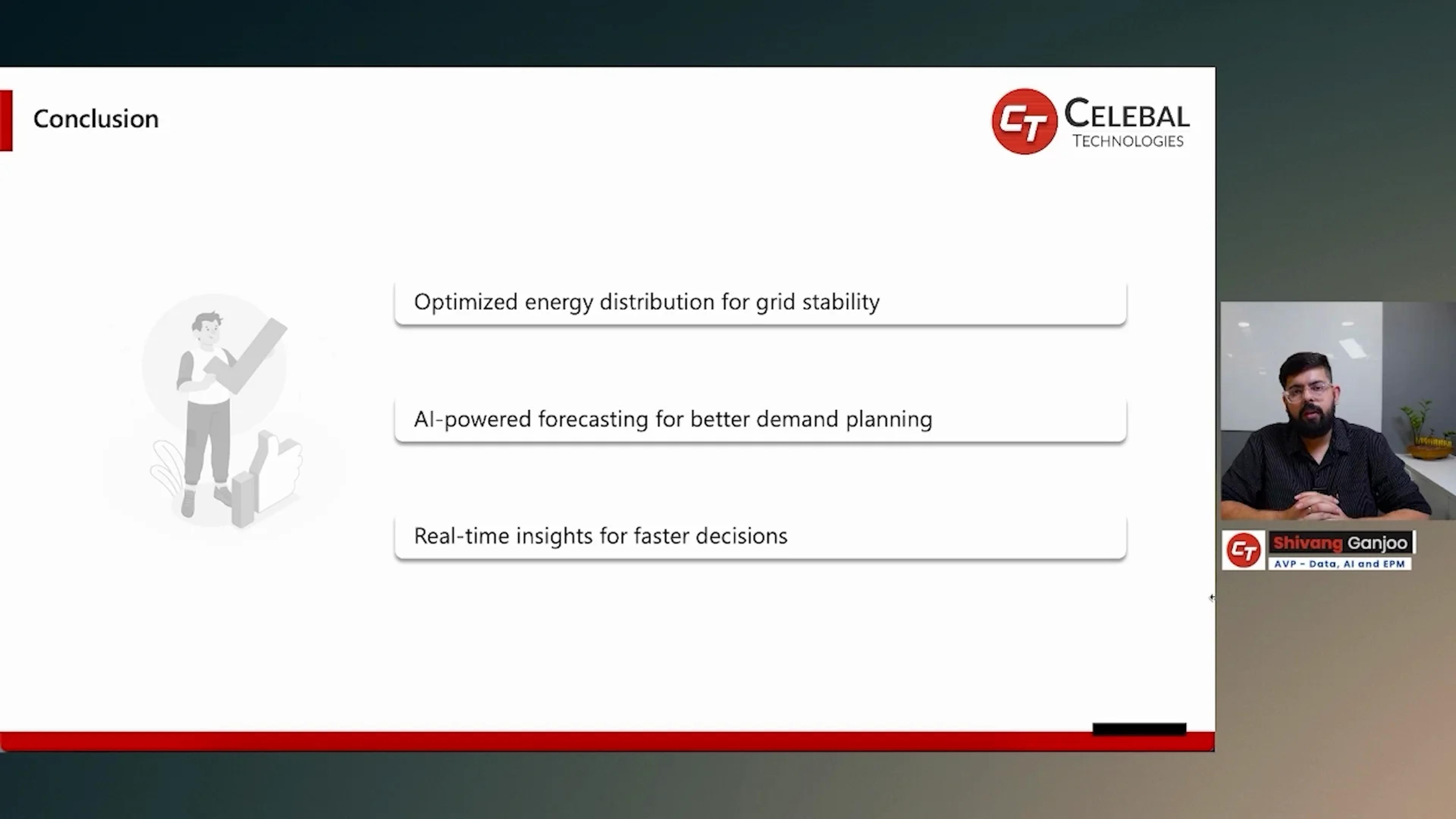
AI forecasting and scenario planning for energy, manufacturing, and retail CPG. Cuts cycle times and writes adjusted plans back to the warehouse.
See the appSupply Chain Optimization
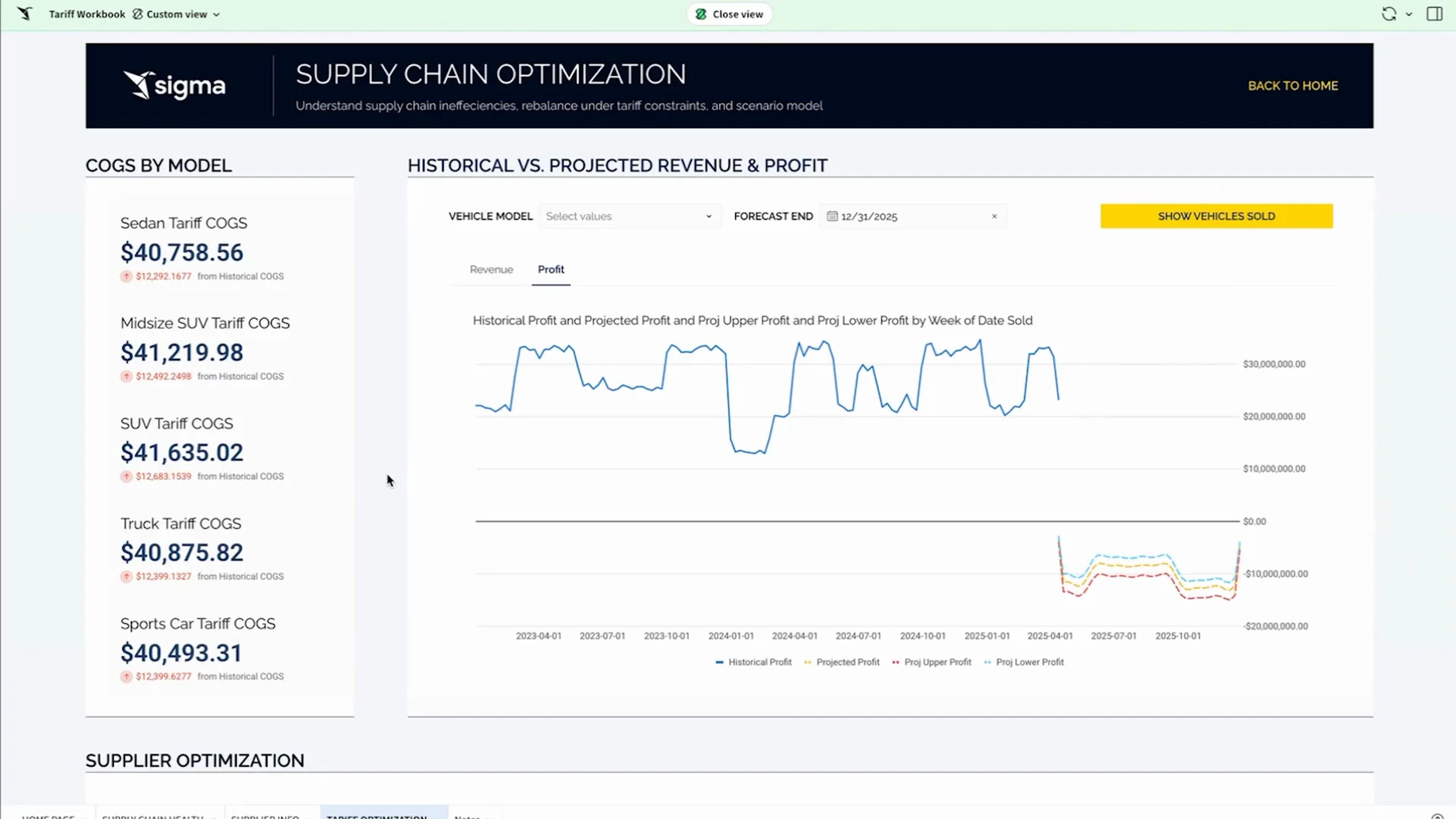
Optimize supply chain decisions on live data with AI forecasting. Model tariff impact, margins, and supplier re-sourcing with writeback.
See the app
Governed planning at supply chain scale
Flexibility for planners, with the governance and performance IT expects.
Secure writeback
Plans, comments, and approvals save to tables in your warehouse, with a full edit history.
Per-user OAuth
Connect with OAuth so queries run with each person’s own warehouse role.
Row- and column-level security
Reads and writes both inherit your table policies.
Audit trail
Audit logs record user activity, AI conversations, and input table edits, so you can see who changed what.
Your data stays put
Sigma queries your warehouse in place and never copies the data out.
Certified
SOC 1, SOC 2, SOC 3, HIPAA, GDPR, CCPA, and ISO 27001.
Supply chain FAQs
Why build planning apps in Sigma instead of buying a planning platform?
Packaged platforms take months to implement and fit your process to theirs. In Sigma, teams build planning apps on data already in the warehouse, lay them out the way they plan today, and change them as the business changes.
How do we model the impact of new tariffs or supply disruptions?
Model tariff, duty, freight, and supplier changes in input tables on live data, and see the effect on landed cost and margin before you commit.
Can regional teams submit forecasts without offline spreadsheets?
Yes. Regional planners submit forecasts in the app, they roll into the global plan, and leadership approves and locks it each cycle.
How current is the data our planners see?
As current as your warehouse. Sigma queries it live, so demand and inventory update when new data lands, with no extracts or dashboard refresh schedules to manage.
How do we catch stockouts before they reach customers?
A scheduled agent compares projected inventory with safety stock by SKU and location, flags the risk, and drafts a transfer for a planner to approve. Sigma agents are in beta.
How do we track vendor performance?
Build scorecards for OTIF, fill rate, defects, and cost on live PO and quality data, and share each vendor’s scorecard through a secure portal.
Can planners enter forecasts and corrections in the same view they analyze?
Yes. Planners type forecasts, overrides, and master-data fixes into input tables beside the analysis. Each entry is saved to your warehouse with who made it, so everyone plans from the same numbers.
Bring the plan you rebuild every week
We’ll build it with your periods across the top, on your warehouse, with approvals and agents watching for drift.