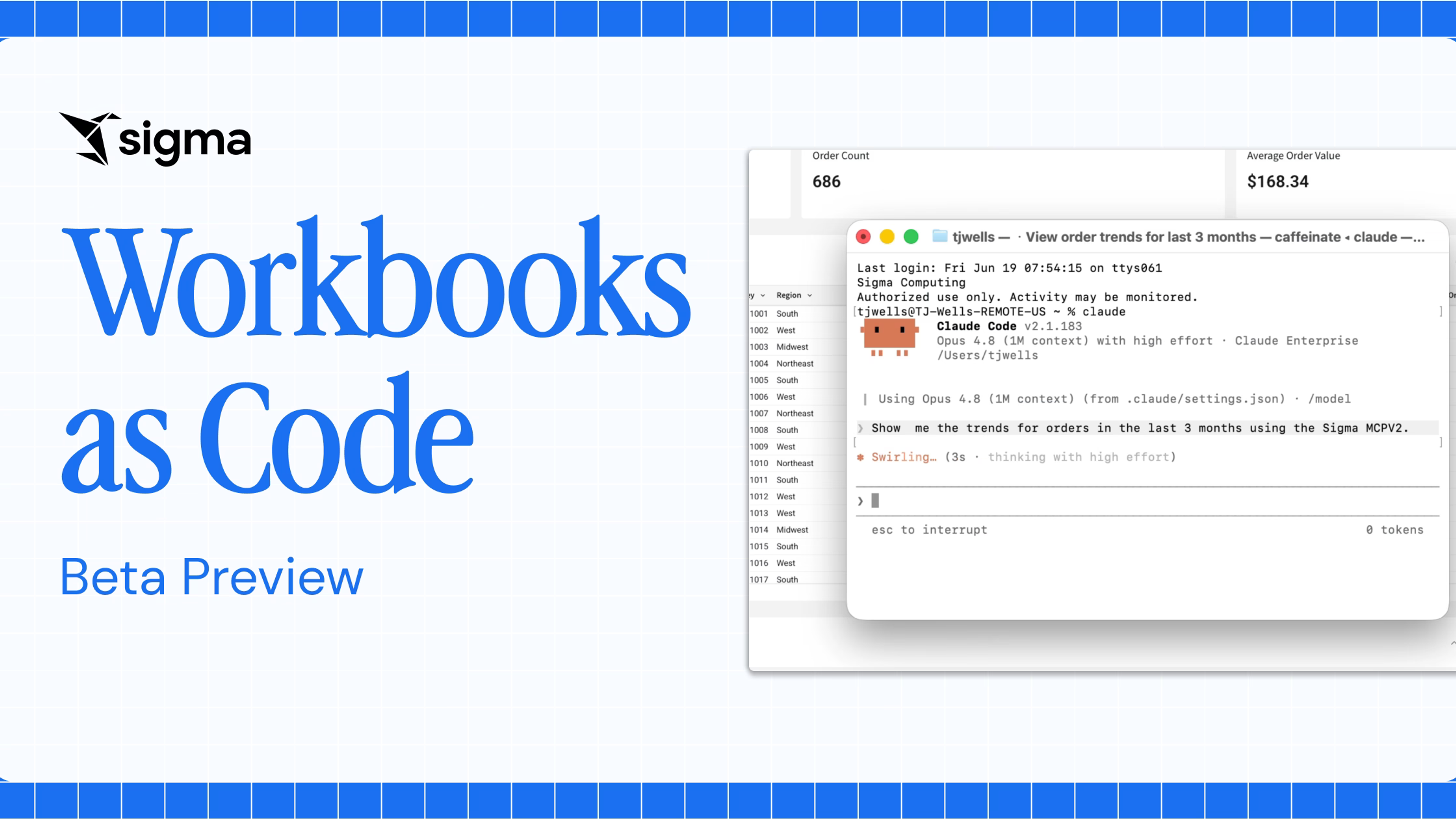
Workbooks and Reports as Code are now GA: Build Sigma assets from any agent


Workbooks and Reports as Code are now generally available in Sigma. This means anyone with a Build license can create, edit, and deliver Sigma workbooks and pixel-perfect reports from the AI agent or coding environment they already use, and each asset still runs live on the data platform under the permissions they’ve already set.
With Workbooks as Code and Reports as Code, every workbook and report has a code representation: a JSON or YAML spec of its data sources, pages, elements, formulas, and layout that people and agents read, write, version, and validate through the Sigma REST API. We previewed Workbooks as Code in June, and during the beta program more than 1,000 customers created over 50,000 workbooks from code.
Read on for what’s new at GA (general availability) status, six ways teams put code-backed workbooks and reports to work, and how to get started.
What changes when every Sigma workbook and report is code
When a workbook or report is a spec, the work no longer happens one click at a time. An agent can build it, a teammate can review the change in a pull request, and a continuous integration (CI) check can catch a broken formula before anyone else notices. One change can land on hundreds of assets at once, and work that starts outside Sigma, in a legacy BI platform or a Claude prototype, can become a live, governed Sigma asset.
Teams put that to work in different ways:
- BI teams leaving a legacy BI platform can hand an agent hundreds of dashboards to rebuild and verify, so migration becomes a translation.
- Analysts who prototype in AI assistants like ChatGPT or Claude can get a dashboard or app design in minutes and turn it into a live Sigma app that refreshes, takes action, and is shared under governance.
- Reporting teams that send a monthly report to every region or customer can define the report once and generate every version from that single definition.
- Embedded analytics teams that maintain a Sigma workbook for each customer can add a new data source and chart to all of them in one scripted change.
AI agents work best with what they can read and write, and code is the format they know. They write structured specs against a clear schema, run a validation check, read the errors, and fix them before anything reaches the workbook or report.
What’s new in Workbooks and Reports as Code
General availability expands the code representation well beyond the June preview. Workbooks and reports built from code now support:
- Every workbook chart type: all of Sigma’s chart types can be defined in workbook code, and reports support most of them.
- Agents: add an agent to a workbook in a chat element, from code.
- Action sequences: define action sequences in the workbook, including actions that call API endpoints.
- Reports as Code: define a report’s pages, elements, pixel-perfect layout, headers and footers, margins, and page size in code.
- Code view in Sigma: open the code behind a report or workbook from inside the Sigma UI.
Every asset built from code stays governed. Permissions, data model lineage, and live queries on your data platform apply whether a person built it in Sigma or an agent generated it.
6 ways teams use Workbooks and Reports as Code
All six use cases start from the same place: a workbook or report is a spec your agent or script can read and write, and Sigma validates every change before it lands. An asset built from code and one built by clicking are the same object, so teams move between the Sigma UI and the spec freely.
1. Migrate dashboards from legacy BI with an agent
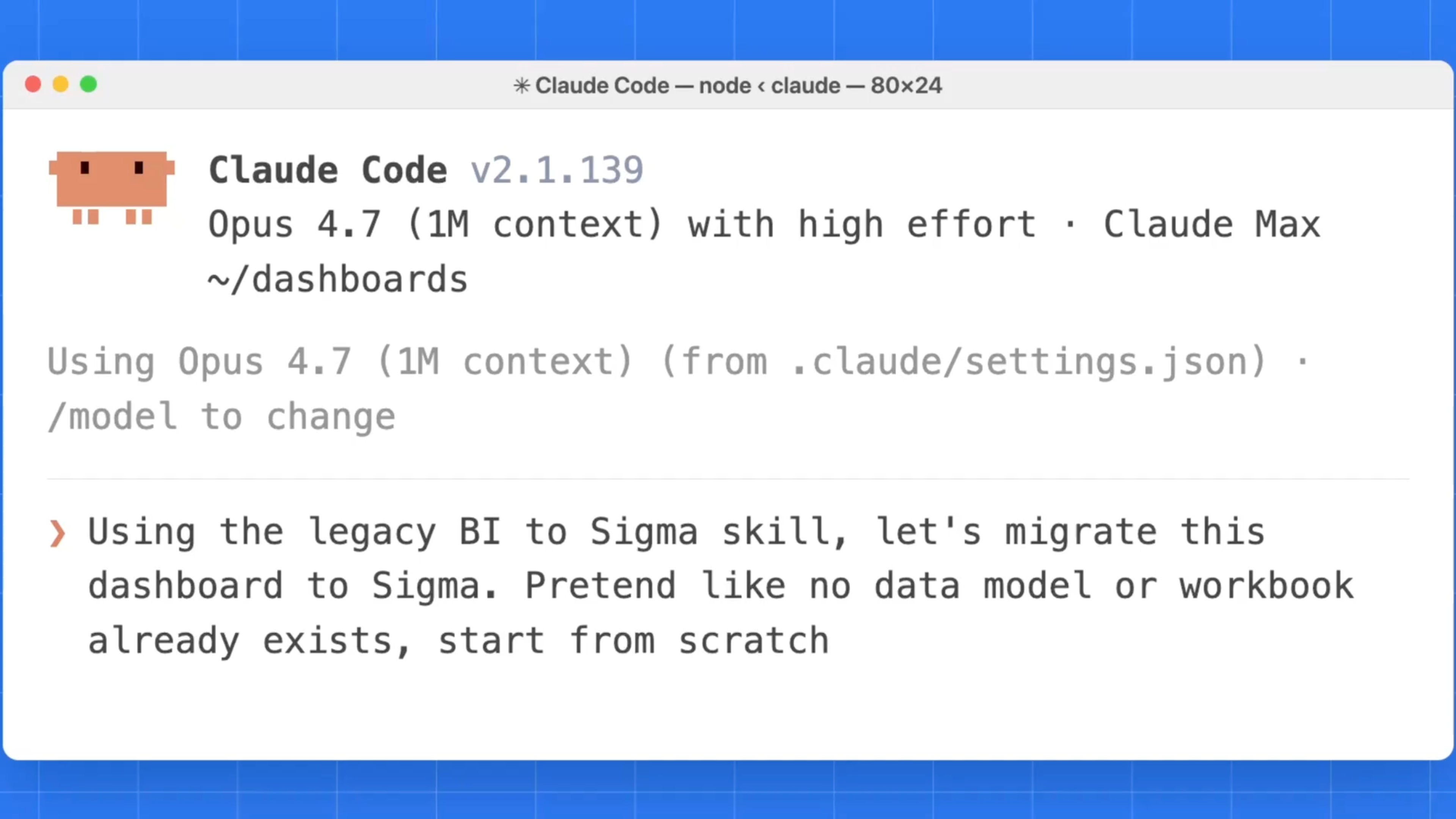
Sigma Migration Skills are built on Workbooks as Code. Point a coding agent such as Claude Code or Codex at a dashboard in a platform like Cognos, Tableau, or Power BI, and it inventories the source, translates the data model and calculations, builds the Sigma workbook as code, and compares the result against the source value by value. Calculations without a clean Sigma equivalent get flagged for review, with a pointer to the right Sigma pattern.
In this example, an agent migrates an employee dashboard built in Power BI on Snowflake. The Power BI-to-Sigma skill downloads the dashboard’s PBIX file, reads its DAX measures, and translates them into Sigma formulas. It then builds a Sigma data model on the same Snowflake data and the workbook on top of it, both as code, and validates the data at the end. This migration took about five minutes end to end.
2. Build data apps with agents and writeback
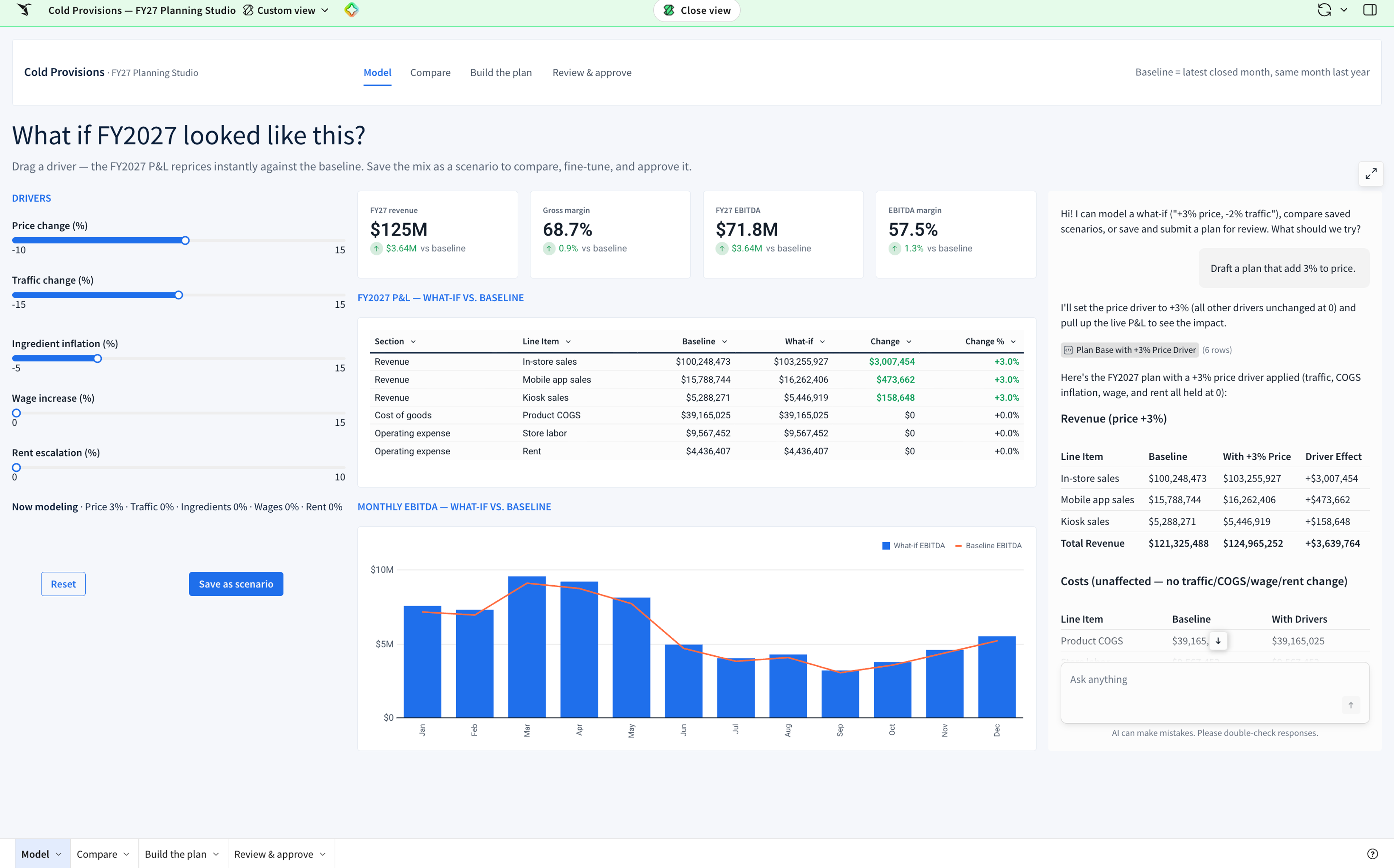
Because Workbooks as Code now covers agents and action sequences, a coding agent can build a complete AI app. Describe the app and the agent generates it as code: the dashboard, a chat element with a built-in agent that answers questions about the data, and action sequences that let people update records and write back to the data platform. Apply your workbook theme so the app matches your brand. Teams that prototype in Claude, including designs from Claude Design, can turn them into live, governed Sigma apps.
3. Build and burst pixel-perfect reports from code
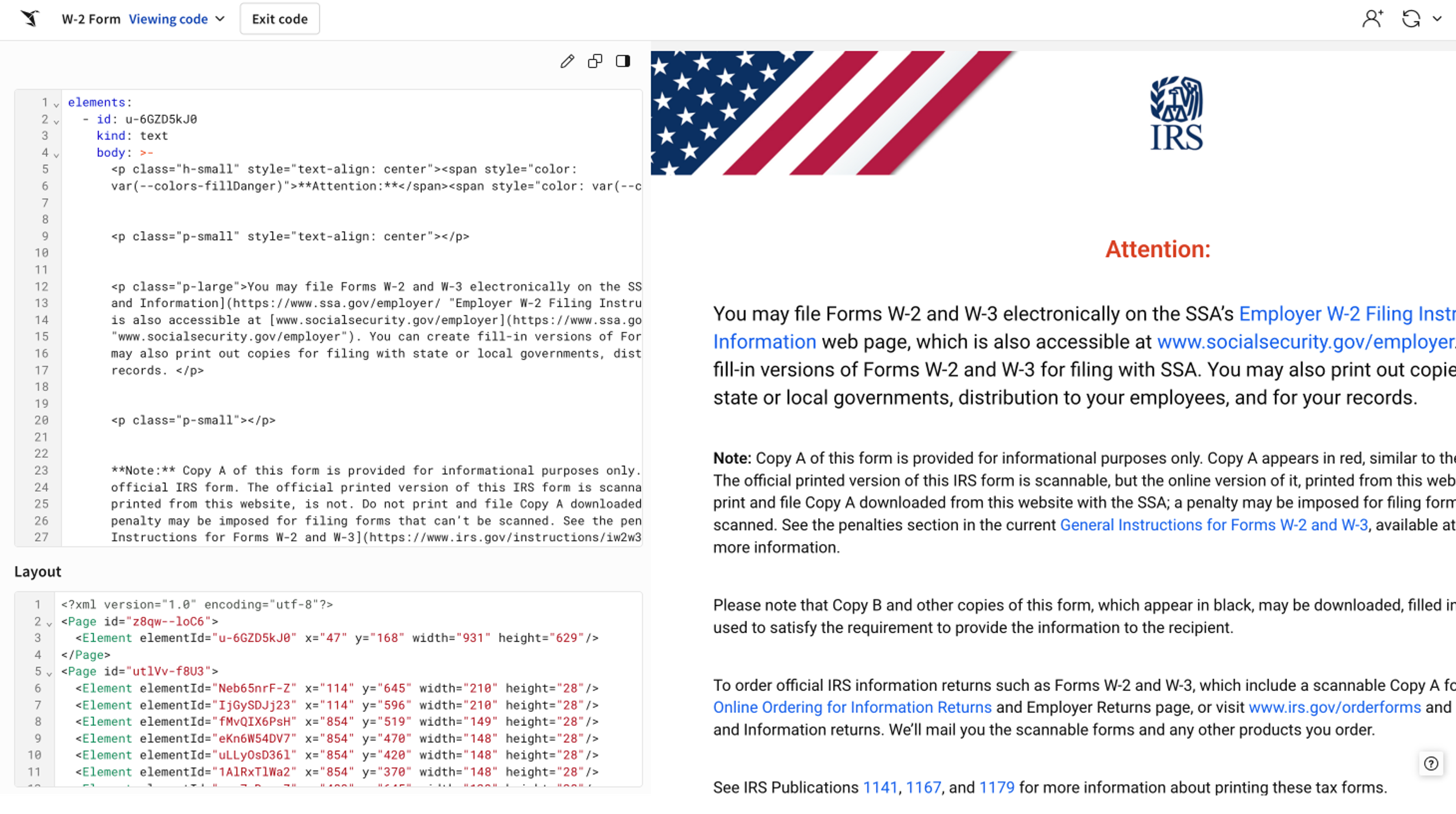
Reports in Sigma are built for paginated output: precise layout, headers and footers, and exports that look the same every time. With Reports as Code, you define a report once and generate a version per region, customer, or tenant. Sigma renders each version on live data, schedules delivery to email, Slack, Microsoft Teams, or cloud storage, and bursts a personalized version to each recipient with conditional logic. Each recipient sees only the data they’re allowed to see.
4. Manage workbooks and reports like software
Because the spec is text, it fits the workflow your team already uses for dbt models and infrastructure. Pull a workbook or report down as YAML, commit it to Git, review the diff in a pull request, and test it in CI so a broken formula fails a check before it reaches a stakeholder. The same spec makes changes at scale: a script can read every customer’s workbook, add a new data source or chart, validate each change with a dry run, and write it back, so one scripted change replaces days of clicking.
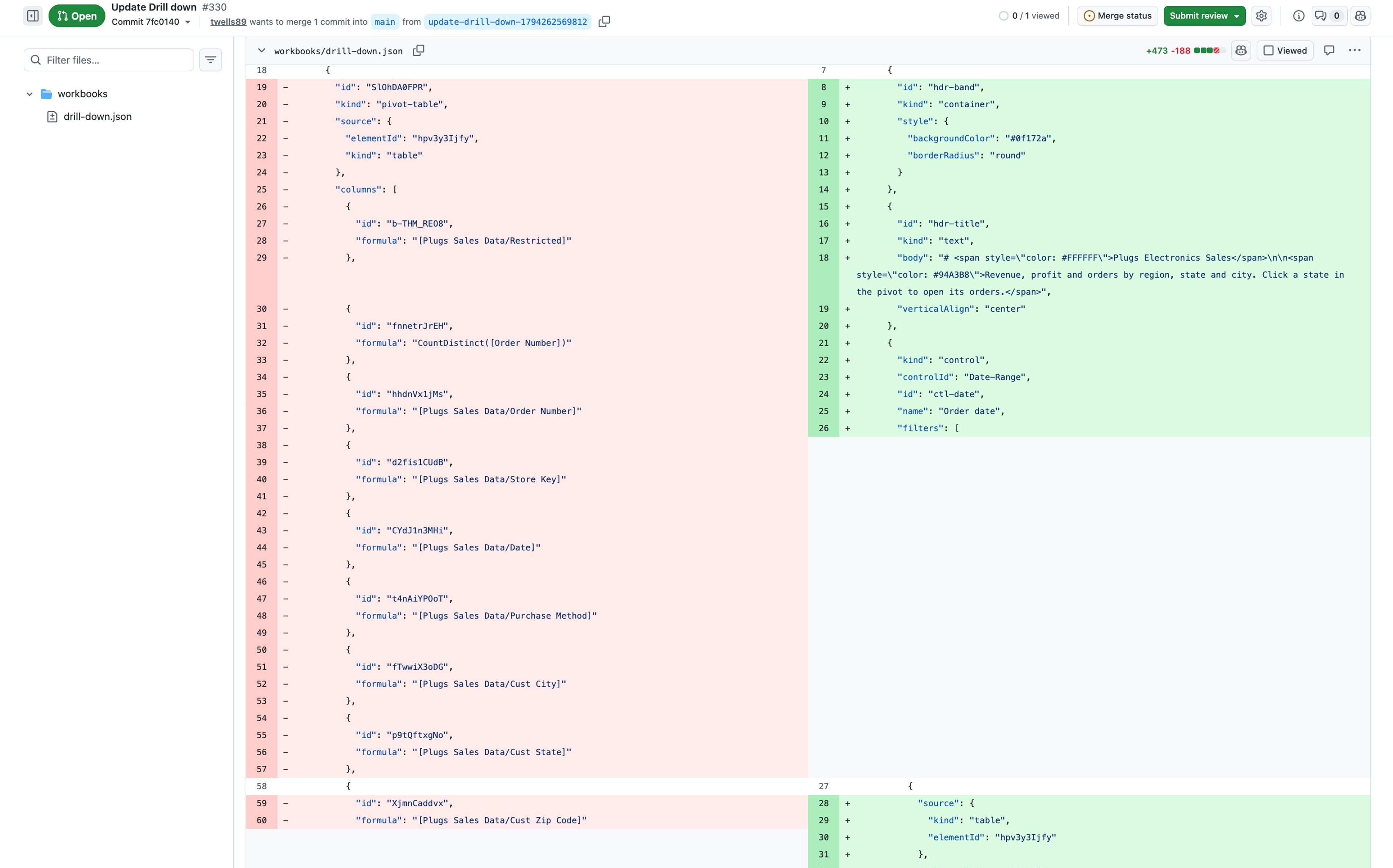
See Sigma’s QuickStart on Git and CI/CD for workbooks to learn more.
5. Consolidate duplicate dashboards into one workbook
If a team has copied one dashboard for each region or customer, those copies can drift apart over time. Because every workbook is a spec, an agent can compare the copies, spot the ones that differ only in a filter value, and merge them into a single workbook with a control, such as region, that viewers set themselves. The team can then maintain one workbook instead of many, and every fix lands everywhere at once.
6. Find and repair the workbooks a schema change breaks
When a column is renamed or dropped in the warehouse, or dropped from a data model, every data model and workbook built on it can break. With Workbooks as Code, an agent or script can pull every data model and workbook spec and find each element and formula that depends on the missing column. It fixes renamed references automatically and flags dropped columns for review, since someone has to choose what replaces them. Every patched spec runs through a dry run before it’s saved, so the team gets a before-and-after for each change and knows every reference still resolves.
How to build a Sigma workbook or report from an agent in 3 steps
Go from prompt to live workbook in three steps:
- Get access. Your Sigma admin enables Workbooks and Reports as Code for your account by turning on the “Create, edit, and publish workbooks” permission (for reports, “Create, edit, and publish reports”), and setting you up with Sigma REST API credentials. You will need a Build license and “Can edit” access to anything the agent will change.
- Install Sigma Skills. Add Sigma Skills, including the workbook and report skills, to your coding agent. The install guide covers setup for common agents.
- Ask your agent to build. Describe the workbook or report, the data it should use, and where it should live. The agent writes the spec, validates it, and creates it in Sigma. Open it to review, refine on the canvas, publish, schedule, and share, or keep iterating from the agent.
How Sigma customers are using code-backed workbooks
Treasury4 cut dashboard prototype time by over 90% with Workbooks as Code
Treasury4, a treasury management platform, runs its analytics on Snowflake with Sigma embedded in its product. Its customers need everything from interactive cash dashboards to highly customized financial reports, built on tables with tens of millions of transaction rows. With Workbooks as Code and AI-assisted development, Treasury4’s team turns a report concept or mockup into a working dashboard prototype in 10 to 15 minutes instead of about four hours, a time reduction of more than 90%.
Version control makes each change easier to compare and validate, so the team spends less time rebuilding and retesting reports and more time on what customers need.
Double Wood Supplements rebuilt 12 BI dashboards in 2 weeks with Sigma Migration Skills
Double Wood Supplements, a top 20 direct-to-consumer supplement brand, used Sigma Migration Skills, code-backed reports, and Claude Code to move four years of legacy BI reporting to Sigma. The agent completed roughly 80% of each rebuild, cutting the time to convert one dashboard from a week or two to a few hours. In about two weeks of part-time work, the team converted 12 dashboards, several of them 10 to 12 pages long.
Why agent-built workbooks and reports stay governed in Sigma
In Sigma, a workbook or report your agent writes is subject to the same controls as one your team builds by hand:
- Governed by default: An agent can only create or change what its credentials allow. Every query runs live against the data platform, so row-level security, column-level security, and data model lineage apply to agent-built assets automatically, and a report recipient sees only what they’re allowed to see.
- Validated before it lands: Sigma validates every spec and returns specific errors and warnings, so an agent can correct its own work before anything is created.
- One asset, two ways to edit: The spec round-trips. A workbook or report generated by an agent opens on the canvas for anyone to refine, and one built by clicking can be pulled down as code.
- Your agent, your workflow: Workbooks and Reports as Code are a REST API with open-source skills, so they work with the coding agent, Git provider, and CI system your team already uses.
The workbook or report your agent writes is the same one your team governs, schedules, and shares.
Start building Sigma workbooks and reports with your AI agent
Workbooks and Reports as Code are generally available today. To get started, ask your Sigma admin to enable them for your account, install Sigma Skills, and give your agent its first prompt.
New to Sigma? Start a free trial, or request a demo to see an agent build a governed workbook or report on your own data.
Frequently asked questions
How are Workbooks and Reports as Code different from the Sigma MCP server?
Workbooks and Reports as Code give you the complete asset as text, which you can store, diff, review, and test like any other code. The Sigma MCP server lets an AI assistant work with Sigma through a set of tools, so every change goes through the assistant. Use the MCP server for conversational work in a chat assistant, and Workbooks and Reports as Code when you want version control, scripted changes, and CI.
Can I add agents and actions to a workbook from code?
Yes. The code representation covers every workbook chart type, agents in a chat element, and action sequences, including actions that call API endpoints.
Can I version control Sigma workbooks and reports with Git?
Yes. Pull a spec through the API, commit it to your repository, and push changes back with the update endpoint. A native Git integration is coming next, starting with data models.
Which AI agents work with Workbooks and Reports as Code?
Any agent that can call a REST API can work with them. The open-source Sigma Skills are written for coding agents such as Claude Code and OpenAI Codex, and you can adapt them to the agent your team uses.
What permissions do I need?
Your Sigma admin enables Workbooks and Reports as Code by giving your account type the Create, edit, and publish workbooks permission (for reports, the Create, edit, and publish reports permission), both part of the Build license, and setting you up with Sigma REST API credentials. You also need ownership of or Can edit access to the workbook or report you’re changing.
Where can I see example code representations?
The workbook representation example library shows the spec for each supported element, side by side with the steps to build it in the UI. The report representation example library does the same for reports.