
Why teams choose Sigma vs Tableau
Secure Governance
AI security must be architectural. Sigma Agents and AI Apps automatically inherit your cloud data warehouse Row-Level Security (RLS) and Column-Level Security (CLS).
Closed-loop Execution
Collapse the insight-to-action loop. Safely write governed decisions to the warehouse via Input Tables and instantly trigger enterprise workflows from a single environment.
AI Ecosystem
Sigma is your OS for live data and AI. Securely unify external agents via MCP with warehouse LLMs and Sigma Agents for natural language discovery and action without vendor lock-in.
AI Applications
Move beyond read-only dashboards. Empower all users to build interactive AI Apps so that they can take action and safely write decisions directly back to your cloud data warehouse.
Sigma Agents
Turn insights into automated work. Sigma Agents read, write, and trigger external workflows while inheriting warehouse security, ensuring every action is fully auditable.
Semantic Portability
Protect existing investments. Sigma natively integrates with dbt, Snowflake Semantic Views, and Databricks Unity Catalog metric views, allowing externally built metrics to flow directly into Sigma without re-definition.
AI, Apps, and Agents with all the BI that you expect.
We excel in the cloud
Analyze billions of rows of live warehouse data using spreadsheet formulas you already know. No stale extracts, row limits, or proprietary coding languages. Ask Sigma Assistant if you have a question.
Dashboards built the way you’ve always wanted
Use Sigma Assistant to help you build dynamic, interactive dashboards without writing SQL or waiting on data engineering. Drill down to the underlying row level instantly on live, governed data.
Write directly back to your warehouse
If you know how to use a spreadsheet, you can safely capture data, run live scenarios, and trigger downstream workflows. Deploy Sigma Agents to fully automate those actions with a complete audit trail.
Scale with unmatched performance
Securely embed live analytics and writeback capabilities into your customer portals. Automatically inherit warehouse security for strict multi-tenant data isolation without duplicate permission models.
Sigma is the enterprise leader in self-service analytics and operational workflows.
FEATURE COMPARISON
As of March 26, 2026
Sigma
Tableau
Spreadsheet Interface
Familiar spreadsheet UI for accessible analysis and no-code AI App building without added licenses or waiting on IT.
Supports basic crosstabs, but requiring dimensions on columns cripples live query performance whenever users attempt to filter the data.
Required skills
Users build complex logic using familiar spreadsheet functions, standard SQL, or even Python on a single, governed canvas.
Requires learning Tableau's table calculations and level-of-detail calculations–which its top community experts still struggle with.
Drill Down
Right-click on any element to drill down into further analysis without additional set-up.
Right-click to view underlying data; additional analysis and drill-downs must be pre-built by a specialized Tableau Developer.
Pivot Table
Enables dynamic data summarization and complex analysis. Easy multi-level groupings and customization.
Limited replication of pivot tables with Table visualization type.
Write Back
Easy to gather user inputs and enrich with AI then trigger actions to build workflow applications on the cloud data warehouse in Sigma.
Does not support native write back.
Live Data Sources
Live, zero-copy execution. Query billions of rows on your cloud data warehouse without extracting.
Connects to real-time data sources; not optimized for nuances of each database; Prefers extract for performance.
Query Performance
Executes performant queries directly on the cloud data warehouse at billion-row scale. No extracts, no broken folding, and no forced pre-aggregation.
Not architected for optimal query performance and efficiency—no paginated queries.
Data Caching
Leverages your cloud data warehouse's native caching. Performance accelerates automatically without ever extracting data, duplicating logic, or breaking inherited security policies.
Relies on proprietary Hyper extracts to achieve cache-like performance. This rips data out of the warehouse and creates stale data silos, bypassing centralized security policies.
Live Editing
Cloud-native architecture enables real-time, synchronous collaboration. Multiple users can build, edit, and explore the same live workbook simultaneously without locking files or overwriting work.
Development is still anchored to a legacy desktop application. Teams are forced to work in silos, manually sharing and versioning files to collaborate on builds.
SQL Editing
Write standard SQL directly against the live warehouse. Analysts can seamlessly pass live SQL results to business users for further no-code spreadsheet exploration.
Offers a Custom SQL editor, but complex queries often degrade live performance, forcing analysts to pull the SQL results into stale Hyper extracts.
Python Editing
Combine SQL, Python, and spreadsheet formulas in one secure canvas. Technical teams can build advanced Python logic that all users can easily pivot and explore.
Lacks native Python. Requires standing up and maintaining a separate TabPy server, moving code execution outside the governed data boundary.
Version Control
Sigma isolates draft and live states using connection-aware deployment and version tagging. Tracks changes to everything, allowing granular reversion.
Version control only based on published version; Unable to control granular changes.
Lineage
Visual lineage traces data origin and transformations at data-element level.
Data lineage available through Data Management add-on. One data source—transformations mainly occur in Tableau Prep.
In-Product Customer Support
All users have access to live, in-product chat support averaging a 23-second initial response time from a real human, ensuring zero lost momentum.
No in-product support. Can purchase support as an add-on.
Sigma
Tableau
Spreadsheet Interface
Familiar spreadsheet UI for accessible analysis and no-code AI App building without added licenses or waiting on IT.
Supports basic crosstabs, but requiring dimensions on columns cripples live query performance whenever users attempt to filter the data.
Required skills
Users build complex logic using familiar spreadsheet functions, standard SQL, or even Python on a single, governed canvas.
Requires learning Tableau's table calculations and level-of-detail calculations–which its top community experts still struggle with.
Drill Down
Right-click on any element to drill down into further analysis without additional set-up.
Right-click to view underlying data; additional analysis and drill-downs must be pre-built by a specialized Tableau Developer.
Pivot Table
Enables dynamic data summarization and complex analysis. Easy multi-level groupings and customization.
Limited replication of pivot tables with Table visualization type.
Write Back
Easy to gather user inputs and enrich with AI then trigger actions to build workflow applications on the cloud data warehouse in Sigma.
Does not support native write back.
Live Data Sources
Live, zero-copy execution. Query billions of rows on your cloud data warehouse without extracting.
Connects to real-time data sources; not optimized for nuances of each database; Prefers extract for performance.
Query Performance
Executes performant queries directly on the cloud data warehouse at billion-row scale. No extracts, no broken folding, and no forced pre-aggregation.
Not architected for optimal query performance and efficiency—no paginated queries.
Data Caching
Leverages your cloud data warehouse's native caching. Performance accelerates automatically without ever extracting data, duplicating logic, or breaking inherited security policies.
Relies on proprietary Hyper extracts to achieve cache-like performance. This rips data out of the warehouse and creates stale data silos, bypassing centralized security policies.
Live Editing
Cloud-native architecture enables real-time, synchronous collaboration. Multiple users can build, edit, and explore the same live workbook simultaneously without locking files or overwriting work.
Development is still anchored to a legacy desktop application. Teams are forced to work in silos, manually sharing and versioning files to collaborate on builds.
SQL Editing
Write standard SQL directly against the live warehouse. Analysts can seamlessly pass live SQL results to business users for further no-code spreadsheet exploration.
Offers a Custom SQL editor, but complex queries often degrade live performance, forcing analysts to pull the SQL results into stale Hyper extracts.
Python Editing
Combine SQL, Python, and spreadsheet formulas in one secure canvas. Technical teams can build advanced Python logic that all users can easily pivot and explore.
Lacks native Python. Requires standing up and maintaining a separate TabPy server, moving code execution outside the governed data boundary.
Version Control
Sigma isolates draft and live states using connection-aware deployment and version tagging. Tracks changes to everything, allowing granular reversion.
Version control only based on published version; Unable to control granular changes.
Lineage
Visual lineage traces data origin and transformations at data-element level.
Data lineage available through Data Management add-on. One data source—transformations mainly occur in Tableau Prep.
In-Product Customer Support
All users have access to live, in-product chat support averaging a 23-second initial response time from a real human, ensuring zero lost momentum.
No in-product support. Can purchase support as an add-on.
Trusted by 2,000+ leading enterprises around the world
















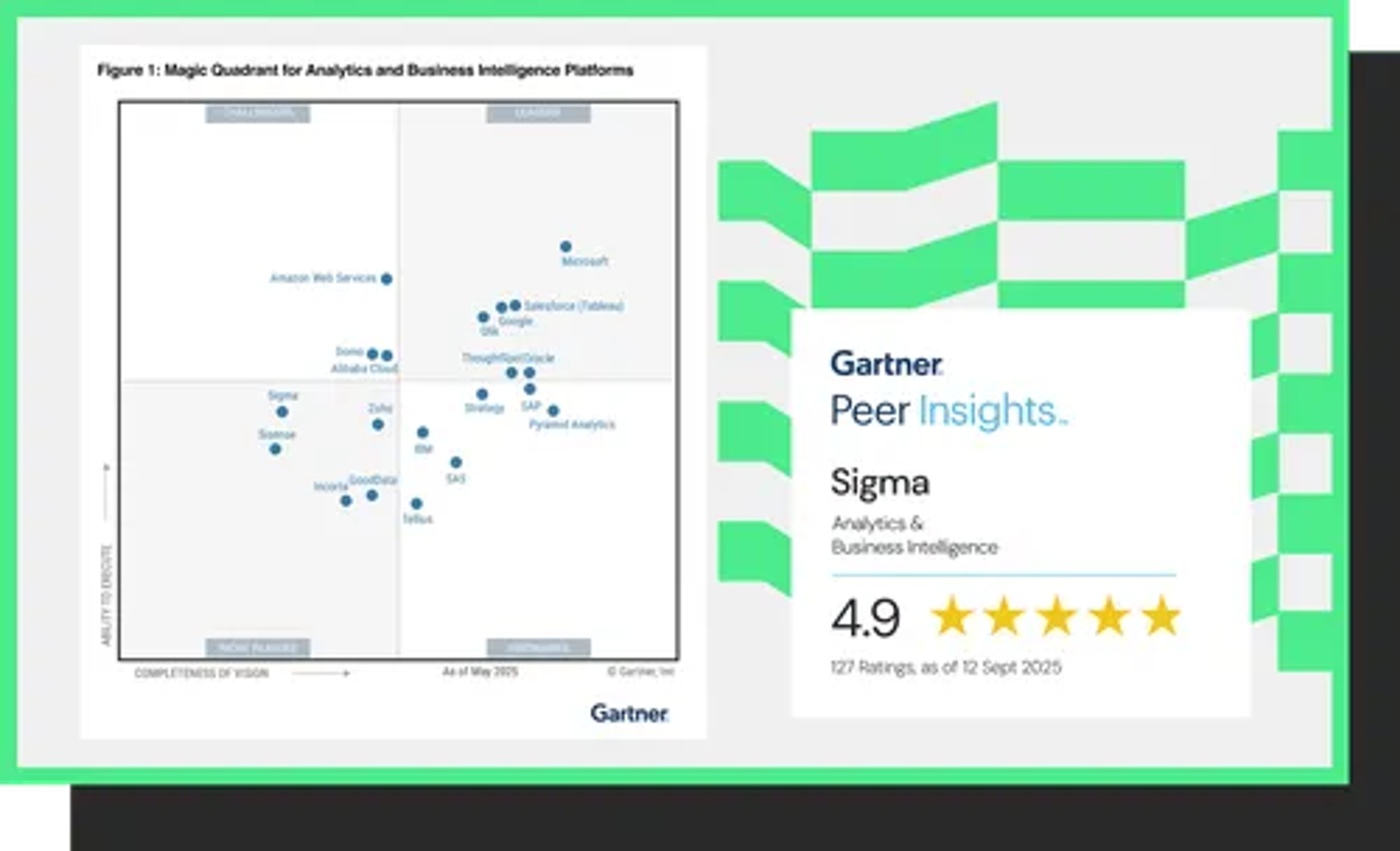
The 2025 Gartner® Magic Quadrant™ for Analytics & Business Intelligence
Read about Sigma's first-time recognition in this report.
Don't take it from us, take it from our customers

“Great Visualization and Reporting Tool, HUGE usability improvement over Tableau.”
Director of Data and Analytics
500M - 1B USD Company, Banking Industry
Top teams choose Sigma.
See for yourself. Sigma is a G1 crowd favourite, backed by countless reviews.
Additional resources
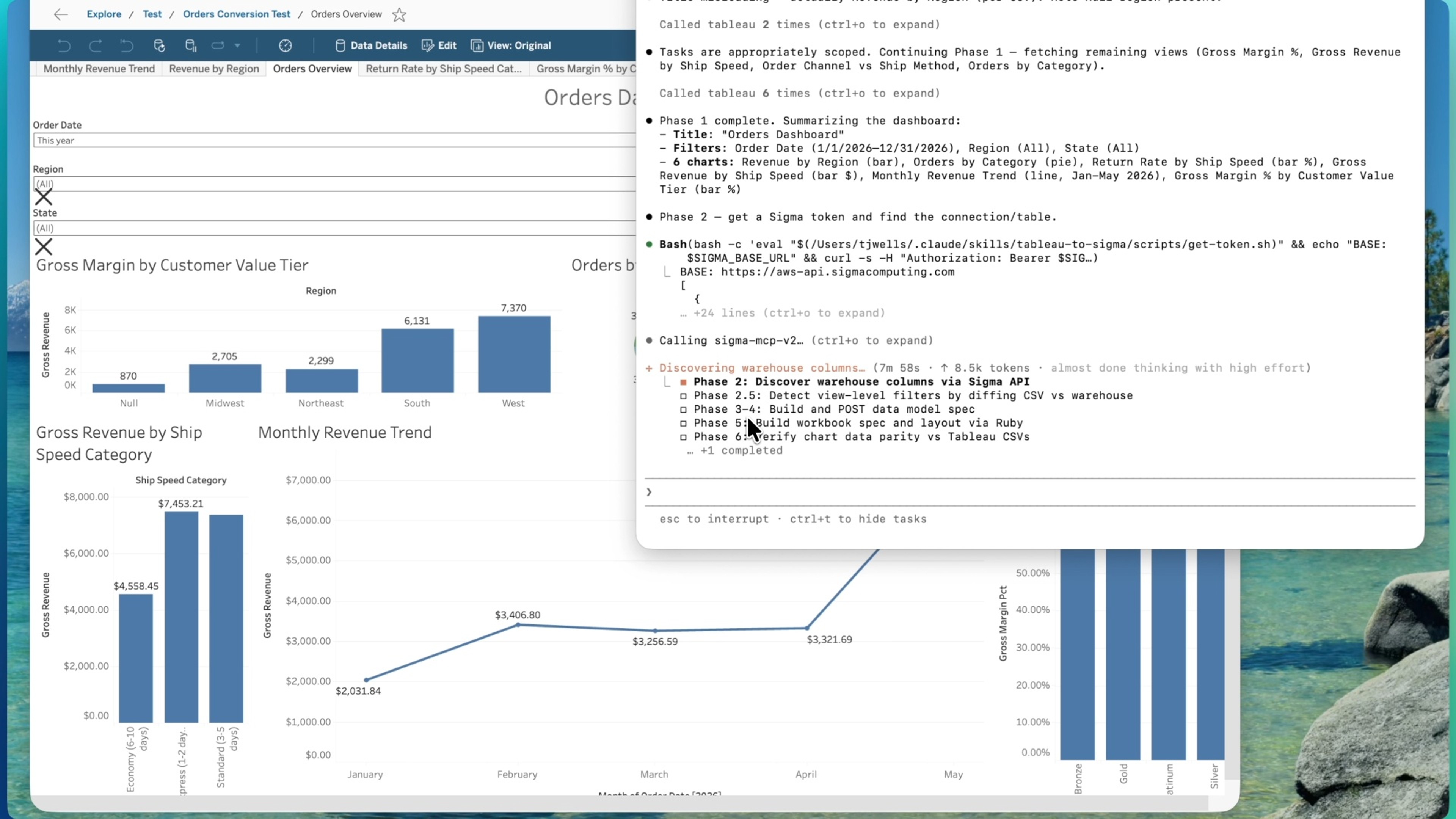
Migrate from Tableau to Sigma
Sigma vs Salesforce Tableau
This detailed comparison to Tableau, a legacy BI tool used by many business analysts, will shed light on 6 key areas where Sigma addresses the evolving needs of today’s businesses to solve the gap of business intelligence adoption.

Why golf course management platform Teesnap left Tableau for good
Integrating Sigma into Teesnap's framework has transformed internal operations, fostering a more collaborative work environment and enhanced profitability for golf courses through dynamic pricing models and increased user engagement.
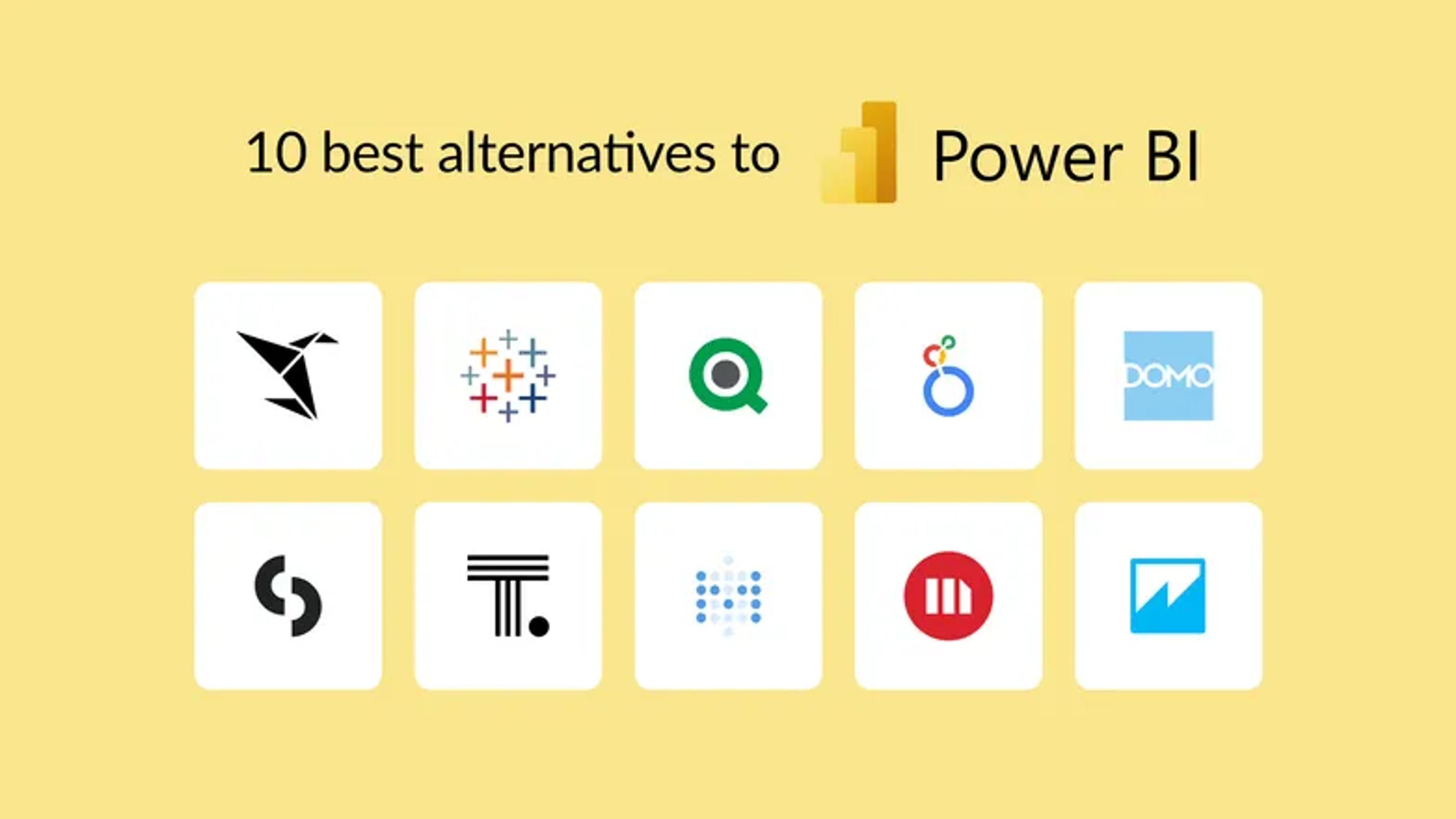
10 Best Alternatives to Power BI for 2024
Exploring top Power BI alternatives in 2024, focusing on user-friendly, cost-effective data analytics solutions with real-time insights and scalability.

Why we went from Tableau to Sigma Computing
This round table discussion sheds light on the compelling reasons behind how the shift to Sigma Computing elevates data analytics practices to new heights, challenging the status quo on tools like Tableau.
Tableau Software competitors
This comprehensive comparison investigates why businesses turn to Tableau competitors and how these alternatives reshape the data analysis landscape. By highlighting key considerations, direct comparisons, and user-centric features, this guide supports you in making an informed decision that best suits your data storytelling journey.
Activate your data warehouse
Stop buying a new tool for every workflow. Build it once on governed data, then scale it across the business.