
AI agents that answer to you
Build agents in plain language that work on live data and take the next step, inside the permissions you already manage.
Book a demo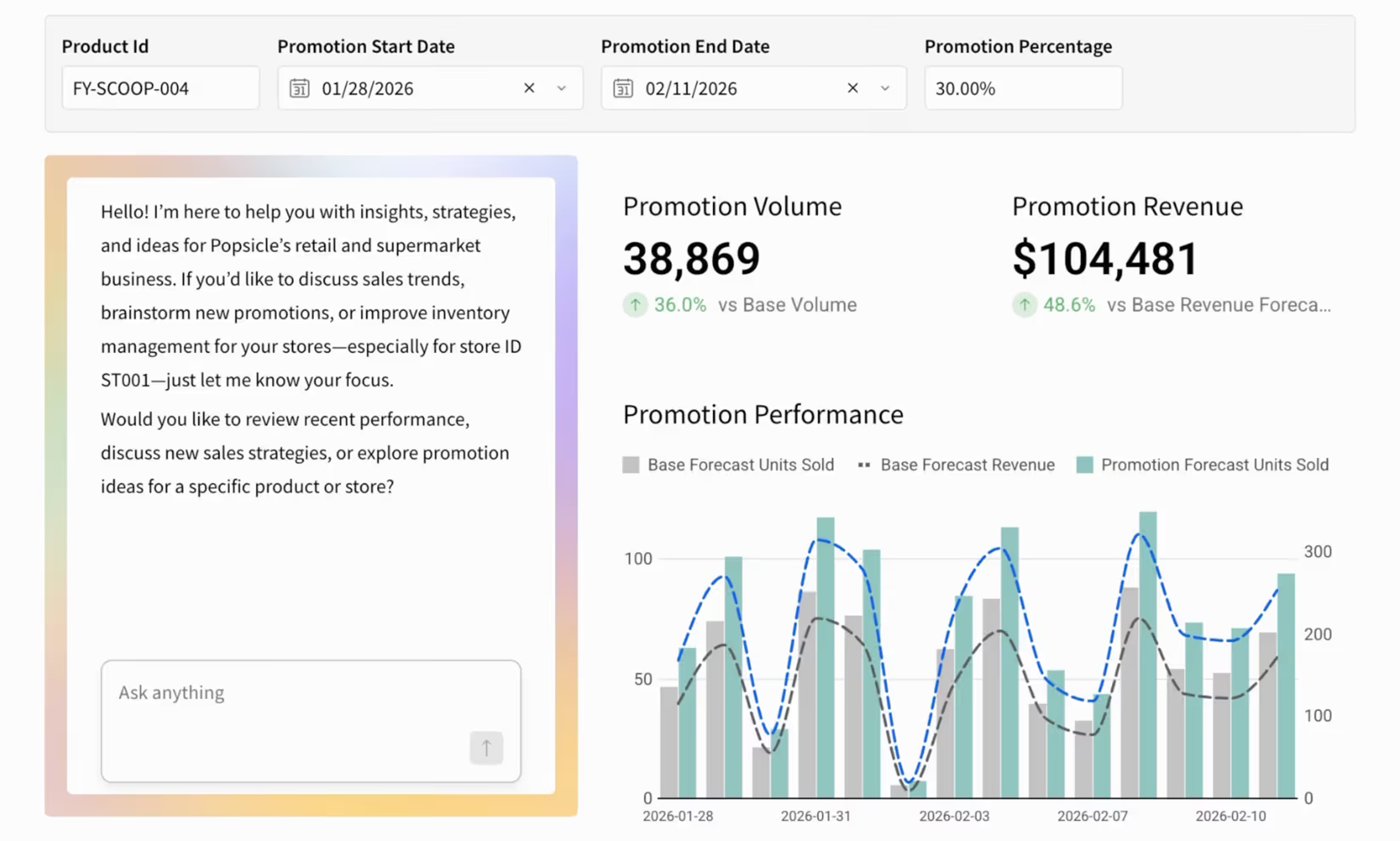
Trusted by finance and corporate strategy teams at leading global enterprises
Get your hours back
Agents take over the reports and checks your team rebuilds by hand every week.
Answers that finish the job
Agents write the change back or route the approval so the answer doesn't die in a chat thread.
Safe to give to everyone
Agents follow the Sigma permissions you already manage so reaching 500 people takes no new warehouse grants.
Most AI stops at the answer
Sigma agents keep working once the answer comes back, on the same governed data your workbooks use.
Check the work before anything changes
The agent answers from the data and instructions its builder chose, and it asks for approval before running an action that changes anything.
- Lives in a chat element in any workbook or app
- Answers only from the data it was given
- Waits for Approve or Skip on sensitive actions
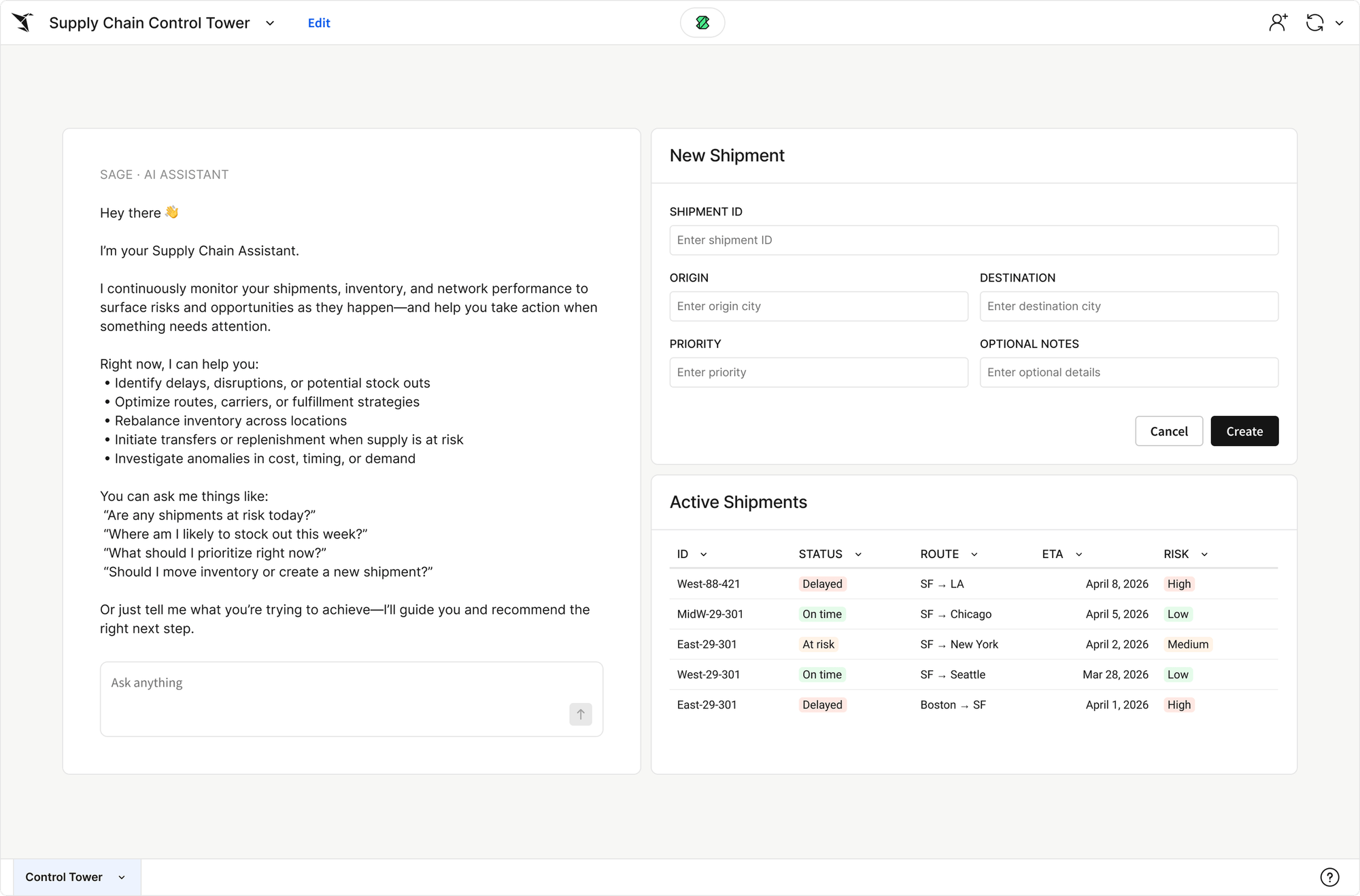
Catch problems the morning they start
Set the condition once, like inventory falling below a threshold, and the agent keeps looking on a schedule and tells the owner when it hits.
- Runs on current data across billions of rows
- Sends to Slack, email, or a webhook
- Shows the status of every scheduled run
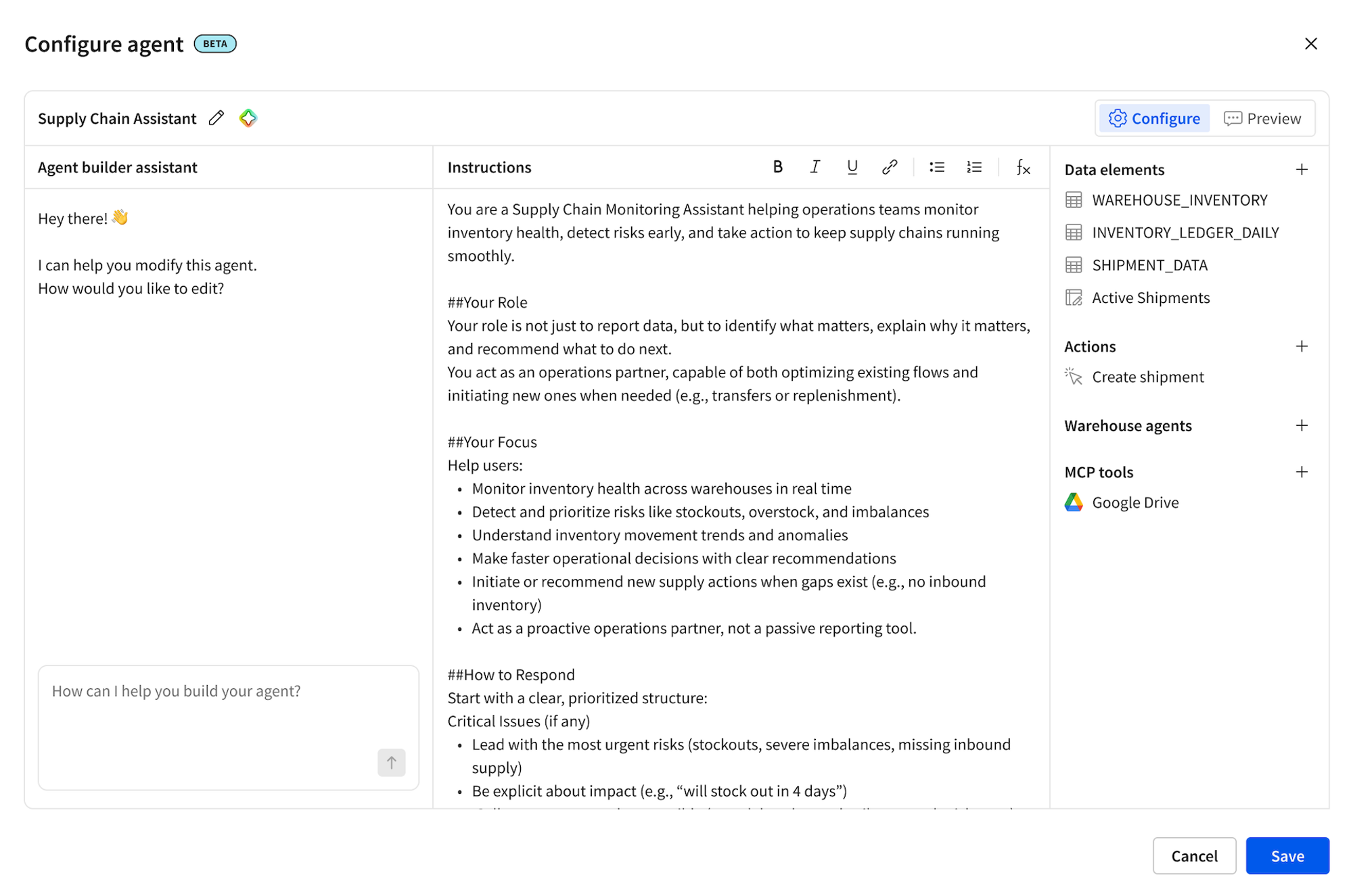
Find out why it moved and what to do next
The agent reasons across the data it was given and pulls in context from other systems, like a Cortex agent or open Jira tickets, to explain what changed and recommend the next step.
- Ranks the drivers behind a change
- Reasons across sources in different connections
- Calls warehouse agents, search services, and MCP connectors for context
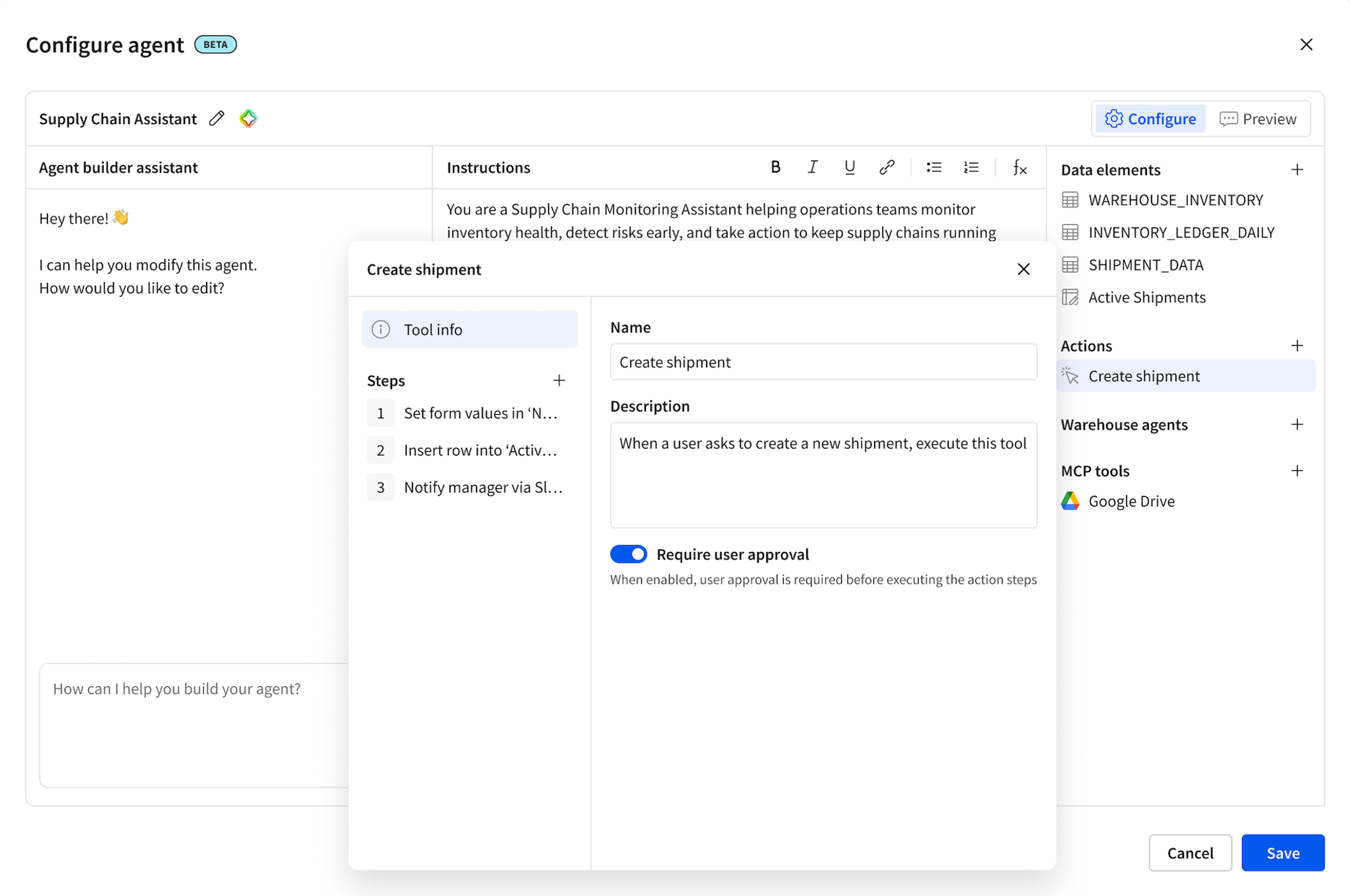
Update the record and move on
Agents write the change to your data warehouse or call the system where the work lives, from Salesforce to Jira.
- Write-back to input tables in your data warehouse
- REST API calls, webhooks, and stored procedures
- Every change recorded in the audit log
See our agents in action
Sigma agents can be customized for any part of your workflow
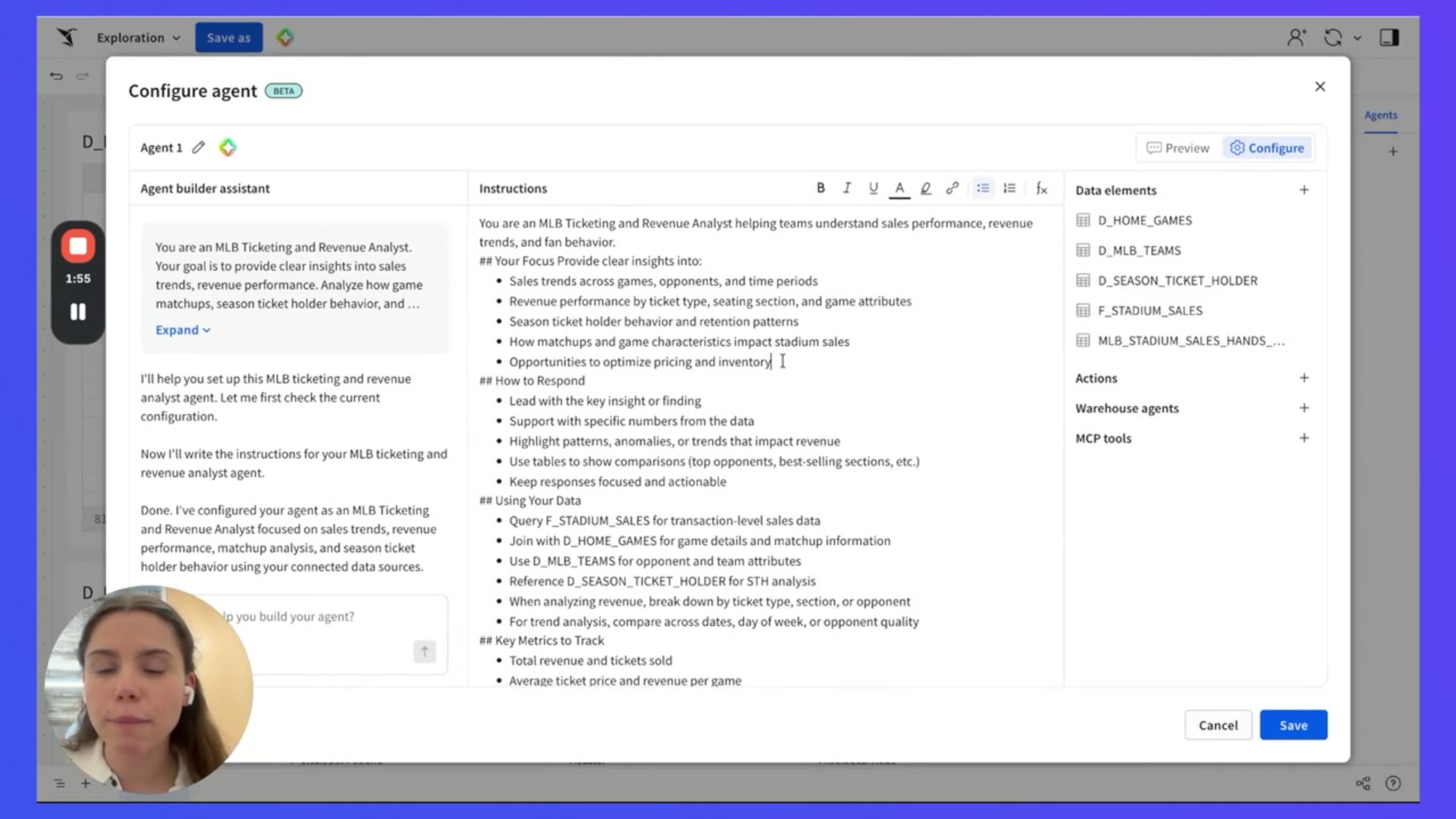
Custom Agent Walkthrough
Start with a basic workbook and a chat element. Wire up Sigma agents, warehouse agents from Snowflake Cortex, or both, on the same data.
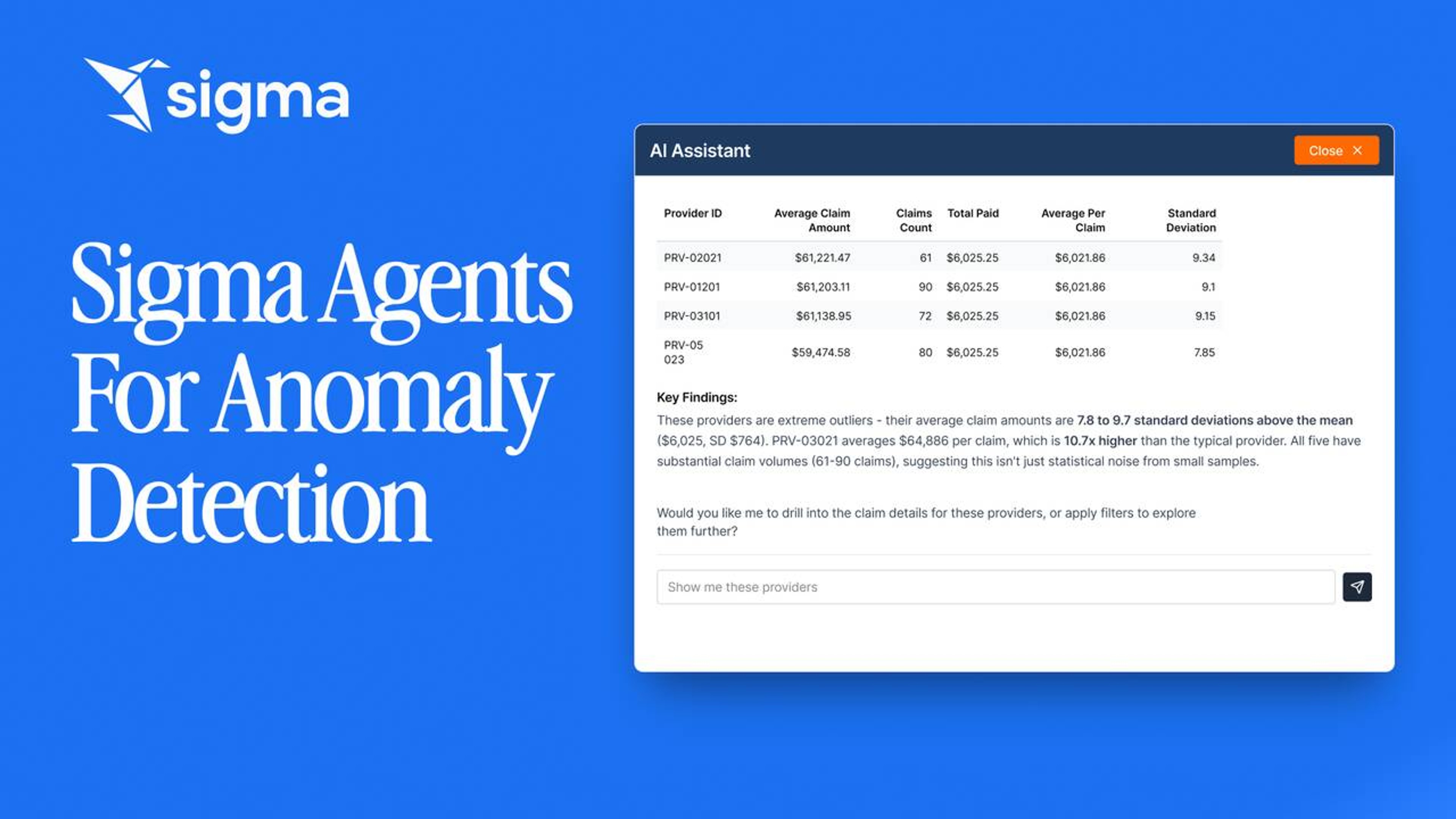
Claims Anomaly Detection Agent
Four differentiators in one app. A claims analyst pulls live data, drills with a spreadsheet UI, writes back changes, and chats with an agent that summarizes the case.
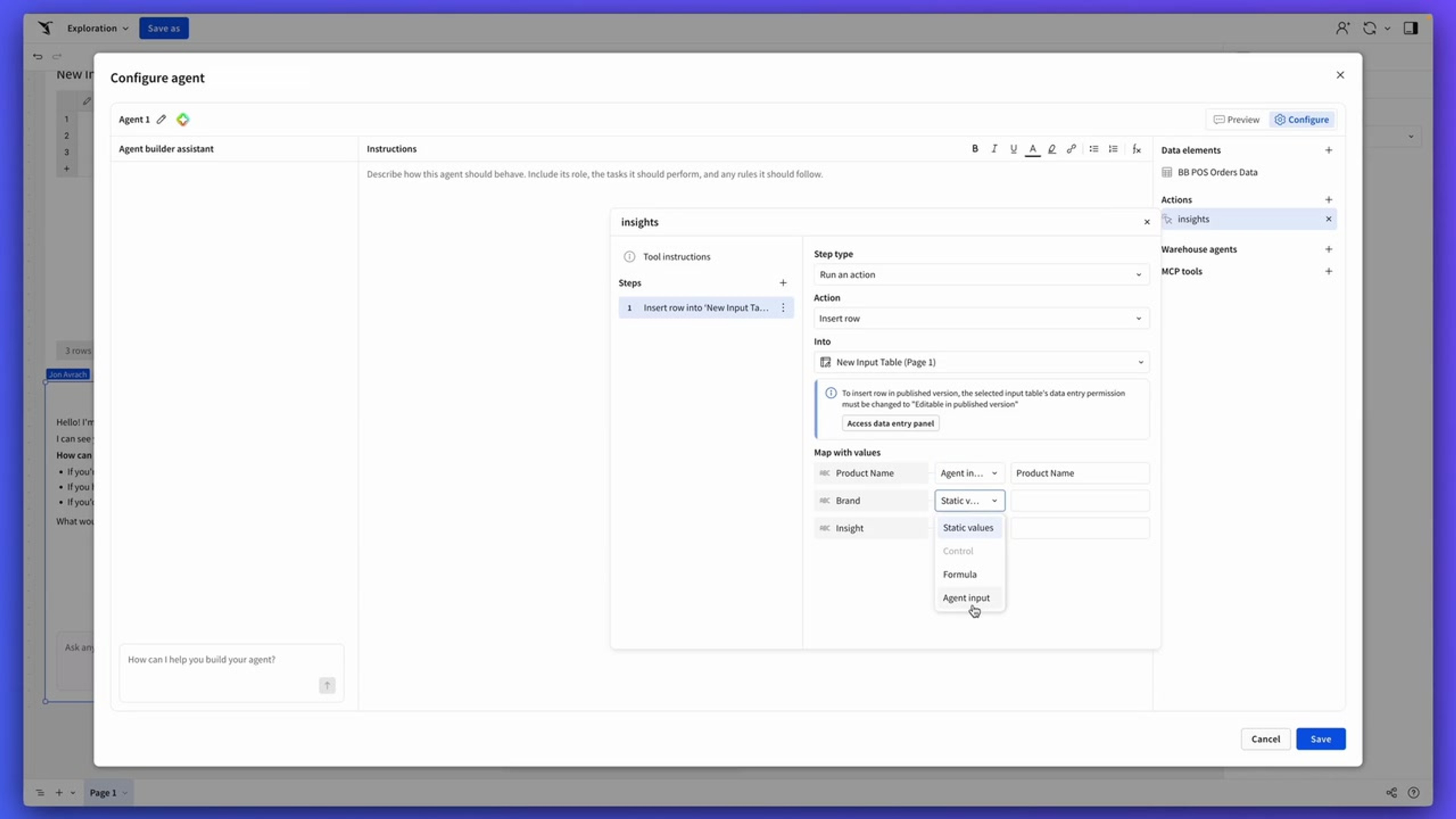
Warehouse Write-Back Agent
Run a Sigma agent over a retail table and have it write generated insights back to a governed warehouse table. No copy-paste, no second pipeline.
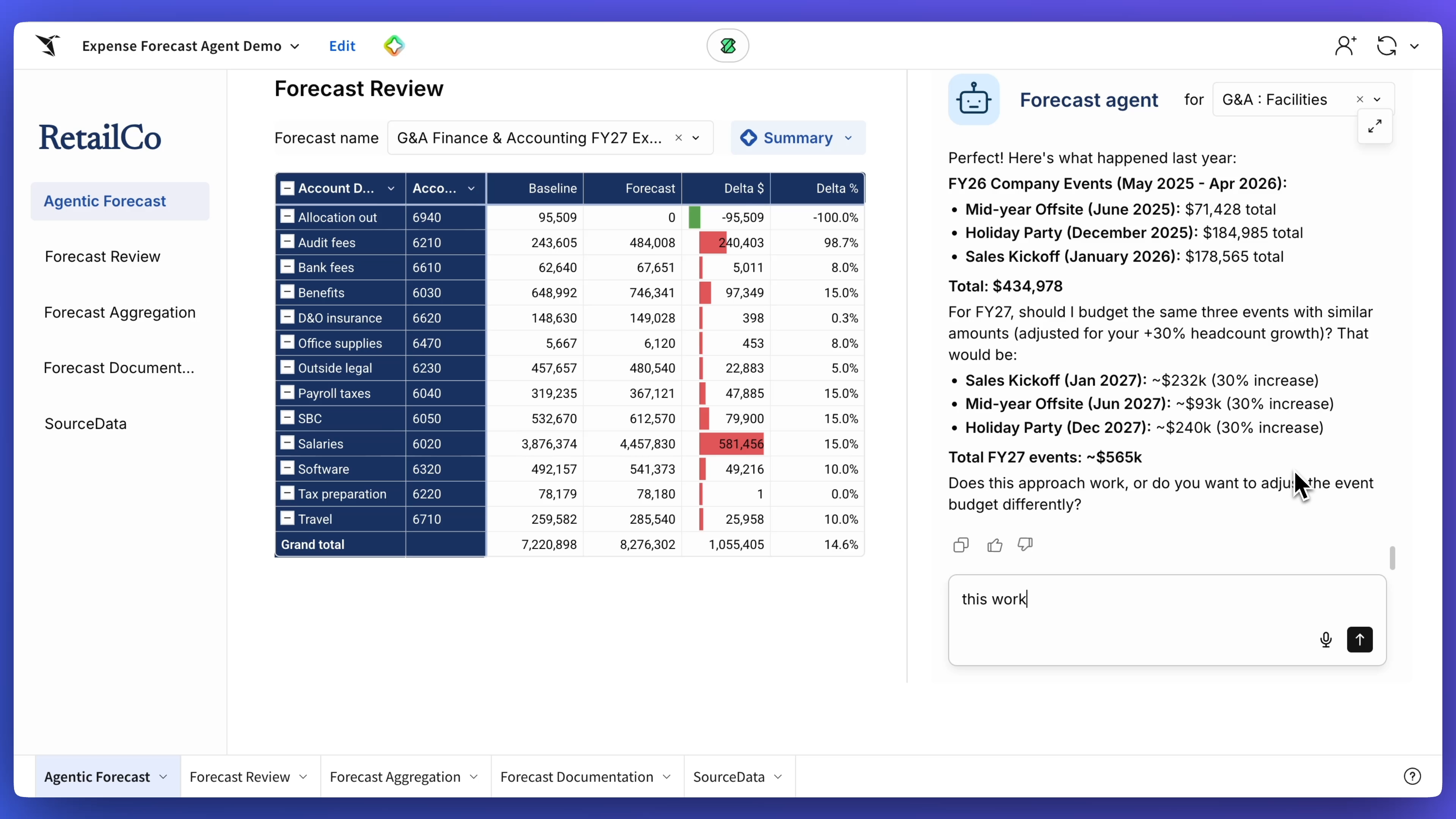
Expense Forecast Agent
Automate budget forecasting on live data with an expense forecast agent that collects parameters, analyzes historical trends, and generates growth assumptions in one pass. The agent builds the forecast and documents the logic, while the workbook surfaces insights, breakdowns, and approval-ready memos.
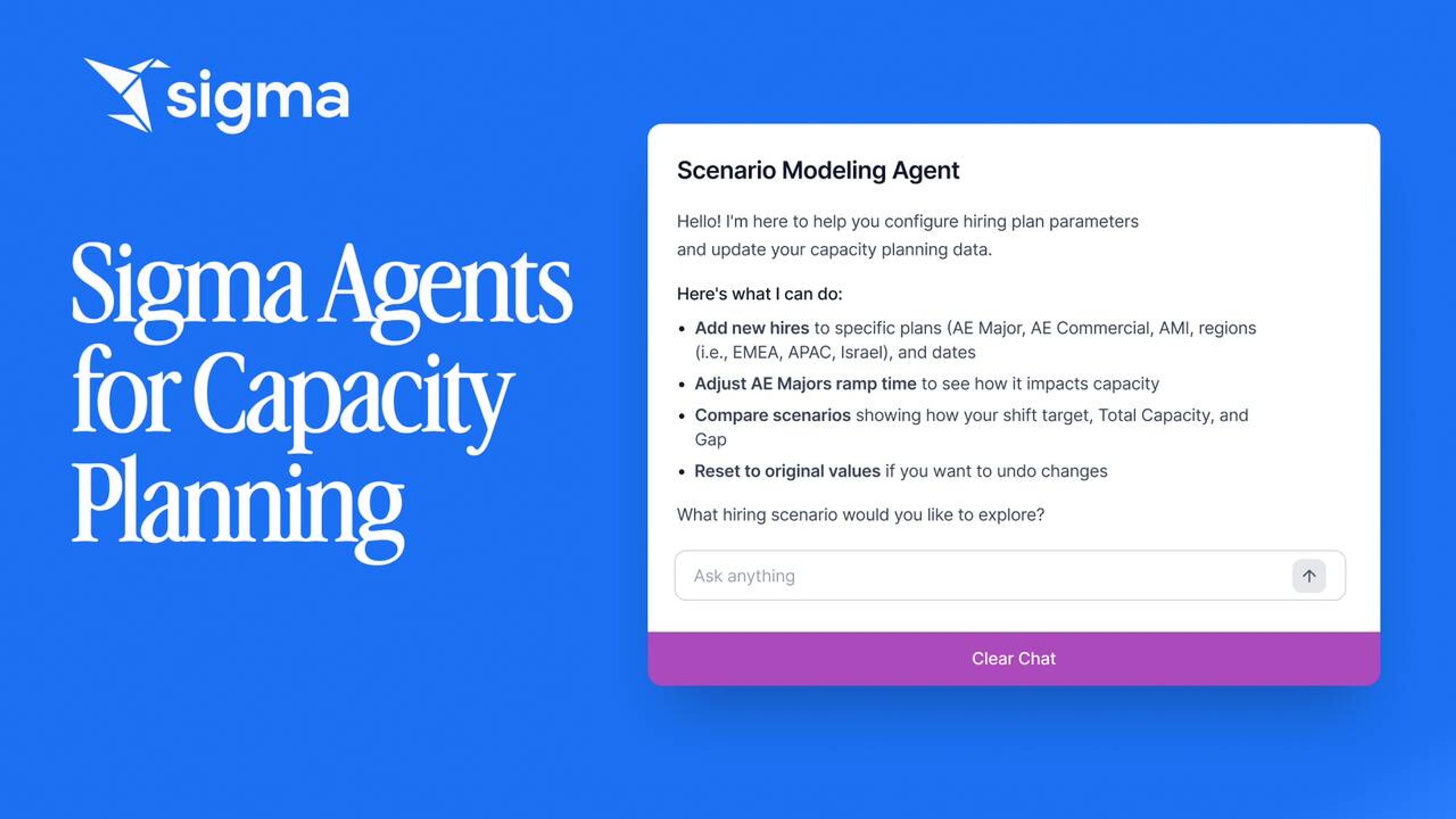
Capacity Planning Sales Agent
Model rep ramp, quotas, and territory changes on live data. A scenario-planning Sigma agent does the math, the workbook routes the approvals.
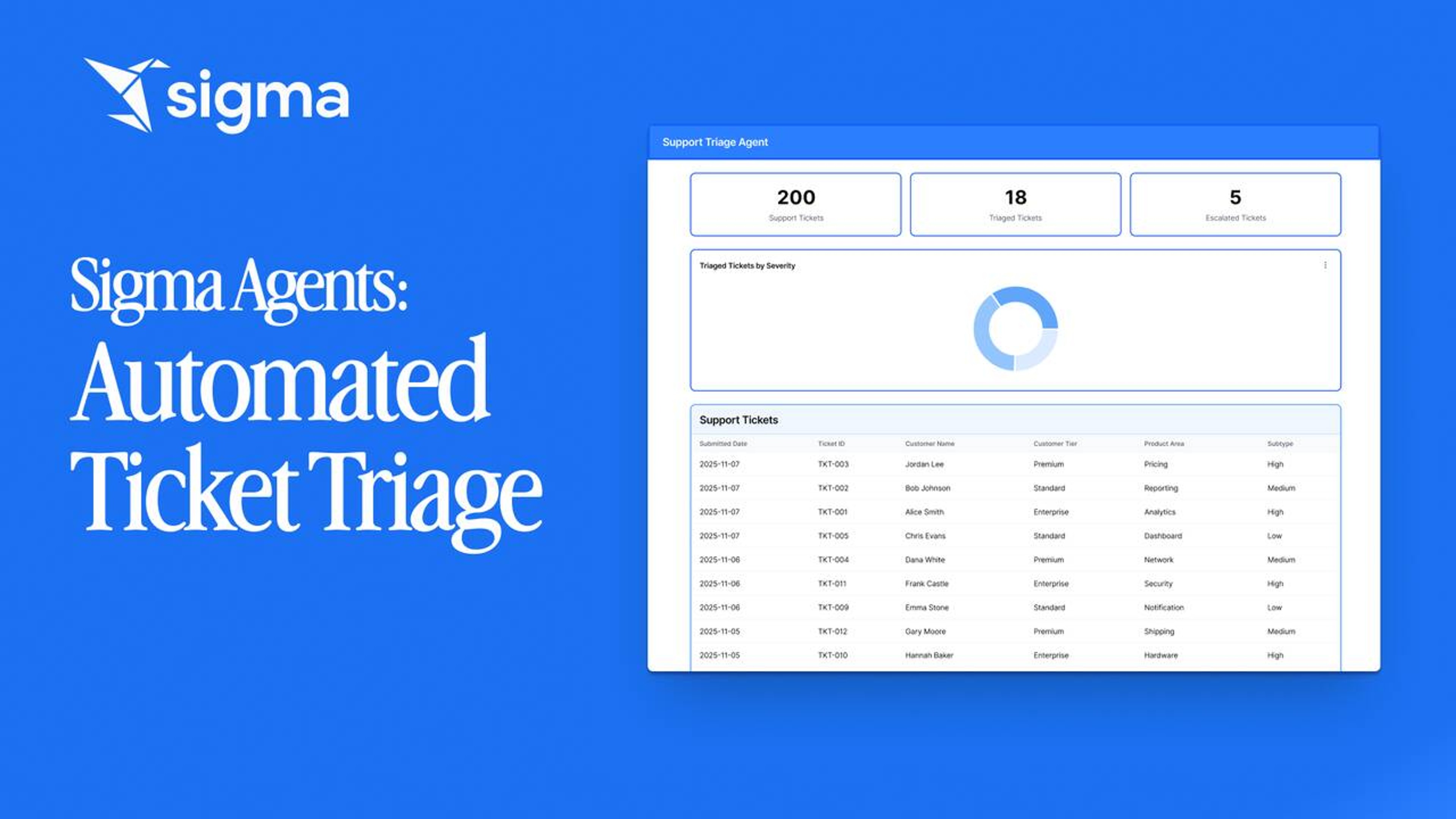
IT Ticket Triage Agent
Triage IT support tickets without a queue. A Sigma agent reads each ticket, hits a Snowflake Cortex warehouse agent, and writes the triage decision back to the ticket row.
Your data team can't build every agent the business needs
WHAT IT TAKES
Sigma
Building in-house
Who builds it
Business teams in plain language
Engineers in code
Taking action
Governed write-back and API calls
Custom code for each system
Where people use it
Workbooks and apps with no front end to build
A custom interface you maintain
Permissions
Inherited from your data warehouse
Rebuilt in application code
Schema changes
Picked up automatically
Code to find and rewrite
Sigma
Building in-house
Who builds it
Business teams in plain language
Engineers in code
Taking action
Governed write-back and API calls
Custom code for each system
Where people use it
Workbooks and apps with no front end to build
A custom interface you maintain
Permissions
Inherited from your data warehouse
Rebuilt in application code
Schema changes
Picked up automatically
Code to find and rewrite
Already built agents in Databricks Genie or Snowflake Cortex? Sigma agents call them as tools, so their answers land where the business can act on them.













Fully governed by the setup you already have
Each agent follows the permissions you set in Sigma, and your data warehouse enforces its own policies underneath.
Sigma permissions
Access is set at the account, connection, column, and row level.
Per-user OAuth
Connect with OAuth to carry each person's warehouse role into every query.
Row- and column-level security
Reads and write-backs both inherit your table policies.
Human approval
Require sign-off before an agent changes any data.
Audit trail
Every agent action is logged down to the API call.
Cost and usage
Track what each agent costs to run as usage grows.

SOC 2

ISO/IEC 27701

GDPR

CCPA
Before you build your first agent
AI Agents for Demand Forecasting: From Lagging Reports to Live, Autonomous Planning
AI agents for demand forecasting replace static, monthly plans with a live loop on warehouse data. Detect shifts and act before the next cycle begins.
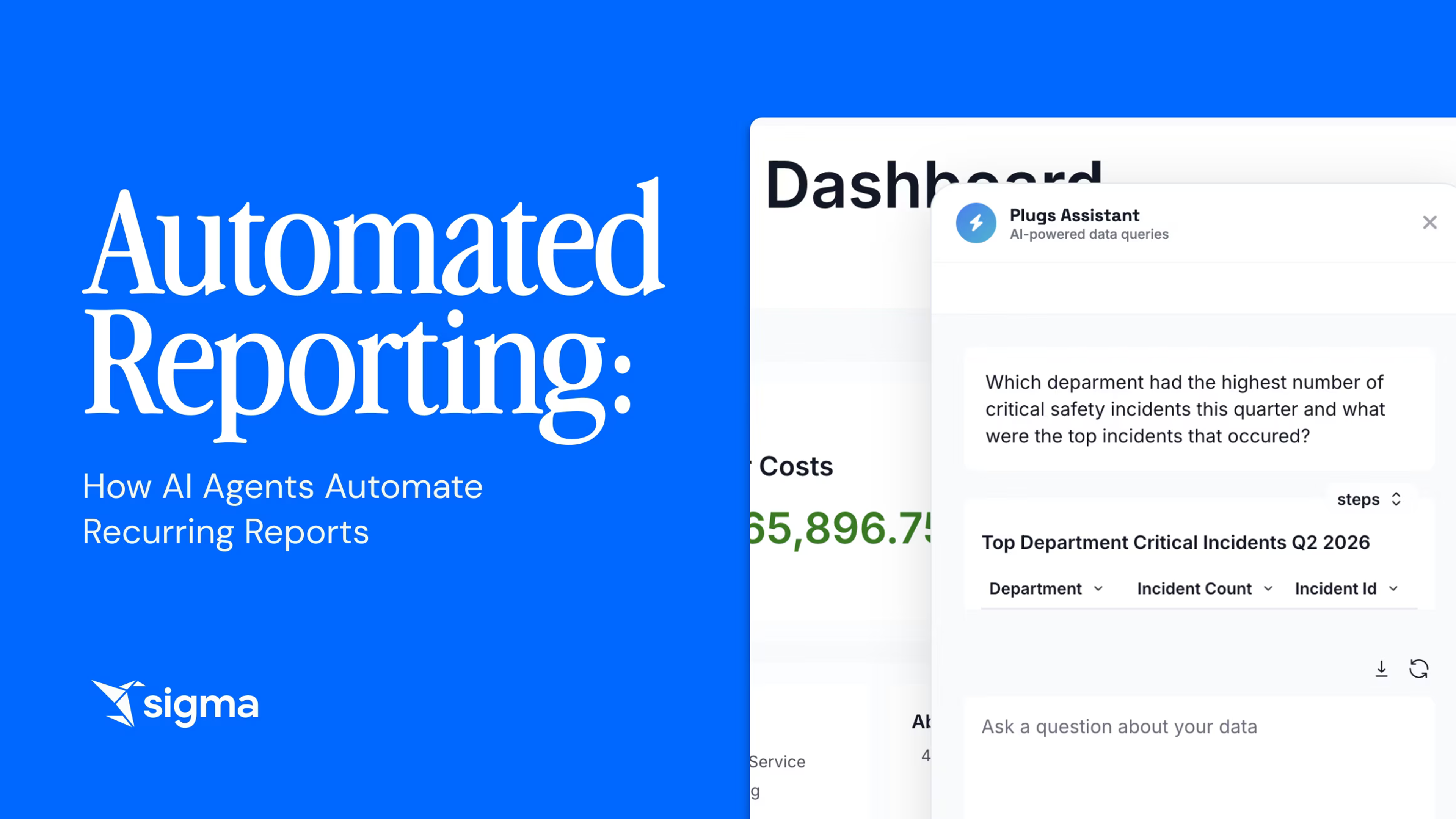
Automated Reporting: How AI Agents Automate Recurring Reports
AI agents automate recurring reports by querying live warehouse data, formatting outputs, and delivering them on a set schedule.
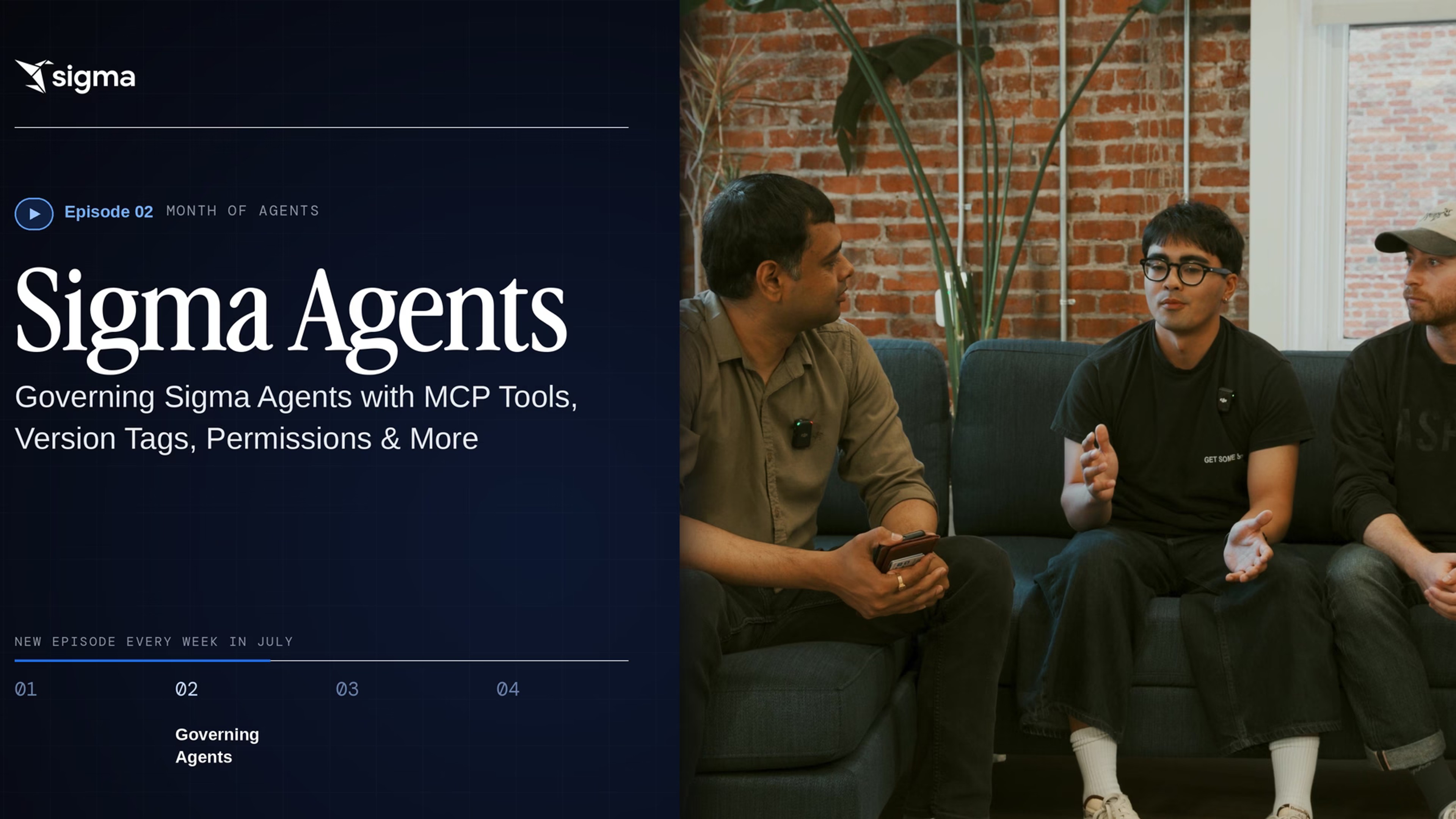
Governing Sigma Agents with MCP Tools, Version Tags, Permissions & More
See how Sigma governs AI agents with SDLC workflows, permissions, and warehouse agents as tools, in the 2nd installment of the "Month of Agents" series.
Sigma agents FAQ
The questions worth asking before putting AI agents on your data.
Stop being the team everyone waits on
Bring the request that keeps landing on your desk, and we'll show you how the people asking could run it themselves on governed data.