New in Sigma October 2026: dashboards you describe and spreadsheets that go live

We’re always shipping at Sigma. Here’s what we shipped last month.
Sigma Assistant builds the dashboard you describe
Building a dashboard takes long enough that only the big recurring ones get built, and the smaller questions end up as a CSV export nobody can find the next week. Sigma Assistant now builds the dashboard or simple app you describe right in your workbook, as ordinary Sigma elements you can keep editing, all running on live warehouse data under the permissions you already have.
For a bigger request, plan mode proposes the structure and the data sources before touching the workbook, and you can edit that plan first. Sigma Assistant can also add a page to a workbook your team already relies on without making a copy of it, or turn a dashboard into an app, like a forecast review where regional managers enter their own adjustments.
Build mode also got faster and cheaper: our engineers rebuilt it so one coding agent does the work that used to pass through a chain of subagents, and on our internal evaluation it now finishes app builds in a third of the time at a third of the cost, while accuracy on those builds rose from 71% to 86%. Because Sigma Assistant runs on the AI provider your organization configures, that saving shows up as lower token spend on your own bill.
Finish a Claude dashboard in Sigma
Sigma is a launch partner for Claude Dashboards, which Anthropic released in October on paid Claude plans. Claude is good for a quick prototype, like a look at how this week's sign-ups compare with last month's, and when that prototype is ready for the rest of the company, "Send to Sigma" in Claude's Share menu turns it into a Sigma workbook with the SQL behind each chart and its filter defaults intact.
"Send to Sigma" runs through the Sigma MCP server and signs in with your existing credentials. Once the dashboard is in Sigma, it runs on live warehouse data under each viewer's row-level and column-level security, and it can grow into an app: regional leads enter forecasts in an input table, an action routes changes for approval, and a Sigma Agent watches the numbers on a schedule.
Move an Excel forecast into a live Sigma app
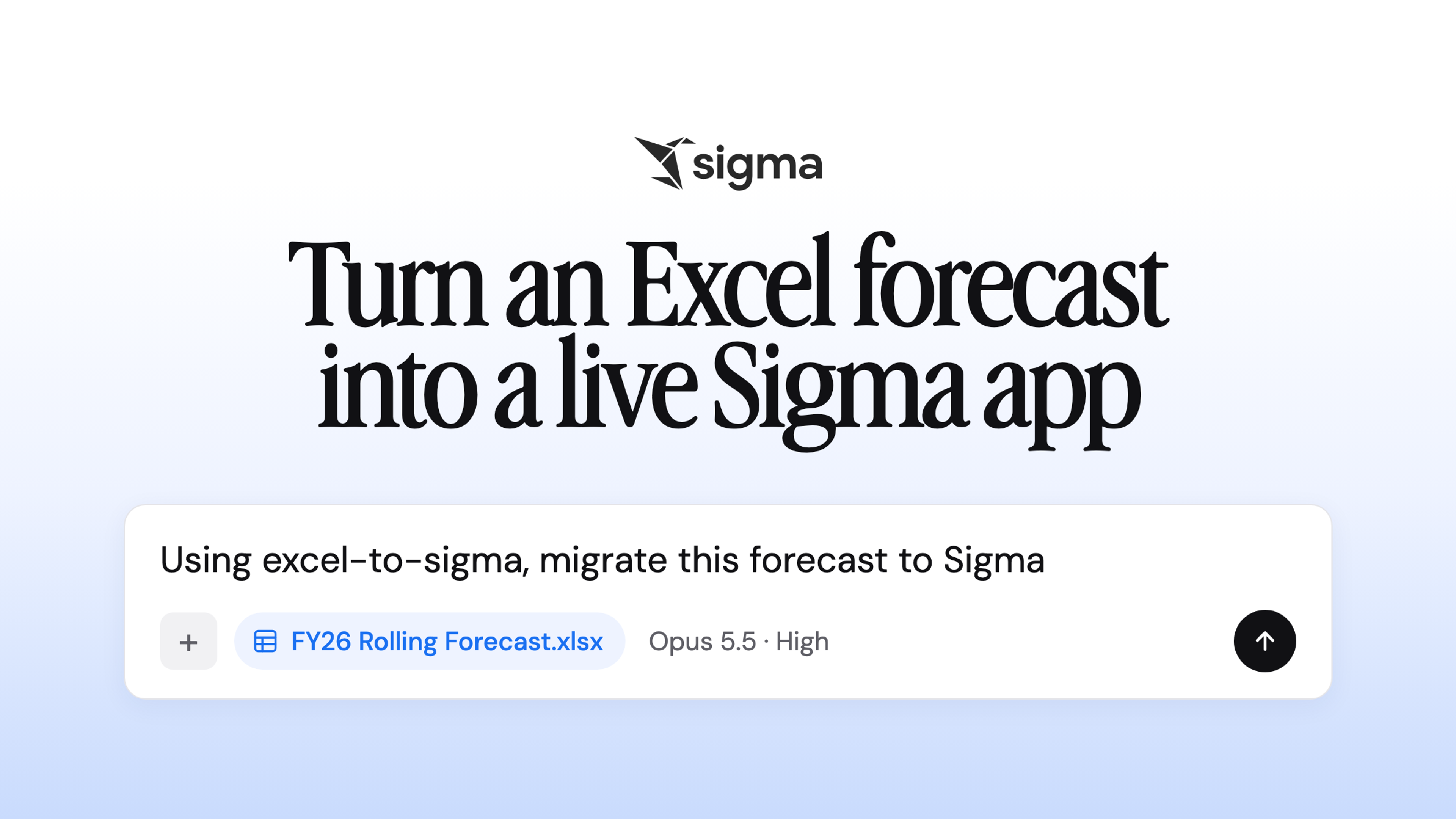
In finance, the rolling forecast often lives in Excel: someone pastes a fresh GL export into a tab every month so the formulas can pull actuals, and by the end of the week three emailed versions are circulating, each with a different net income. The new Excel migration skill, the latest of the Sigma Migration Skills, lets a coding agent like Claude Code or Cursor rebuild that model as a Sigma app, with the actuals querying your warehouse and the hand-typed driver cells turned into input tables people can edit.
Before it returns the app, the skill checks Sigma's totals against the original workbook and prints any difference for review. On a demo forecast for a fictional company, the rebuilt app matched Excel to the cent, and when we raised one growth rate in the app from 3.5% to 6%, the change wrote back to the warehouse and flowed through the forecast; in the spreadsheet, that what-if meant opening another copy of the file.
Send every recipient their own report from one schedule
If every store manager needs a daily inventory report for the store they run, someone usually ends up maintaining a reporting server or splitting the send into batches by hand. Sigma can now burst a report to as many as 20,000 recipients from one schedule, splitting it by a control such as store or account number and emailing each person a PDF, Excel, or PowerPoint file filtered to their own rows.
When a few of those exports fail, everyone else still gets their file, and admins can rerun only the failed ones from the Administration portal and notify the people who were affected. For the claims team at an insurer, approval and denial letters that used to take days now reach customers minutes after the decision.
Bring payment card data onto Sigma
Sigma is now PCI DSS compliant as a Level 1 service provider, assessed by Coalfire against PCI DSS v4.0.1 for the Sigma platform on AWS, Google Cloud, and Azure. Financial services and retail teams that handle payment card data can now run analytics and apps on it in Sigma with an independent attestation their security team can review, and they can request that Attestation of Compliance through the Sigma Trust Center. The attestation covers Sigma's environment and controls; customers stay responsible for PCI DSS compliance in their own environments.
Try these on your own data
If you're already on Sigma, your account team can turn on anything here that isn't in your workspace yet. Otherwise, request a demo or start a free trial to see these on your own warehouse.