
Sigma for dashboards
Dashboards that get to the answer
Ops teams update status and route approvals in one place, and every change writes back to the warehouse.
Request demoEach number below measures the cost of the process teams run right now.
Sigma queries the project tables in your warehouse live, so the queue reflects today's work.
Input Tables add owner, date, and status fields people type into. Each edit lands in the warehouse.
Actions route each item to its approver and call the source system's API, so nobody re-keys the update.
Point at your tables. Add editable columns. Wire up approvals
Approving a work item writes the status change and its owner straight back, so the board is the record.
Every open item sits in one table that queries the warehouse directly, so the queue reflects the work as it stands. A slipping program shows up while there is still time to fix it.
Owners type status, dates, and notes straight into the row, and every edit writes back to the warehouse. Actions route it to the next approver and call the source system.
Every edit lands as a non-destructive row-level insert tagged with change type and user identity, and Sigma never modifies production tables. Anyone can see who changed a value and when.



Sigma queries your warehouse live, so a workbook reads what landed a moment ago.
The tracker runs on the same tables and permissions your reports already use, with no second copy of the data.
Warehouse roles and row-level security apply to the tracker, so each person sees only their own work.
Every edit lands in the warehouse under existing controls, so audit has one place to look.
Consolidating the tracker into the workbook removes an integration, a second copy of the truth, and another set of permissions.
Each app runs on live warehouse tables, so you can swap in your own sources and keep the layout.
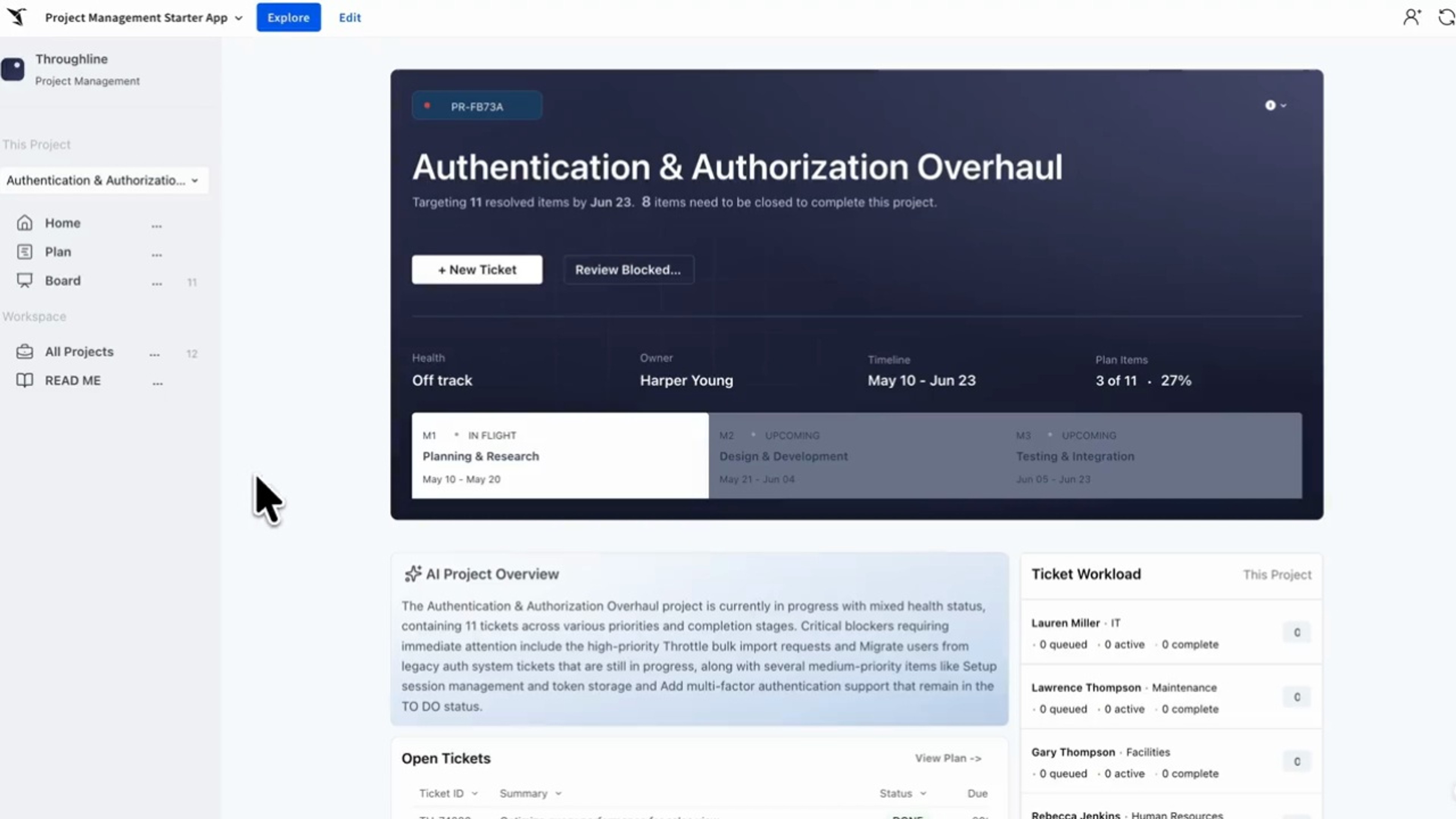
Track and run projects from one live workspace, so the whole team sees priorities, blockers, and status without chasing updates across tools.
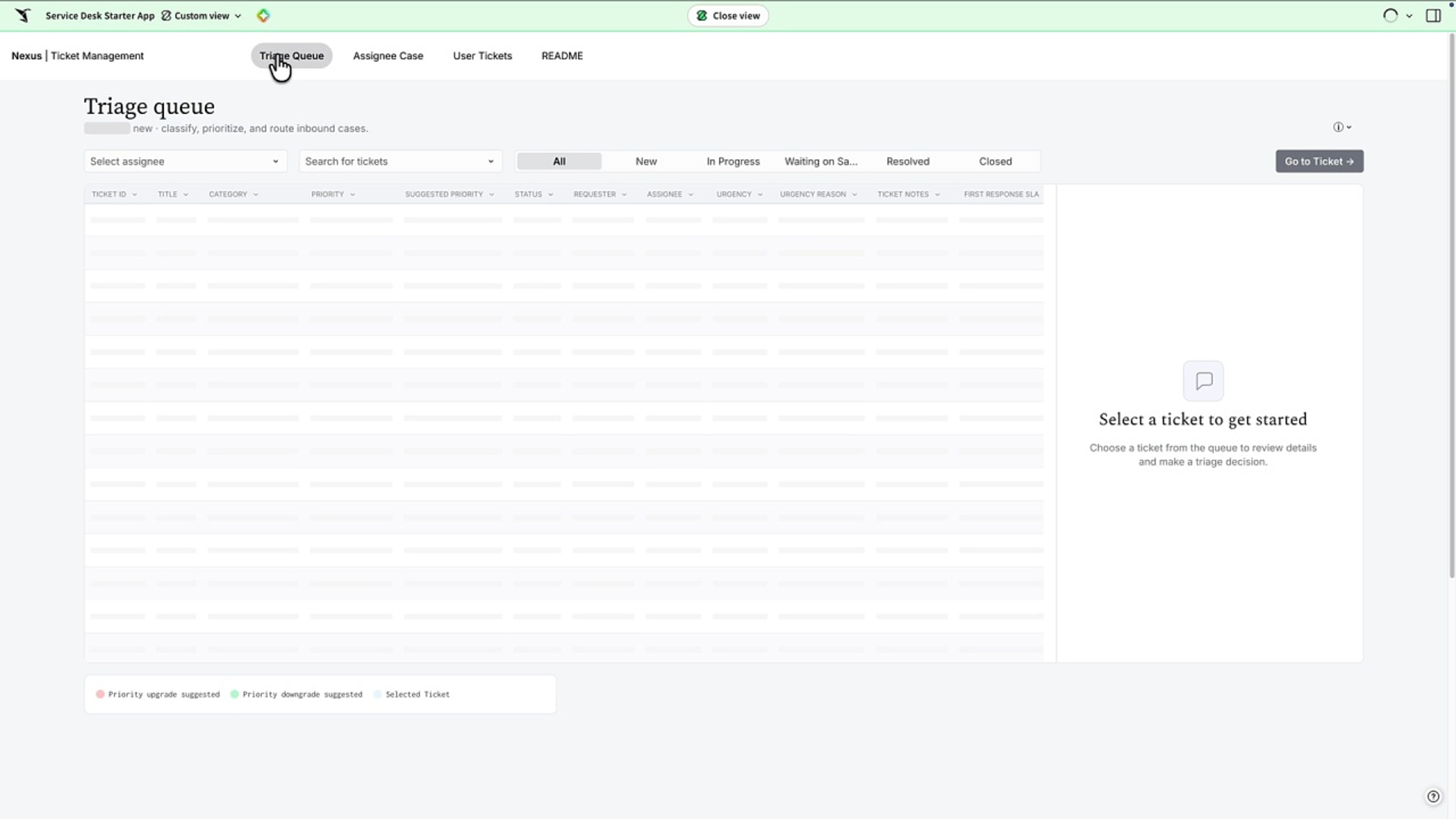
Take internal requests from intake to resolution in one place, with AI routing each ticket to the right owner and a live queue everyone can see.
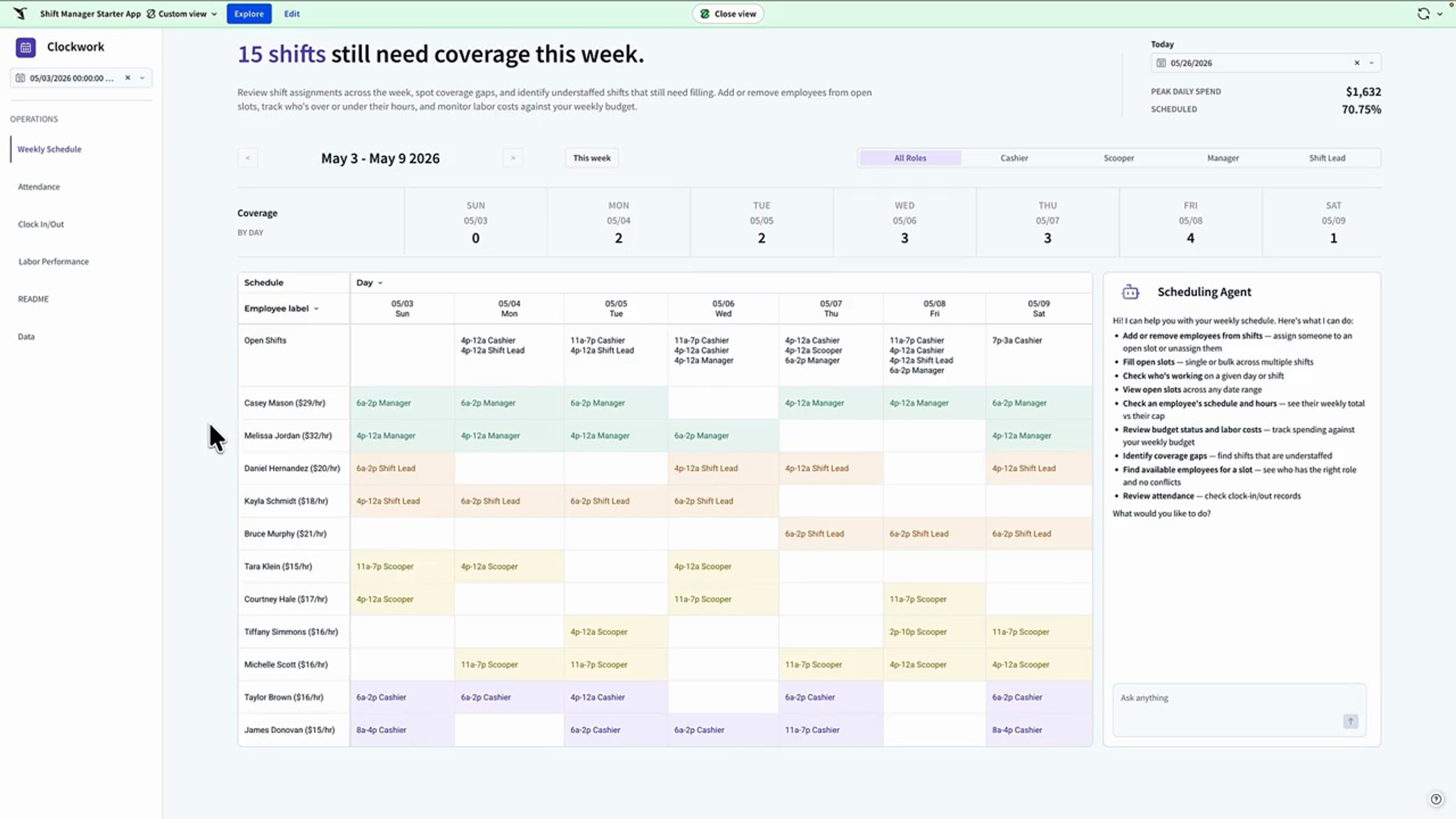
Build the weekly schedule, track attendance, and watch labor cost against budget in one live workspace, not three spreadsheets that never agree.
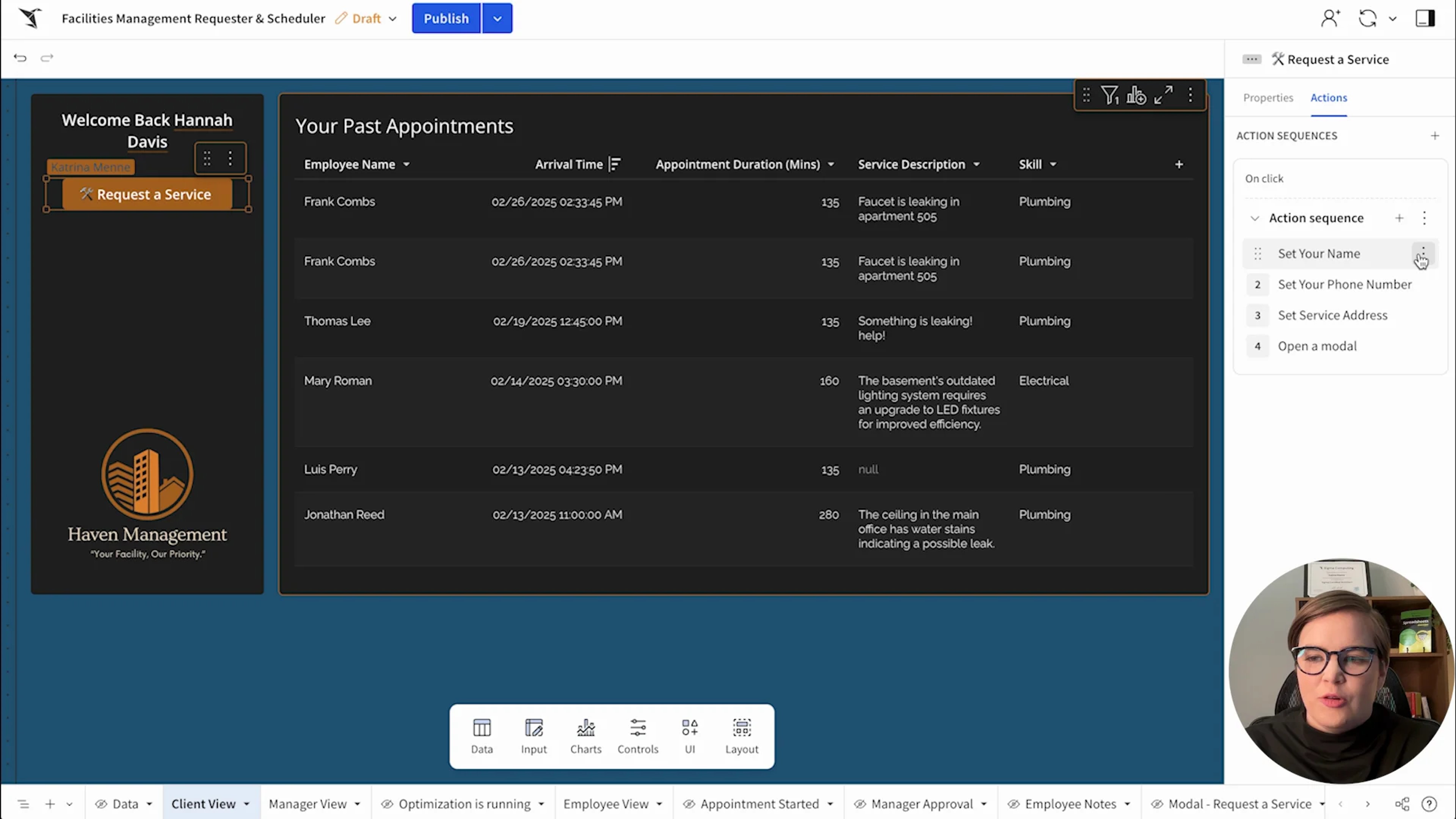
Match field technicians to service requests by skill and location. Reduce travel time and improve visibility into ops.
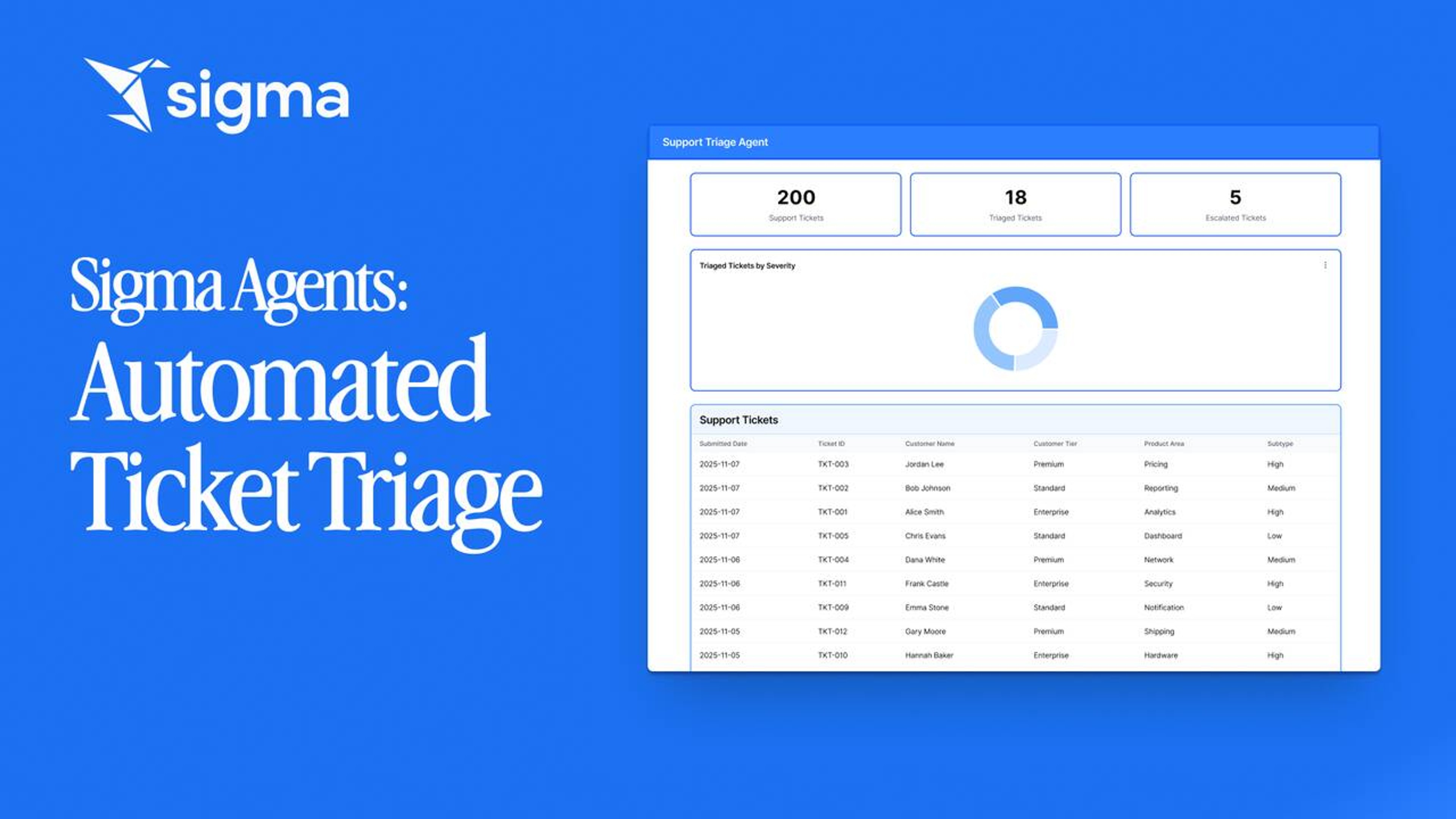
Triage IT support tickets without a queue. A Sigma agent reads each ticket, hits a Snowflake Cortex warehouse agent, and writes the triage decision back to the ticket row.
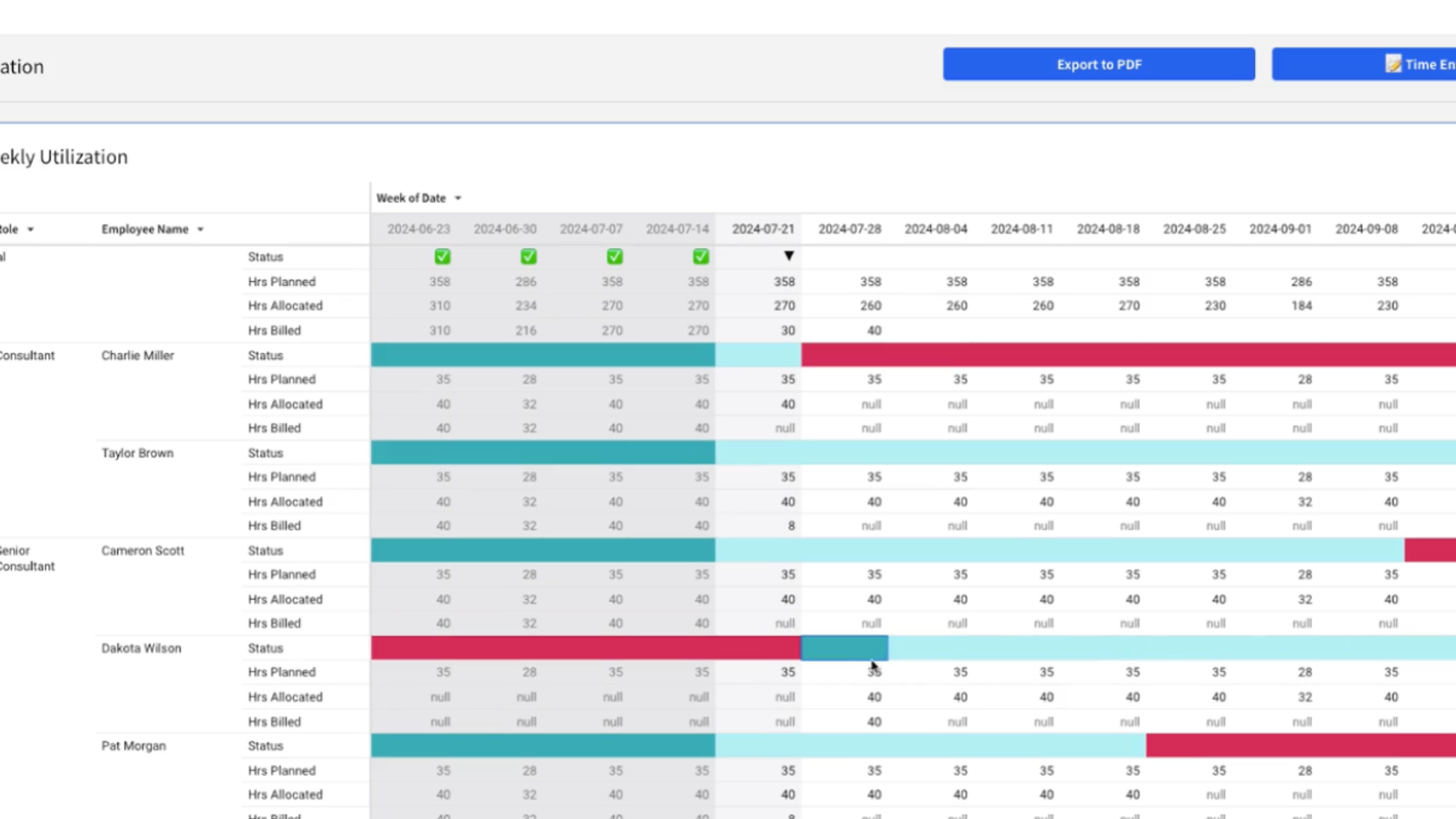
Manage client projects, staffing, and time allocations in Sigma. Replaces spreadsheets with a live, collaborative interface.
All 7 build on the same live, governed platform.
Dashboards that get to the answer
Own every forecast version
Model every lever on live data
Own your plan in one place
Reconcile every number in one place
Fix reference data without a ticket
Start from the project management App Template, point it at your warehouse tables, and catch the next slip while you can still fix it.
Request demoStop buying a new tool for every workflow. Build it once on governed data, then scale it across the business.