Build governed apps in minutes with code-backed Sigma and a coding agent

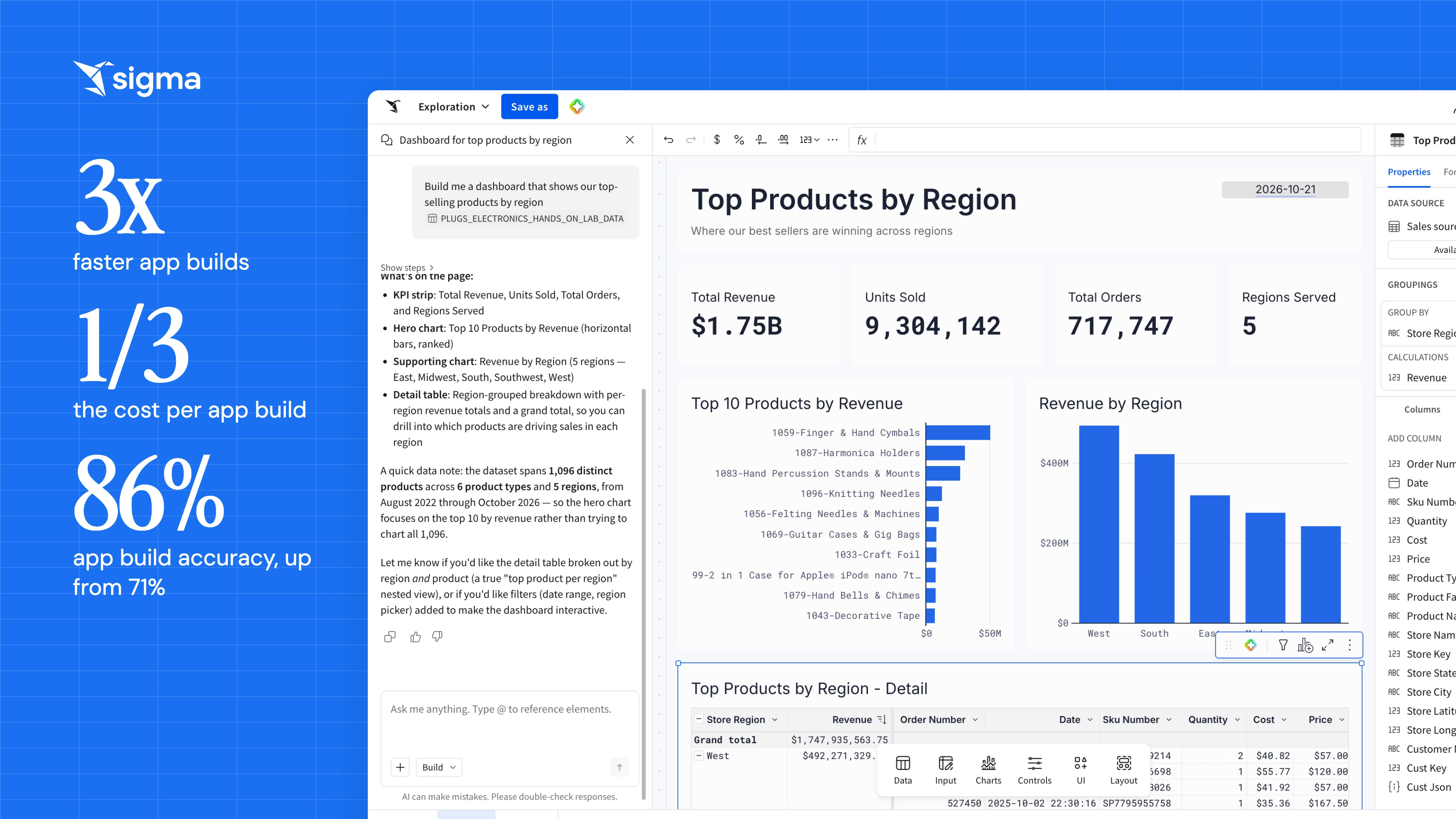
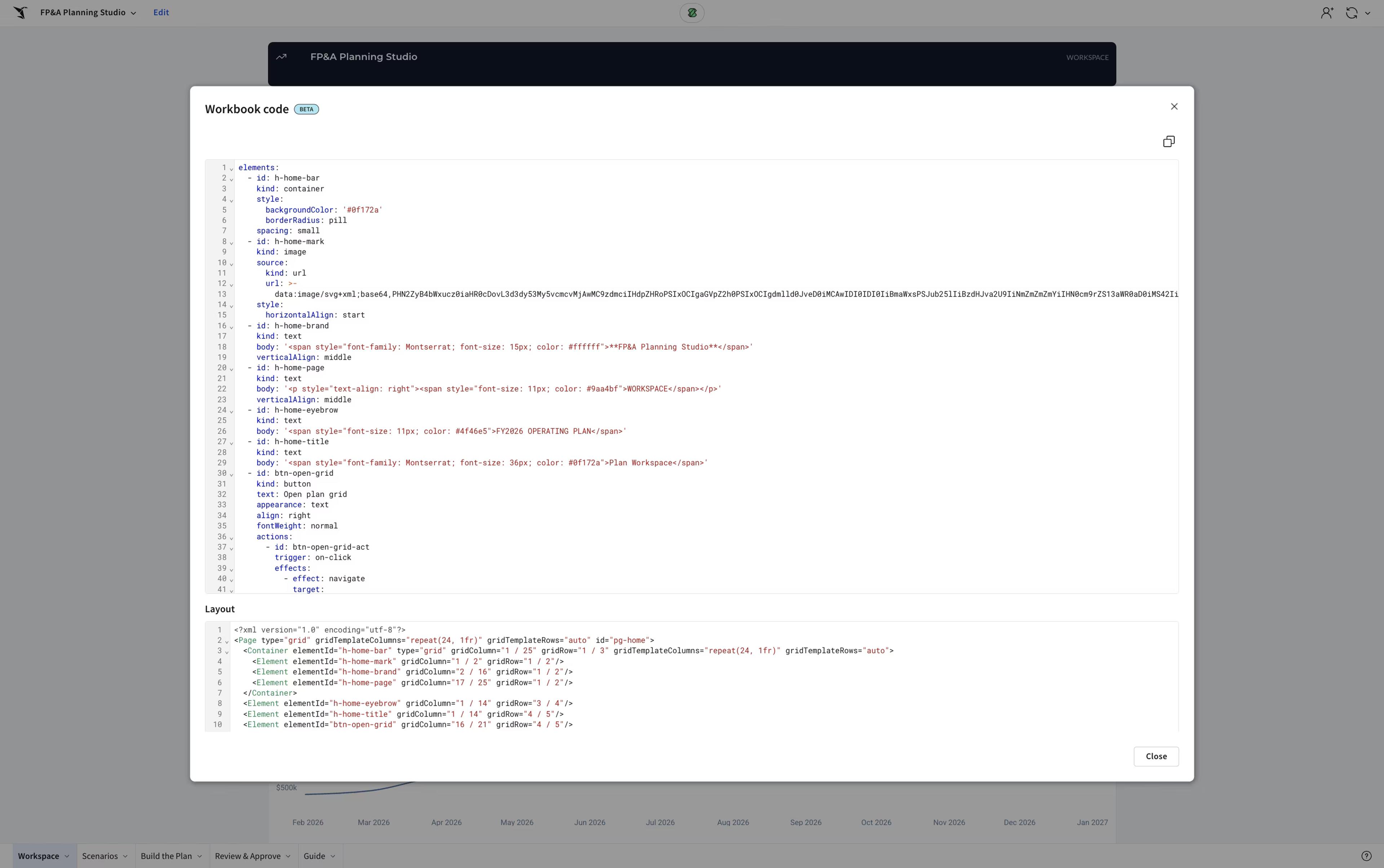
In just eight minutes, I used a coding agent to build out a functional Sigma app complete with scenario modeling, approval flows, AI summaries, and a Sigma Agent simply by describing the workflow. This speed is unlocked by Workbooks as Code (also known as “code representation”), our YAML-based representation currently in private beta for select partners.
By exposing a versionable spec for any workbook, Workbooks as Code allows agents to translate natural language into technical layouts. It collapses the build phase from hours into minutes, delivering a governed app that respects your data models and permissions while using Input Tables for warehouse writeback.
I’m going to walk you through the Sigma Skill I developed, the resulting Planning Studio app, and how this technique transforms legacy BI migrations. Finally, I’ll cover the one piece of this process that remains firmly in human hands.
Give the coding agent your best workbooks as examples
AI coding agents like Claude Code and Cursor perform well when you give them working code to imitate. So I pulled the YAML spec from a few of Sigma's strongest production workbooks and gave the agents those files as the house standard.
Build a Sigma Skill that interviews you before it builds
With those examples in place, I wrote a Sigma Skill that interviews the user before it builds anything. It asks whether the workflow needs approvals, whether it needs a Sigma Agent, and which fields users should be able to edit. Then it turns those answers into a build plan for a specific workbook or app, and for the specific person who's going to use it. You can build your own skill or adjust mine so that it’s tailored to your design preferences.
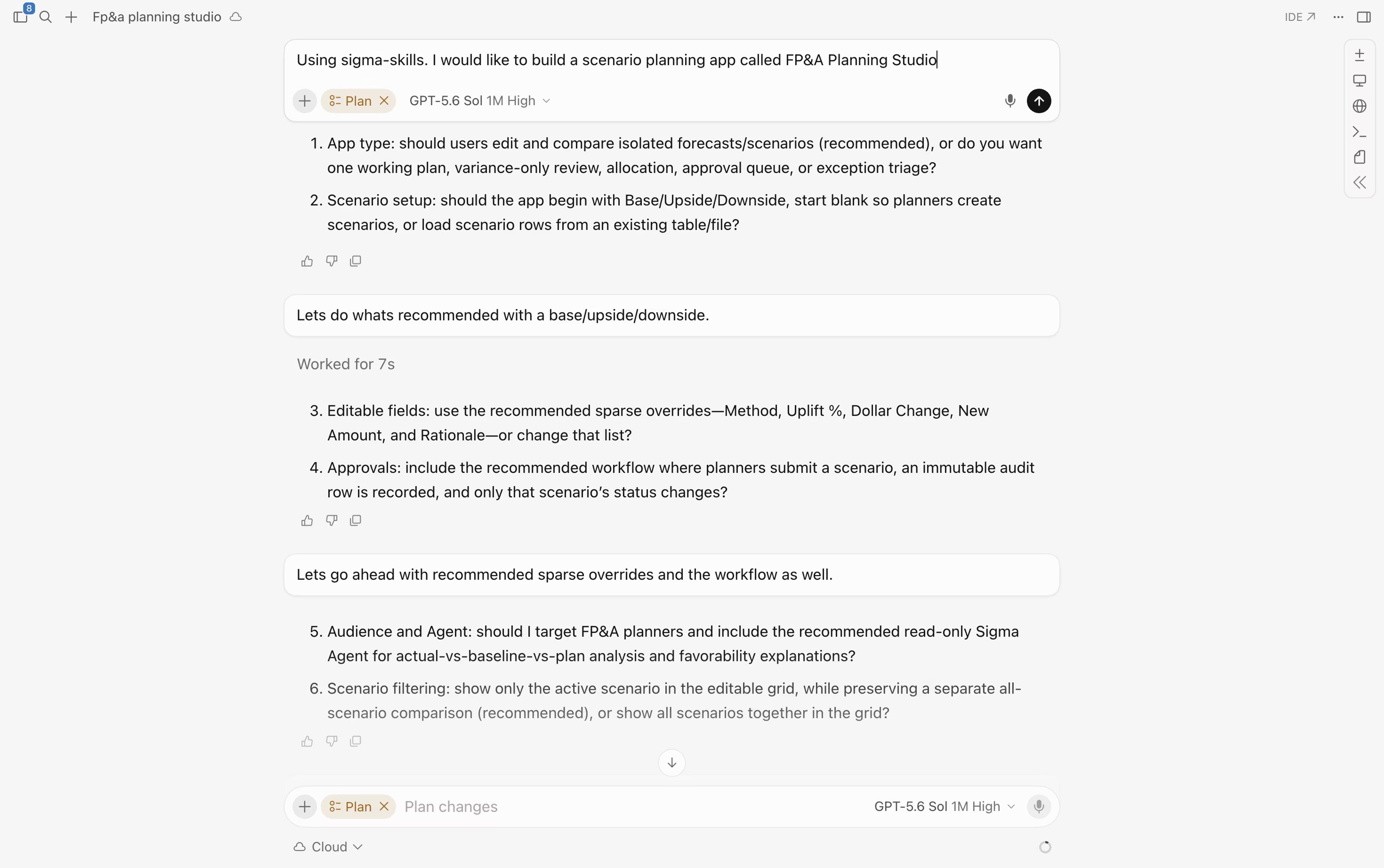
How a coding agent built a scenario planning app in 8 minutes
I wanted an app that could model several scenarios, route them through an approval workflow, and write the approved numbers back so stakeholders could see what changed. In the UI, a build like that takes me a few hours. Working through a coding agent's questions and a handful of prompts, it took eight minutes. Getting there took some iteration, which is what a Sigma Skill is for: once the agent produces a working example, you make it a fixture and it refers back to that every time.
Cursor ran through testing the UI features on its own before I opened the app. Eight minutes in, I had a tested app people could use, running on the same governed data model as everything else, with Input Tables writing back to the warehouse. It also shipped with an AI summary, a set of Actions, and a Sigma Agent for planning. I still went back into the UI afterward for small adjustments.
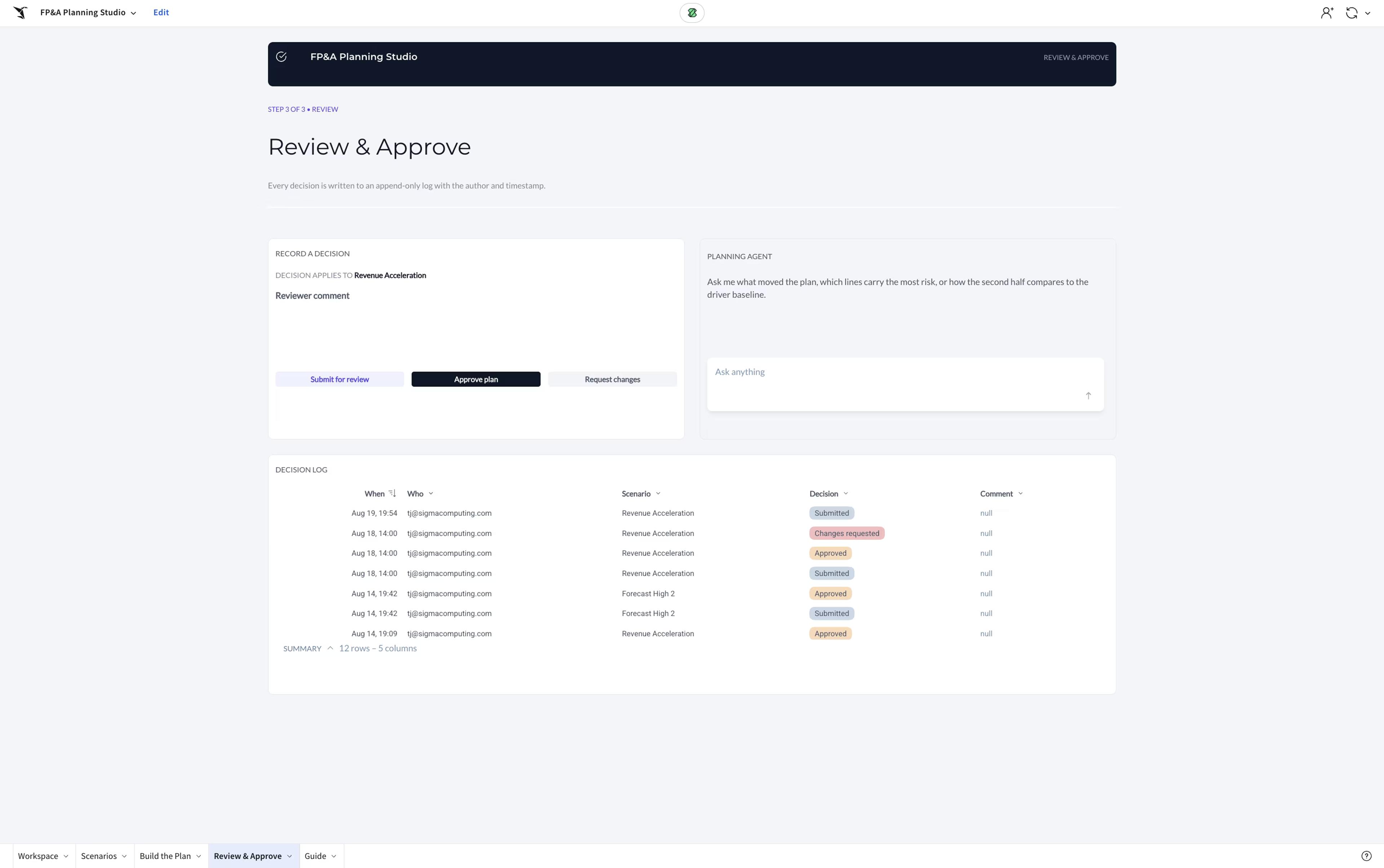
Tailor Sigma Skills to your own workbooks and standards
Sigma Skills are what steer the agent toward a workbook or app that works, and they're built to be edited. Swap in your own workbooks as the examples and the agent learns your team's conventions: how you name metrics, where approvals belong, and what a reviewer expects to see in a diff. Fork the published skills or write your own.
Turn a legacy dashboard migration into a Sigma app
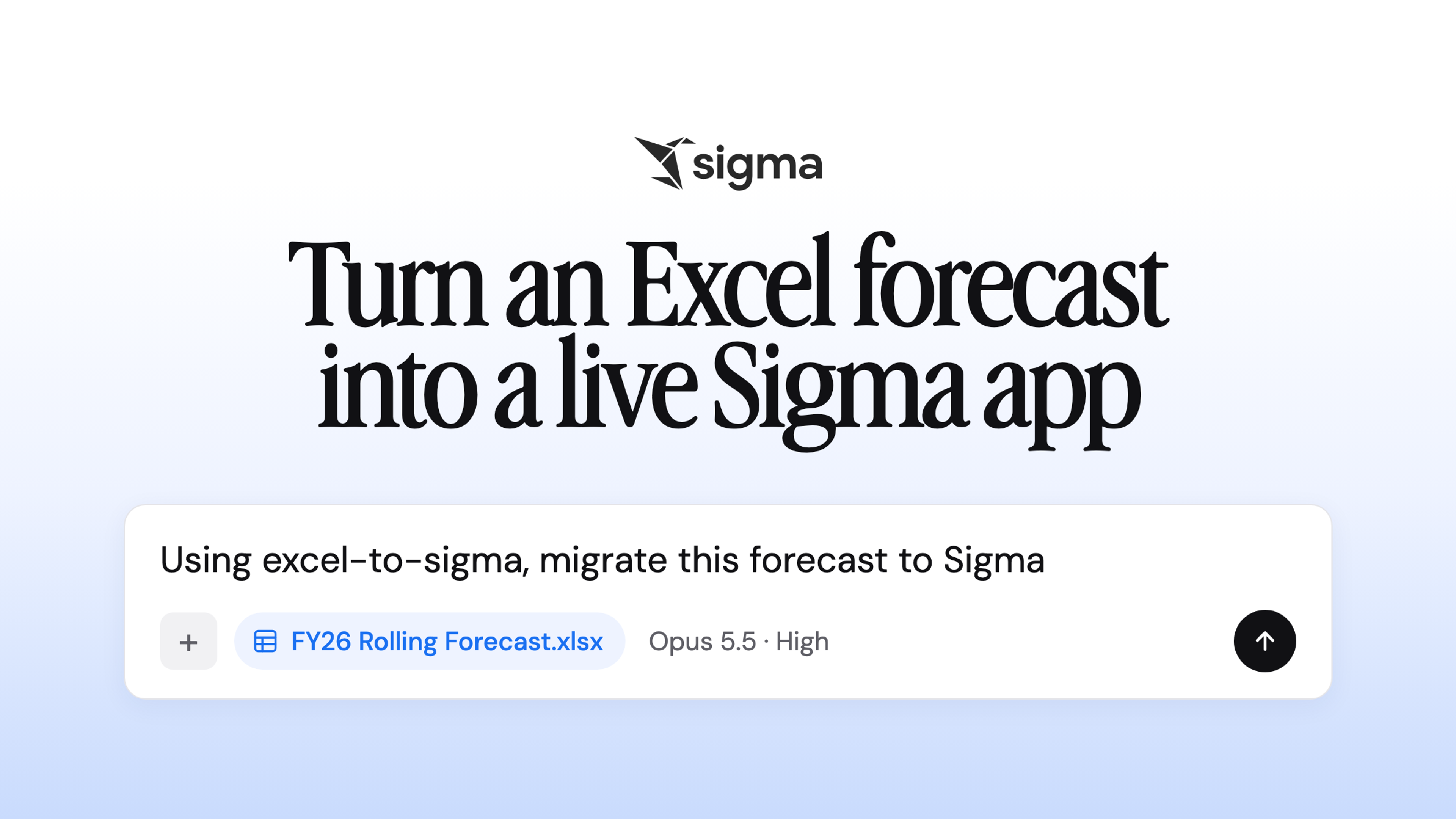
The same approach extends to Sigma Migration Skills. Rather than porting a dashboard one-for-one, the agent reads the signals in the source content (the data, the metadata, and the workflow implied by how people use it) and proposes what could become an app. It recreates the Tableau dashboard, then offers to turn the Excel file you upload every Monday into a forecasting app, with Input Tables writing back to your warehouse and a Sigma Agent that can take the action from a chat prompt.
What a coding agent can't decide: access, approvals, and scope
The build went from a few hours to a few minutes. The decisions took just as long as they always have. Somebody still has to say who's allowed to edit the plan, what needs approval before it counts, and what the agent should be able to answer about it. That's why the Sigma Skill asks those questions before it builds anything: it's the part I couldn't automate away, and wouldn't want to.
Governance took no thought at all. The app queries the same governed data model everything else does, permissions carry over from the workspace, and the Input Tables write back to the warehouse with a record of who changed what. Sigma supplies all of that by default, whatever the agent was asked to build.
If a governed app with writeback and an approval workflow takes eight minutes to build, then a lot of the workflows still living in your spreadsheets could easily become governed apps.
Start building Sigma apps from a spec
To try the same thing, install the Sigma CLI, add Sigma Skills to Claude Code, Cursor, OpenAI Codex, or Snowflake CoCo, and describe a workflow instead of a layout. If you work in the terminal, the Sigma plugin for Claude Code covers the data modeling layer alongside it.
Already a Sigma customer? Workbooks as Code is in private beta for select customers. Reach out to your Sigma account representative for early access.
New to Sigma? Request a demo to see a governed app running on your own data. You can also browse Sigma Public to see what other teams have built and start building your own AI Apps for free.
Frequently asked questions
Are Workbooks as Code generally available? Not yet. It's in private beta for select customers, and your Sigma account representative can request access for your organization.
Do I have to build in code now? No. An app built by clicking and one generated from a spec are the same object, and most people will keep building in the UI.
Does this only work with Claude? No. The spec isn't model-specific, and Sigma Skills run in Claude Code, Cursor, OpenAI Codex, and Snowflake CoCo.
Who's accountable when an agent builds the app? The same people who are accountable for any other merge. That's the practical case for a spec over a canvas: an app built in a UI leaves you with an app, and an app built from a spec leaves you with a diff and a reviewer.