Code the whole business can use
Write SQL and Python on your warehouse, in the workbook where business teams explore the results and act on them.
Runs where the data lives
SQL runs on any connection, and Python on Snowflake or Databricks. Nothing gets exported to a laptop.
Results people use
Query and model outputs become tables, charts, or inputs the business can filter and build on.
Guardrails built in
Only people with Write SQL or Write Python permissions change the code. Everyone else uses the result.
Trusted by 2,000+ leading enterprises around the world








Analysis that reaches the business
Your best analysis is stuck where only its author can run it
Models live in notebooks, Streamlit apps, and spreadsheets. The business waits for a rerun or works from last month’s export.
| Today | With Sigma |
|---|---|
| Models live in notebooks only their author can run | Models run in a workbook anyone on the team can open |
| Streamlit apps pile up with no owner and no governance | Apps run on governed warehouse data with permissions and audit logs |
| Business users wait for an analyst to rerun the script | Business users change the inputs and rerun the model themselves |
| Results exported to slides and spreadsheets go stale the next day | Live results to filter, drill into, and act on |
Data teams and business teams in the same workbook
Code for the parts that need it, and an app for everyone who uses the answer.
No extracts
Query the warehouse in SQL
Write SQL against live warehouse data with autocomplete. Wire in a control as a parameter, then use the results as a table, a chart, or the source for the next step.
- Controls pass values into the query
- Results feed tables, charts, and pivot tables
- Runs on any connection Sigma supports
All skill levels
Work in the language you know
Ask Sigma Assistant, write a spreadsheet formula, or write Python and SQL, all on the same live table. Each person builds on the last person’s work.
- Sigma Assistant drafts charts, formulas, and code
- Python reads any element with sigma.get_element()
- SQL reads workbook elements too
Business-ready
Business teams run it without the code
Publish the workbook as an app. A planner changes the inputs, reruns the model from a button, and approves what it recommends. The code stays with the team that owns it.
- Buttons and controls that run a Python element
- Controls pass inputs to the model
- Approvals write back to your warehouse
Analysis that built-in functions can’t reach
Sigma’s functions handle moving averages, period comparisons, trendlines, and percentiles. Code takes over when the work needs a real model, built by the people who know how.
Forecasts you can plan on
Forecasting with a real model
A formula extends a trendline. Python fits trend and seasonality with statsmodels or Prophet, adds a prediction interval, and the forecast lands as a chart the planners read weekly.
- Prediction intervals, not a single line
- Reads controls like the forecast horizon
- Output becomes a chart or table
Segments that hold up
Clustering done properly
A data scientist segments customers with scikit-learn on the full table in your warehouse. Merchandisers get the segments as a chart and a table they can filter, name, and act on.
- Runs on the full table in your warehouse
- Segments land as tables and charts
- Names and notes added by the business
Planner context
Models that use what planners know
Planners set promo dates and discounts in a published workbook’s input table. On its next run, the Python model reads it with sigma.get_element(), so the forecast follows the plan.
- Input tables hold overrides, labels, and assumptions
- Python and SQL read them like any other element
- Edits write back to your warehouse with an audit trail
Ready for production
Prototype fast, then ship it
Try an idea in a draft. When it holds up, version tags promote it from dev to prod with an approval, and business users only see the tagged version.
- Drafts stay yours until you publish
- Version tags from dev to prod
- Approval on protected tags
Code inside the guardrails
Code runs in your warehouse under the same permissions as everything else in Sigma.
Limit who writes code
Only account types with the Write SQL and Write Python permissions can create code elements.
Per-user OAuth
Connect with OAuth so queries run with each person’s own warehouse role.
Row- and column-level security
Reads and writes both inherit your table policies.
Audit trail
Audit logs record user activity, AI conversations, and input table edits, so you can see who changed what.
Your data stays put
Sigma queries your warehouse in place and never copies the data out.
Certified
SOC 1, SOC 2, SOC 3, HIPAA, GDPR, CCPA, and ISO 27001.
Straight from the source
“The ability for technical users to write custom SQL or Python and allow end users to further use those results is a game changer.”
Data and Analytics ManagerManufacturing · Gartner Peer Insights (opens in a new tab)“The application provides a GUI frontend that leverages users' existing Excel skillsets to generate SQL code on the back end, building queries and datasets without requiring technical or coding skills.”
EngineerTelecommunication · Gartner Peer Insights (opens in a new tab)“Created for those with SQL, Python, & Excel knowledge. Allows for transferring those skills directly over to the platform without learning some domain-specific modeling language.”
Finance AssociateSoftware · Gartner Peer Insights (opens in a new tab)“Incredible product performance (querying millions of rows blazingly fast).”
Director of DataGartner Peer Insights (opens in a new tab)“We can either write custom SQL scripts, or leverage models that were previously created by our team using the UI.”
BI AnalystSoftware · Gartner Peer Insights (opens in a new tab)“I love the ability to interact with and create metrics with our data without making core changes to the governed and centralized data warehouse.”
Product AnalystSoftware · Gartner Peer Insights (opens in a new tab)“…I had them connected and talking to each other within 5 minutes.”
Analytics EngineerRetail · Gartner Peer Insights (opens in a new tab)“Our team is able to quickly deliver data-centric apps to support our business stakeholders. We have been able to build apps to facilitate complex reporting, data quality, data transformation, and data curation.”
Data AnalystFinance (non-banking) · Gartner Peer Insights (opens in a new tab)
Related resources
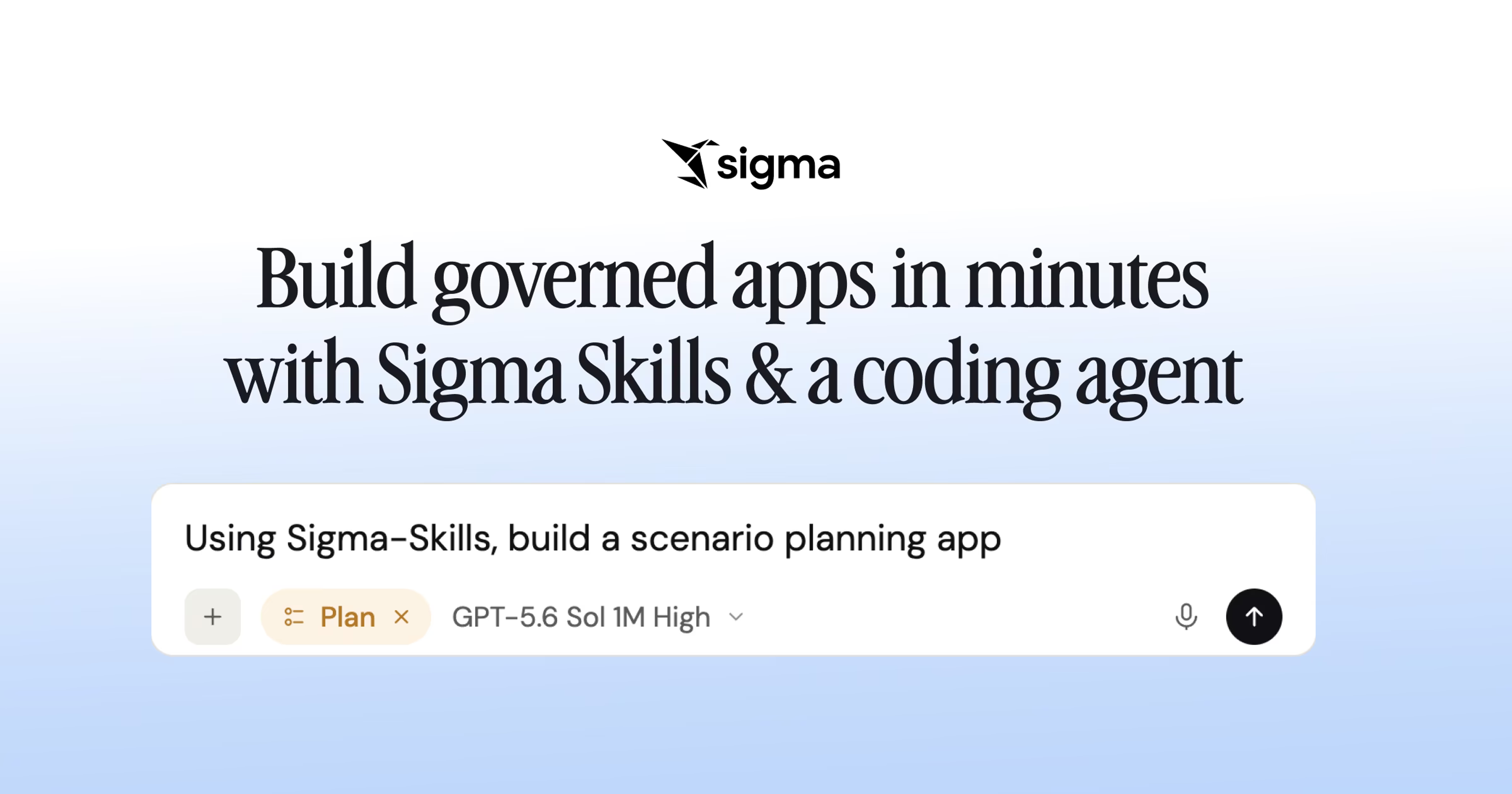
Build governed apps in minutes with code-backed Sigma and a coding agent
Use Sigma Skills with Claude Code, Cursor, Codex, or Snowflake CoCo to turn a prompt into a governed Sigma app in minutes.
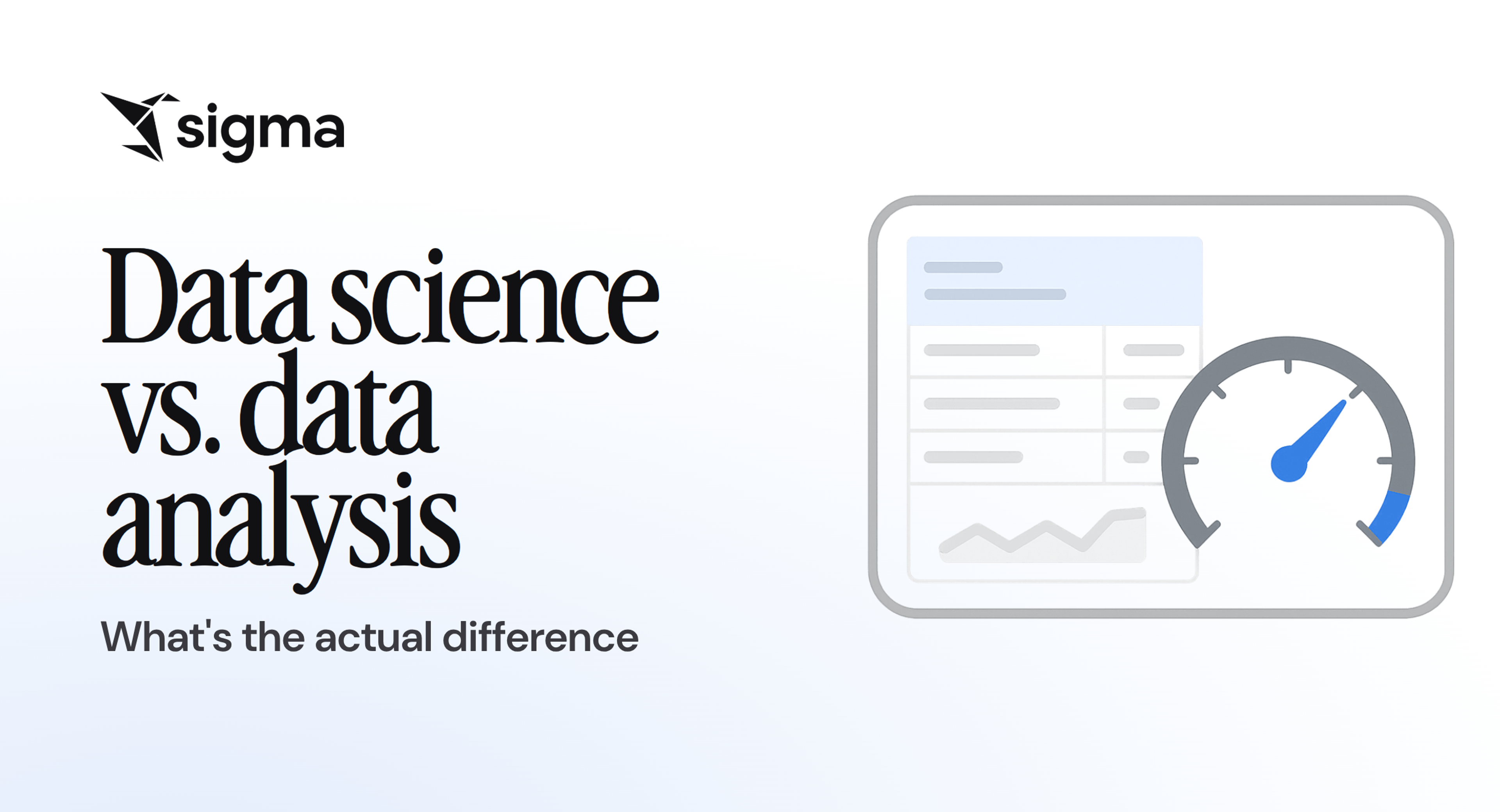
Read the blog: Build governed apps in minutes with code-backed Sigma and a coding agentData science vs. data analysis: What's the actual difference
Data science and data analysis aren't the same. Learn which discipline your business request actually needs, and how self-service analytics can help clear the queue.
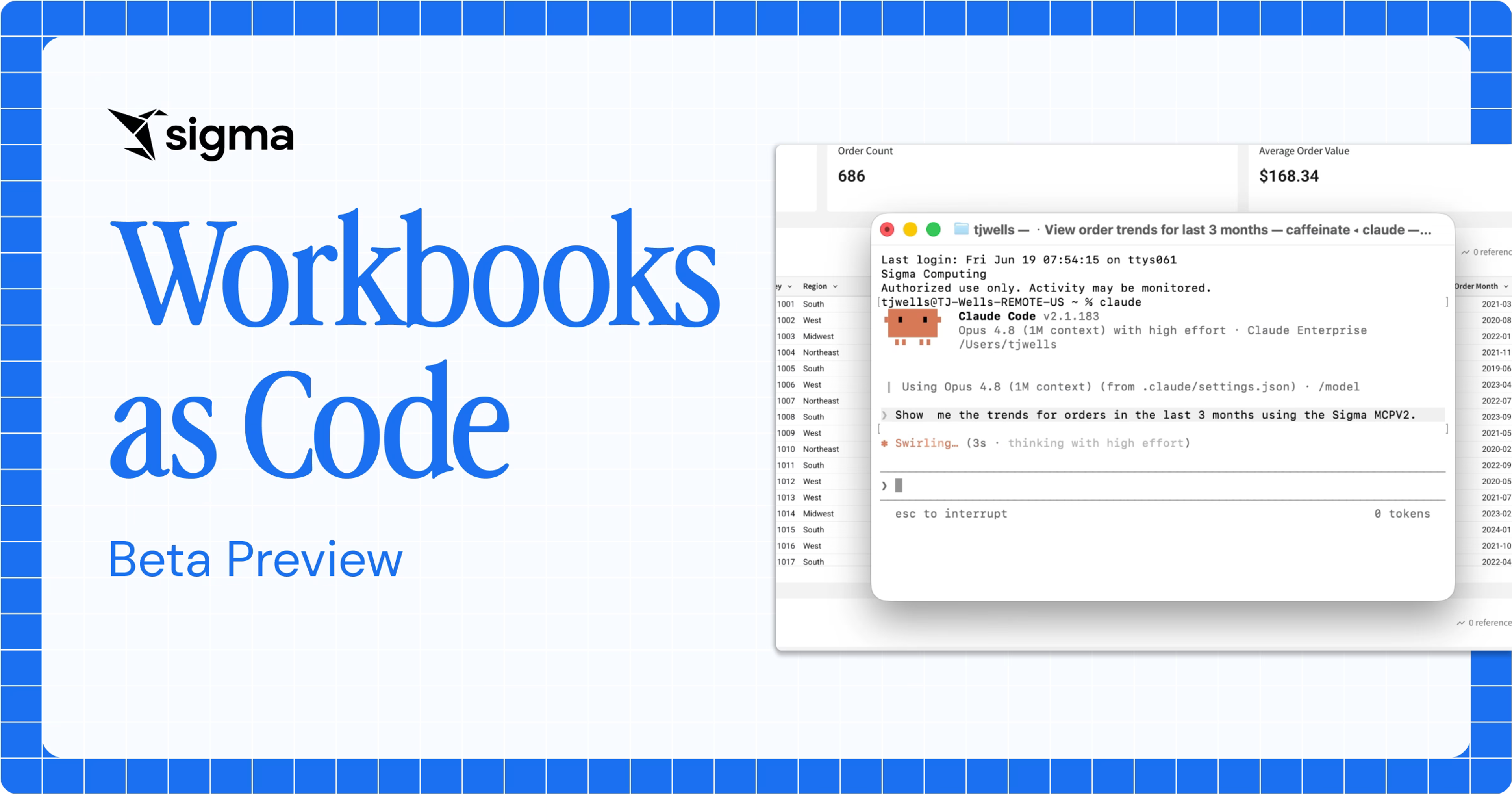
Read the blog: Data science vs. data analysis: What's the actual differenceWorkbooks as Code Preview: Build, Version, and Generate Sigma Dashboards Programmatically
See how code representation turns a Sigma workbook into a structured spec you can read, write, version, and generate through the REST API.
Read the blog: Workbooks as Code Preview: Build, Version, and Generate Sigma Dashboards Programmatically
Python and SQL FAQ
Can I use Python and SQL in the same workbook?
Yes. SQL and Python elements sit in the same workbook as formulas, charts, and tables, and each can read the others’ results.
Where does Python run?
On your Snowflake or Databricks connection, so the data stays in your environment. Custom SQL works on any connection Sigma supports.
Can business users run a Python model without seeing the code?
Yes. Add a Run Python element action to a button, a control change, or a selection. People change the inputs and run the model from the published app.
Which Python libraries can I use?
On Snowflake, packages from the Snowflake conda channel. On Databricks, the libraries installed on your cluster. Each Python element lists what’s installed.
Can Sigma Assistant write SQL or Python?
Yes. Describe the logic in plain language and review what Sigma Assistant writes before you run it.
How do code results reach charts and tables?
A SQL element’s results feed tables, charts, and pivot tables. In Python, each sigma.output() becomes a source you can build a chart, table, or pivot table on.
Can controls pass values into code?
Yes. Reference a control in custom SQL, or read one in Python with sigma.get_control_value(). Change the control and the result updates.
Can IT restrict who writes code?
Yes. Writing SQL and Python requires the Write SQL and Write Python permissions, which come with Build licenses. Running code needs Can use access on the connection.
How do we move an analysis from prototype to production?
Build it in a draft, then use version tags to promote it from dev to prod. Protected tags can require an approval first.
See SQL, Python, and spreadsheets in one workbook
Bring a notebook your team maintains, and we’ll show you the shared version.