See how Sigma compares
Feature-by-feature comparisons with the BI, spreadsheet, planning and data app platforms teams weigh against Sigma.
BI and analytics platforms
Dashboards, reporting and self-service, compared on live warehouse data.
 Sigma vs TableauLive on your warehouse, with no extractsEvery viewer can exploreCompare
 Sigma vs Power BISelf-service in a spreadsheet, not DAXLive on your warehouse, with no importsCompare
 Sigma vs LookerBuild without writing LookMLGoverned AI on the data you trustCompare
 Sigma vs QlikLive warehouse data, with no extracts or reloadsSelf-service without load scriptsCompare
 Sigma vs ThoughtSpotAnalyze your warehouse as it isSpreadsheet depth behind every answerCompare
 Sigma vs OmniWrite back and build apps on live dataExplore billions of rows like a spreadsheetCompare
 Sigma vs MicroStrategyBuilt for your warehouse, with no cubesMove reports over with AI helpCompare
 Sigma vs SAP BusinessObjectsPrint-ready reports on live dataSelf-service the business usesCompare
Spreadsheets and planning
Where finance and operations teams model, plan and report.
 ExcelSigma vs ExcelThe spreadsheet you know, on live dataBillions of rows, with no row limitsCompare
 Sigma vs AnaplanPlan on warehouse data, with no data movementDrill from the plan to the transactionCompare
 Sigma vs PigmentModels your finance team can maintainPlans that stay in your warehouseCompare
Data apps and notebooks
Analysis and operational apps that write back to the warehouse.


Straight from the source
G2 and Gartner Peer Insights reviewers on what changed when they moved to Sigma
“A lot of our users are Excel power users, and spreadsheets are deeply embedded in how our company operates. Giving people an interface that looks and feels familiar has made it much easier to bring them onto the platform. It lowers the barrier to adoption while also helping us move away from manual, spreadsheet-driven processes.”
Simon IdrisVP Engineering · Mid-Market (51-1000 emp.) · G2 (opens in a new tab)“A spreadsheet-style interface on live warehouse data. People who think in Excel become builders quickly, and ad hoc questions get answered against current data without extracts.”
VP, Data and AnalyticsConstruction · Gartner Peer Insights (opens in a new tab)“Created for those with SQL, Python, & Excel knowledge. Allows for transferring those skills directly over to the platform without learning some domain-specific modelling language (LookML, DAX, M, etc.)”
Finance AssociateSoftware · Gartner Peer Insights (opens in a new tab)“Simplicity for non-data nerds and non-SQL heavy users. Our team includes people who don't know SQL but are strong Gsheets/excel users, and Sigma unlocks their ability to run large ad hoc analyses that wouldn't be possible in spreadsheets alone.”
Sales StrategySoftware · Gartner Peer Insights (opens in a new tab)“A lot of our end-users export data into gsheets or excel. While some of that still happens, Sigma's Excel-like interface meets users where they're at by enabling the use of Excel-like calculations. This increases usage and keeps data in one place.”
Director of Data and AnalyticsConsumer Goods · Gartner Peer Insights (opens in a new tab)“I like that with Sigma, my data is directly linked which means there's no need for refreshing, and there's absolutely no lag. … Sigma directly links data with no refreshing or lag, effectively replacing Palantir Foundry.”
Elizabeth WangEnterprise (> 1000 emp.) · G2 (opens in a new tab)“Everything I previously did in Excel / Sheets (I work in Finance) I can do in Sigma faster and better and it keeps itself up to date.”
FINANCE MANAGERSoftware · Gartner Peer Insights (opens in a new tab)“I like how Sigma automates what used to be manual tasks, transforming external Excel work into a comprehensive and single source of truth. I appreciate the direct access it provides to our data lake and how it manages write-back forms and budget management with ease. It stands out as a financial BI tool that allows me to cut and slice data effectively.”
Enterprise (> 1000 emp.) · G2 (opens in a new tab)
Ready to move
Migration guides
How teams plan the move off their current tool and rebuild on live warehouse data.
Migrate from Tableau
The plan, the timeline and the features side by side.
Read the guideMigrate from Power BI
The plan, the timeline and the features side by side.
Read the guideMigrate from Looker
The plan, the timeline and the features side by side.
Read the guideMigrate from Qlik
The plan, the timeline and the features side by side.
Read the guideMigrate from ThoughtSpot
The plan, the timeline and the features side by side.
Read the guideMigrate from MicroStrategy
The plan, the timeline and the features side by side.
Read the guideMigrate from Hex
The plan, the timeline and the features side by side.
Read the guideMigrate from Excel
The plan, the timeline and the features side by side.
Read the guideMigrate from Omni
The plan, the timeline and the features side by side.
Read the guide
Keep reading
Migrating From Tableau to Sigma? Here are 5 Things to Consider
As the frequency of Tableau to Sigma migrations increases, several vital things must be considered when making this organizational change to ensure the long-term success of your new Sigma platform.
Read the post: Migrating From Tableau to Sigma? Here are 5 Things to Consider10 Best Tableau Alternatives for 2026
Compare the top Tableau alternatives for 2026, from Sigma and Power BI to Looker and Qlik, on ease of use, live data, AI, scale and cost.
Read the post: 10 Best Tableau Alternatives for 20267 Best Power BI Alternatives in 2026
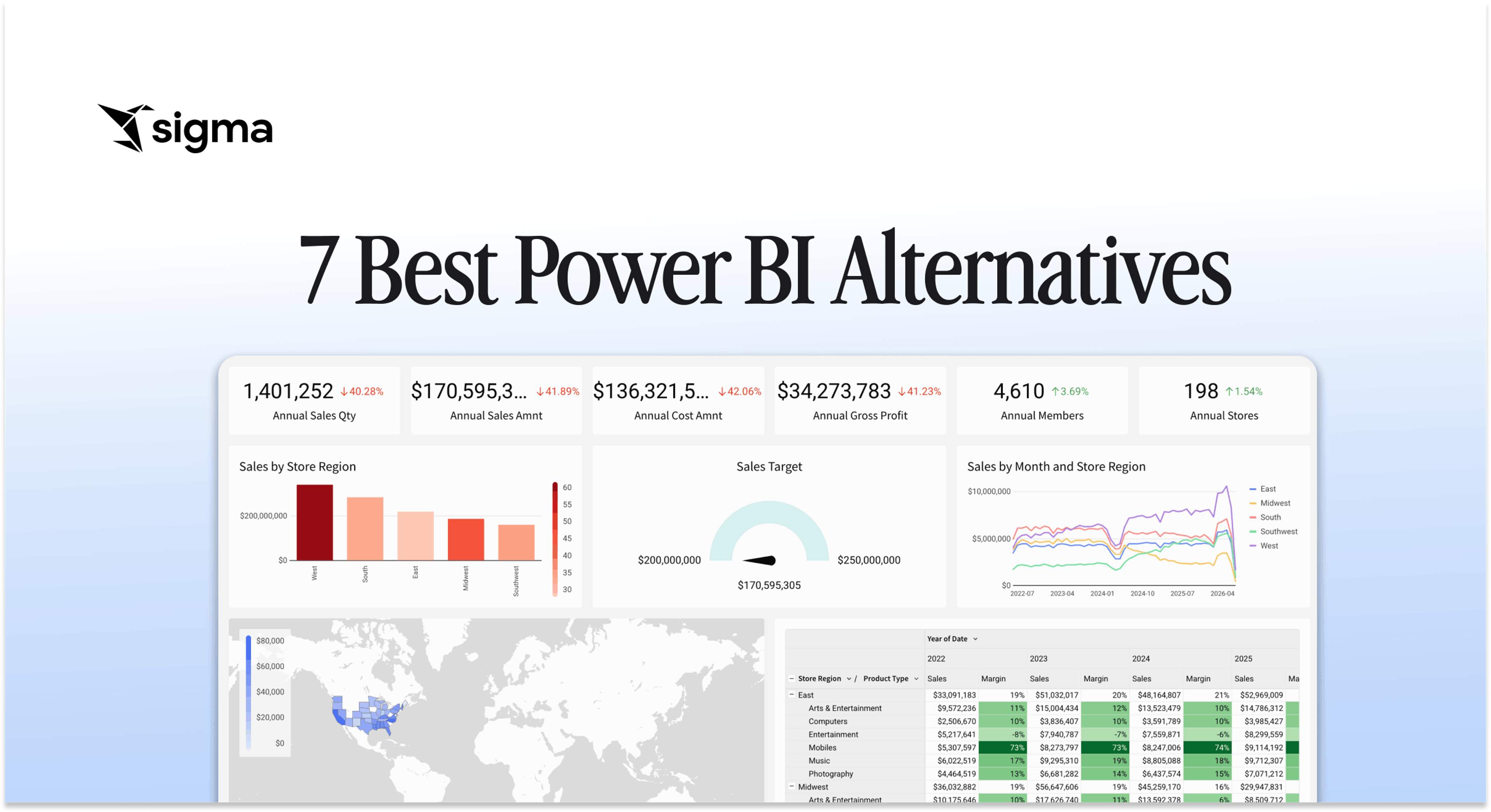
Compare the 7 best Power BI alternatives in 2026: Sigma, Tableau, Looker, and more. Find the right platform for your data architecture and team.
Read the post: 7 Best Power BI Alternatives in 2026