00
DAYS
00
HRS
00
MIN
00
SEC
WORKFLOW · SIGMA'S FIRST USER CONFERENCE · March 5
arrow right

Build AI Apps that finish the job

Automate repetitive analytics tasks and streamline your data workflows with intelligent automation that connects your entire analytics pipeline.
Run apps on your warehouse
Address your needs with AI apps using Sigma's native architecture; deliver faster by cutting data movement and custom development.
Unify your tech stack
Consolidate your operational and analytics stack onto a single platform. Ditch the high cost of custom development and SaaS licenses.
Let users take action
Replace fragile, ungoverned apps and spreadsheets with a secure, centralized no-code app layer for business team builders.
Trusted by finance teams at leading global enterprises

Anatomy of an app

From AI apps to embedded analytics, all built on the same governed
platform.

Capture inputs from users

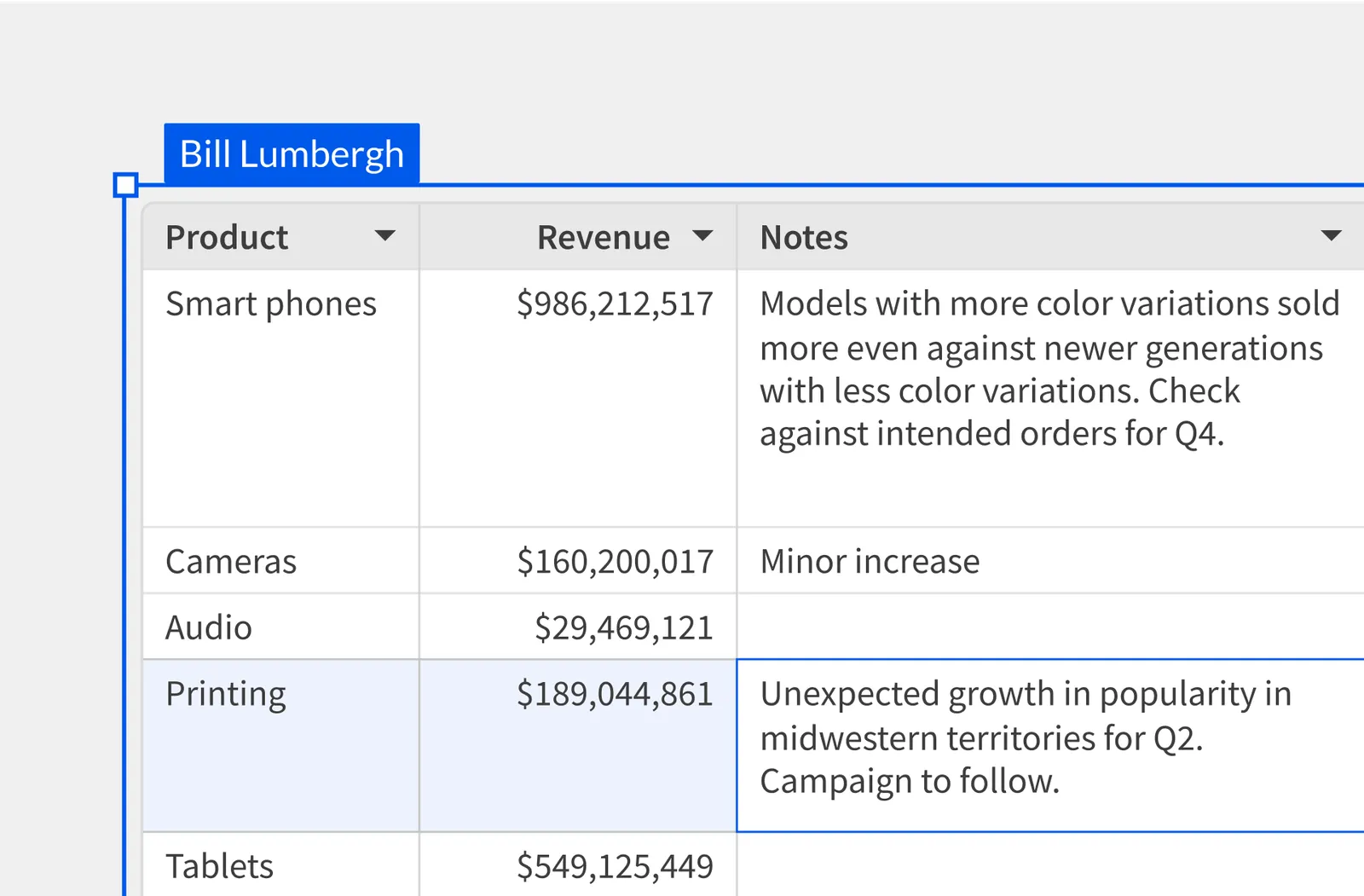
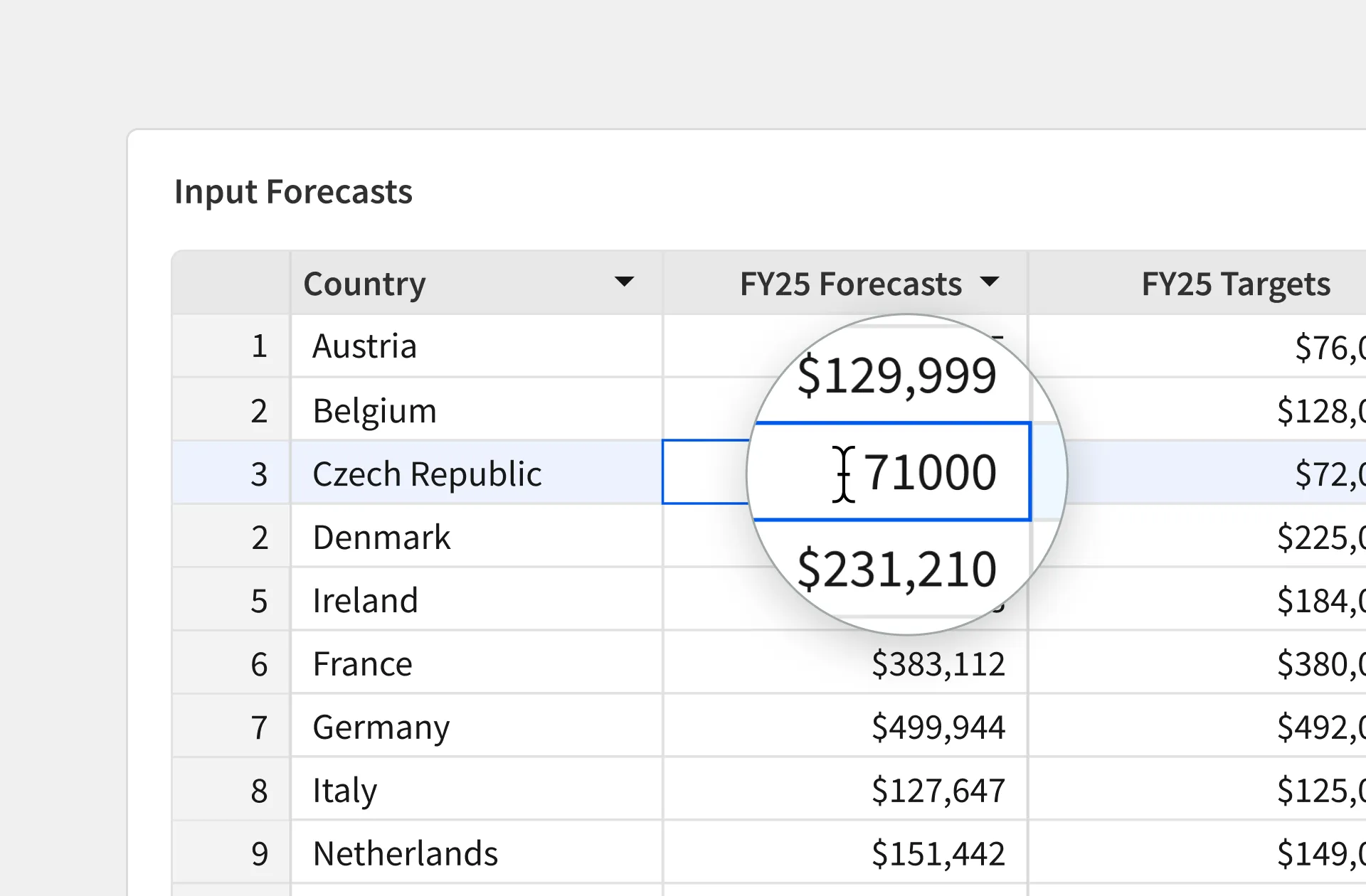
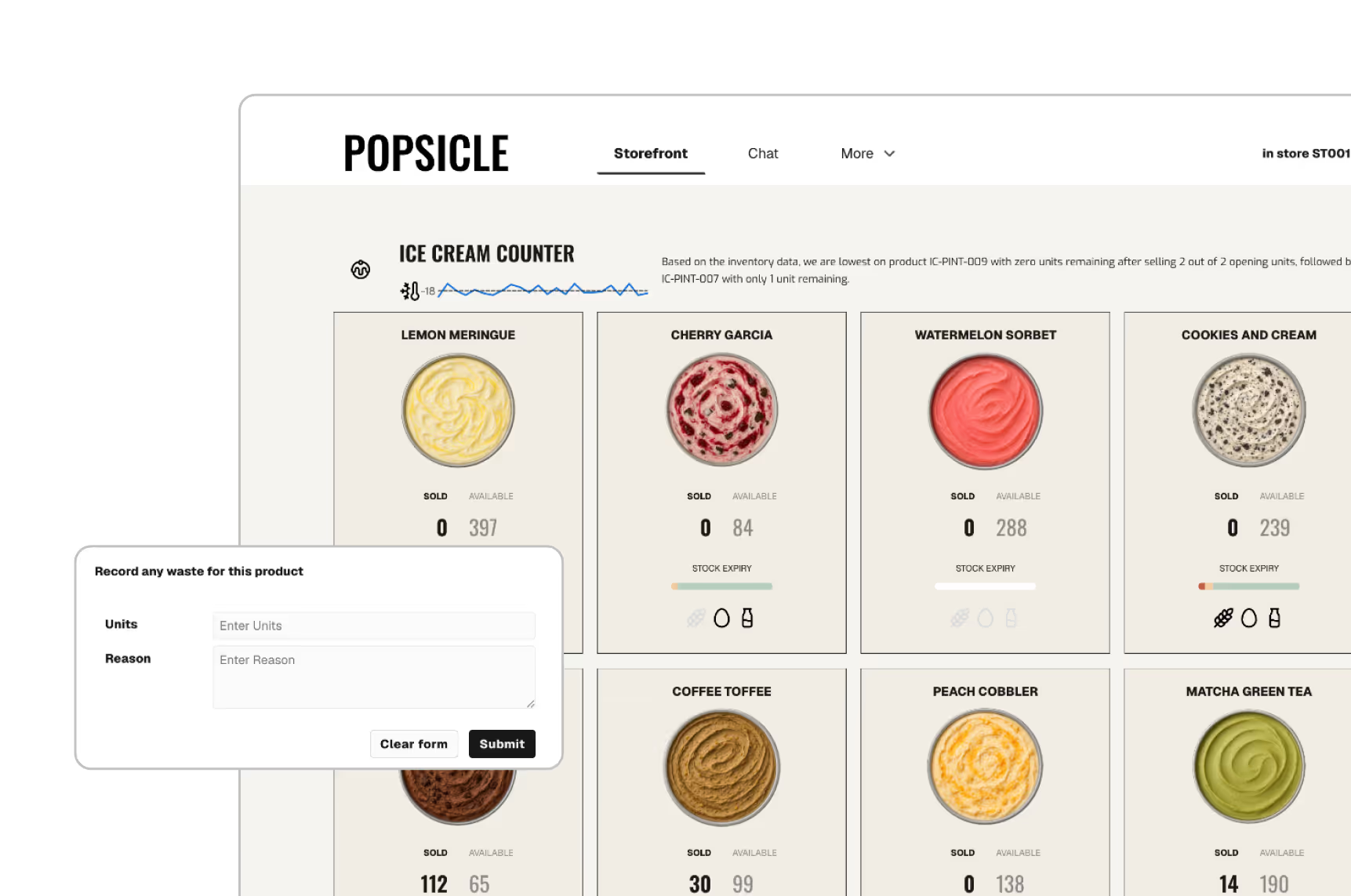
Let users enter data directly into the warehouse through Sigma Input Tables to reconcile, forecast, and model scenarios.
Enable governed data entry through forms or a spreadsheet UI.
Enforce dropdowns, numeric ranges, and required fields to ensure data integrity.
Control who can edit which rows based on warehouse access rules.
Read the paper to learn more

Personalize intuitive apps

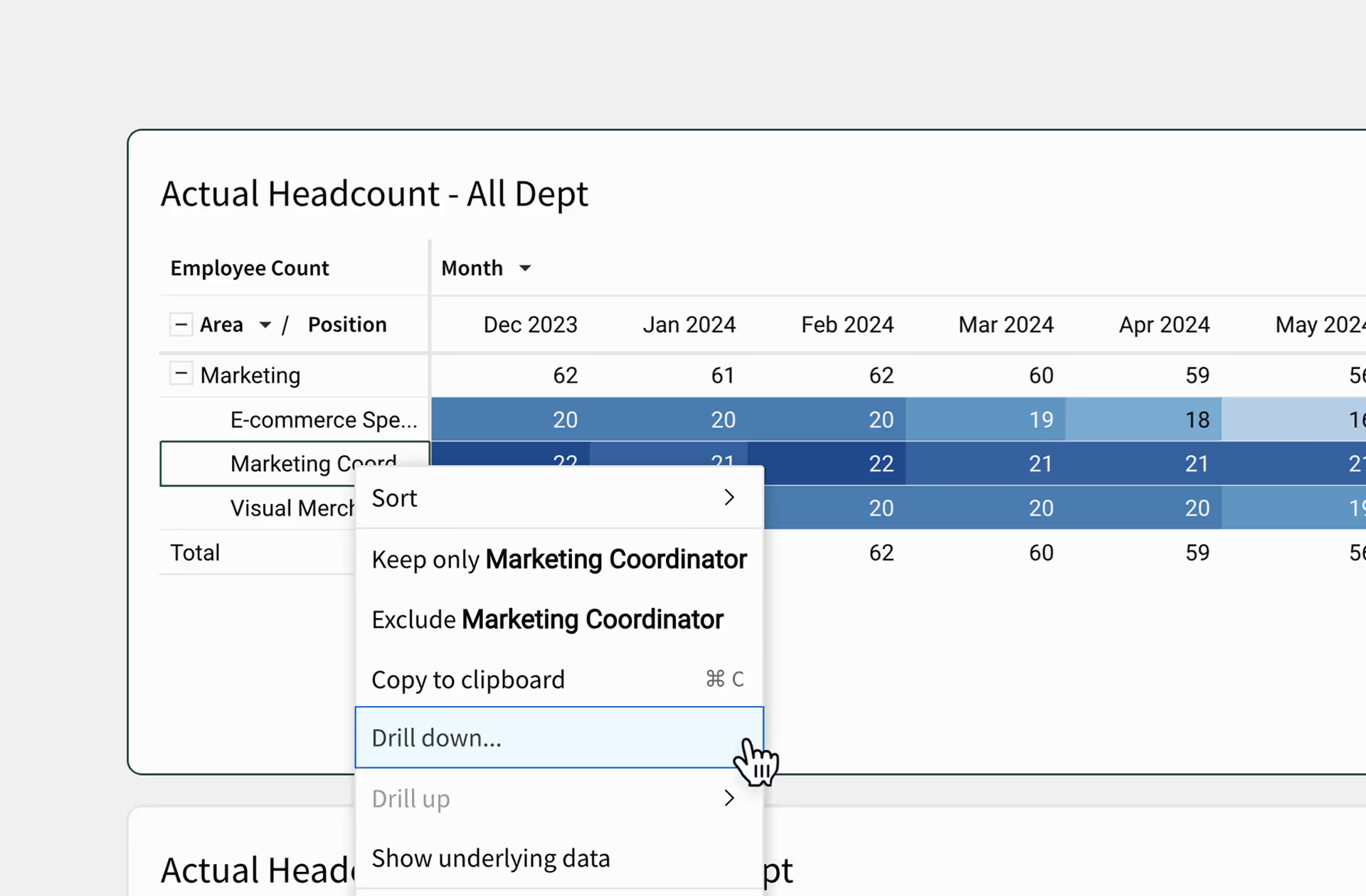
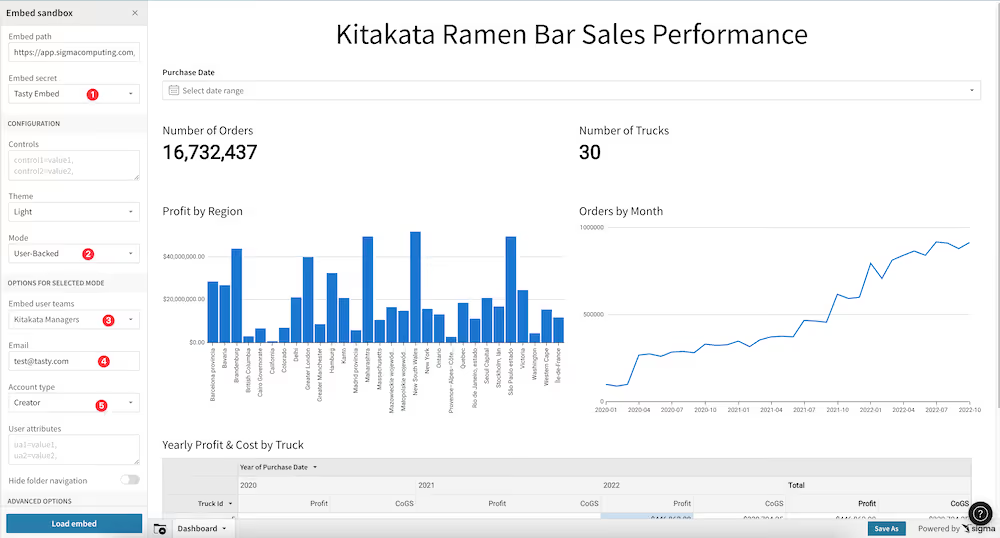
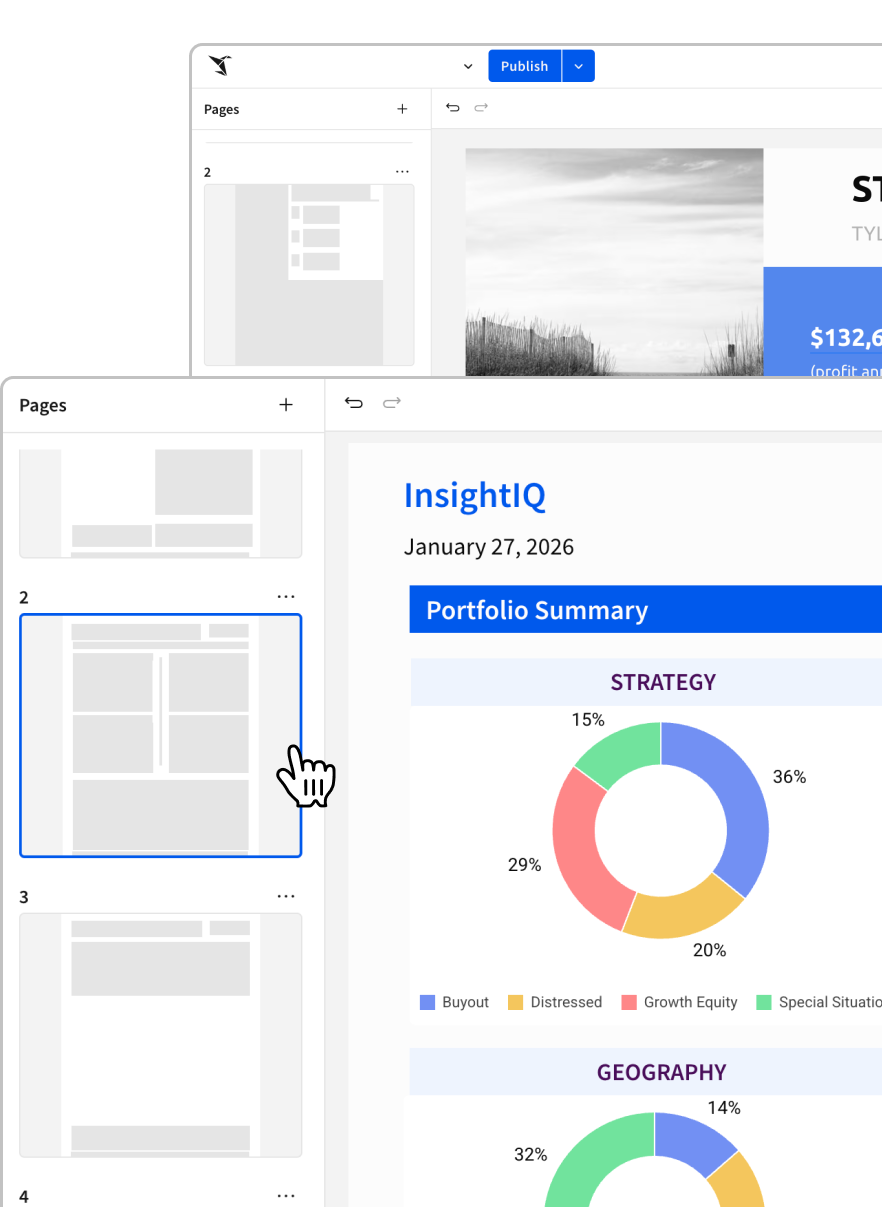
Transform raw data into polished interfaces with a flexible spreadsheet-like canvas. Use a grid-based system to arrange visualizations, inputs, and text into professional analytics and apps that scale across any screen size.
Organize your work using containers, modals, and guide users through complex workflows.
Use conditional logic to show or hide specific components based on user roles, selections, or data values.
Tailor the look and feel with global themes in a no-code UI to match your brand identity.
Start building

Create engaging user experiences

A trigger & effect framework to initiate next steps, execute stored procedures, or push API calls based on if/else logic. Update Salesforce or create Jira tickets directly from your workbook.
Build apps that navigate, export data, and change UIs based on user inputs or form submissions.
Execute stored procedures to update your model, trigger Python-based warehouse logic, or initiate downstream data workflows.
Connect warehouse columns and row-specific data to external endpoints and APIs.
Read our latest blog on Sigma Actions

Empower any user to build no-code AI Apps

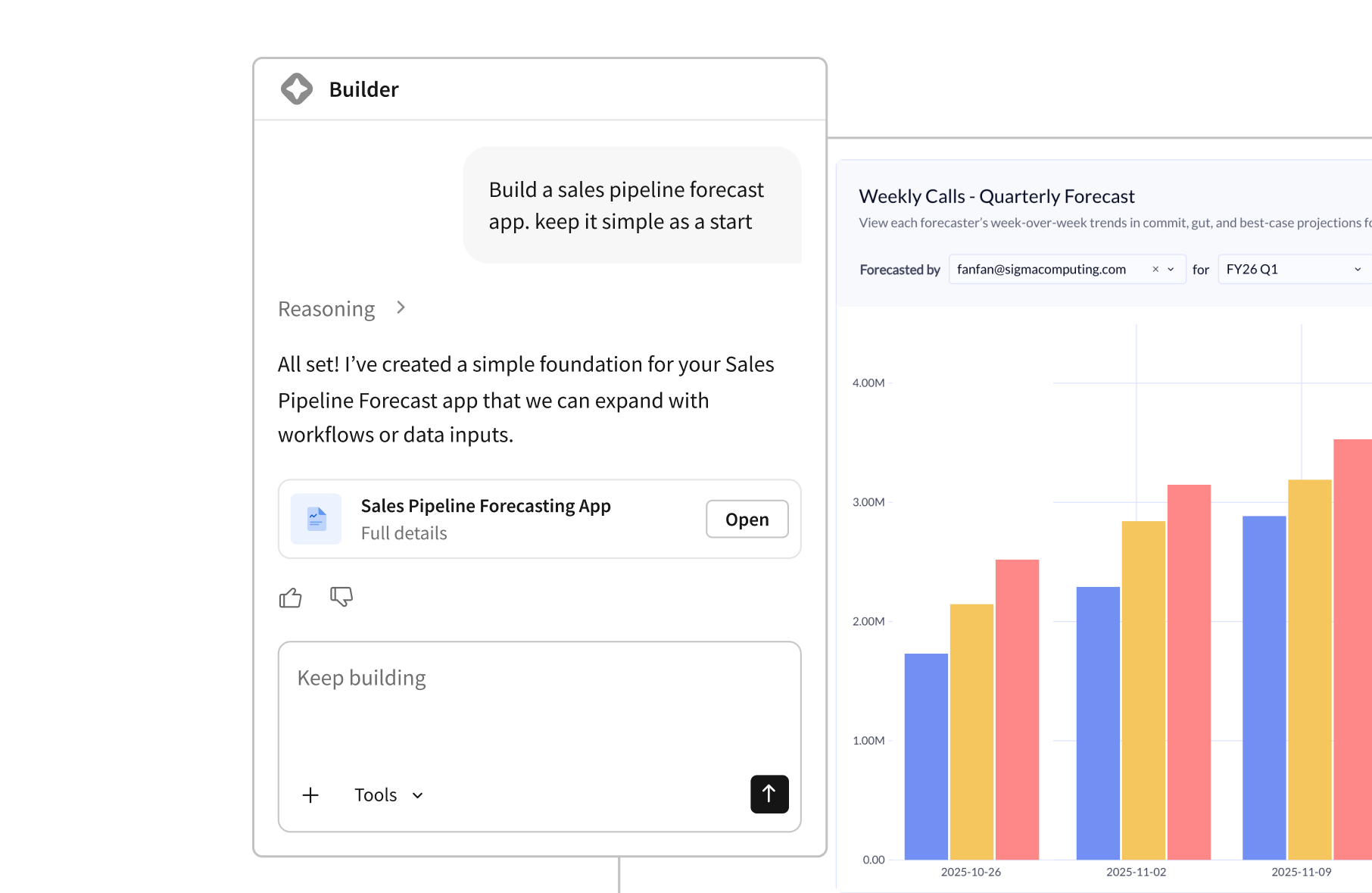
Build and enhance apps by leveraging AI to simplify the design process and embed advanced logic directly into your UI. From copiloted app creation to automated sentiment analysis, scale your workflows with intelligence that lives where your data does.
Speed up app creation with a copilot that makes every business user a power builder.
Incorporate warehouse functions that summarize text, apply sentiment, and more without writing code.
Design AI-powered workflows that act on live data to accurately forecast, predict, and automate business processes.
Hear from our experts on building AI Apps in Sigma

Enterprise-ready semantics

Get value first. Add models when you need them. Sigma gives teams a fast path to insight with optional data models for governance, not a prerequisite to get started.
flogistix logo
vanta logo

Architecture FAQ

The questions that usually come up once someone starts mapping Sigma into their warehouse and governance model.

Data Modeling in Sigma

Data models can help businesses make more informed decisions by providing a structured way to analyze and interpret data. By using a data model, a business can better understand relationships between different pieces of data, identify trends, and forecast future outcomes.

Best practices when working with large data sets

Ensuring optimal performance when using Sigma on top of large datasets comes with some best practices. First, what constitutes a large dataset is dependent on aspects such as warehouse size, the use case, and the intended workbook load time or performance. Often datasets that require performance to be improved are 100+ million rows, or have more than 30 columns. Let’s look at the easiest ways to achieve the greatest lift when it comes to performance improvement and optimization.

How to Use Metrics and Governance in Sigma

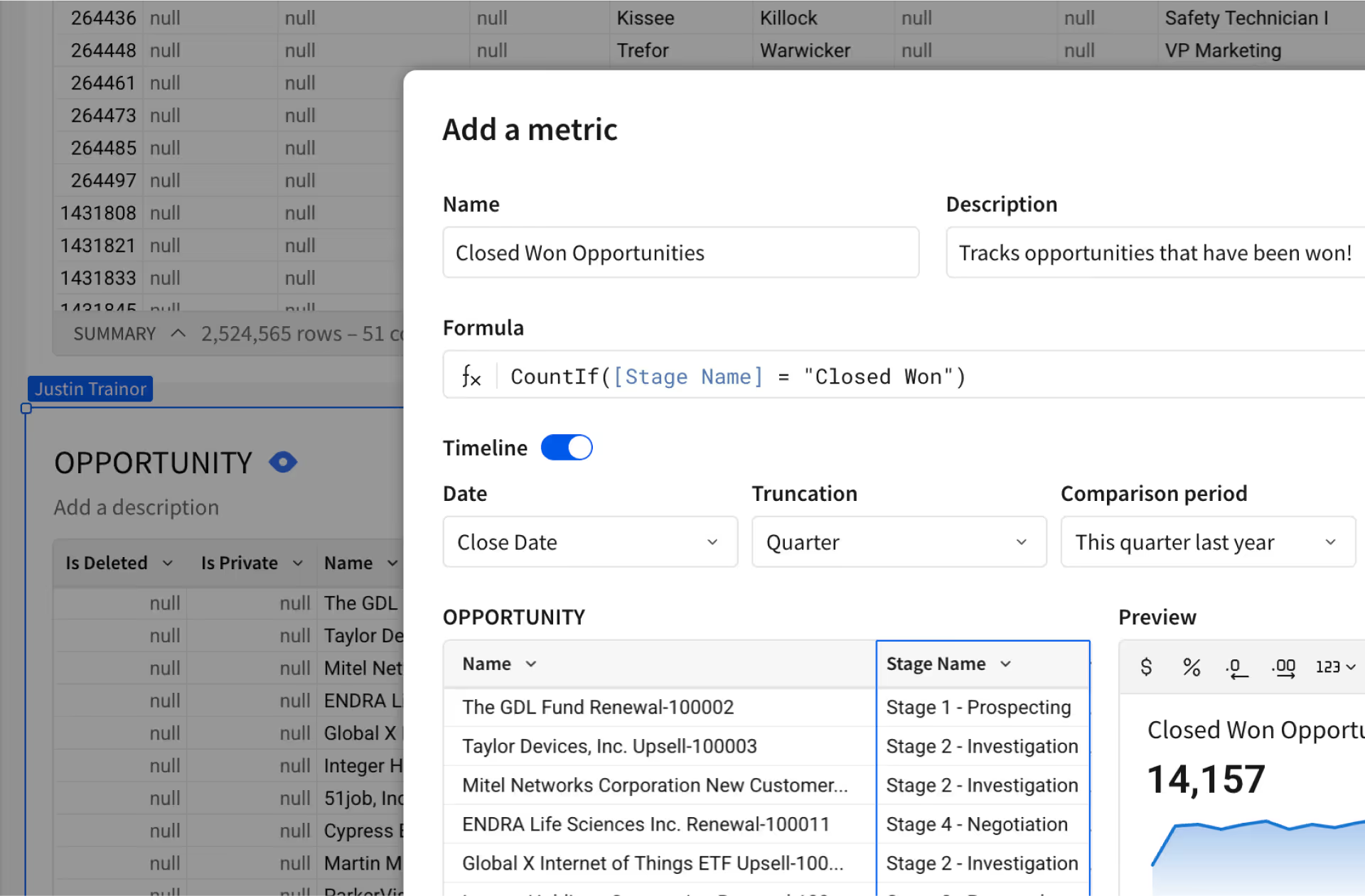
Metrics in Sigma provide a way to ensure consistent metric logic across tables, visualizations, and pivot tables. These metrics are calculations that are used to support a variety of use cases, including financial performance, customer behavior, operational efficiency, and more. They include: revenue, customer retention, net promoter score (NPS), conversion rate, cost per acquisition, and return on investment.