


Embedded analytics & apps










Embedding tools
Simple integration

Securely scale with your customers

Tailored user experiences
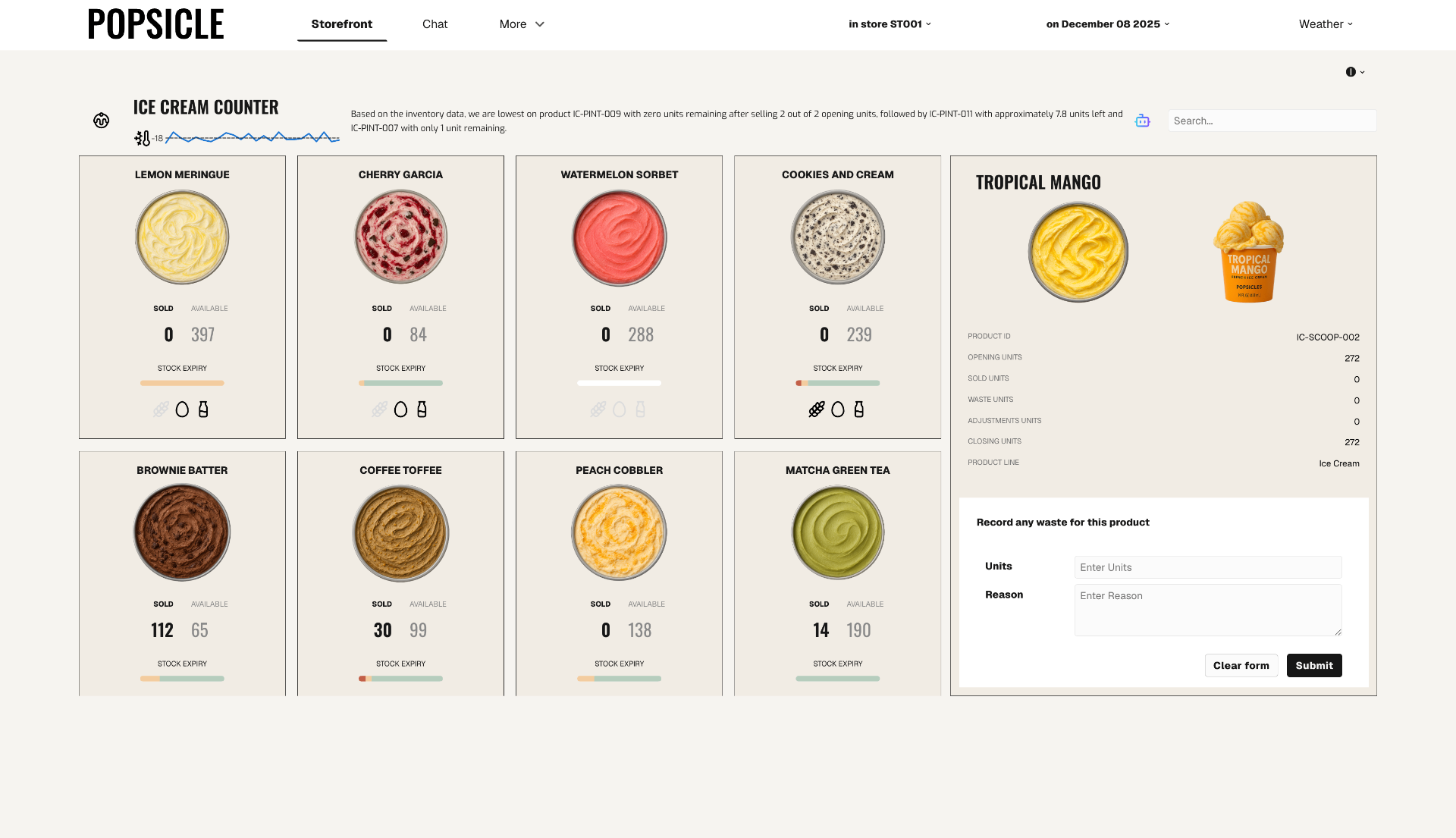
Drive customer engagement
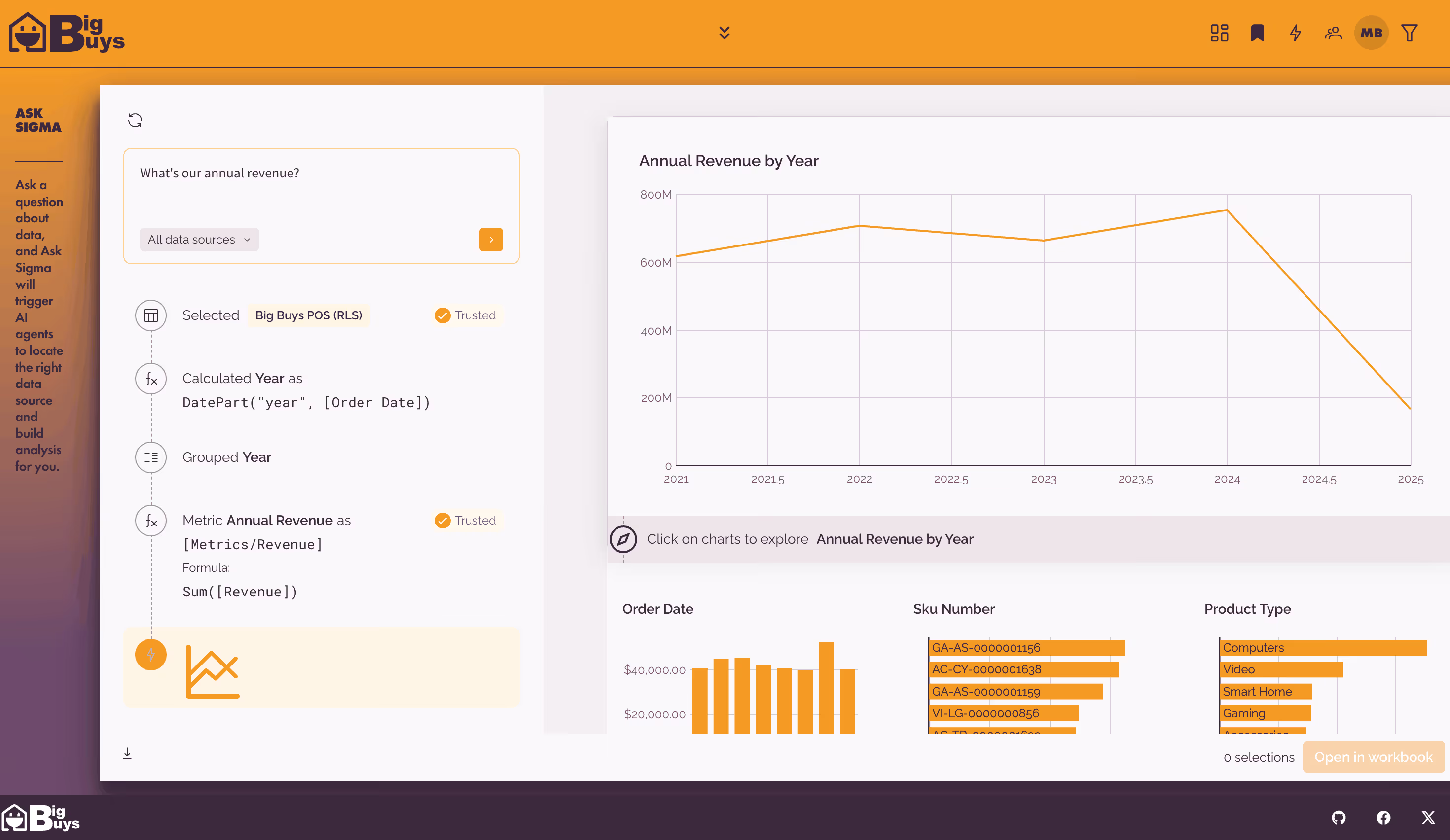
Scale to thousands of customers
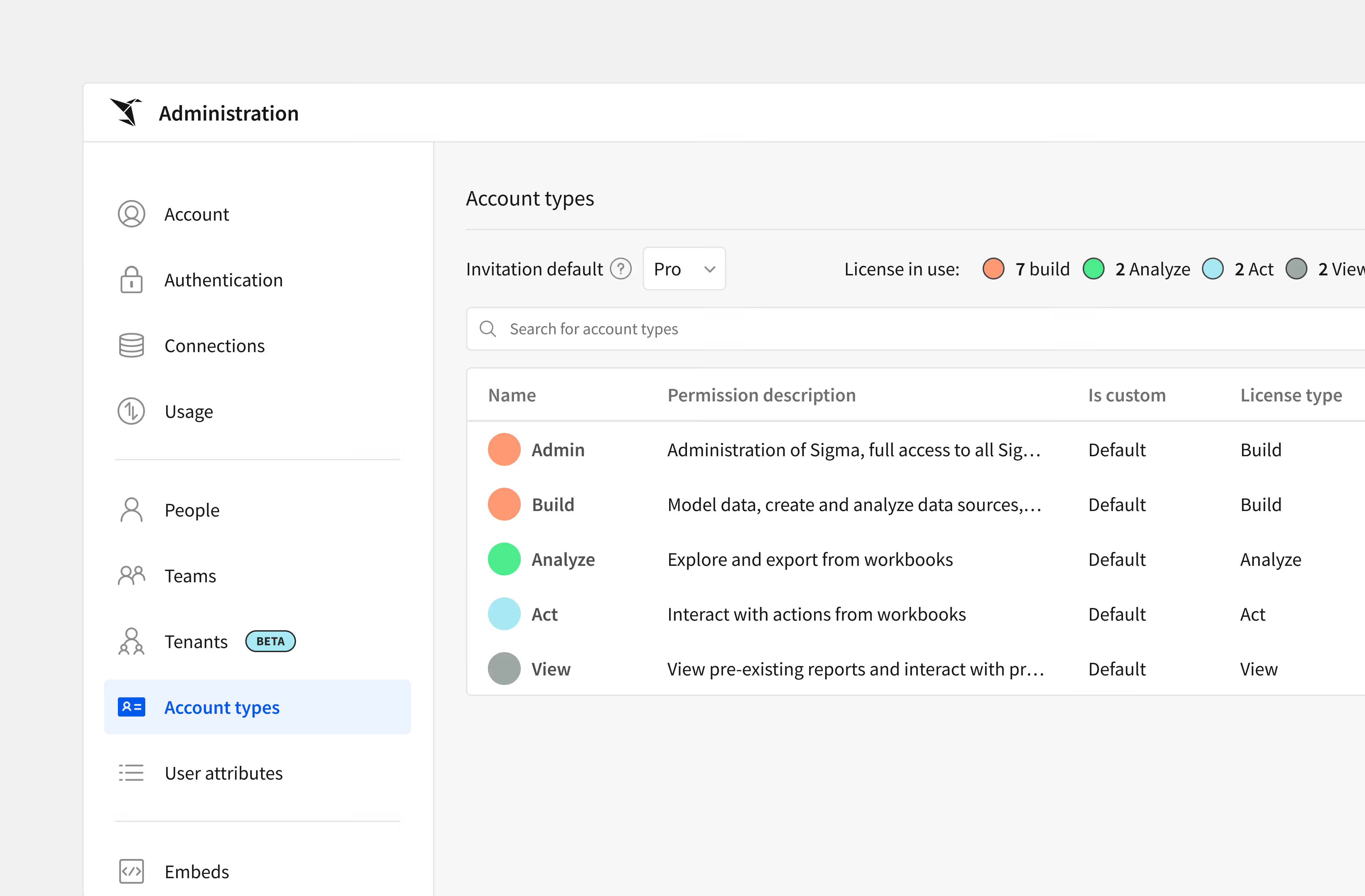
Trusted for scalable embedding












Related Resources
Embedding Fundamentals

Mastering Embedded Analytics: Your Ultimate Guide
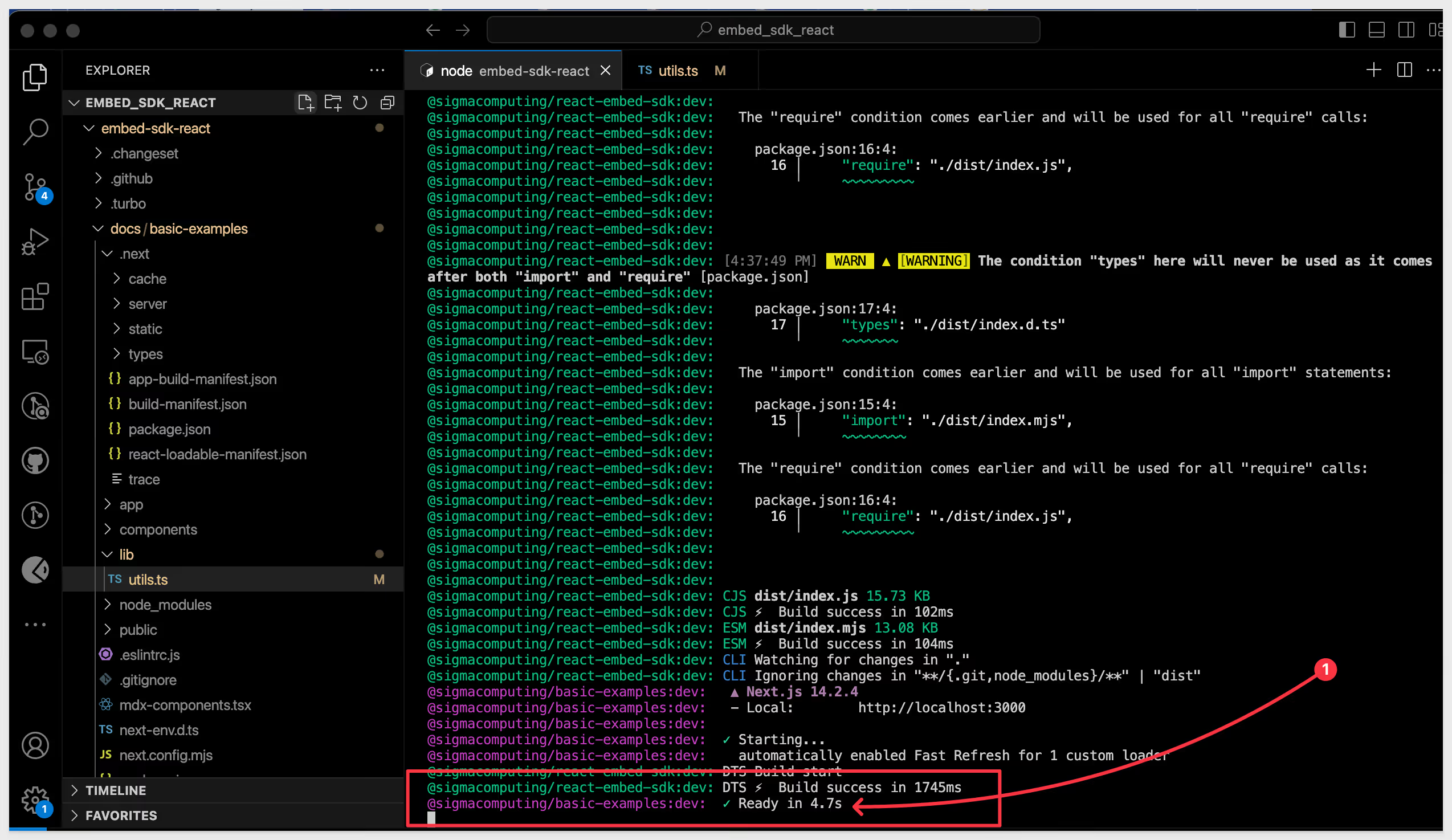
Embed-SDK for React
Everything you need to analyze, report, and act

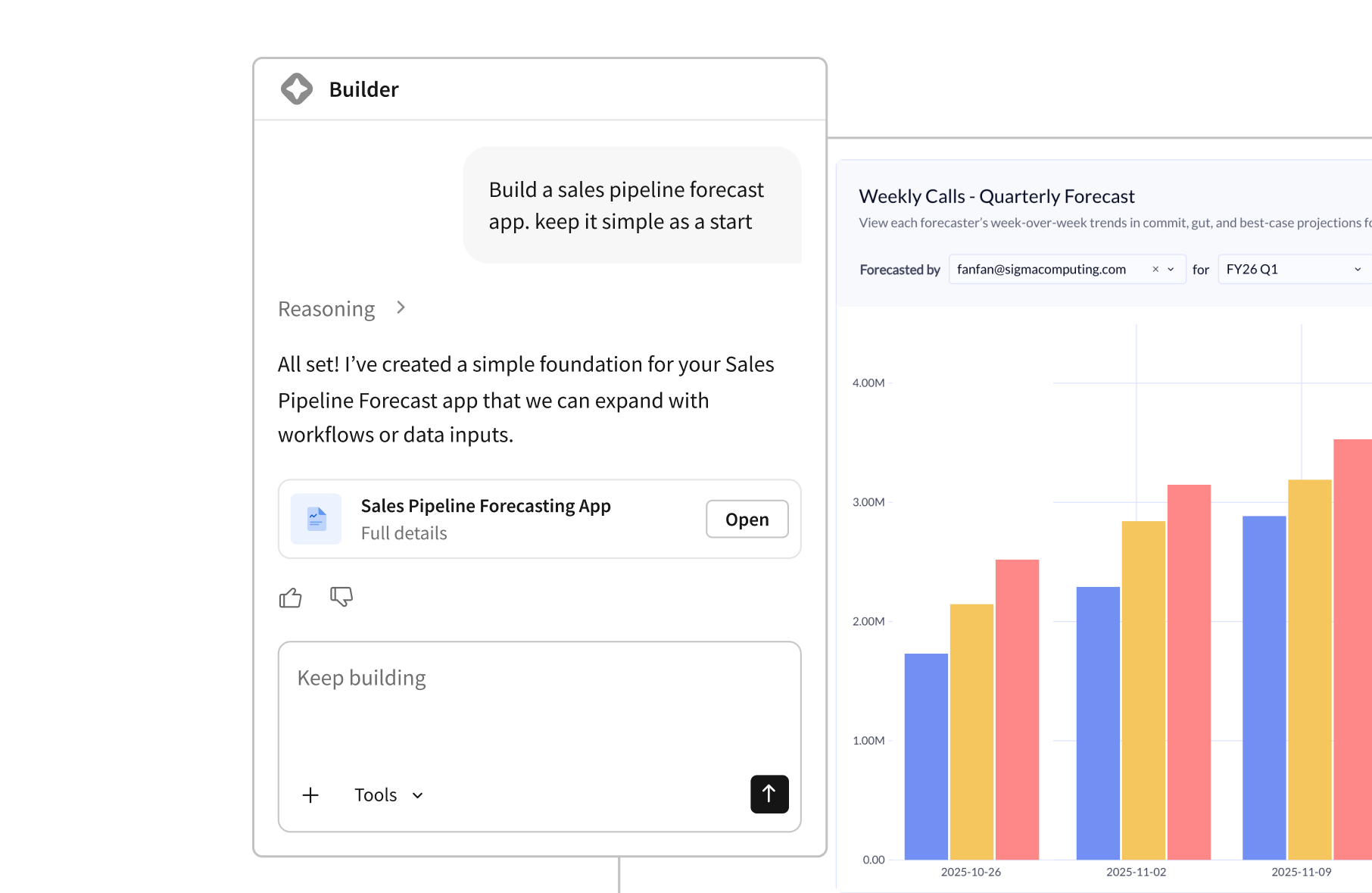
AI Apps
Automate workflows with AI-powered logic.

Dashboards & Analysis
Analyze billions of records using the skills you know best.


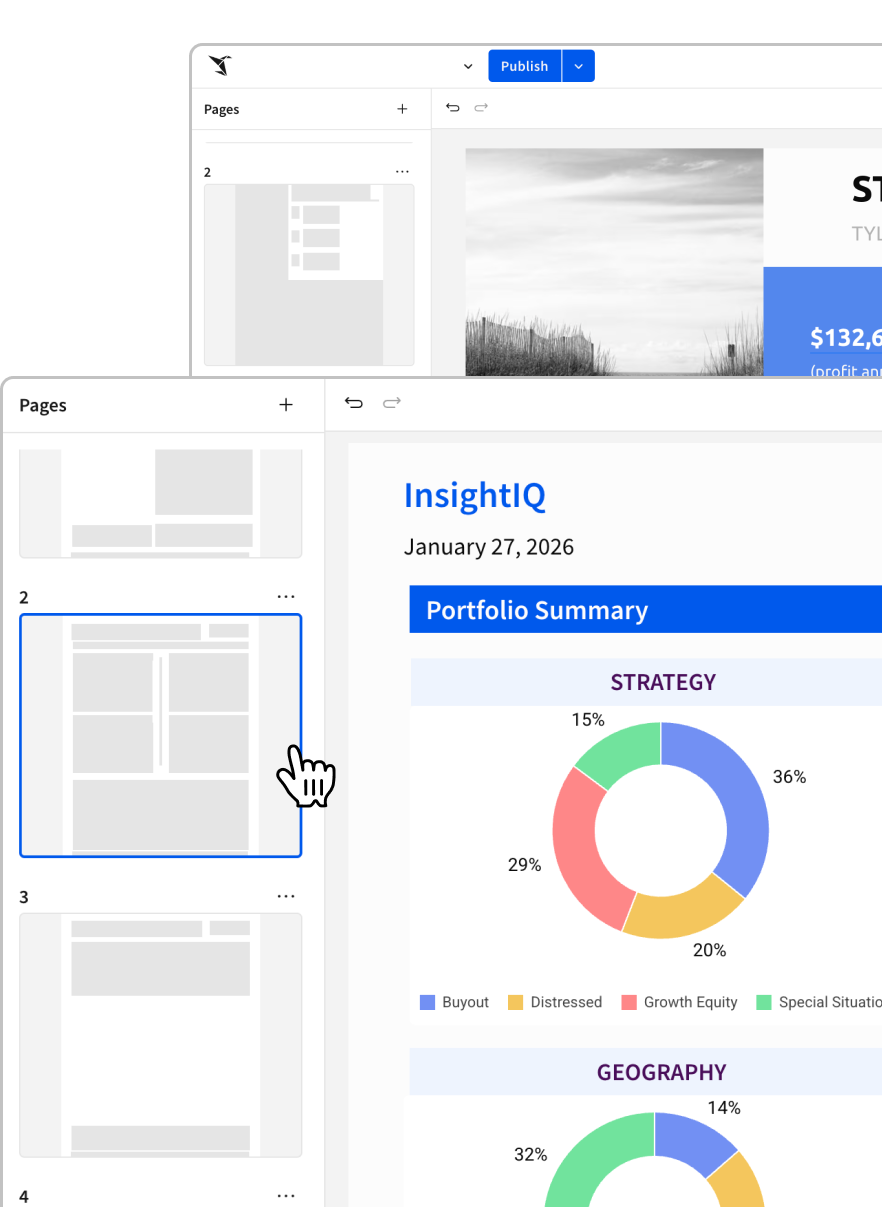
Pixel-Perfect Reports
Batch deliver highly formatted, audit-ready reports to thousands of recipients.

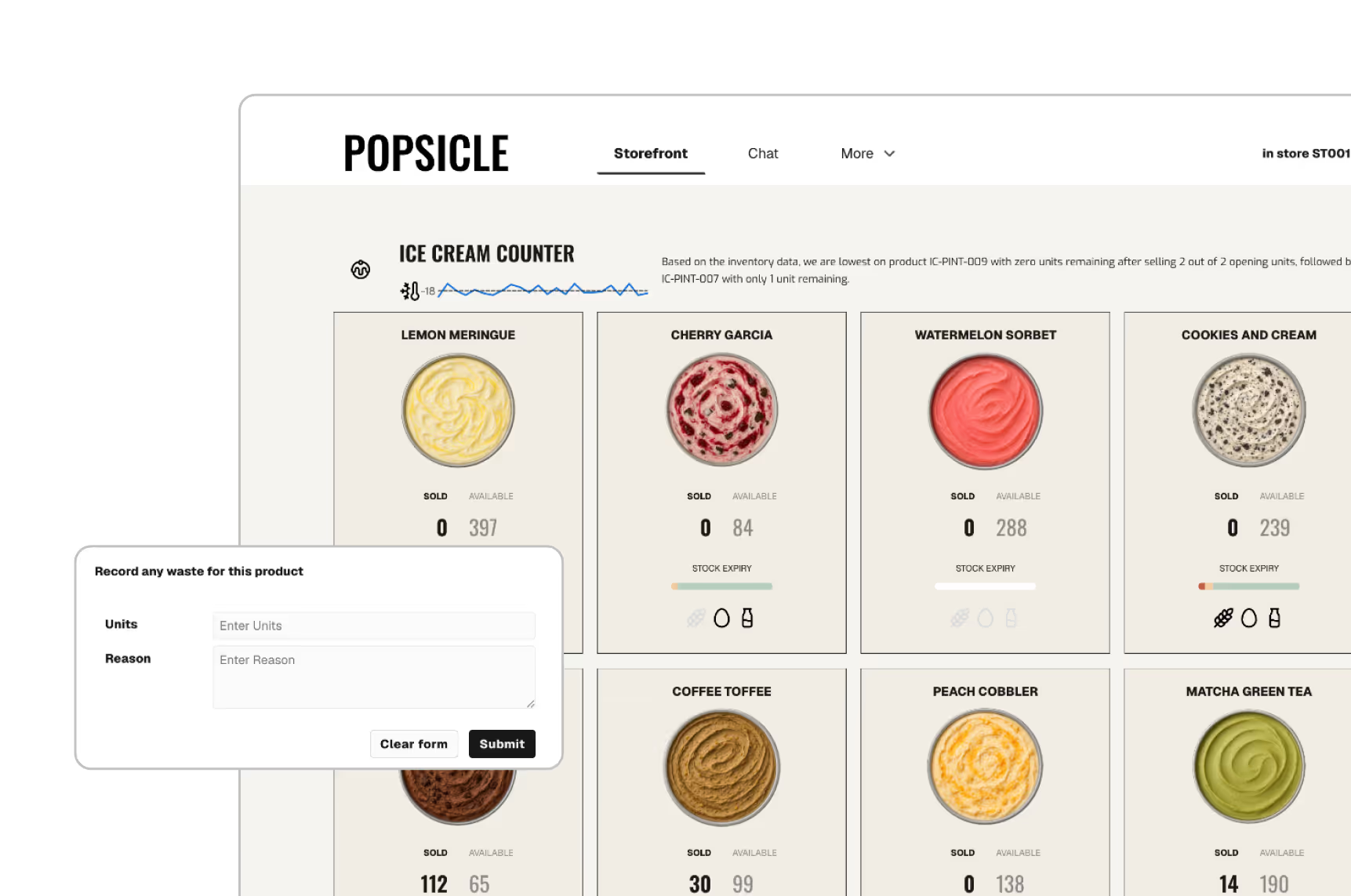
Embedded Analytics
Give your customers the insights they need. Integrate white-labeled analytics seamlessly into your products.
FAQ
Answers to our most frequently asked questions about deploying enterprise-grade embedded analytics with Sigma.
Sigma provides users with powerful ways to establish a bi-directional communication channel between your application and an embedded dashboard. This allows your application to both control the embed and react to the change happening within it.
In this guide, we’ll go over some best practices of how to set up version management for both use cases.
Want to use your Sigma dashboards outside of Sigma? Now you can bring them into your own application using Sigma embeds.
As a Sigma customer, you have access to multiple levels of security for your embedded analytics. This allows you to tailor the level of access to the needs of your users
Today, we’ll be learning about how to version control the workbooks you’ve embedded in your application. We’ll go over what version tagging is, how to use it, and an example application.
With Sigma’s embedded analytics, you can quickly create a powerful analytics experience for your teammates or customers, all branded to match the portals or websites they’re already on.
This guide provides a blueprint for you to start your journey with embedding Sigma in your applications. We provide links to relevant features that you will need to hit the ground running and identify the typical roles responsible for each step.