00
DAYS
00
HRS
00
MIN
00
SEC
WORKFLOW · SIGMA'S FIRST USER CONFERENCE · March 5
SEE THE SESSIONS








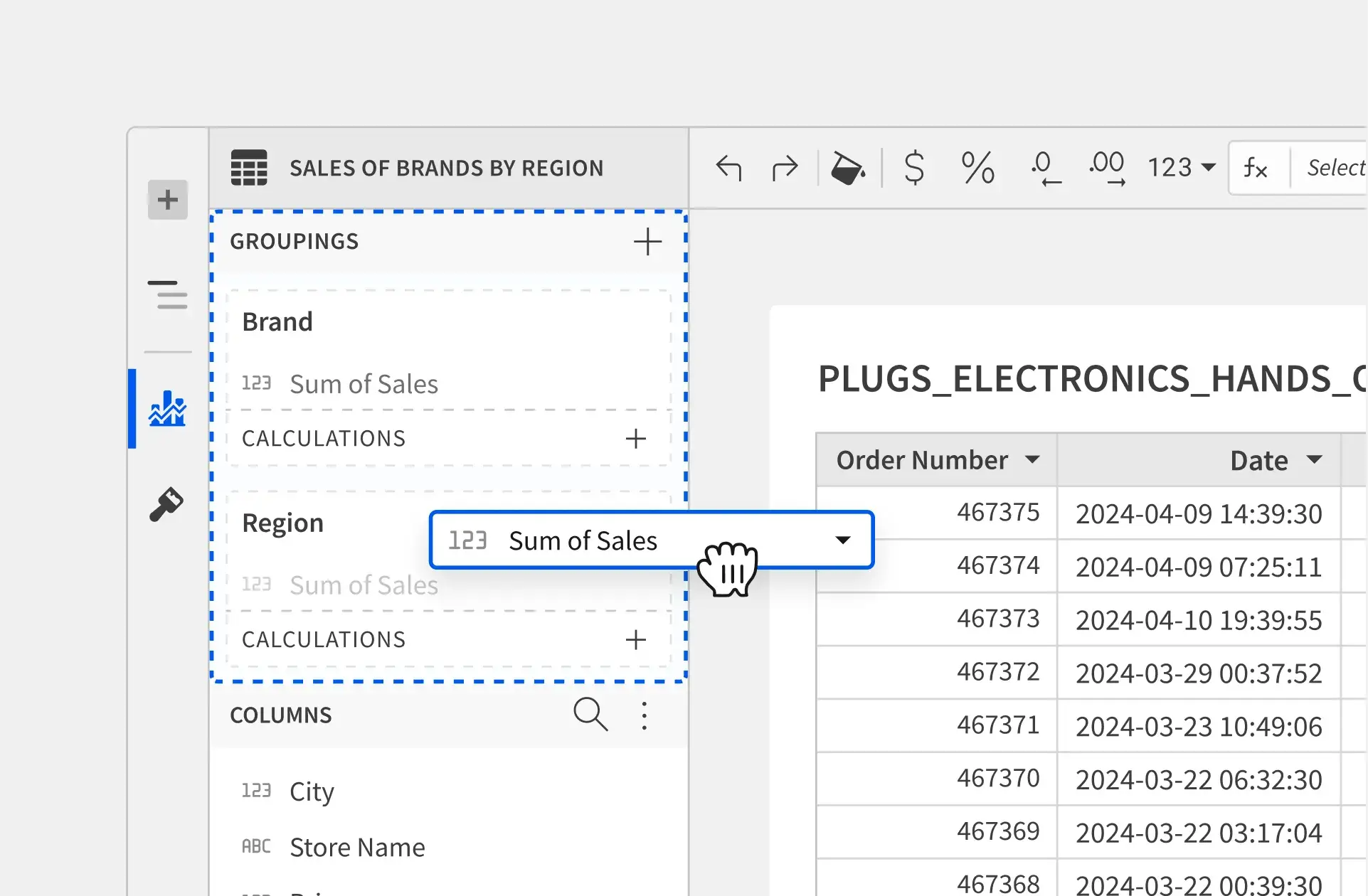
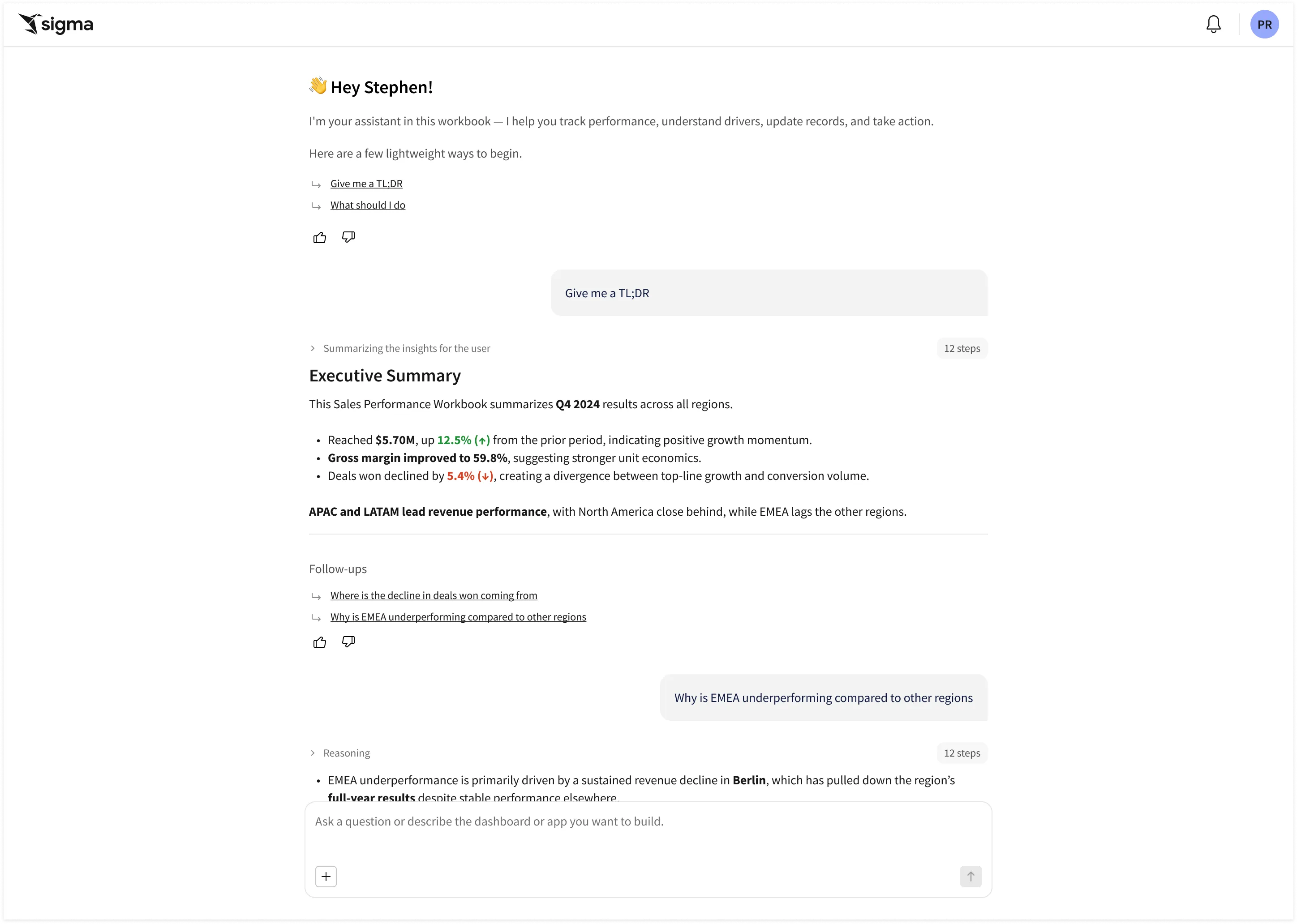








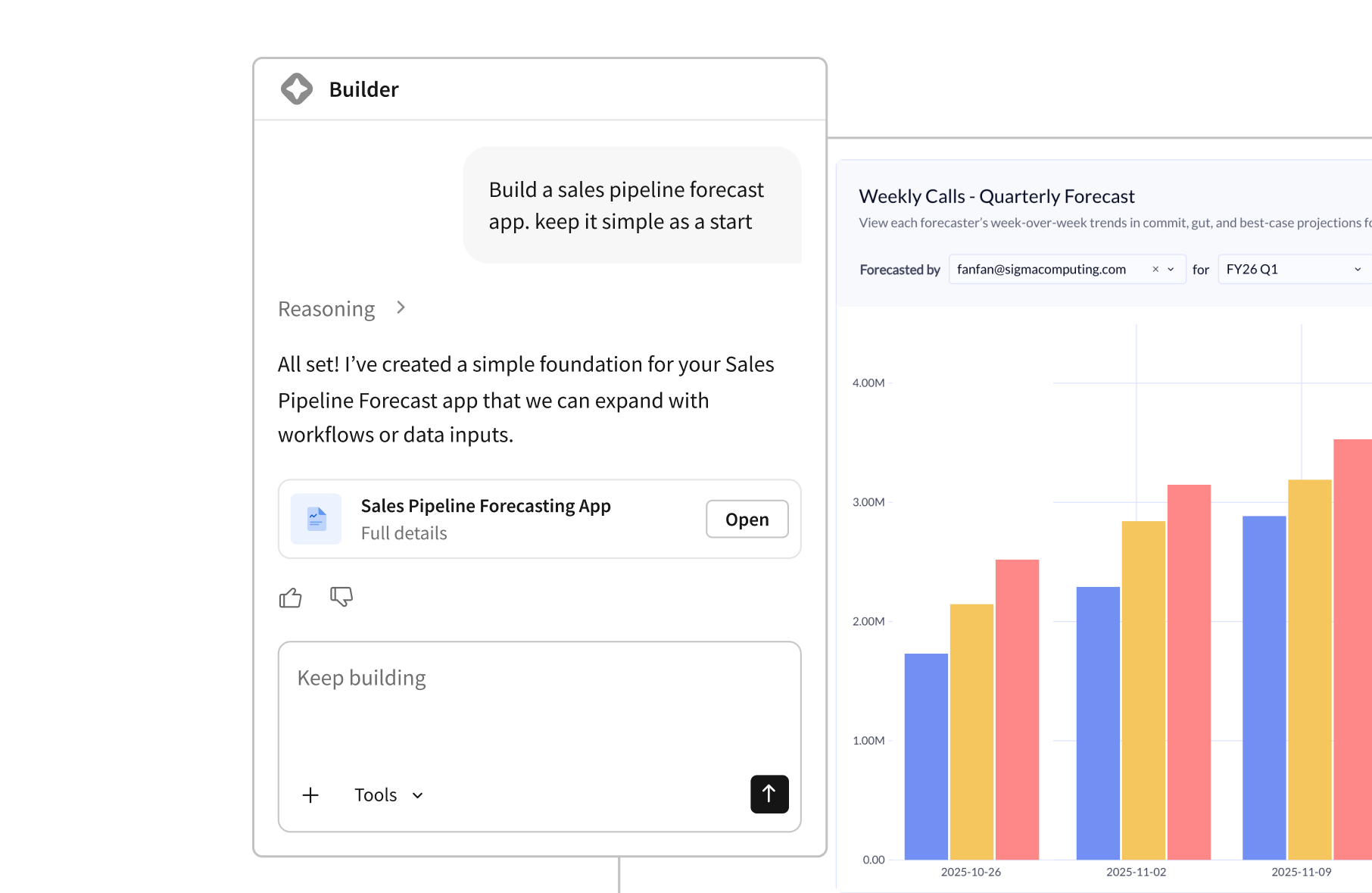
Automate workflows with AI-powered logic.

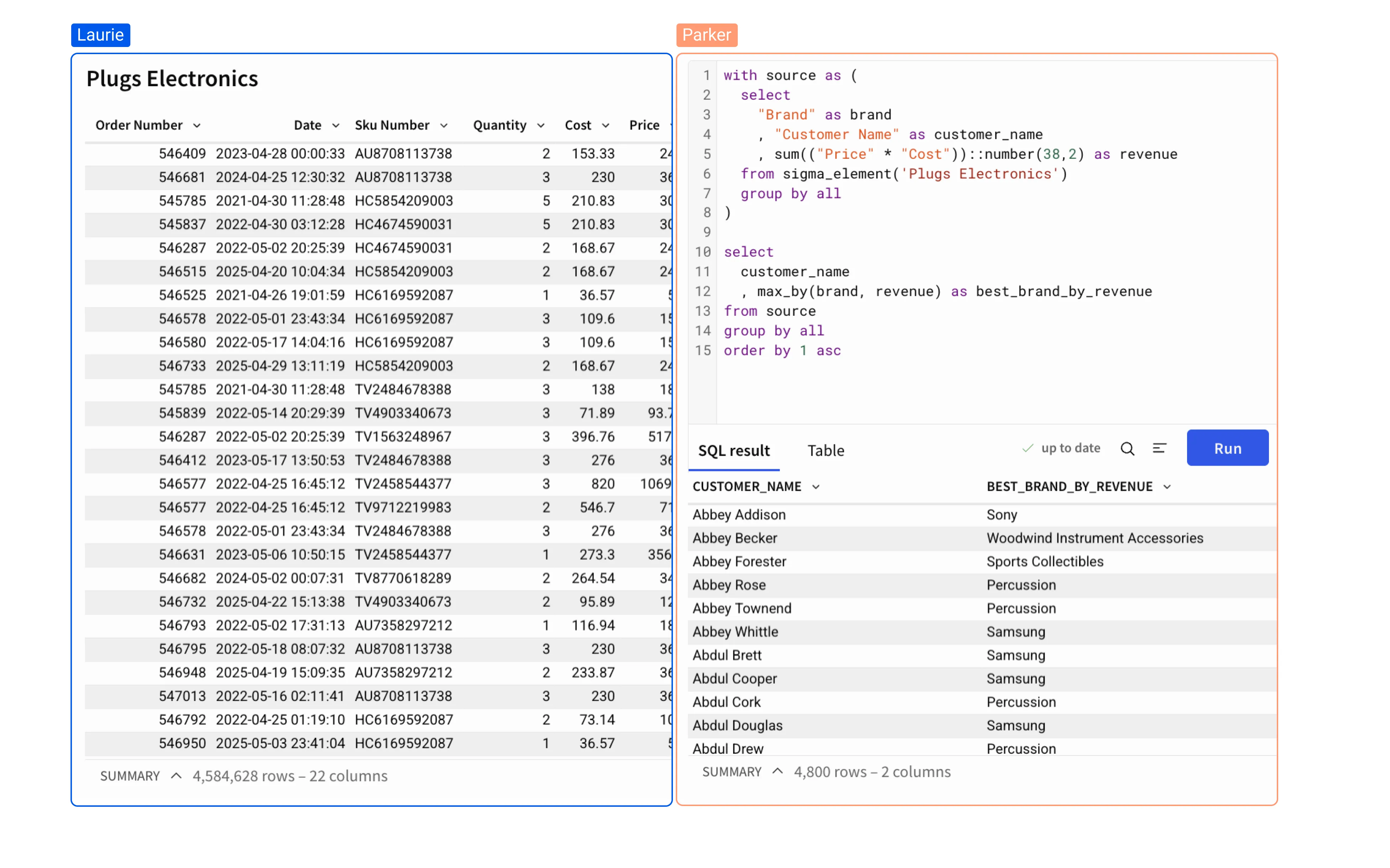
Analyze billions of records using the skills you know best.


Batch deliver highly formatted, audit-ready reports to thousands of recipients.
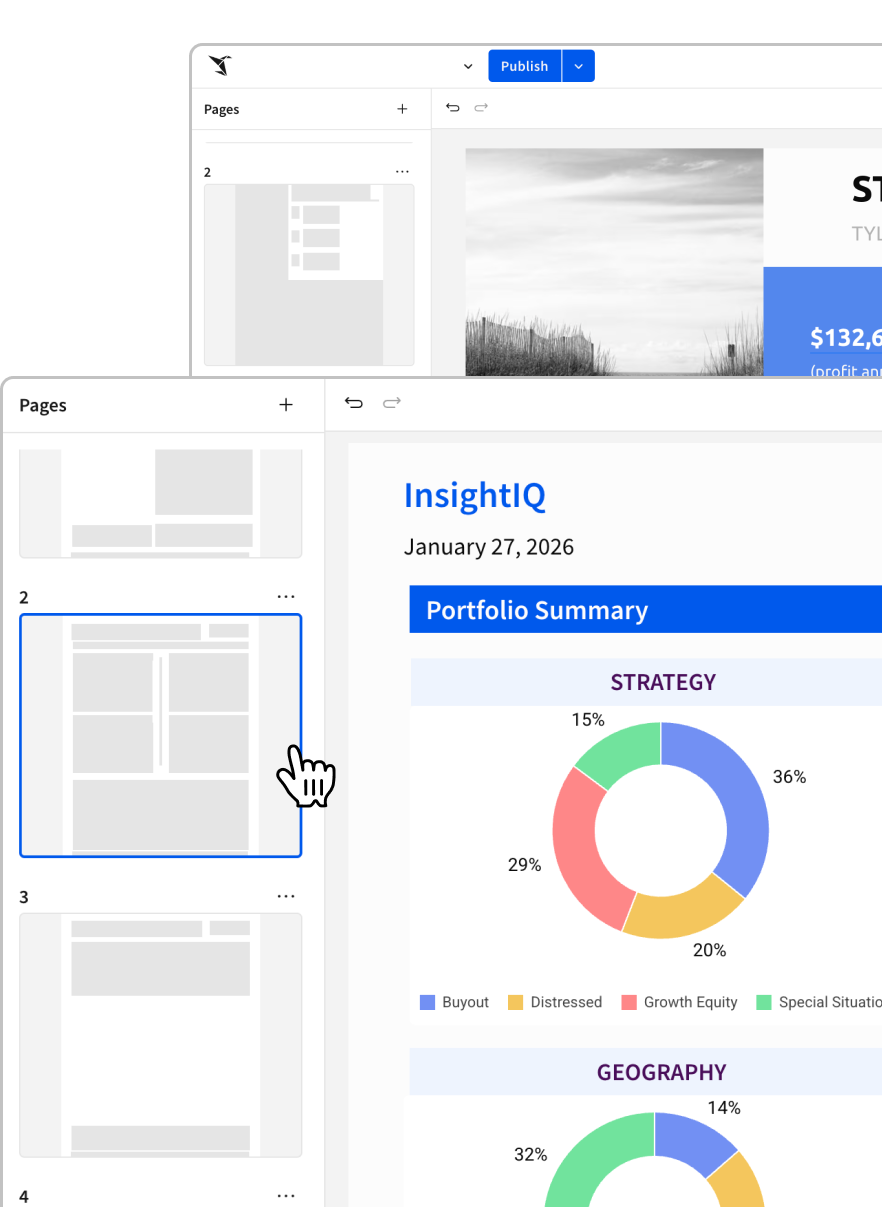

Give your customers the insights they need. Integrate white-label analytics seamlessly into your products.
The questions that usually come up once someone starts mapping Sigma into their warehouse and governance model.
Data models can help businesses make more informed decisions by providing a structured way to analyze and interpret data. By using a data model, a business can better understand relationships between different pieces of data, identify trends, and forecast future outcomes.
Ensuring optimal performance when using Sigma on top of large datasets comes with some best practices. First, what constitutes a large dataset is dependent on aspects such as warehouse size, the use case, and the intended workbook load time or performance. Often datasets that require performance to be improved are 100+ million rows, or have more than 30 columns. Let’s look at the easiest ways to achieve the greatest lift when it comes to performance improvement and optimization.
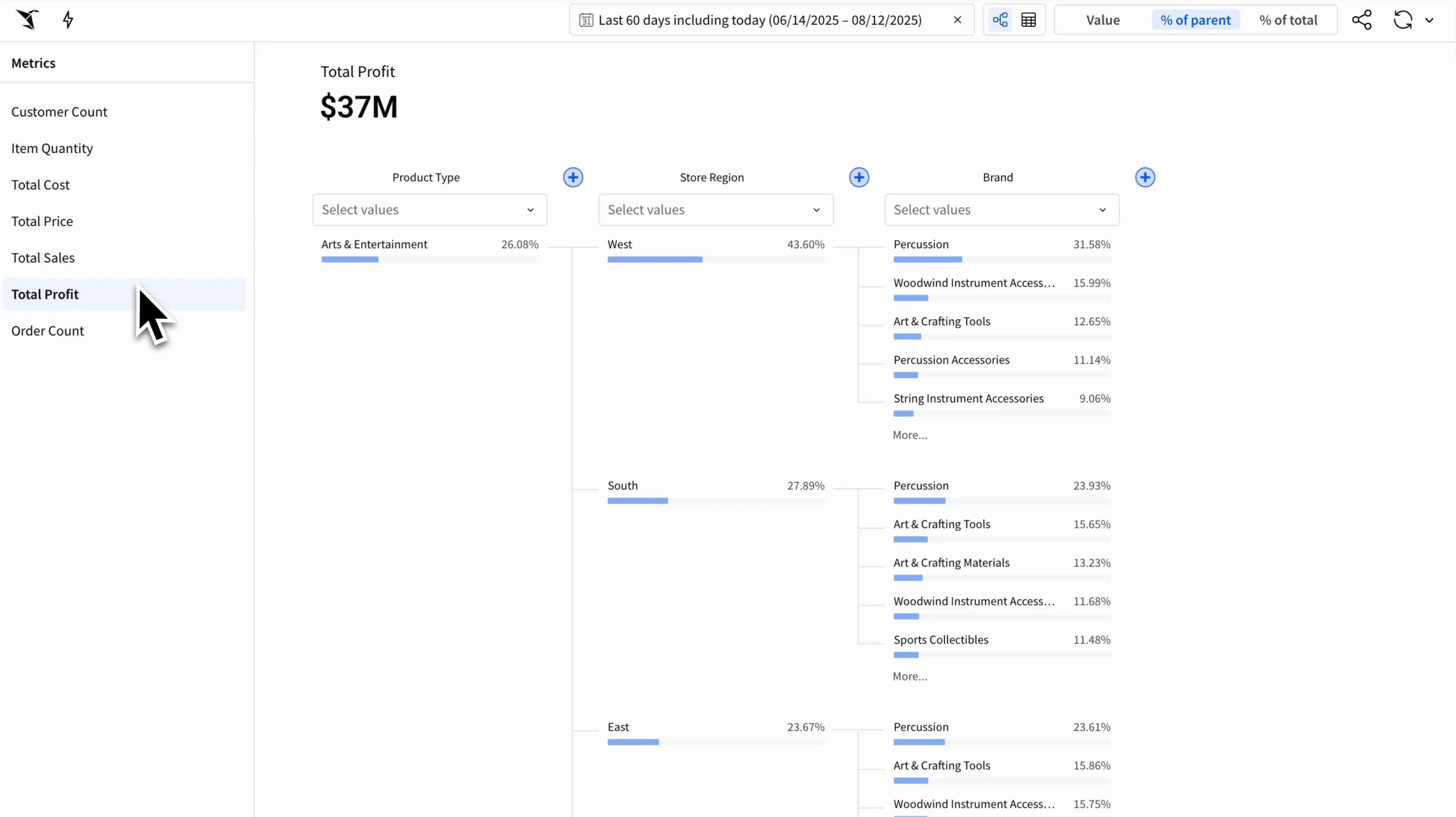
Metrics in Sigma provide a way to ensure consistent metric logic across tables, visualizations, and pivot tables. These metrics are calculations that are used to support a variety of use cases, including financial performance, customer behavior, operational efficiency, and more. They include: revenue, customer retention, net promoter score (NPS), conversion rate, cost per acquisition, and return on investment.


.png)