Introducing Sigma Public: a Platform to Build, Share, and Grow

Some of the best insights in data come from observing what peers have constructed and discovering novel approaches. Often, these concepts circulate as static images on social platforms, newsletters, and forums, or get presented at conferences. However, transitioning from "inspired by this" to "able to build this myself" typically requires hands-on experience.
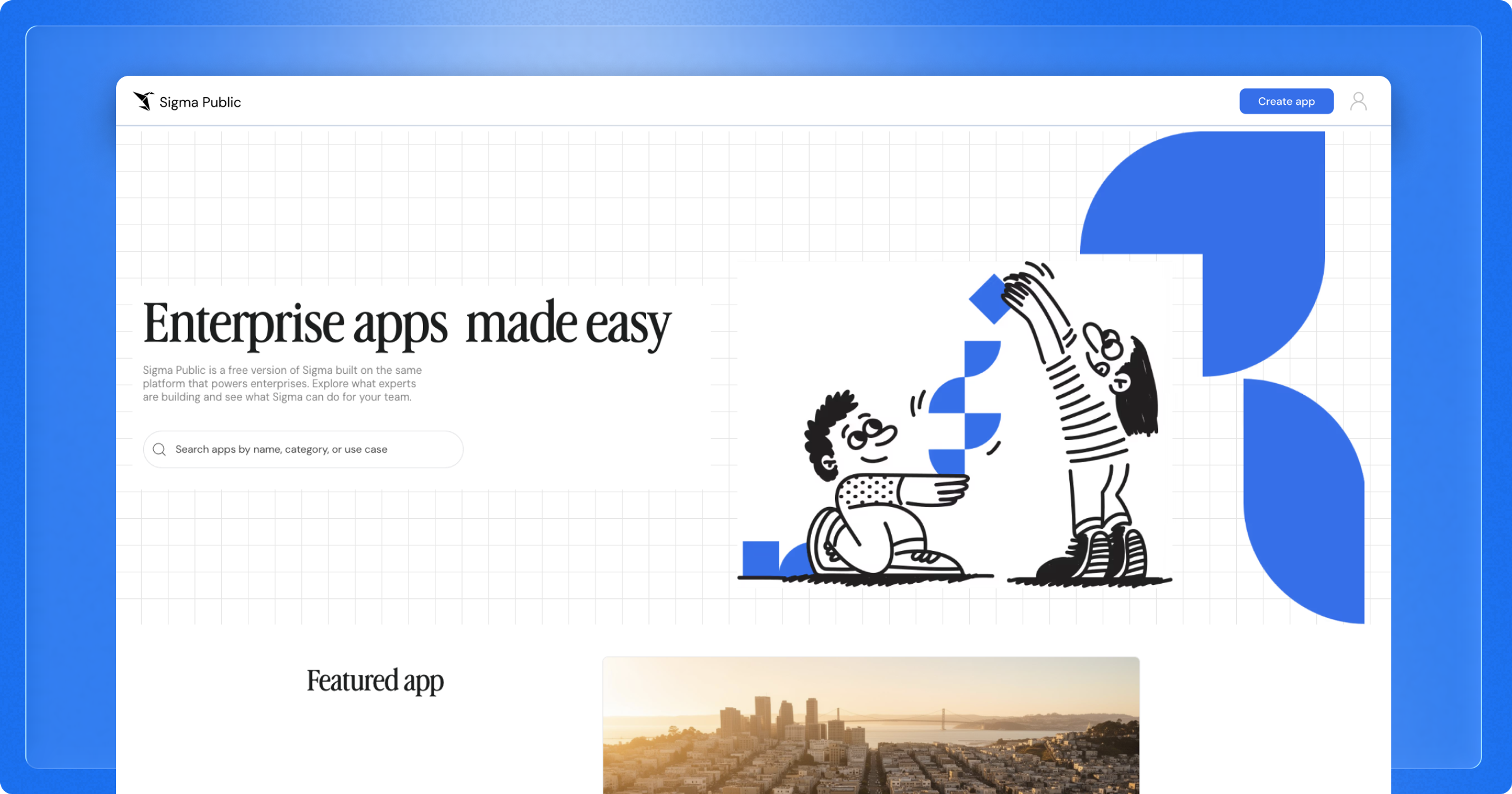
Historically, accessing Sigma's AI Applications and analytics workspace required a company-provided license. We're launching Sigma Public to the entire data community at no cost, allowing anyone to construct, distribute, and investigate assets created in Sigma—without organizational account requirements.
What is Sigma Public?
Sigma Public is a complimentary version of Sigma enabling anyone to design AI Apps, agentic analytics, and visualizations for public sharing. No paid subscription or data warehouse integration is necessary. Sample datasets are provided, or users can import data via CSV or Input Table. Shared assets become discoverable to the broader community.
After establishing a free Sigma Public account, builders gain access to:
- Sigma Assistant to accelerate development and streamline processes
- Sigma Agents for creating conversational, guided user experiences
- AI Query for LLM-powered investigation directly on datasets
- Charts and controls for visualization, filtering, and exploration
- Input Tables for capturing and modifying information within Sigma
Why I'm excited about Sigma Public
The data community demonstrates exceptional generosity. Members openly distribute solutions to complex problems, exchange methodologies publicly, and facilitate learning from colleagues' accomplishments. Early career development frequently relied on examining others' work—understanding how components interconnect. The experiential element solidifies learning, and these interactions often forge lasting professional relationships.
Experimentation represents another compelling aspect. When challenging problems emerge at work, having practiced techniques independently provides confidence and efficiency. "Low-stakes practice" proves difficult to integrate into standard workflows when urgent deliverables compete for attention. Sigma Public supports learning driven by personal curiosity.
Public portfolio demonstration carries career implications. Job seekers and hiring teams benefit when candidates showcase functional work that reviewers can examine interactively—a potent signal for both interview prospects and candidate evaluation.
Ideas for your first builds in Sigma Public
Try a feature you've been curious about
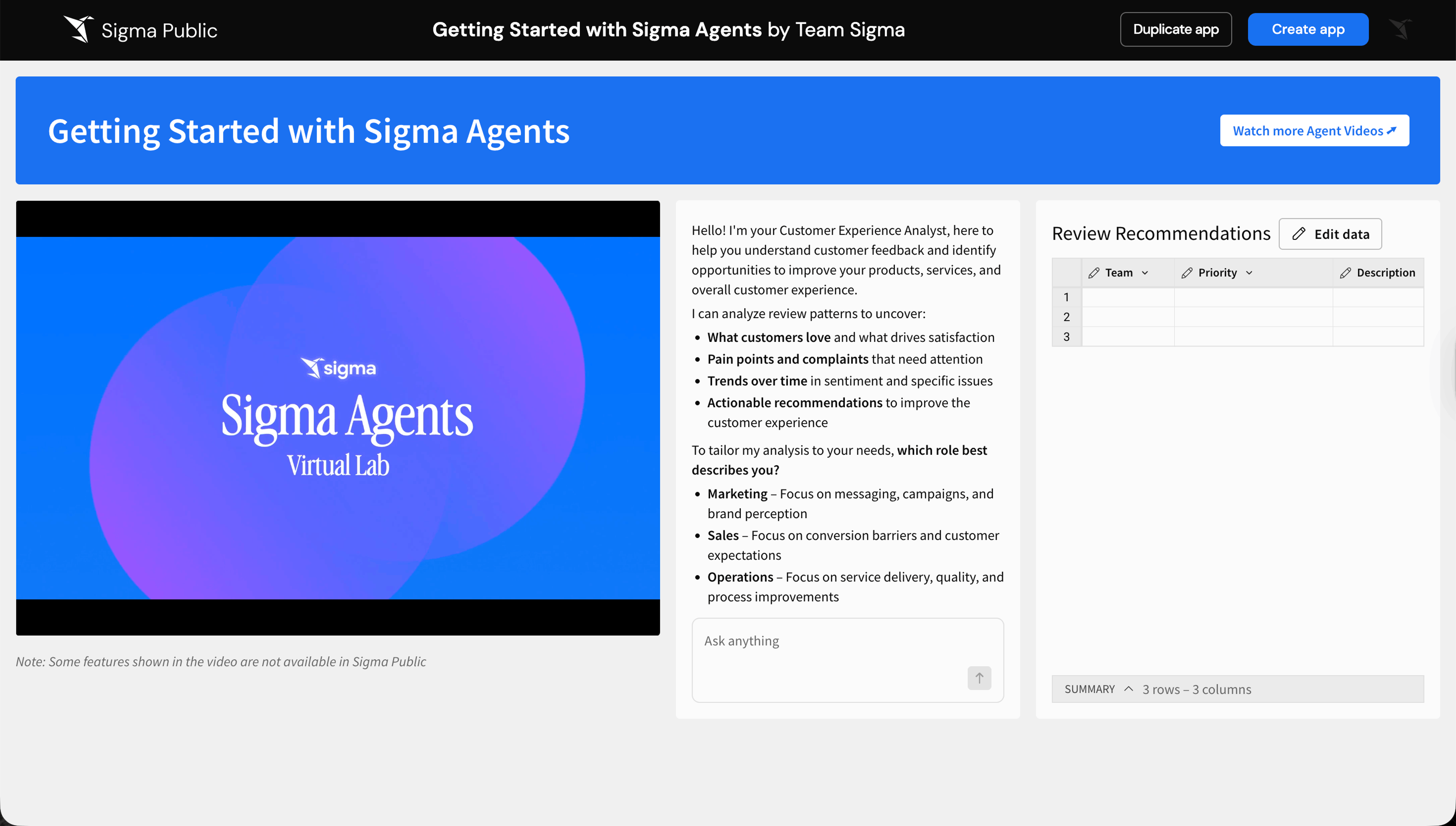
Explore capabilities glimpsed in demonstrations or discussed in presentations without implementation pressure. For instance, construct an Agent that transforms customer feedback into strategic recommendations. Test unfamiliar layouts with page panels, the navigation component for structured guidance, or repeated containers for dynamic card layouts.
Share a solution that took you a while to figure out
If a sophisticated formula, nuanced control configuration, or elegant layout pattern simplified something intricate, contribute it to the community—colleagues are likely working through identical challenges. This example demonstrates merging context menu operations with parameter fields and formulas to generate dynamic groupings, enabling users to establish and compare custom collections in real time.
Build a portfolio piece
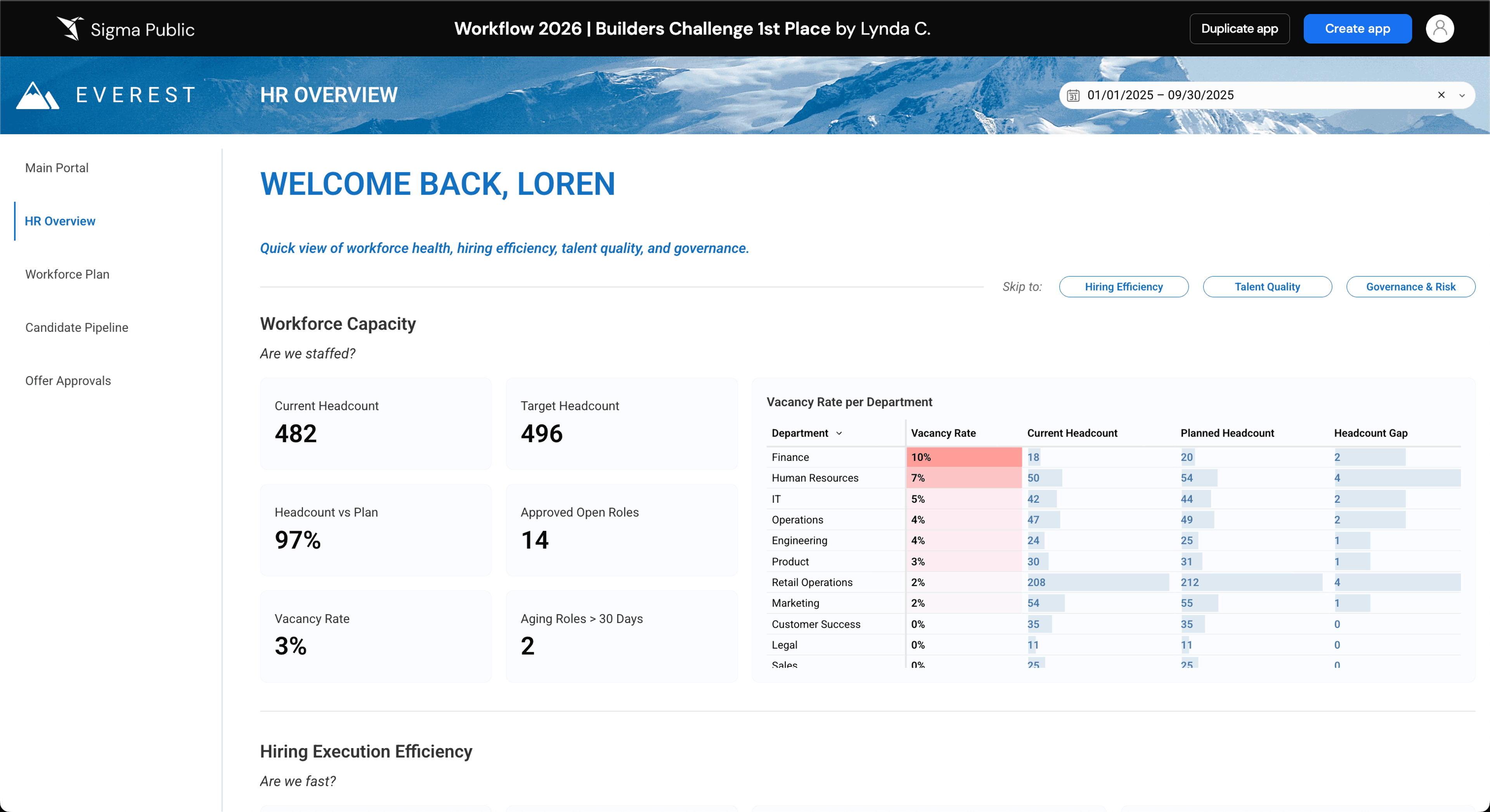
Portfolio projects should showcase capability. Lynda Choa's Everest HR Overview, Sigma's 2026 Golden Goat recipient, consolidates workforce planning, recruitment pipelines, and approval mechanisms into a unified workbook, surfacing staffing risks early and automating escalations when necessary.
Settle something with data
Use analytics to substantiate arguments with empirical evidence. Examples include establishing your preferred sports competitor's superiority, participating in entertaining games, analyzing entertainment content, or any other topic deserving empirical investigation. Sometimes, investigating personally meaningful subjects proves most satisfying.
This Sigma Public workbook transforms Formula 1 historical performance into an interactive analysis with an AI agent prepared to discuss specific competitions.
Join a community challenge
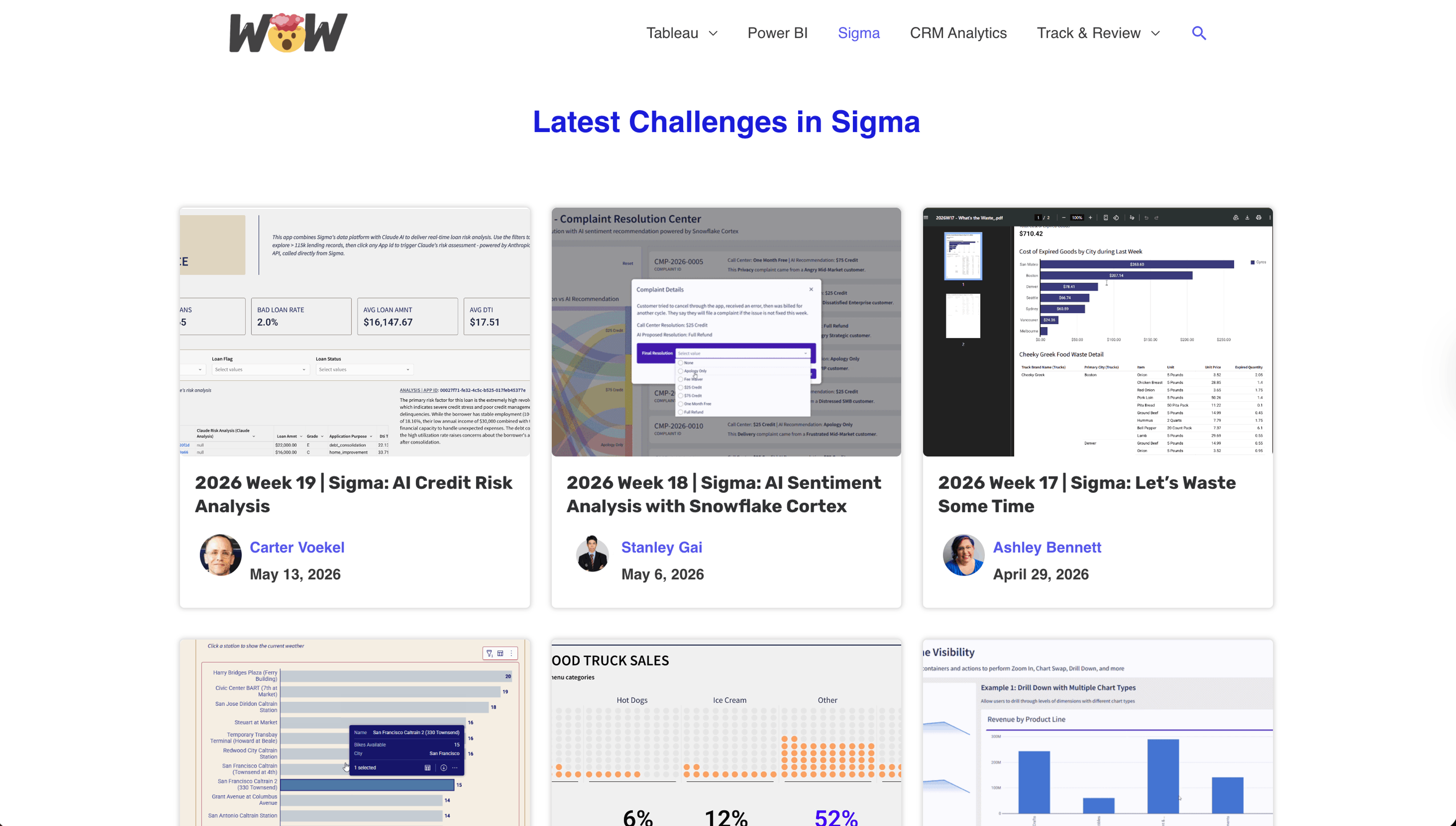
Workout Wednesday represents a community-organized weekly Sigma challenge. Each week, participants receive a reference build with directives to replicate it. This approach rapidly develops proficiency, introduces alternative methodologies, and generates engagement. With Sigma Public, builders can display individual challenge interpretations and examine how peers approached identical objectives.
What people are already building in Sigma Public
Interacting with current Sigma Public projects offers valuable perspective. Early creations demonstrate remarkable variety—from pragmatic solutions to playful interactive experiences.
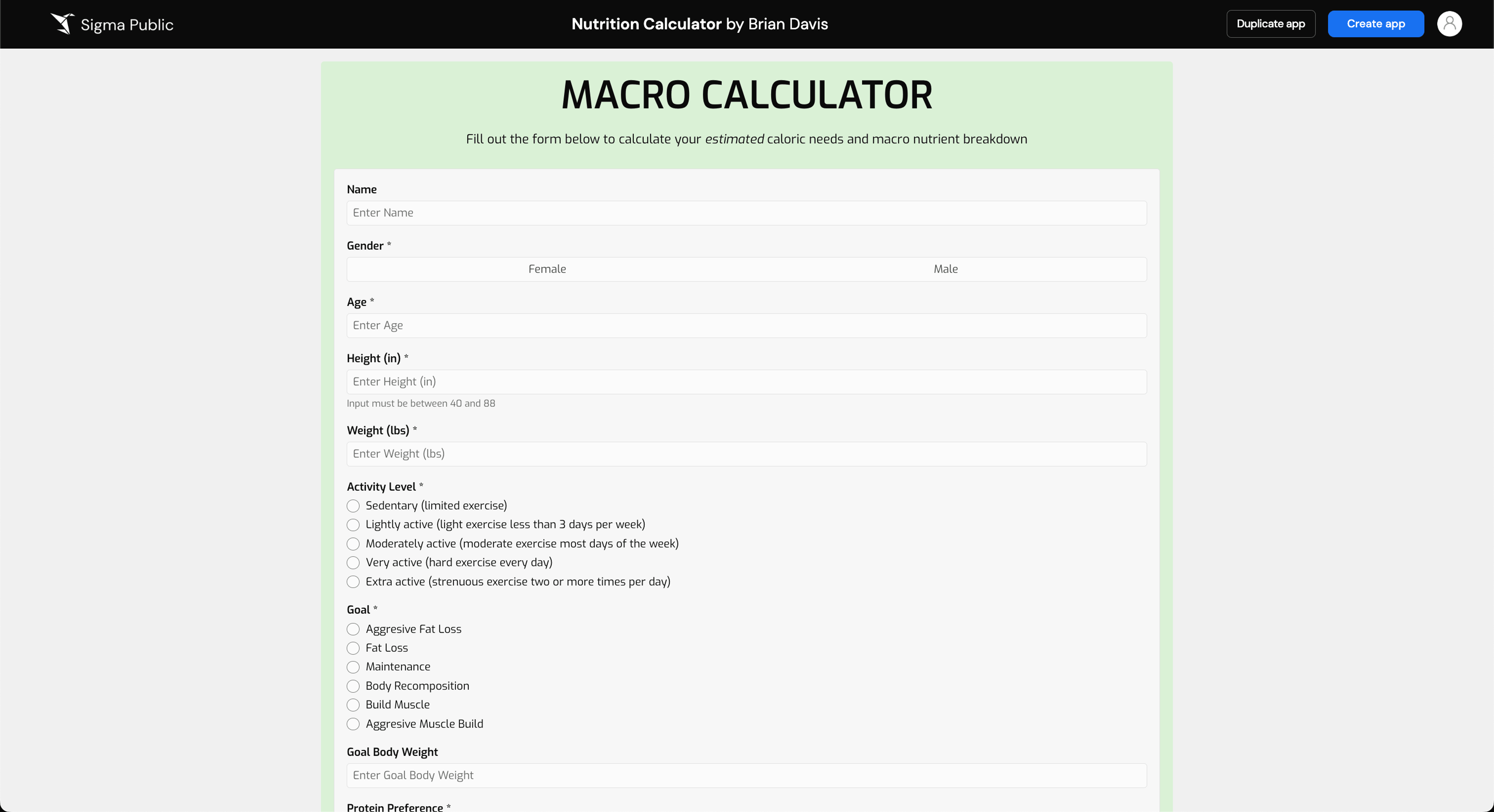
Nutrition Calculator by Brian Davis
Enter personal metrics, and this workbook calculates dietary and macronutrient requirements that individuals frequently estimate casually during meal preparation.
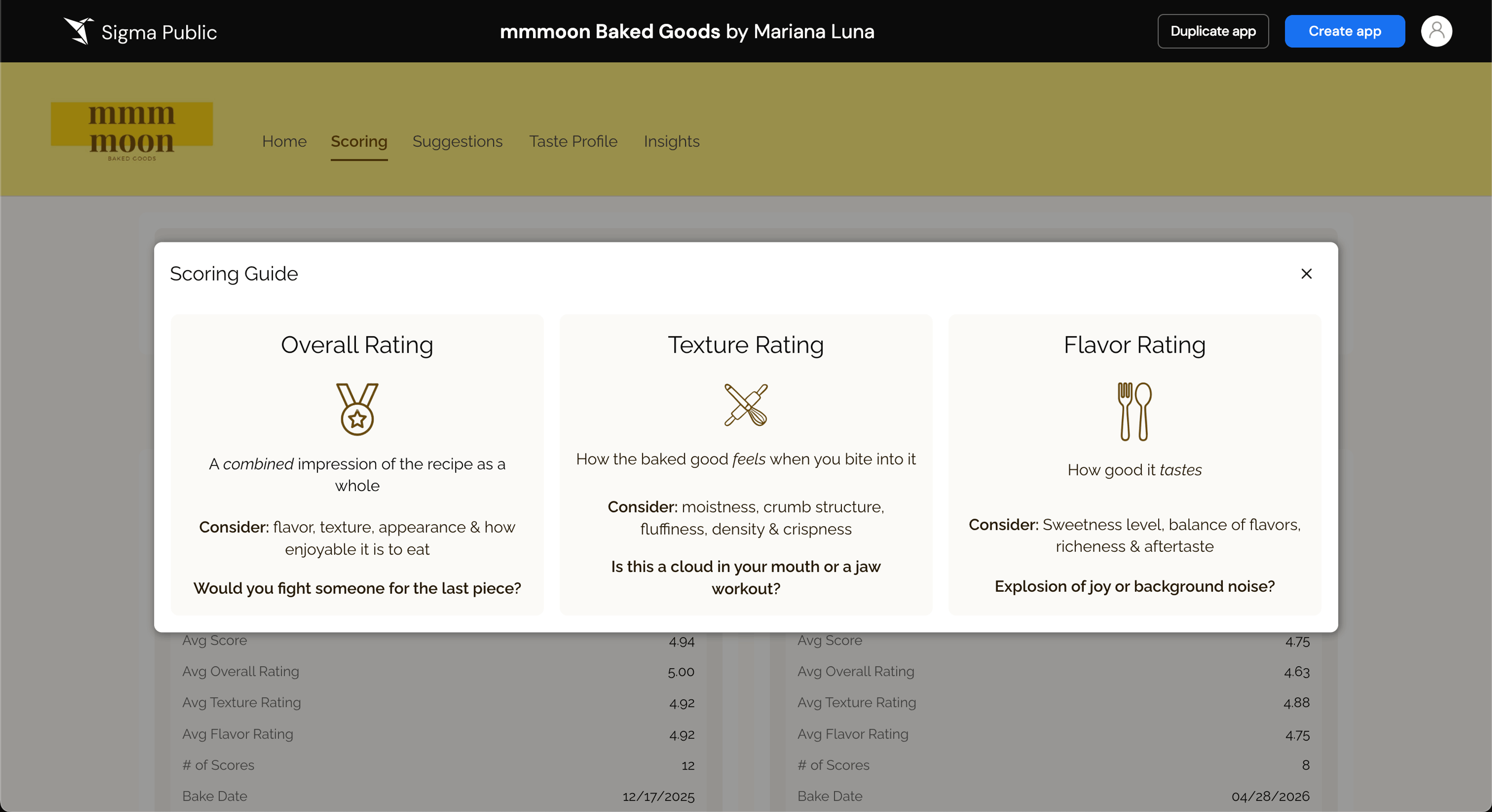
Mmmoon Baked Goods by Mariana Luna
This workbook converts treat selection into a participatory activity, incorporating ranking and voting capabilities for collaborative decision-making.
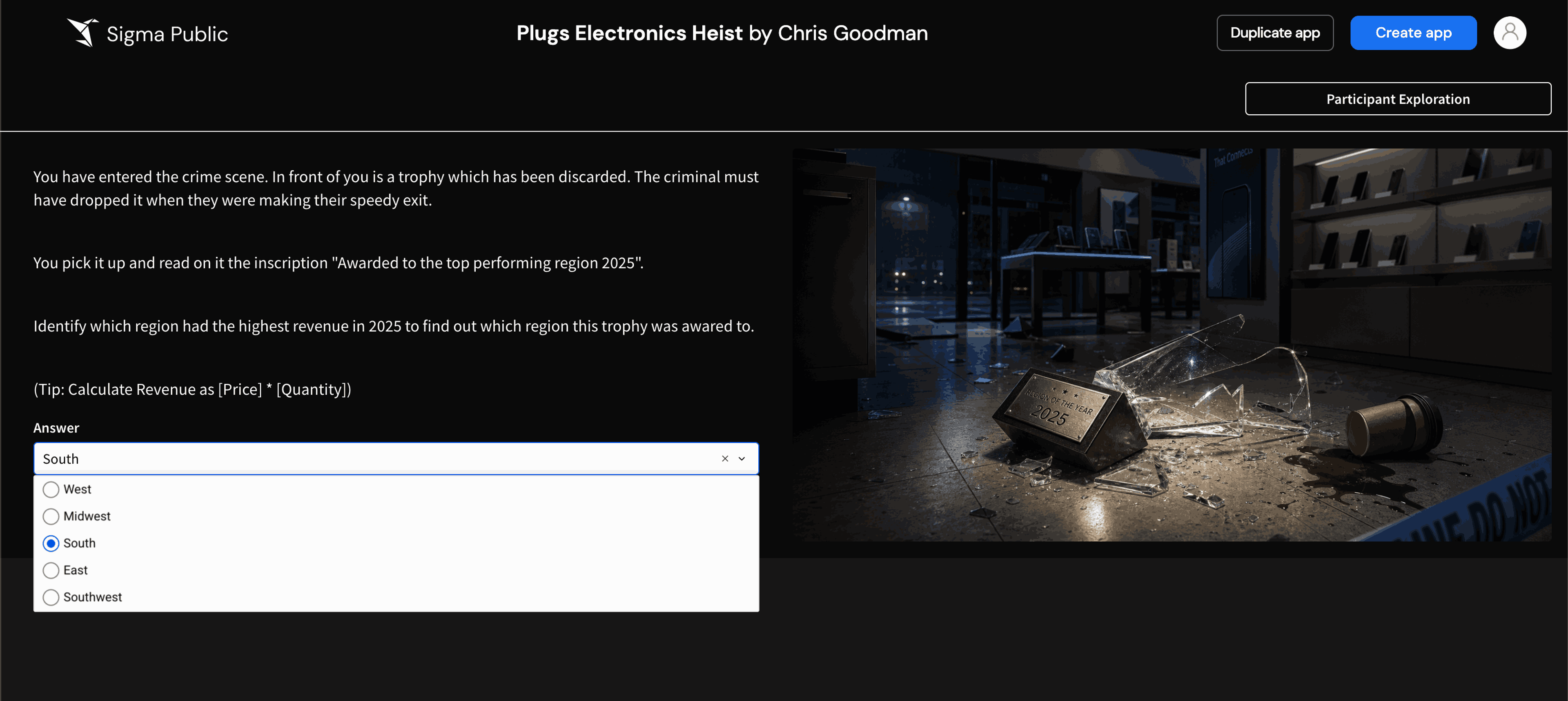
Plugs Electronics Heist by Chris Goodman
This application functions as an investigative puzzle where users examine suspect data and manipulate filters as clues—conceivably Sigma's nearest equivalent to a data-driven escape experience.
Join Sigma Public today
Whether developing fresh analytics capabilities, sharing completed work, or exploring community innovations, Sigma Public represents the appropriate destination. Register free today to begin investigating and distributing projects.