
Turn your spreadsheet workflow into an app
Your team runs the same workflow without the manual steps. The data stays in your warehouse and agents handle the repetition.
Get a Demo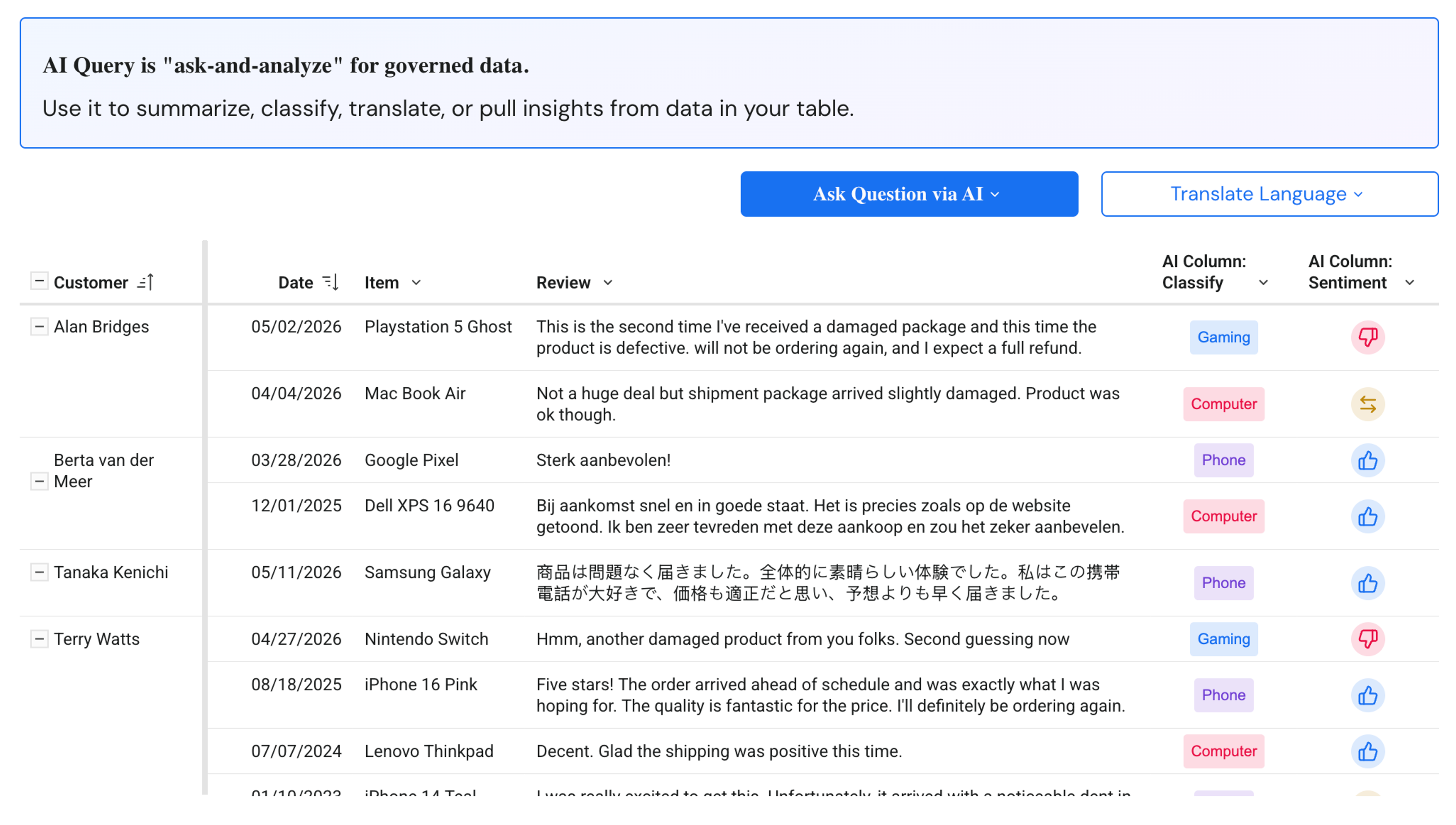
From prompt to production
If you can describe your workflow, Sigma Assistant can help you build and deploy an AI Application without code.
Governed, secure scale
Every AI App on Sigma natively inherits your warehouse's role-based access and row-level security. Accelerate workflows immediately.
Take agentic action
Embed Sigma agents in AI apps to write directly to the warehouse and trigger agentic workflows across systems.
See how these teams build and scale AI Apps directly on their warehouse data.












See how these teams build and scale AI Apps directly on their warehouse data.
What goes into an AI App?
Combine AI, governed writeback, and automated actions in secure AI Applications on Sigma that actually do the work.
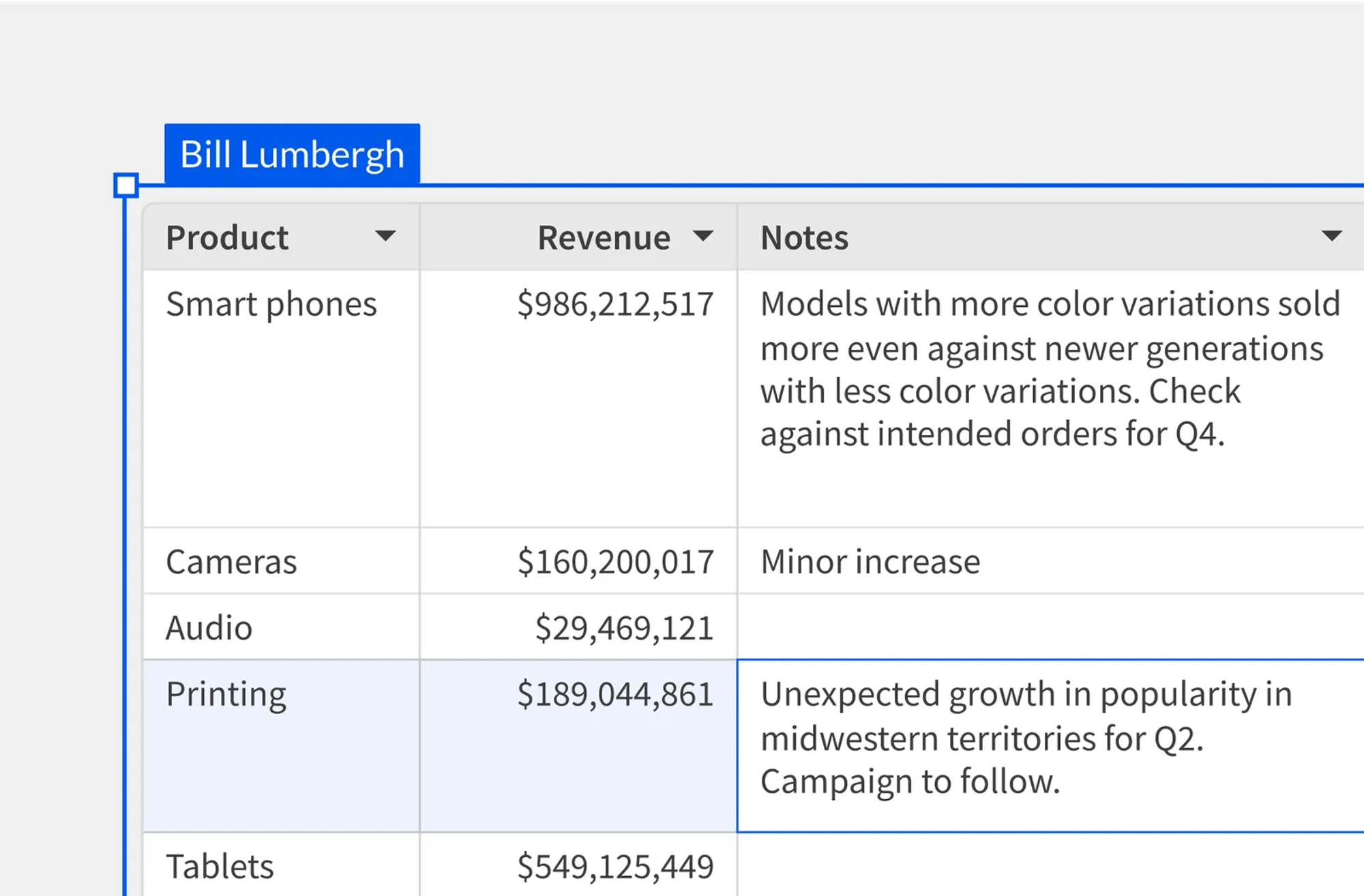
Sigma turns every spreadsheet edit into a row in your warehouse
Teams add data into Input Tables like a spreadsheet and Sigma tracks the updates as they are entered for traceability.
- Enter, edit, and submit in a familiar spreadsheet grid
- Build forms that lock the context and open the fields people should change
- Capture who changed what without anyone typing their own name
Your warehouse runs the app, holds the data, and sets the rules
Sigma queries billions of rows without moving them, and your permissions decide who sees what.
- Query live data with no extracts and no copies
- Inherit row-level security and permissions from your warehouse
- Pivot and calculate across billions of rows without pre-aggregating
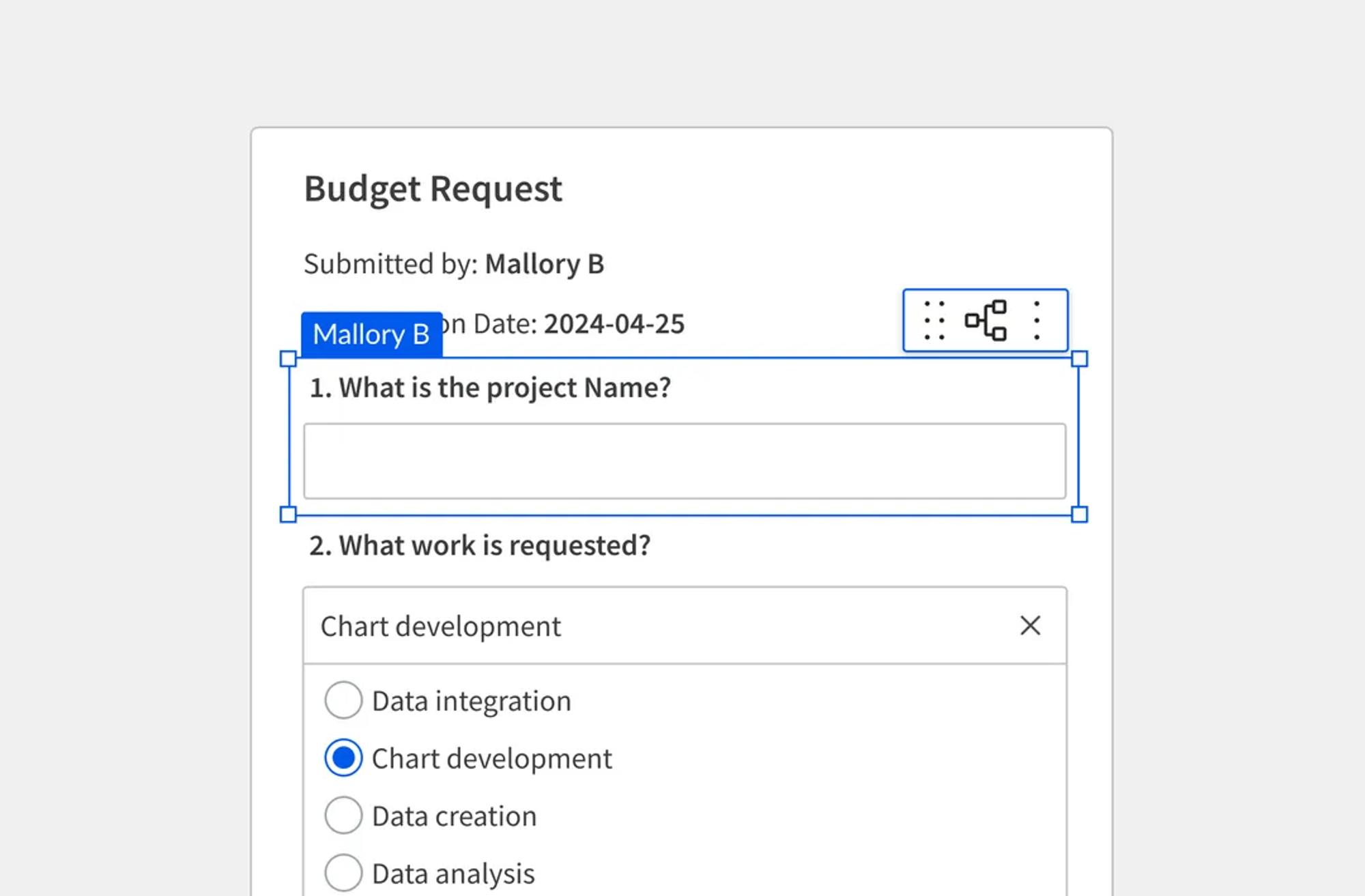
One button writes the row and starts the work downstream
Run complex (or simple) workflows, including hitting submit to call Salesforce, Slack, or your own API.
- Trigger actions across Salesforce, Slack, or custom APIs
- Route approvals, rejections, and status without leaving the app
- Run Python on submitted rows without leaving the workbook
Your agents watch the data and act before anyone asks
Agents automate the monotonous work so you can focus on more important things.
- Schedule agents to detect thresholds and notify owners
- Write agent actions back to your warehouse with a full audit trail
- Keep a person in the loop to approve what an agent proposes
Built for the builder
See how teams at Workato, Affirm, DoorDash, and Vanta build and scale AI Apps directly on live warehouse data.
“What would potentially take us three weeks [with our legacy tool] is down to a day or two with Sigma—which is more than 90% in time savings.”

Dashboards became governed AI Apps that automate compensation reviews with clearer accountability.
"The amount of collaboration with Sigma has been really refreshing, and it’s something that we brag about to other vendors."
We can do it all ourselves in seconds. It's saved us hours of manual work per campaign.
Open a template and point it at your tables
Every app below ships as a starter template. Change the part your process does differently and put it in front of your team.
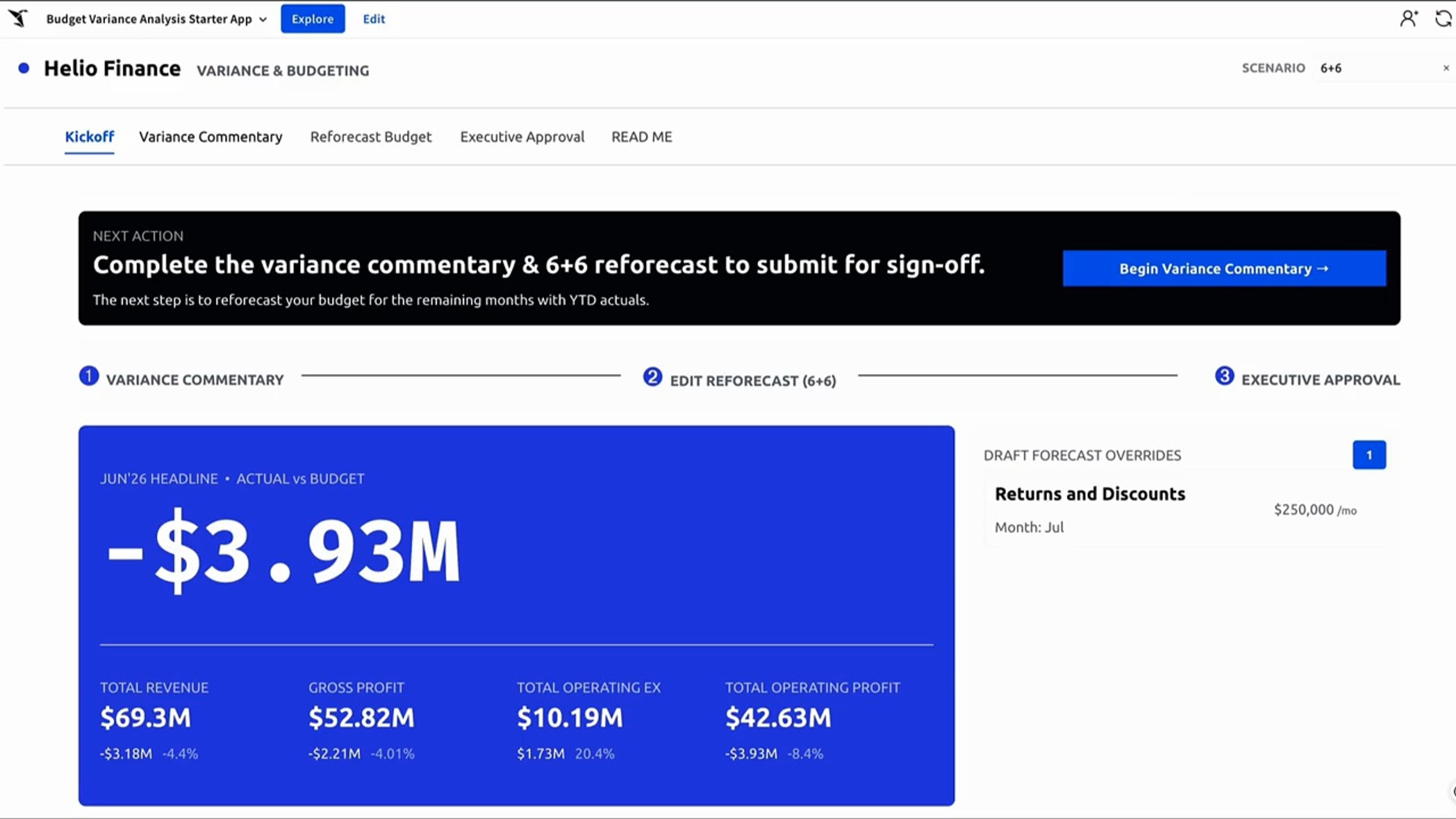
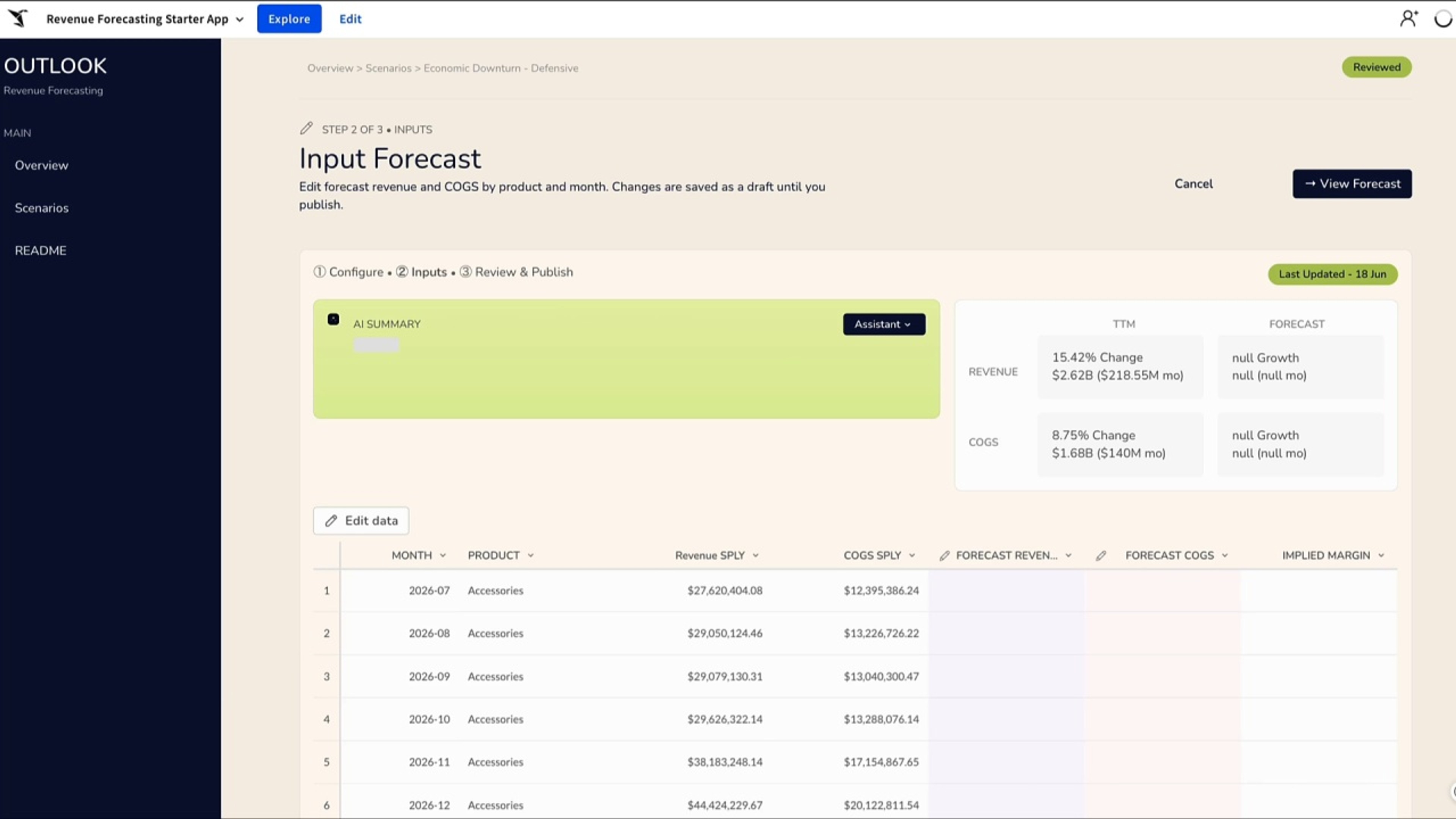
Explain the variance in the app instead of the email thread
Owners type the explanation next to the number that moved, and the commentary lands in your warehouse with the actual.
- Variance flagged on submit
- Commentary captured per line
- Approval and rejection routing
- Full audit history
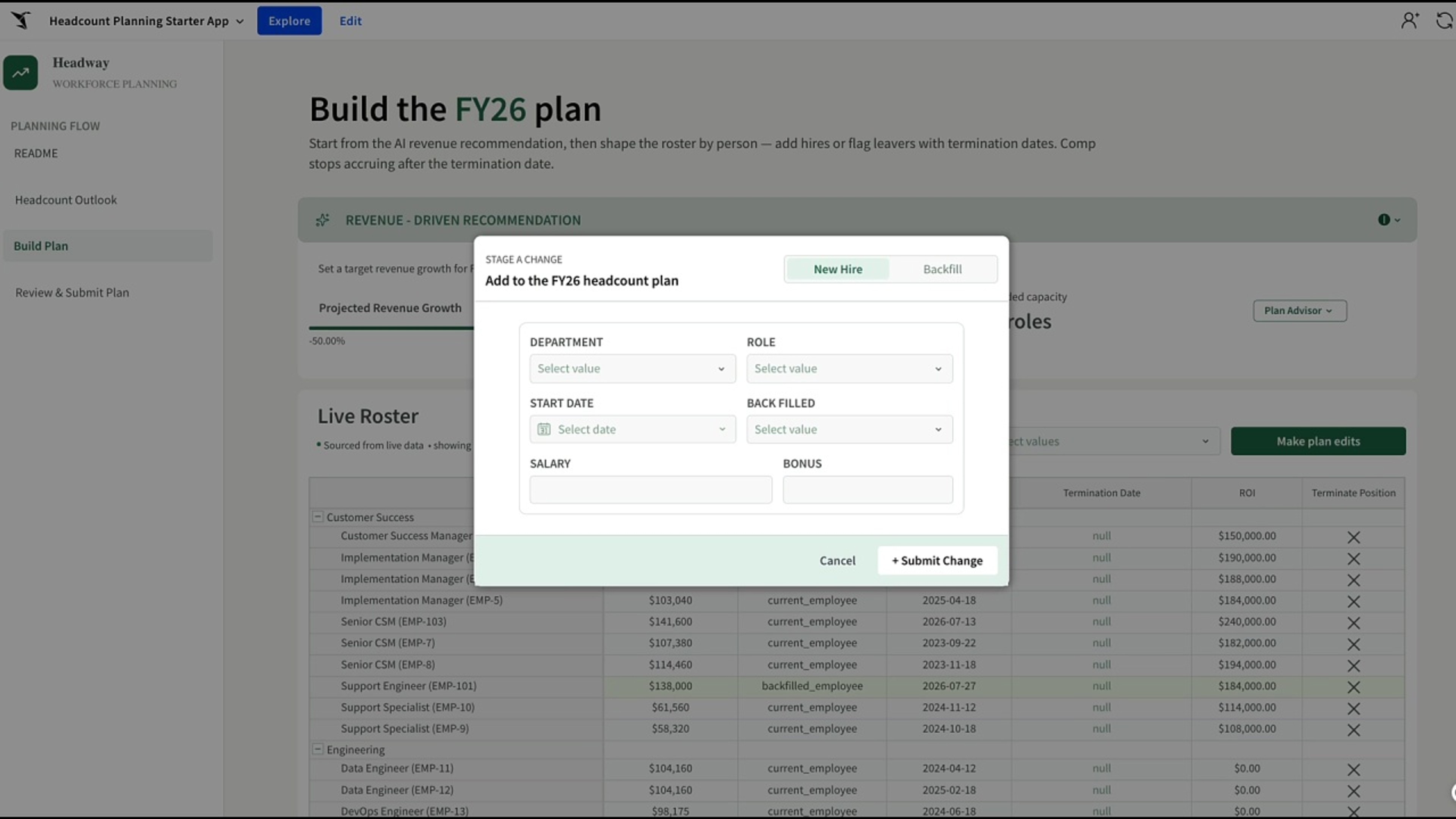
Let managers model the hire before finance sees it
Managers adjust roles, timing, and cost in a spreadsheet grid while finance keeps one governed plan underneath.
- Scenario modeling by manager
- Role-level cost assumptions
- Locked fields for finance-owned values
- Submit for approval
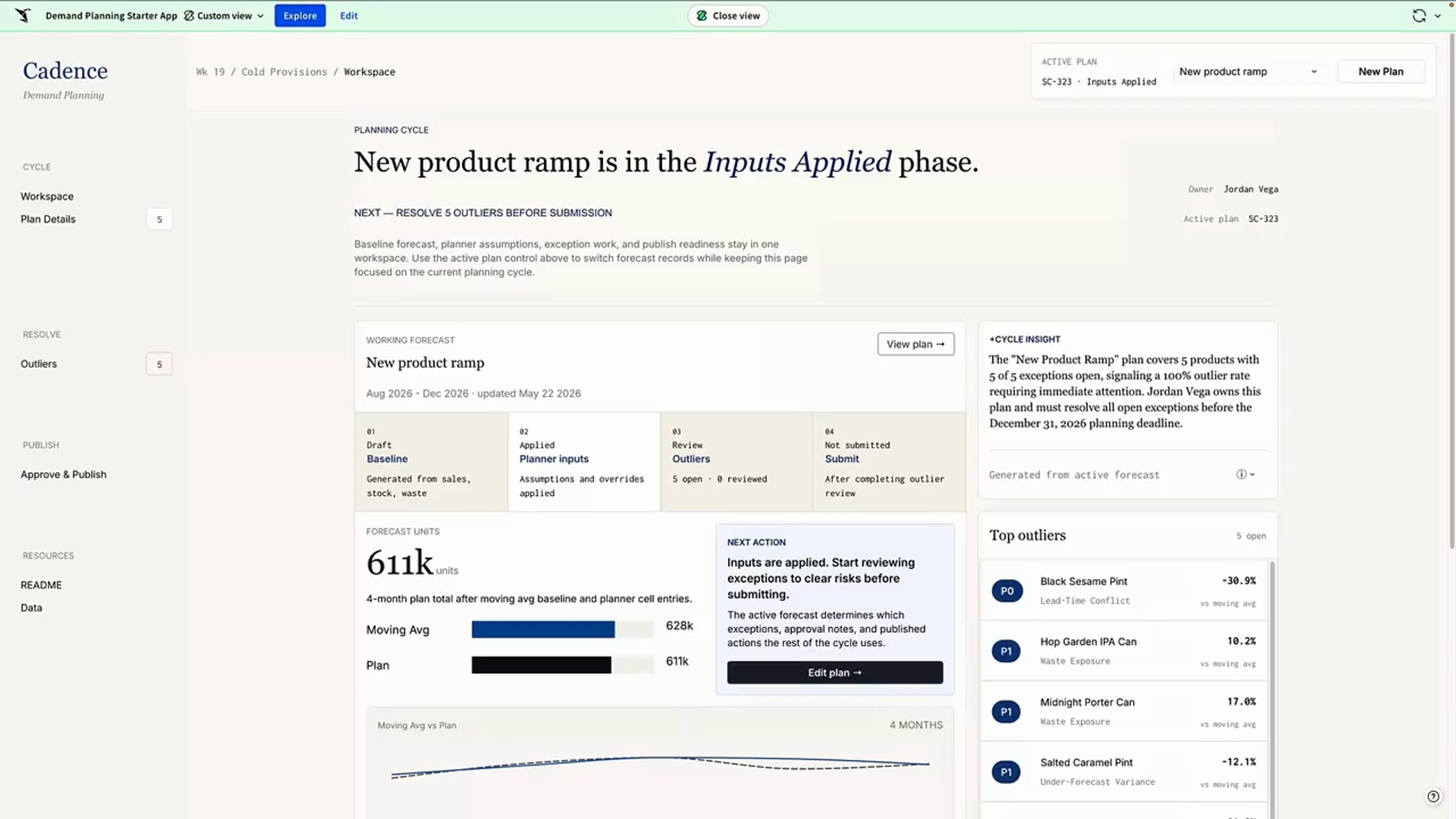
Adjust the forecast where the sell-through data lives
Planners override the system forecast, the app keeps both numbers, and the delta stays visible to everyone downstream.
- Editable forecast against proposed
- Delta calculation on entry
- Agent flags the outliers
- Writeback to your warehouse
Push the forecast into your CRM with one button
Reps adjust the number in Sigma and an action batch-updates the opportunity records without anyone opening a ticket.
- Linked input table for edits
- Batch API call to your CRM
- New and existing amounts handled
- Change log per row
Related Resources
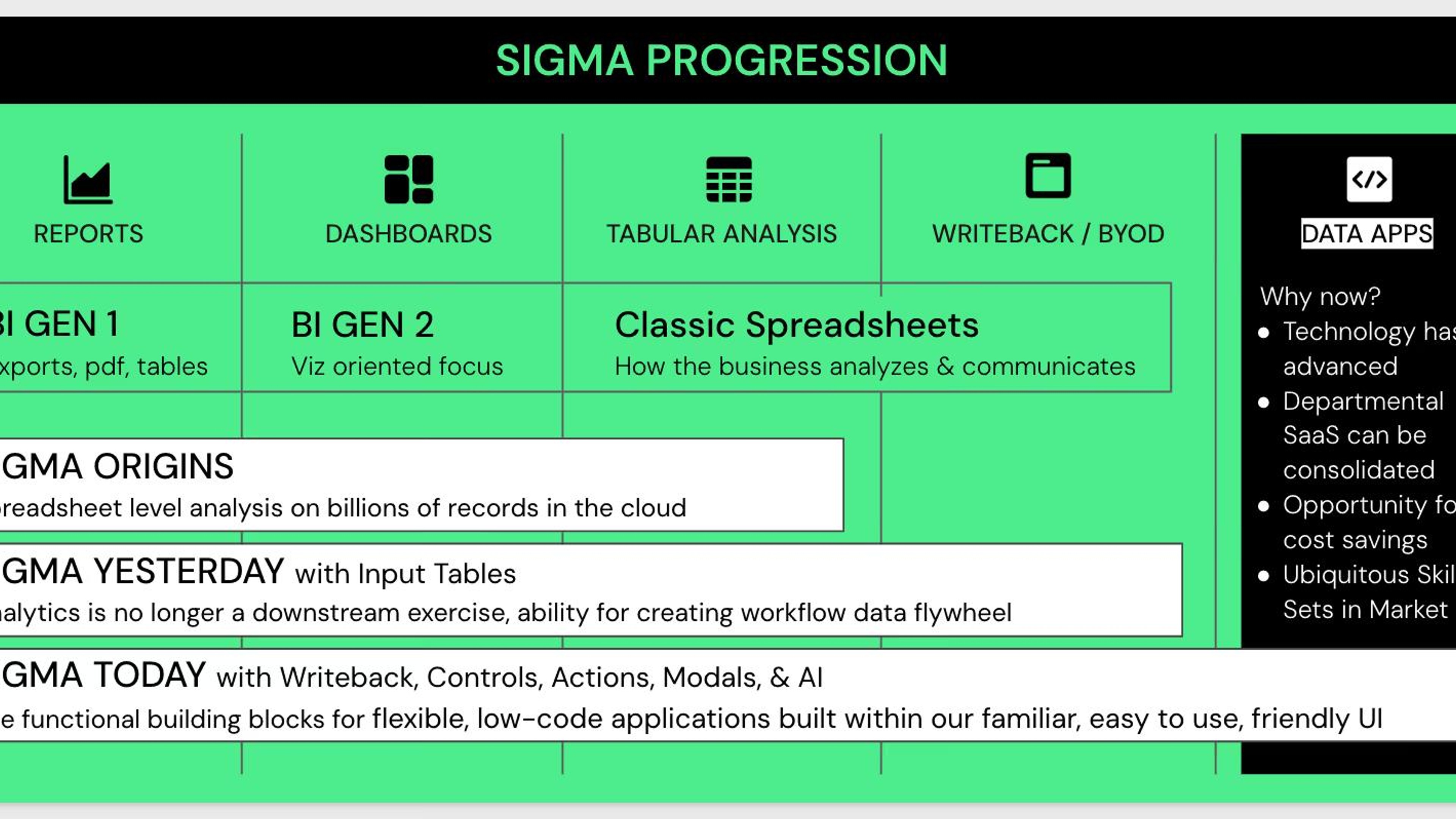
AI Apps Fundamentals
Learn how to build a full-stack AI App in Sigma.
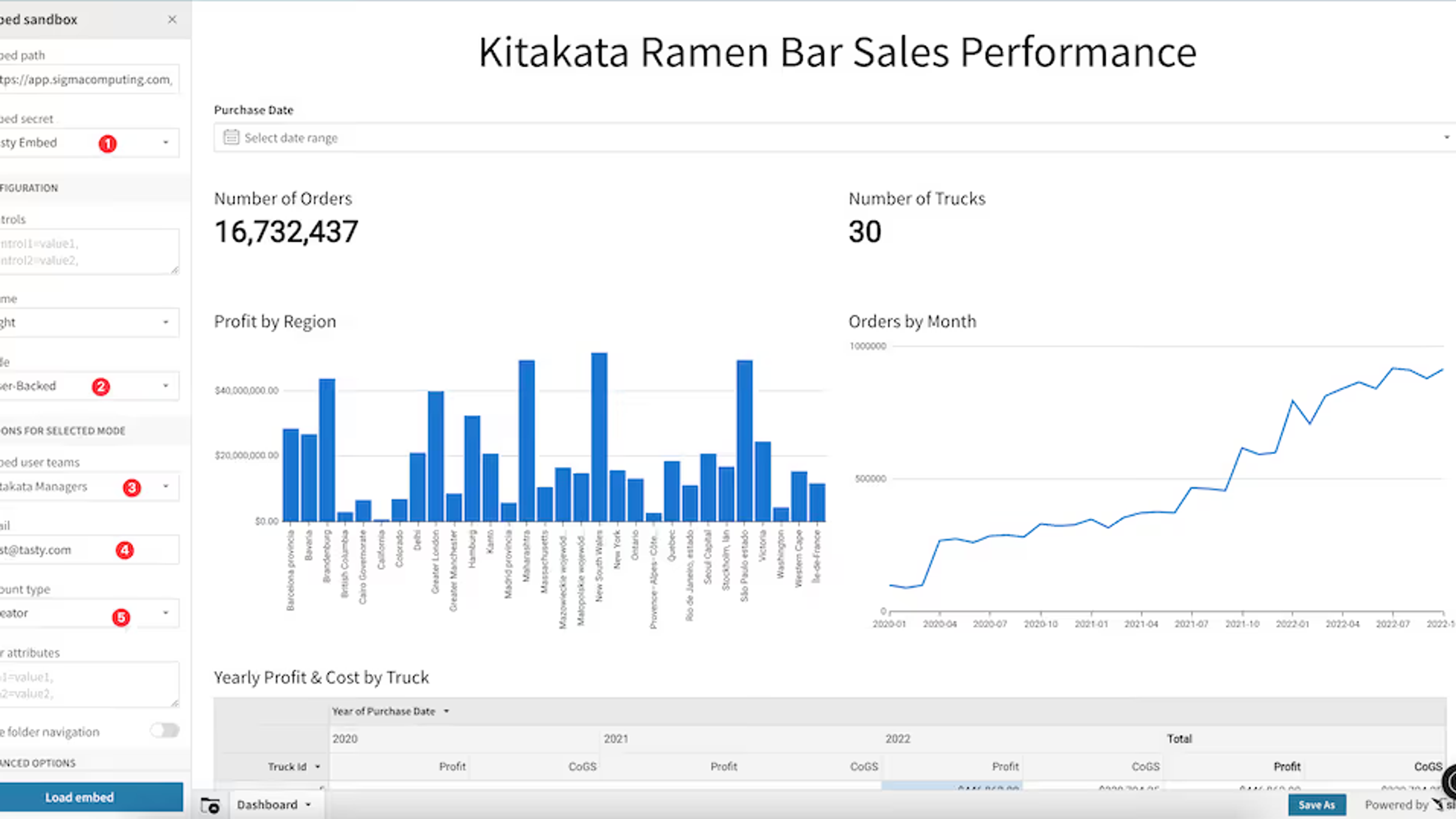
Build and Secure Multi-Tenant AI Applications
Create interactive, embeddable dashboards in Sigma, and learn how to leverage secure multi-tenant datasets backing an application.
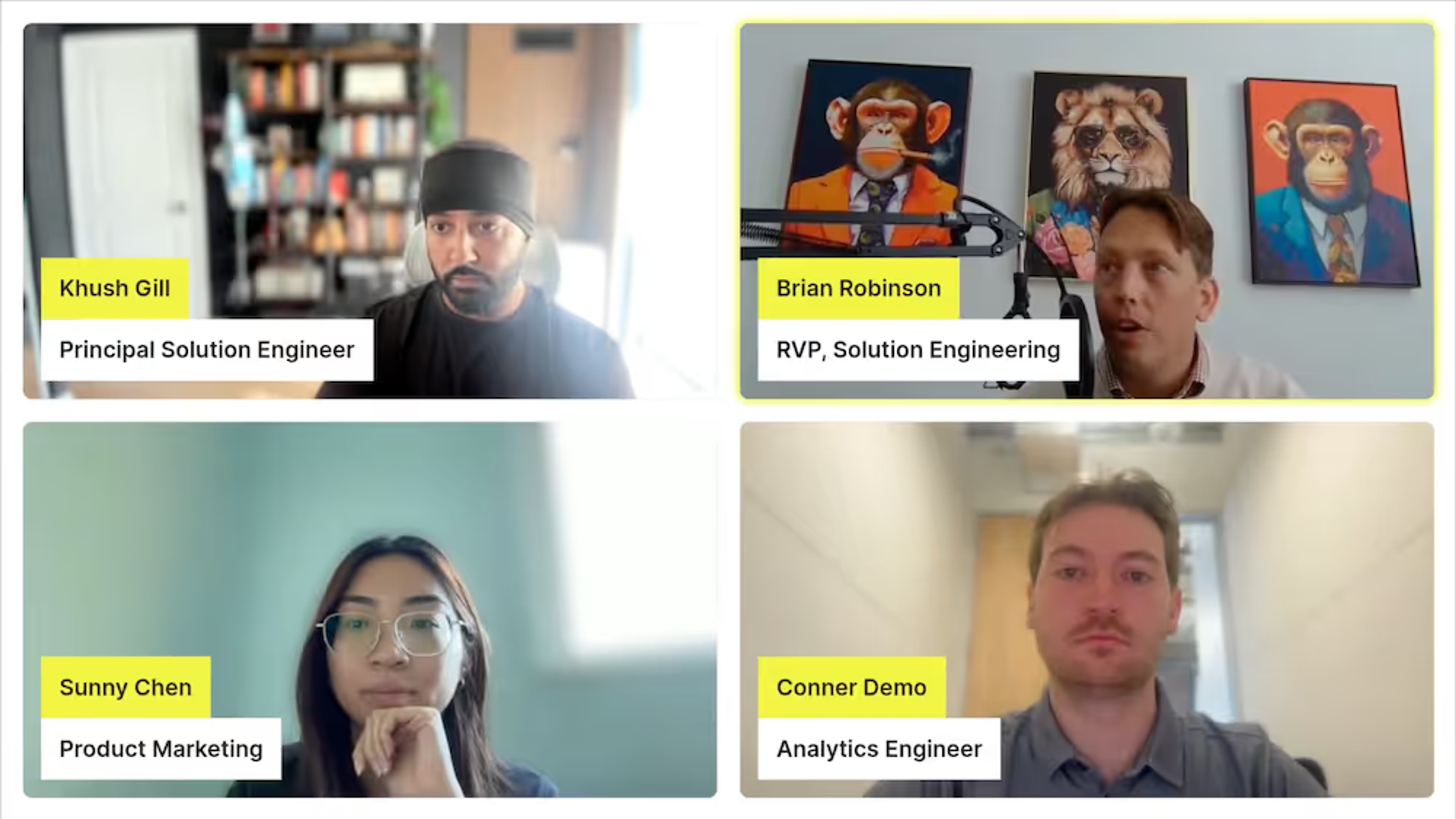
Building and Scaling AI Systems in Sigma
From prototype to production, hear from our experts on how to go beyond chatbots: build real AI systems with your data.
AI Applications FAQ
FAQs on building, deploying, and governing Sigma AI Apps across the enterprise.