





Ask
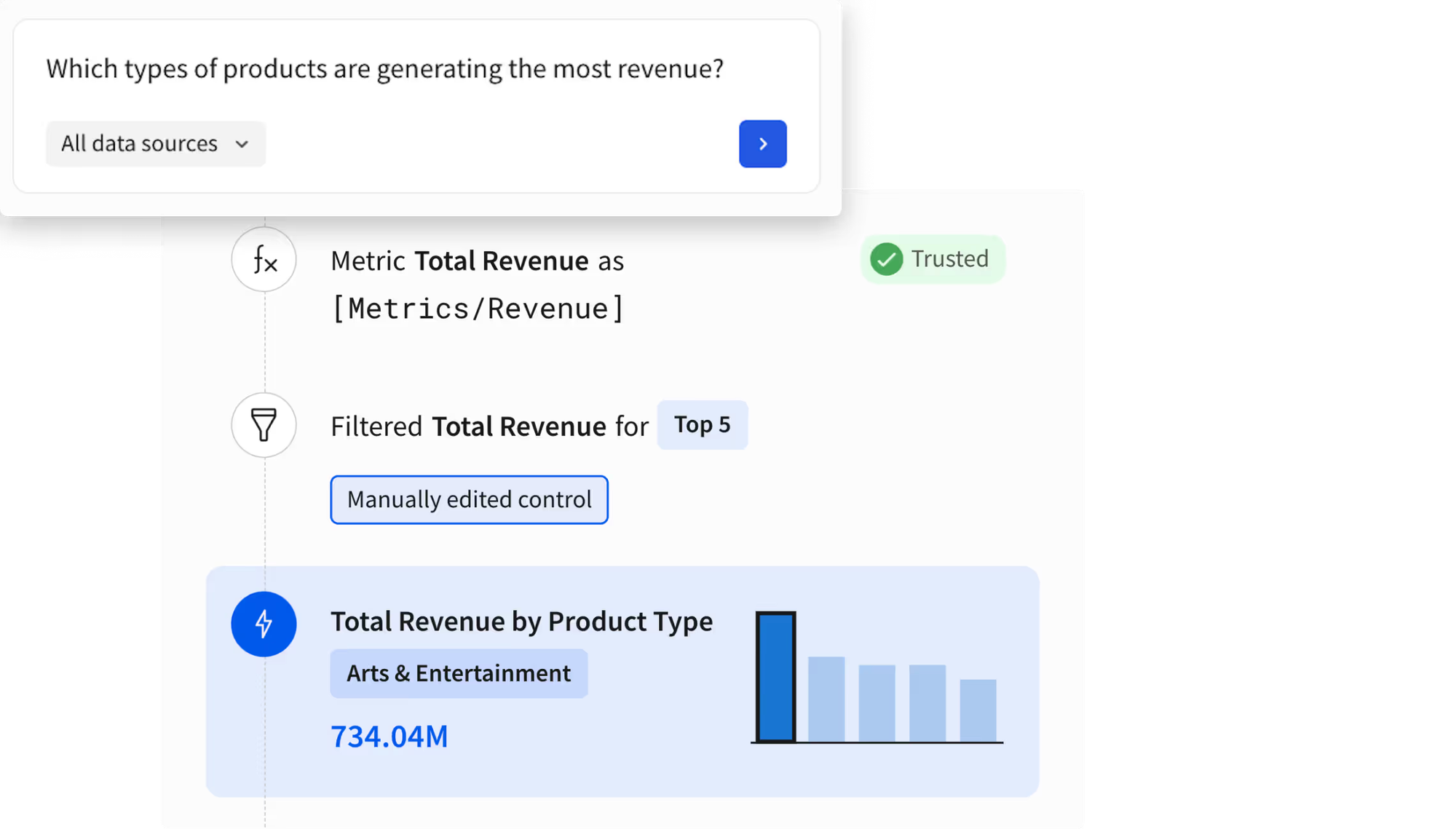
Instantly explore fully transparent answers grounded in your IT-approved semantic models.
From asking questions and building AI Apps with Sigma Assistant to deploying Sigma Agents, give your teams the freedom to explore and automate, natively grounded in your warehouse's security and semantic models.
Get a DemoDiscover with Confidence
All users can ask questions and immediately verify the logic, formulas, and filters the AI used to ensure complete accuracy.
Create without Coding
Use conversational prompts to reason through application logic, enrich data, and assemble AI Apps in Sigma's spreadsheet interface.
AI You Can Trust
Build data products that inherit your enterprise security. Sigma ensures every action is restricted by warehouse permissions.
Trusted by +2000 leading enterprises around the world











Integrate AI across discovery and analysis workflows to build AI Apps faster without context switching across tools.
Query governed data using natural language. Every answer includes the logic used, and converts to an explorable workbook where Assistant stays by your side to help you dig deeper.
Bring LLM capabilities directly into your spreadsheet columns. Extract, classify, and summarize unstructured data at warehouse scale without moving data or writing custom Python scripts.
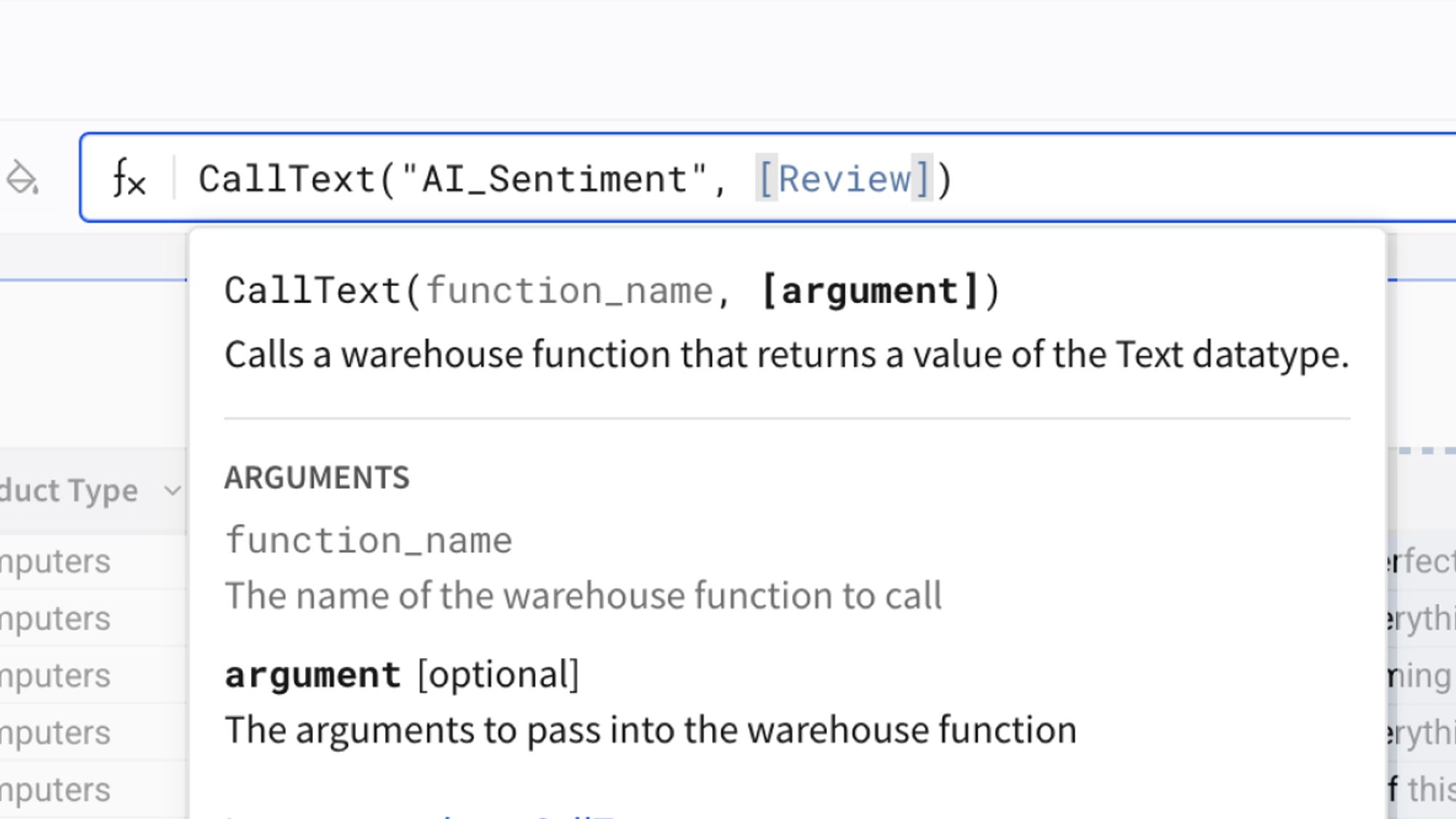
Deploy agents to monitor data thresholds, trigger cross-platform workflows, and execute decisions. Every action natively inherits warehouse security and writes back with an immutable audit trail.
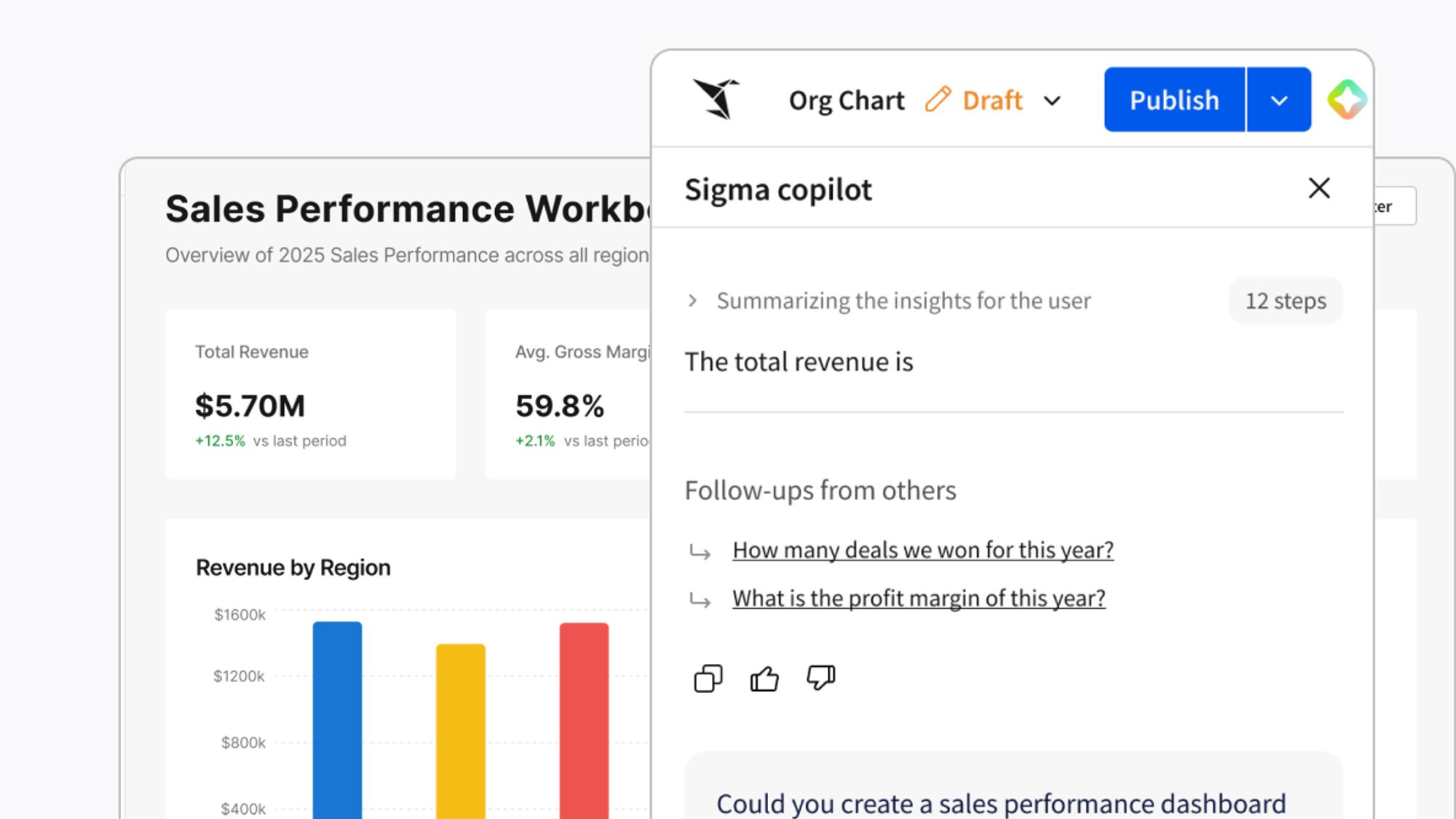
Turn your warehouse into a governed Agentic Hub. Sigma acts as a bidirectional MCP client and server, securely bridging the gap between external enterprise tools and your trusted business logic.
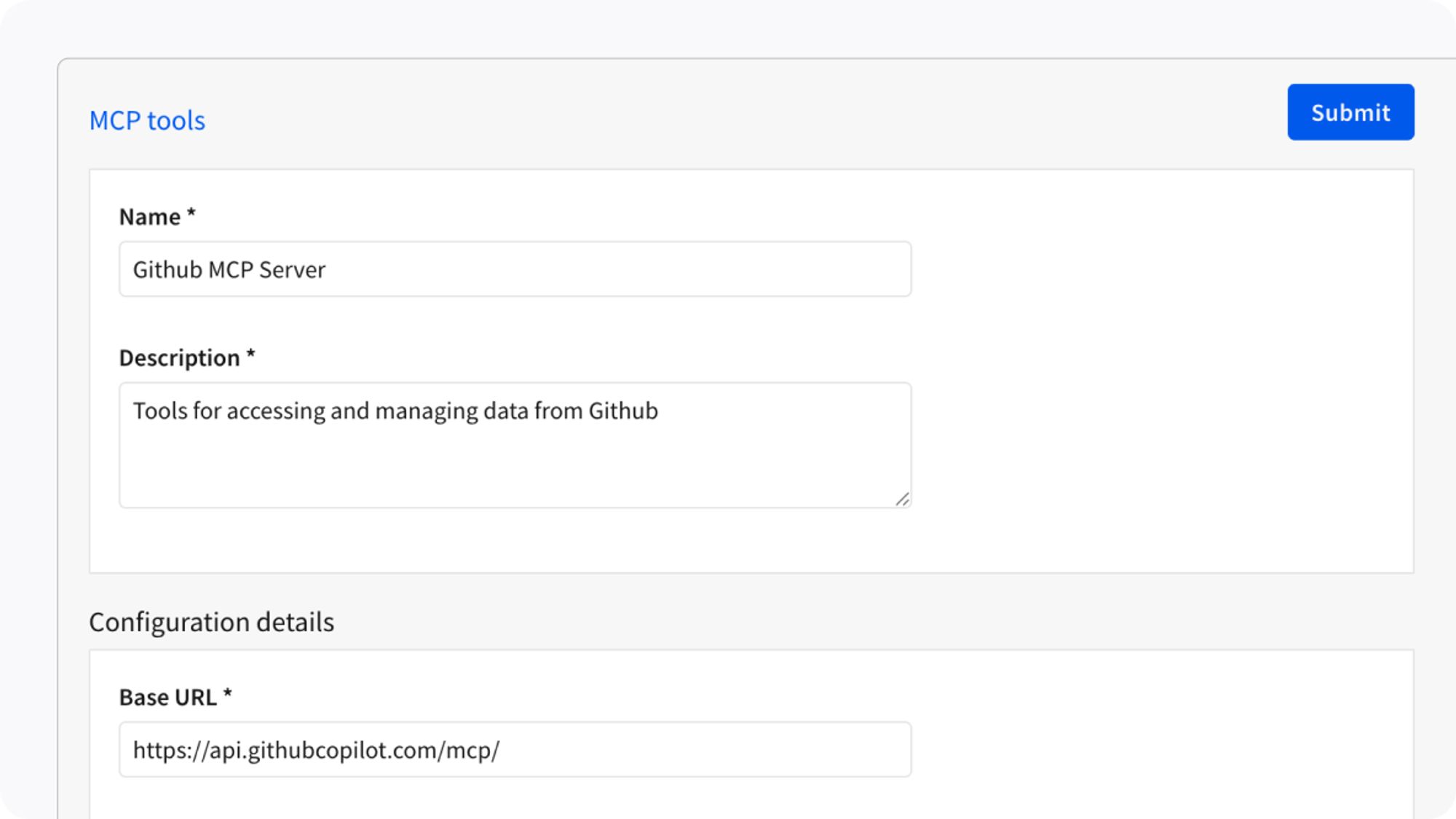
Move from discovered insight to a functional AI App in seconds. Sigma Assistant acts as your continuous partner inside the workbook to help you build on a governed, secure platform.
Instantly explore fully transparent answers grounded in your IT-approved semantic models.
Move from chat to AI App in a click. Use Sigma Assistant to instantly assemble operational workflows.
Build agents that autonomously detect, trigger workflows, and write with full auditability.
Grow your AI footprint without scaling risk. Every app and agent inherits your warehouse permissions.
Orchestrate Sigma Agents, accelerate workflows with AI tools, and build AI Apps directly on your warehouse.
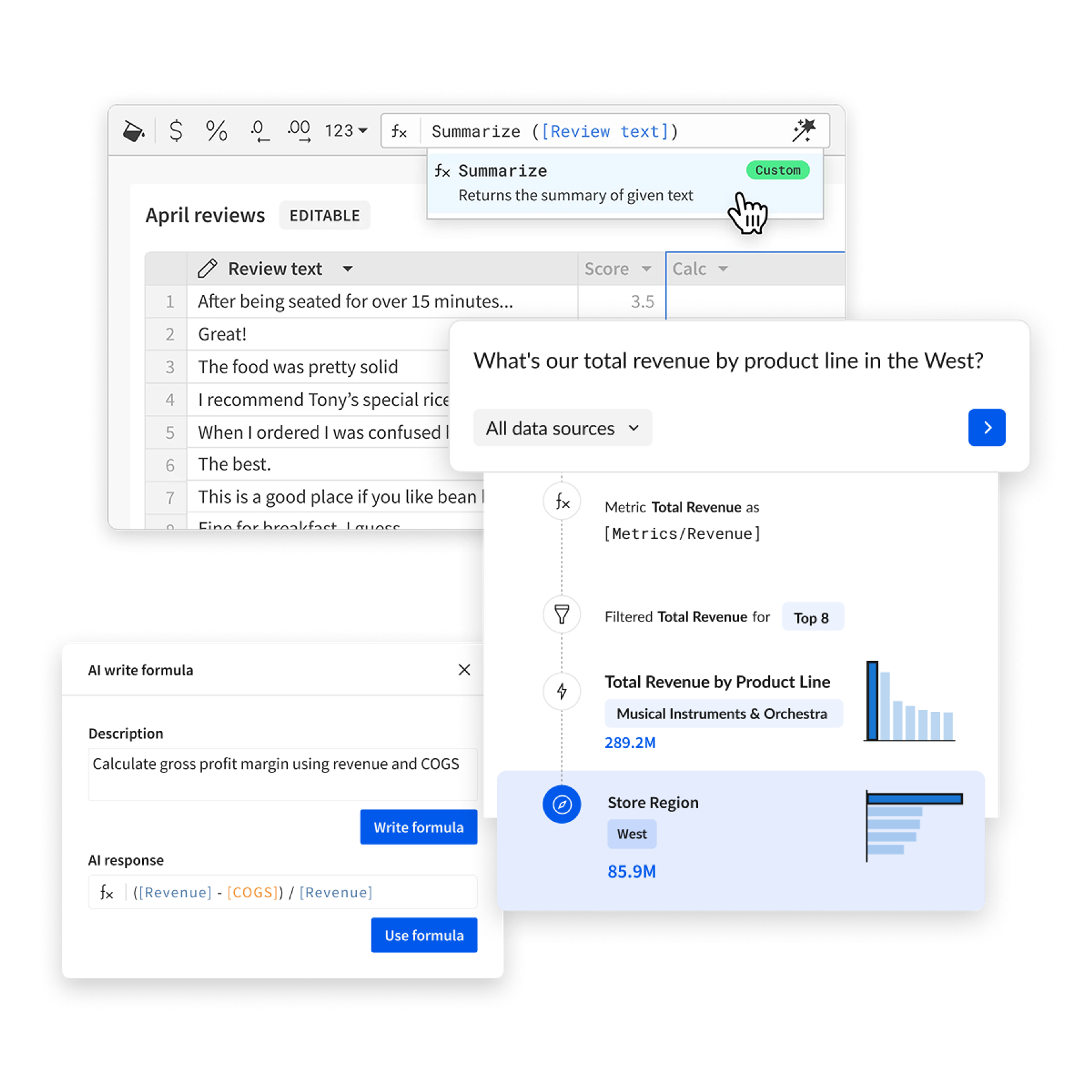
Sigma operates directly on cloud data warehouses using their compute, security, and governance without copying data or introducing new AI systems.
Warehouse-native execution
All AI processing runs on your cloud data warehouse compute.
Inherited security
AI respects existing warehouse roles, permissions, and row-level security.
Governed results
AI operates within defined logic and permissions, producing consistent outcomes.
End-to-end lineage
Maintain full visibility into how AI interacts with and transforms your data.
Extensible via MCP
Connect external systems and tools while keeping access permissioned and auditable.
Select the right model for the job. Write a prompt. Get results in a column. No code, no engineering queue.
Prompt
Generate custom AI responses with flexible prompts
Classify
Categorize text into predefined or AI-suggested categories
Sentiment
Analyze emotional tone and sentiment in text data
Summarize
Condense long text into concise, actionable summaries
Translate
Convert text between languages instantly
JSON Extract
Extract structured data from unstructured text
Web Search
Augment analytics with real-time web data
Image
Analyze and extract insights from images
Reclaim productivity and safely scale business user output with AI Apps
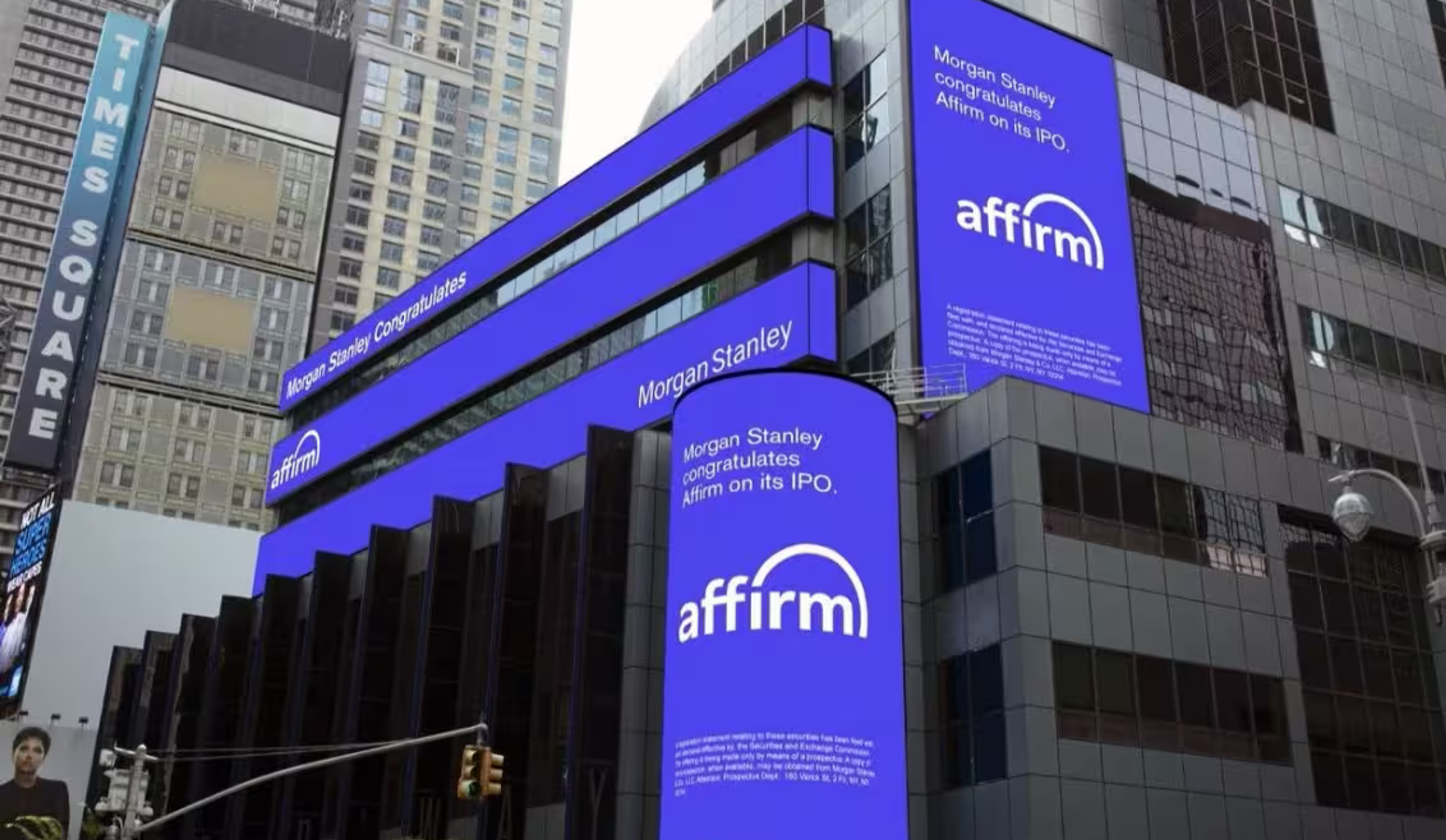
 Customer Story
Dashboards became governed AI Apps that automate compensation reviews with clearer accountability.
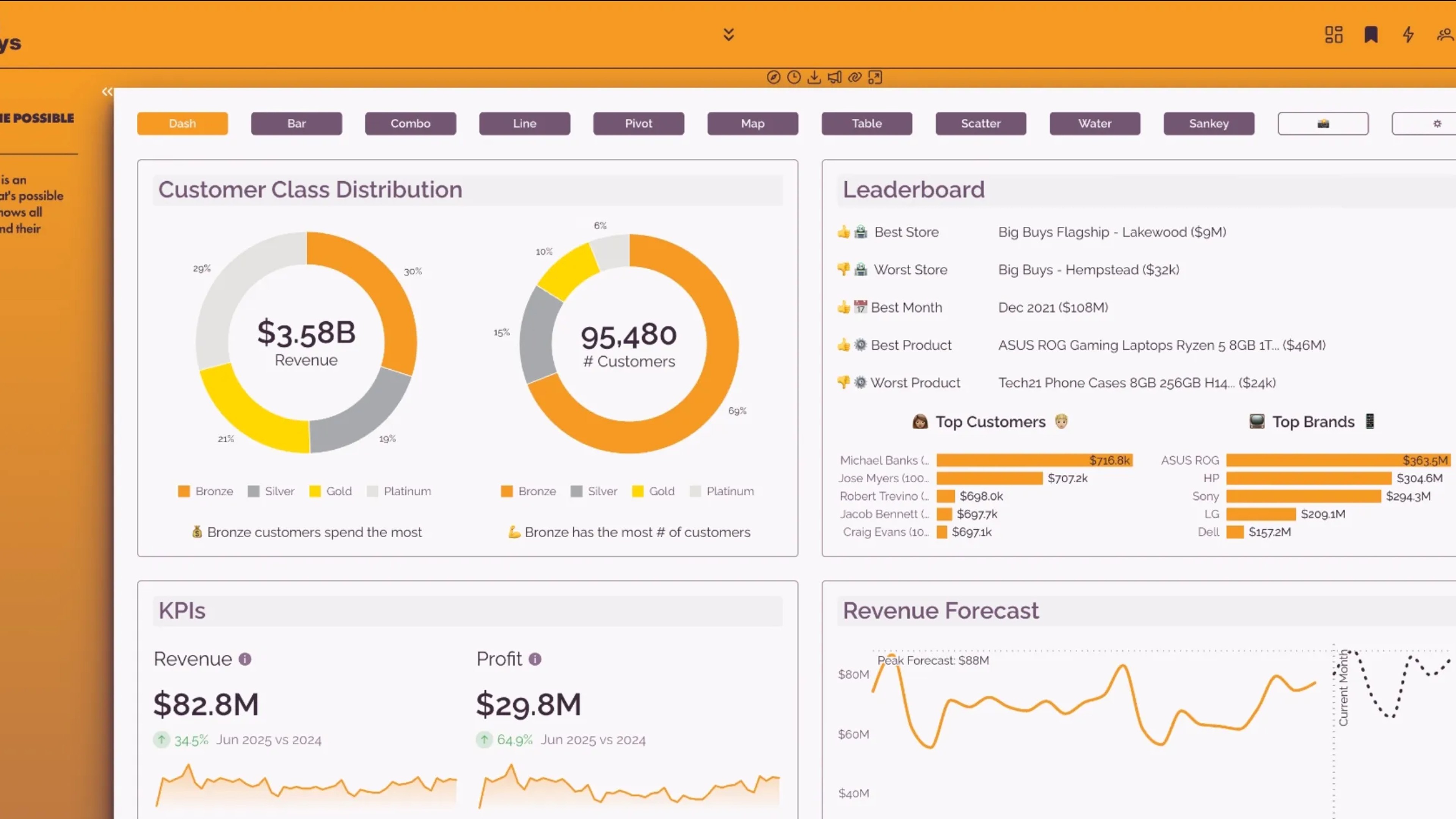
Discover how embedded analytics with Sigma empower every user with curated dashboards, intuitive self-service exploration, powerful applications, and AI.
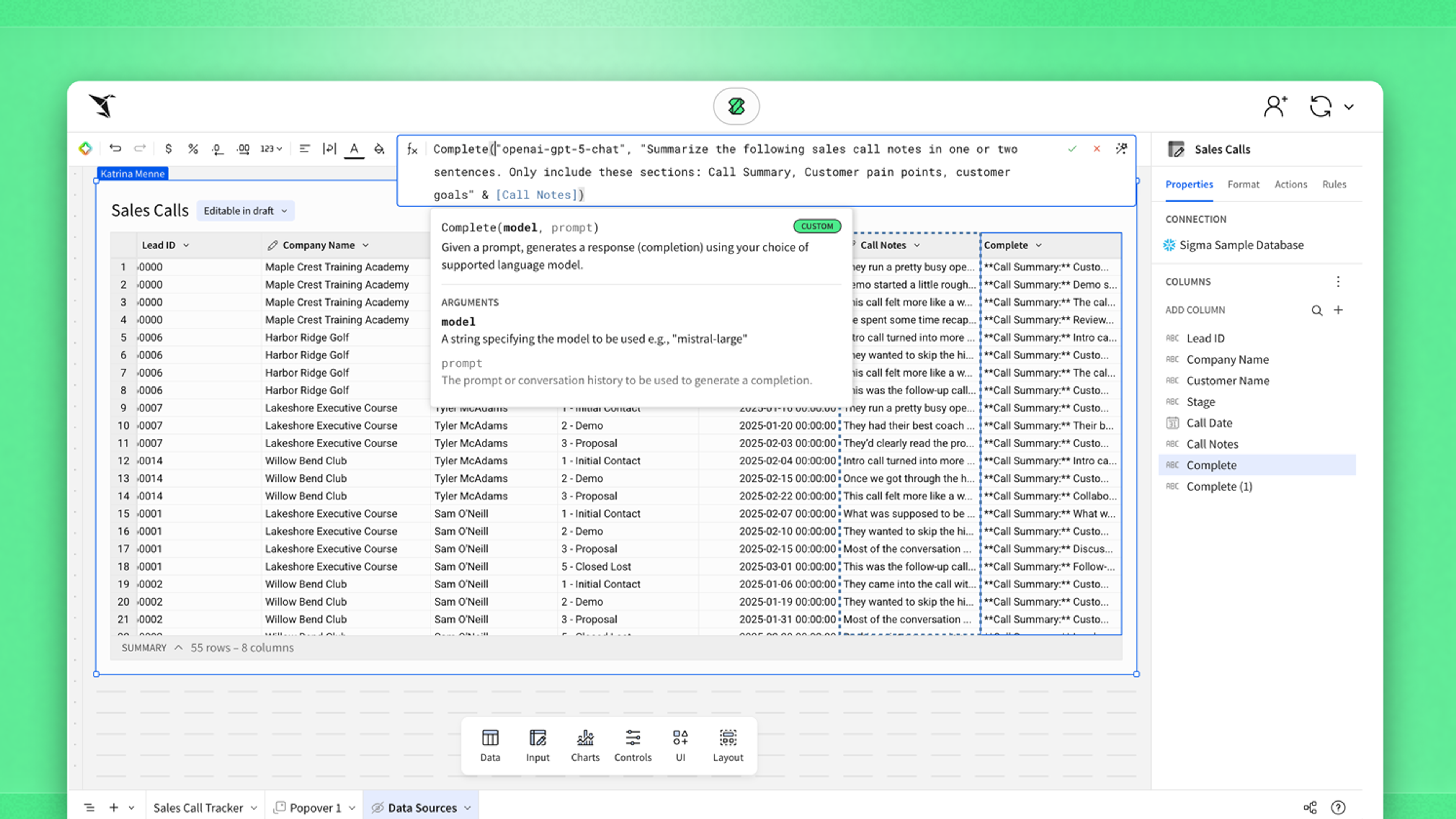
Learn how Sigma's AI Query brings the power of warehouse LLMs to streamline workflows and accelerate AI Apps, using passthrough and custom functions to ensure data governance and accessibility.
Discover how anyone can run AI models directly on their cloud data using Sigma. In this webinar, you’ll learn how to enrich, classify, and summarize data with AI Query—no exports, no new tools, and full governance built in. See how data teams turn everyday datasets into intelligent, AI-powered insights right inside Sigma.
The questions that we think enterprises should be asking about AI.